Add MFA to your app
5 min
Multi-factor authentication (MFA) is a security mechanism that requires users to provide two or more forms of verification before granting access to an application. This adds an extra layer of security to your application and helps protect sensitive data from unauthorized access.
In this guide, we will look into enabling Email OTP as an MFA factor in your Next.js application. Email OTP is a simple and effective MFA method that sends a one-time passcode to the user's email address, which they must enter to complete the login process.
You can configure SMTP settings in the Asgardeo Console by navigating to the Notification Channels tab > Email Provider section. In Asgardeo you can simply use default Asgardeo SMTP settings available out of the box without configuring an Email Provider.
First, let's set up Email OTP as an MFA factor by following the steps given below.
- Navigate to the Asgardeo Console and select your application under the Applications tab.
- Click on the Login Flow tab.
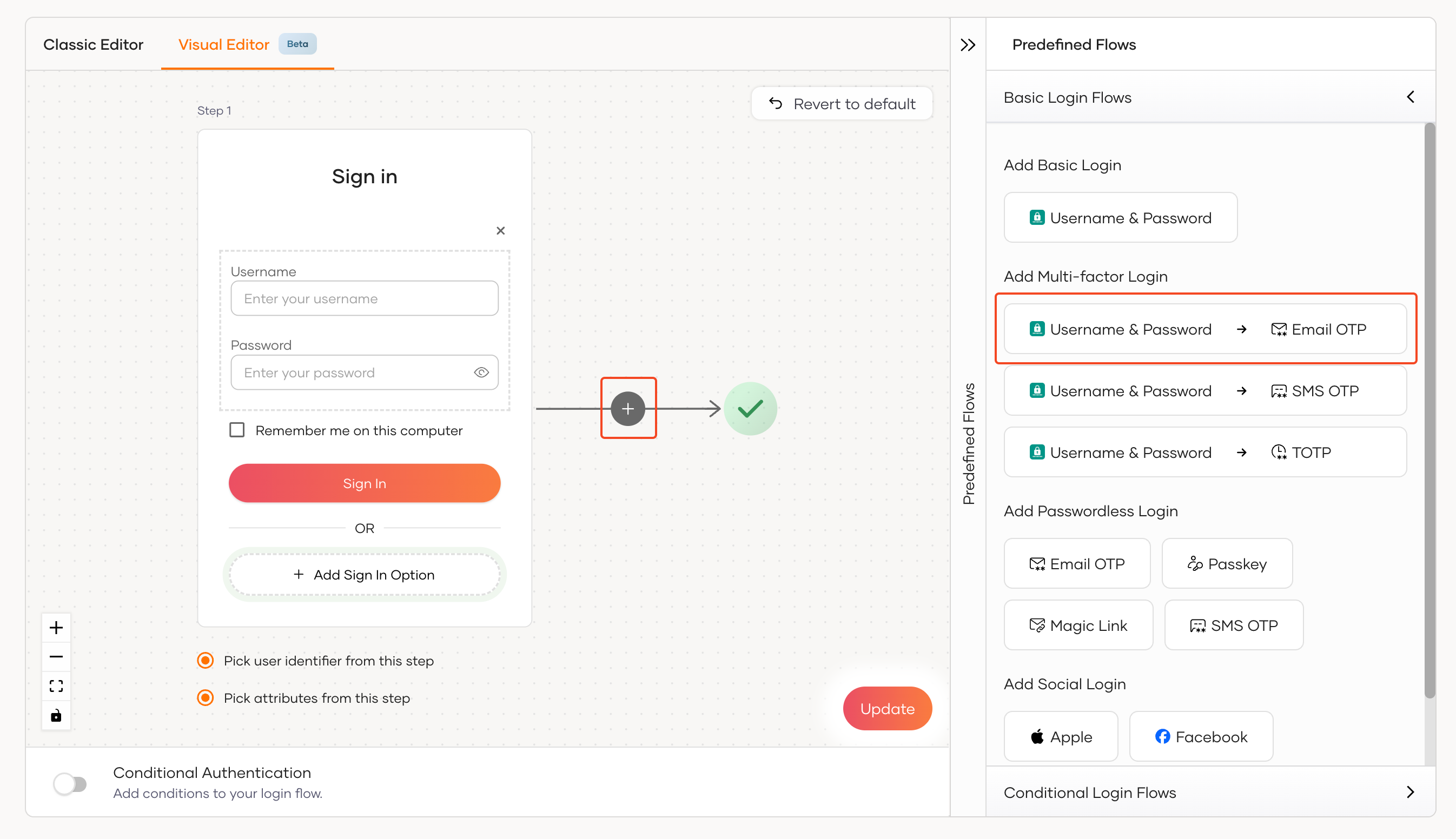
- Click on either the + button in the Visual Editor and select Email OTP from the pop-up prompt or click on Username & Password -> Email OTP button under the Predefined Flows > Basic Login Flows > Add Multi-factor Login section.
 - Click on the Update button to save the changes.
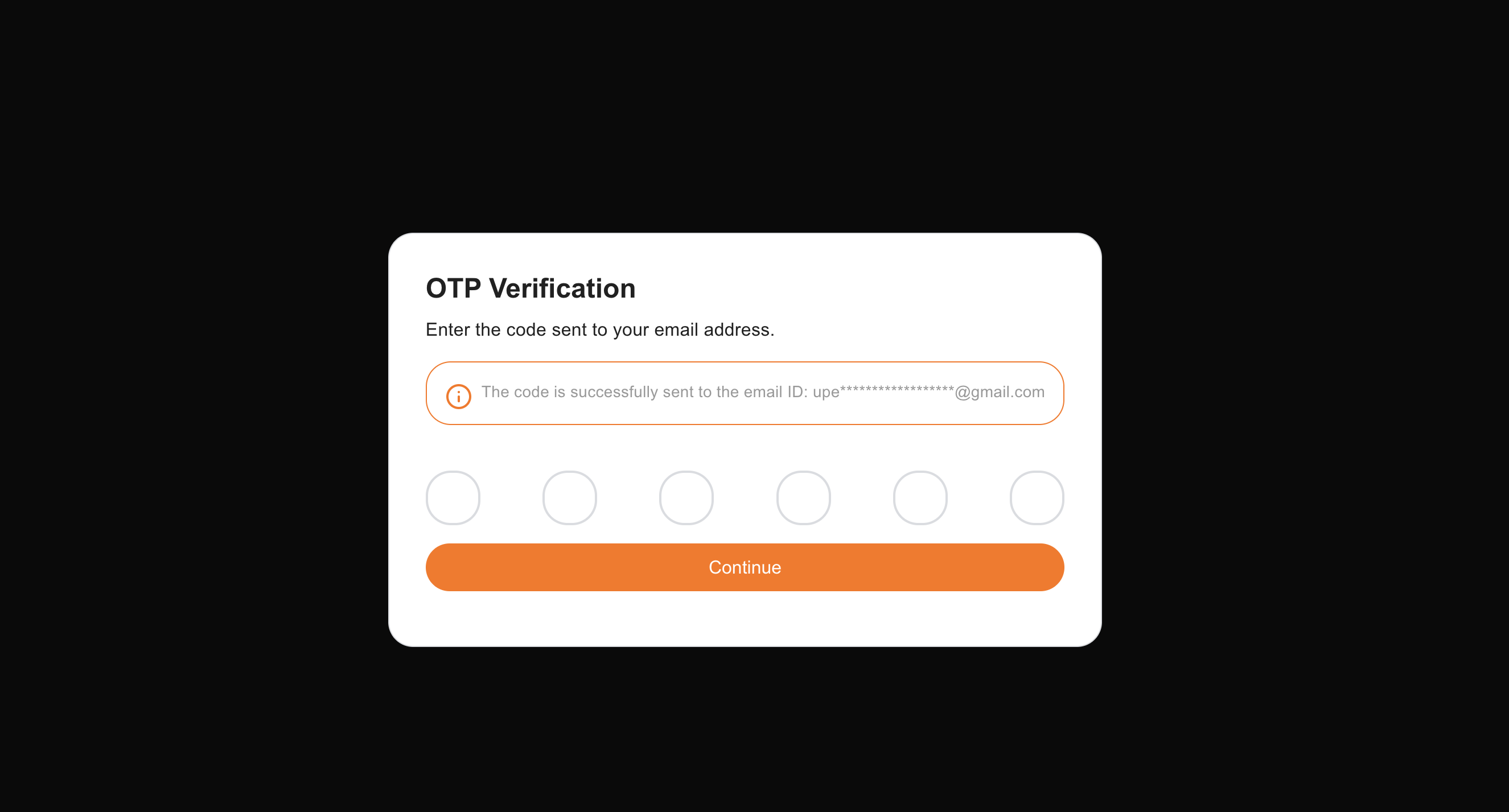
You can now test the Email OTP MFA factor in your Next.js application. When a user logs in with their email and password, they will be redirected to the Email OTP page to enter the OTP code sent to their email address. Upon successful verification, the user will be redirected to the home page.