Create an Express.js app
2 min
For this guide, you will be creating a simple Express.js app using the npx express-generator command.
Run the following command in the terminal to create the Express.js app and provide a suitable name for it.
Next, change the directory to the newly created app and install the dependencies.
Then run the following command to start the application.
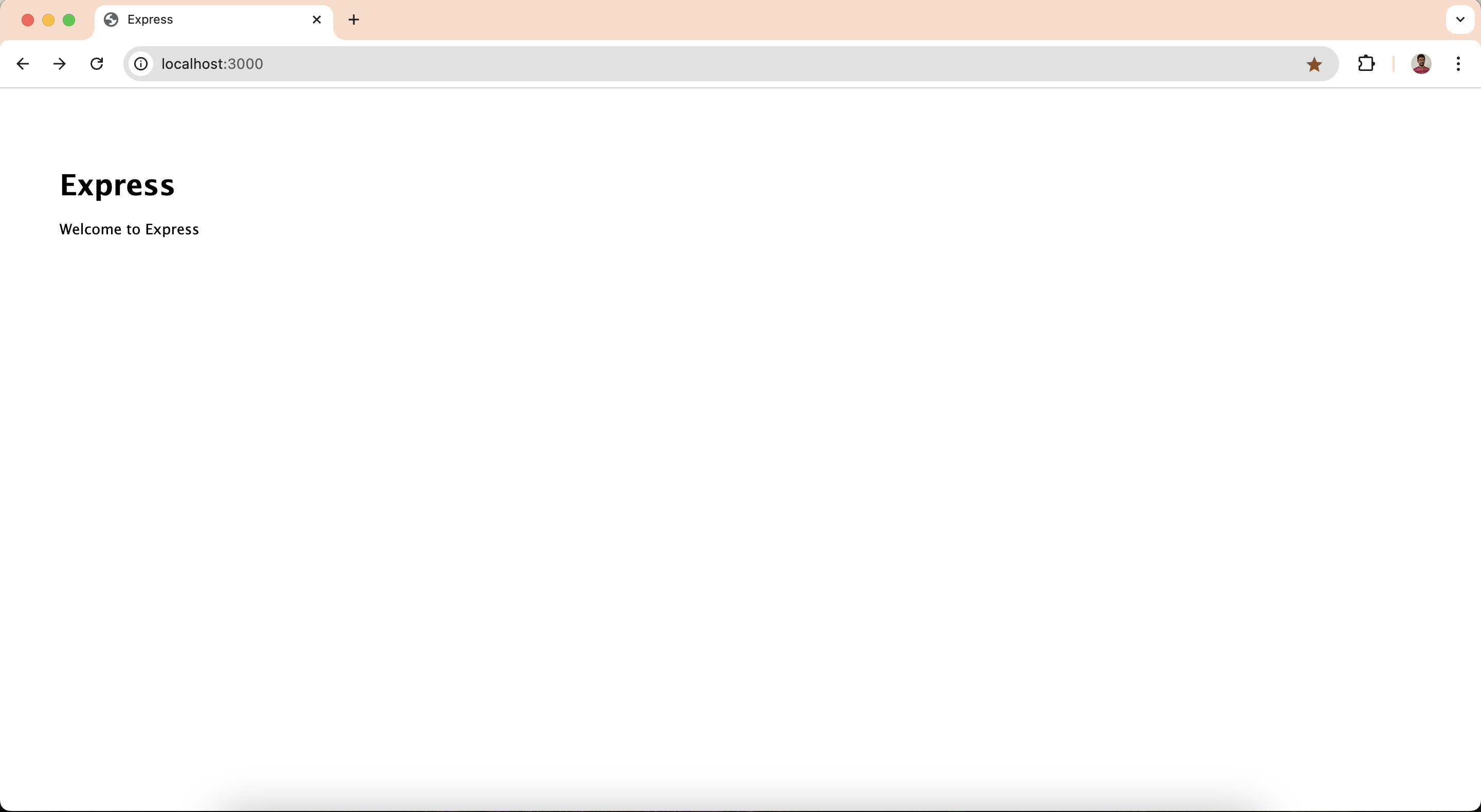
Confirm that the application is up and running by verifying the output in the terminal. Then, navigate to http://localhost:3000 and you should see the sample app working in the browser.
This allows you to see real-time updates and debug the app as you make changes.
At this point, you have a simple Express.js app up and running. In the next step, let’s try to integrate passport-asgardeo with the app.