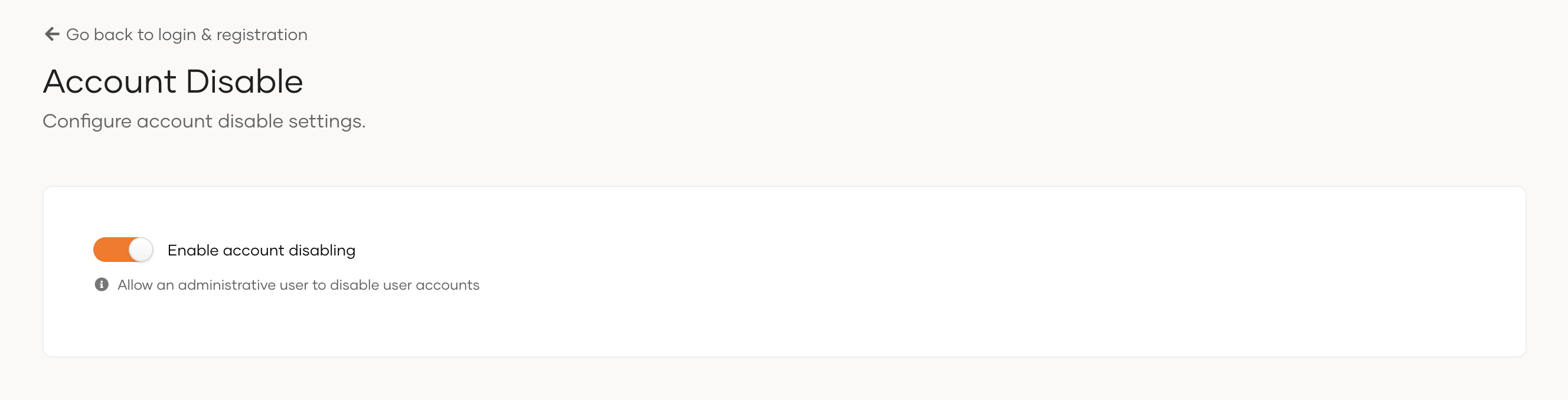
Enable account disabling
When a user leaves your organization or stays inactive for a long period, you might want to disable their account instead of deleting it permanently. Disabling a user account prevents the user from logging into applications or to the self-service My Account portal, while retaining their information and activity history.
Note
Account disabling serves as a long-term, permanent solution. If you only want to temporarily lock user accounts, use account locking instead. See lock users for more details.
By default, the Asgardeo Console keeps the account disabling feature turned off in user profiles. To enable account disabling in user profiles,
-
On the Asgardeo Console, go to Login and Registration.
-
Under Account Management, click Account Disable.
-
Toggle Enable account disabling on to enable.
Once enabled, every user profile displays an option to disable the user. Learn more about user profiles in manage users.