Flows
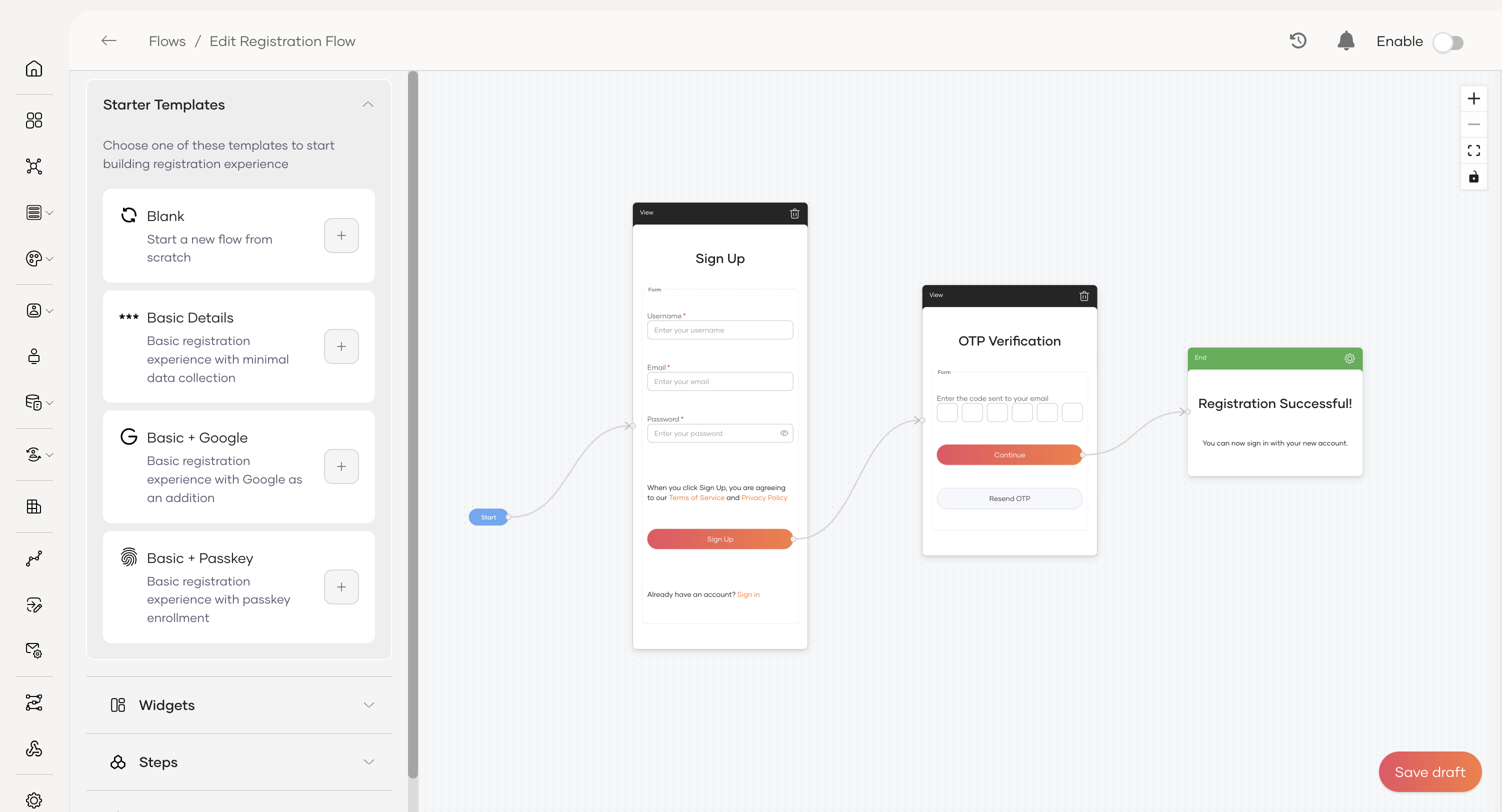
Design and customize key user journeys in your application with Flows. A flow defines the step-by-step journey a user takes during a specific interaction, such as registering for your service or recovering a password.
Asgardeo lets you build fully customizable flows for the following user interactions.
-
Self registration - Create seamless registration experiences for new users, with support for multi-step forms, data validation, and identity verification checks.
-
Password recovery - Build secure recovery processes to help users regain access, using steps such as email verification or one-time passwords (OTP).
-
Invited user registration - Let new users complete creating their accounts when administrators invite them. Design secure flows to verify their identities and set their passwords.
Building with starter templates, widgets, and other components provides complete control over how users interact with the application, all without writing complex code.
Start building flows
For specific examples of building flows, refer to Self-registration, Password recovery, and Invited user registration. To execute the flows from a custom client application, see Use the Flow Execution API and explore the view schema in Understand Flow Execution Components.
- To learn the fundamentals of building a flow, refer to the get started guide.
- For detailed examples of specific use cases, see the guides on Self registration, Password recovery and Invited user registration.