Password recovery for users
Users may recover a forgotten password from an application sign-in page by following the steps below.
Before you begin
Administrators should enable password recovery for users of the organization.
Recover a forgotten password
Warning
Users that onboard from a read-only remote user store are not able to recover their passwords through the My Account portal.
To reset the password, the user should follow these steps.
-
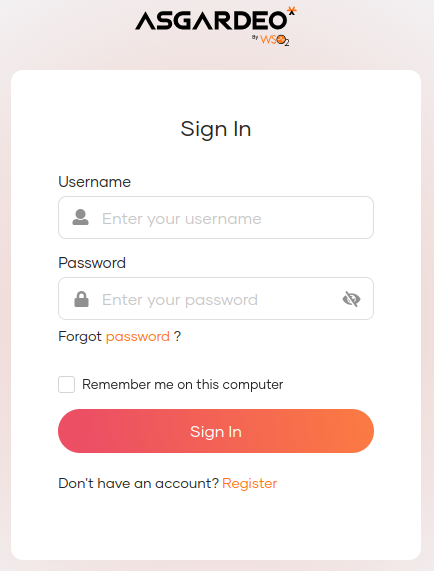
Go to a login page via a business application or the My Account portal.
-
Click Forgot password?
-
Follow one of the following methods based on the password recovery option configured for your organization.
Enter your username and click Send Reset Link. An email notification will be sent to your email address.

Enter your username and click Send Email OTP. An OTP code will be sent to your registered email address.
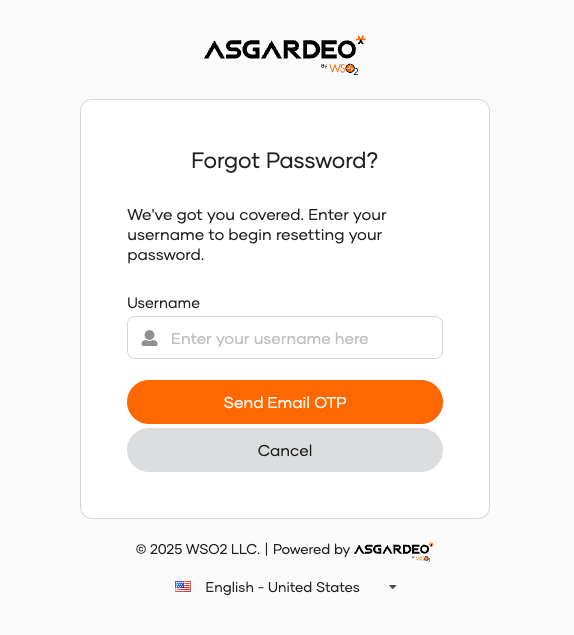
Enter your username and click Send SMS OTP. An OTP code will be sent to your registered mobile number.

Note
-
Setting your email address and mobile number is mandatory to use the email link and SMS OTP recovery methods respectively.
-
If the organization has configured multiple options for password recovery, select your preferred method and click Proceed.
-
-
Confirm password reset request.
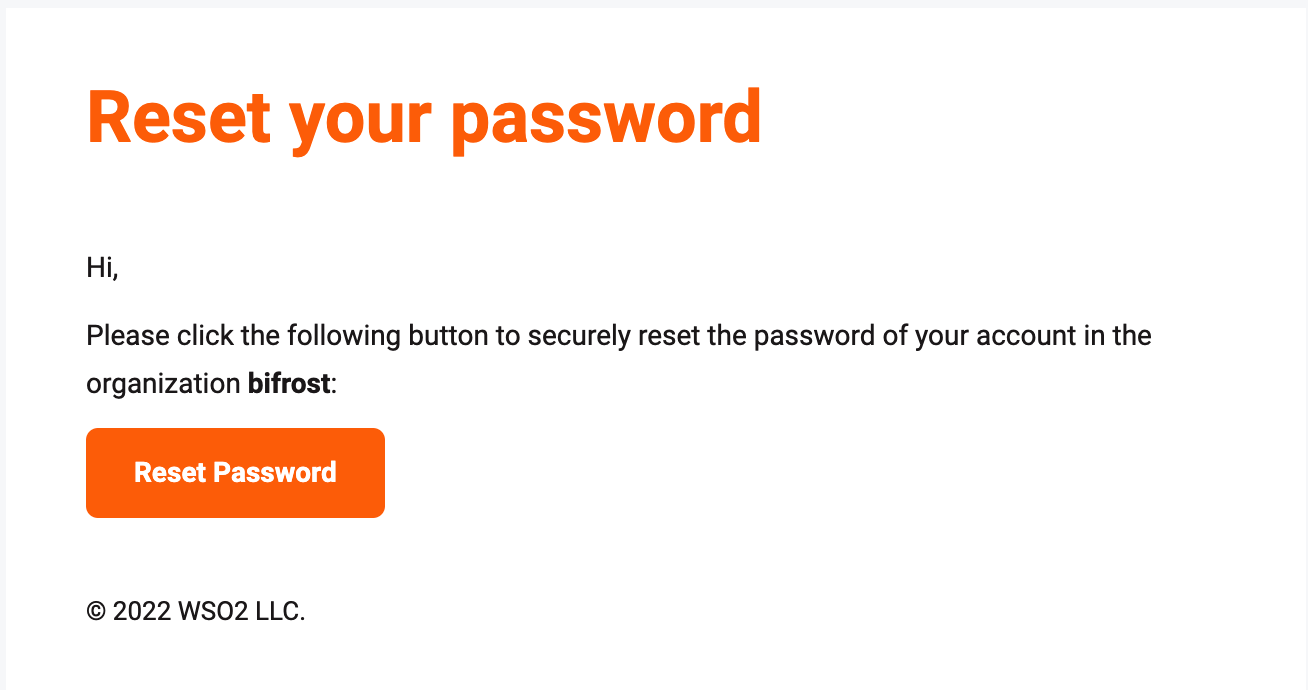
Open the email you received and click Reset Password.
Enter the OTP code sent to your email and click Continue.
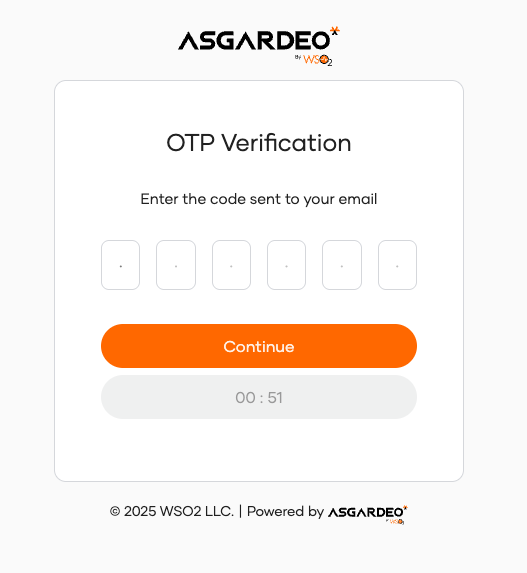
Enter the OTP code sent to your mobile and click Continue.

-
Enter new password and click Proceed.
Note
If the user is already signed in to the My Account portal, the password can be reset from there. Learn how to change password from the My Account portal.
Check password recovery email
Users can also check the email address and mobile number to which their password recovery information is sent.
-
In the My Account portal, navigate to Security > Account Recovery.

-
Click the eye icon of the relevant row, to check the recovery email address or the recovery mobile.
-
Click Done.