Set up outbound provisioning
To start provisioning users, you must first create a provisioning connection and configure an outbound connector, then enable it at the organization or application level.
Step 1: Create a provisioning connection
-
On the WSO2 Identity Platform Console, go to Connections and click New Connection.
-
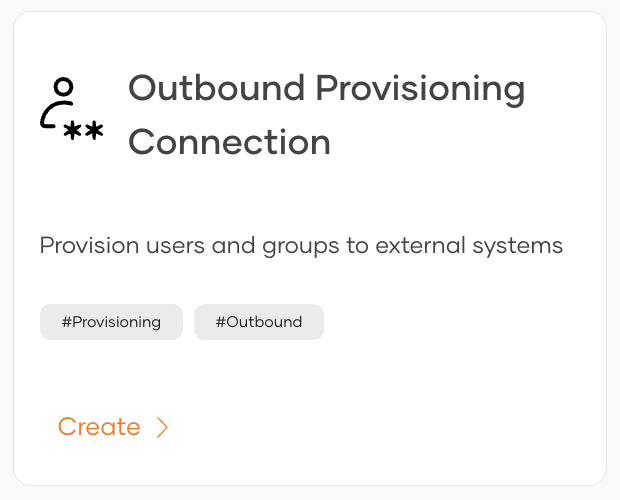
Click Create Connection and select Outbound Provisioning Connection.
-
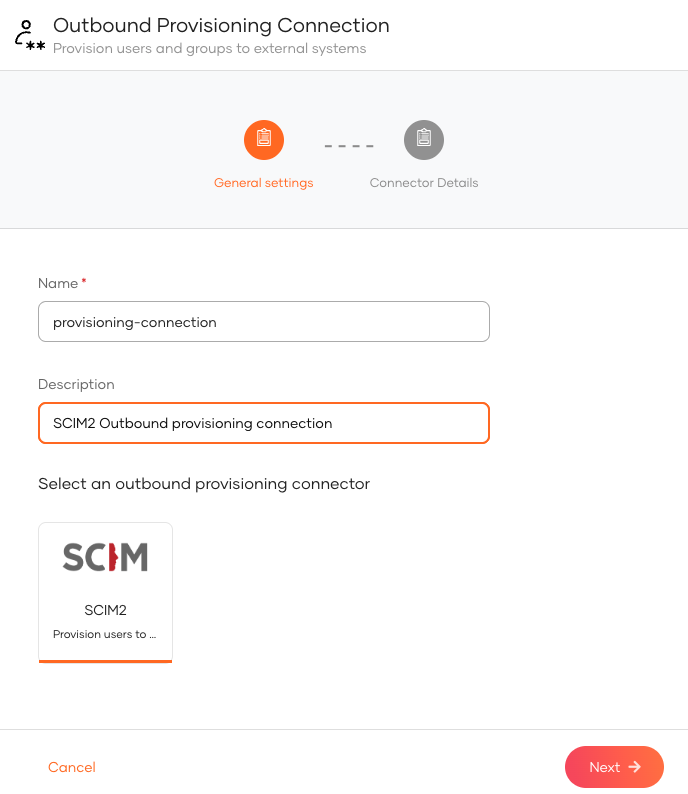
Select a provisioning connector (e.g., SCIM2).
-
Provide the required properties for the selected connector and click Finish.
Step 2: Enable outbound provisioning
Once the connection is created, enable outbound provisioning at the required level. Organization-level provisioning acts as the default for all applications, while application-level provisioning applies only to a specific application and overrides the organization-level configuration for that application.
Organization-level outbound provisioning acts as the default provisioner for all applications. Users are automatically provisioned to the external system when:
- a user is provisioned in WSO2 Identity Platform over an API.
- an administrator onboards a user from the WSO2 Identity Platform Console.
- a user self-signs up from a WSO2 Identity Platform sign-in page.
- a user is JIT (Just-In-Time) provisioned in WSO2 Identity Platform.
To enable organization-level outbound provisioning in WSO2 Identity Platform:
-
On the WSO2 Identity Platform Console, go to Login & Registration.
-
Under Provisioning Settings, click Outbound Provisioning Configuration and click New Provisioner.
-
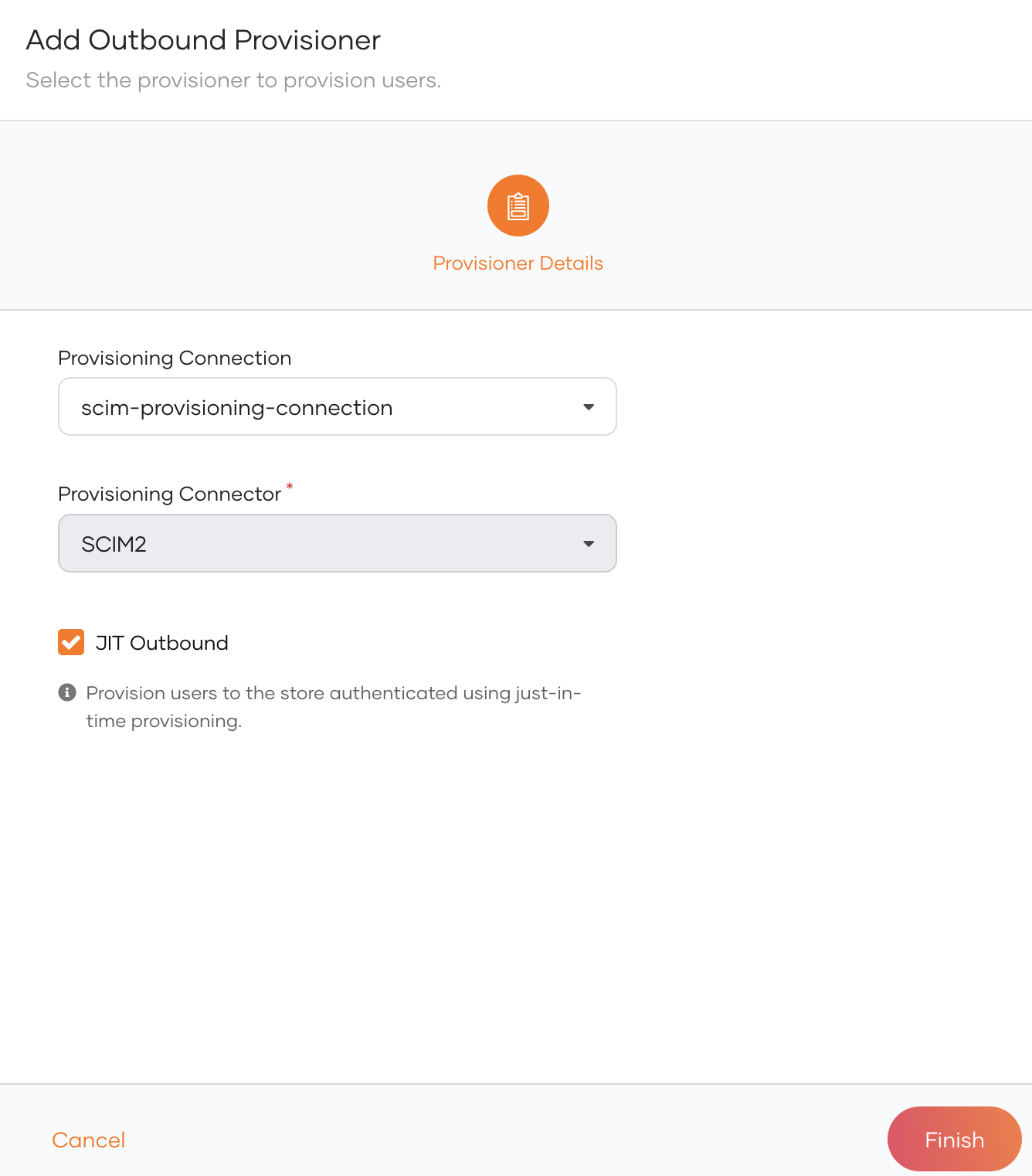
Select the connection in which you have configured outbound provisioning as the Connection and the relevant outbound connector as the Provisioning Connector.
-
Enable any of the following.
Option Description JIT Outbound Enables outbound provisioning for JIT provisioned users during authentication. -
Click Finish.
Try it out
-
On the WSO2 Identity Platform Console, do one of the following.
- Use a SCIM API to create a user.
- Create a user from the Console
- Enable self-registration and let a user self-register to WSO2 Identity Platform.
- Enable JIT-provisioning and let a user sign in with an external identity provider.
Note
Onboarding a user with any of the above methods automatically triggers outbound provisioning to the external system.
-
Delete the user. The user will be removed from the external system.
Application-level outbound provisioning is specific to an individual application. If an application does not have its own outbound provisioner configured, it defaults to the organization-level configuration.
To configure an application in WSO2 Identity Platform:
-
On the WSO2 Identity Platform Console, go to Applications.
-
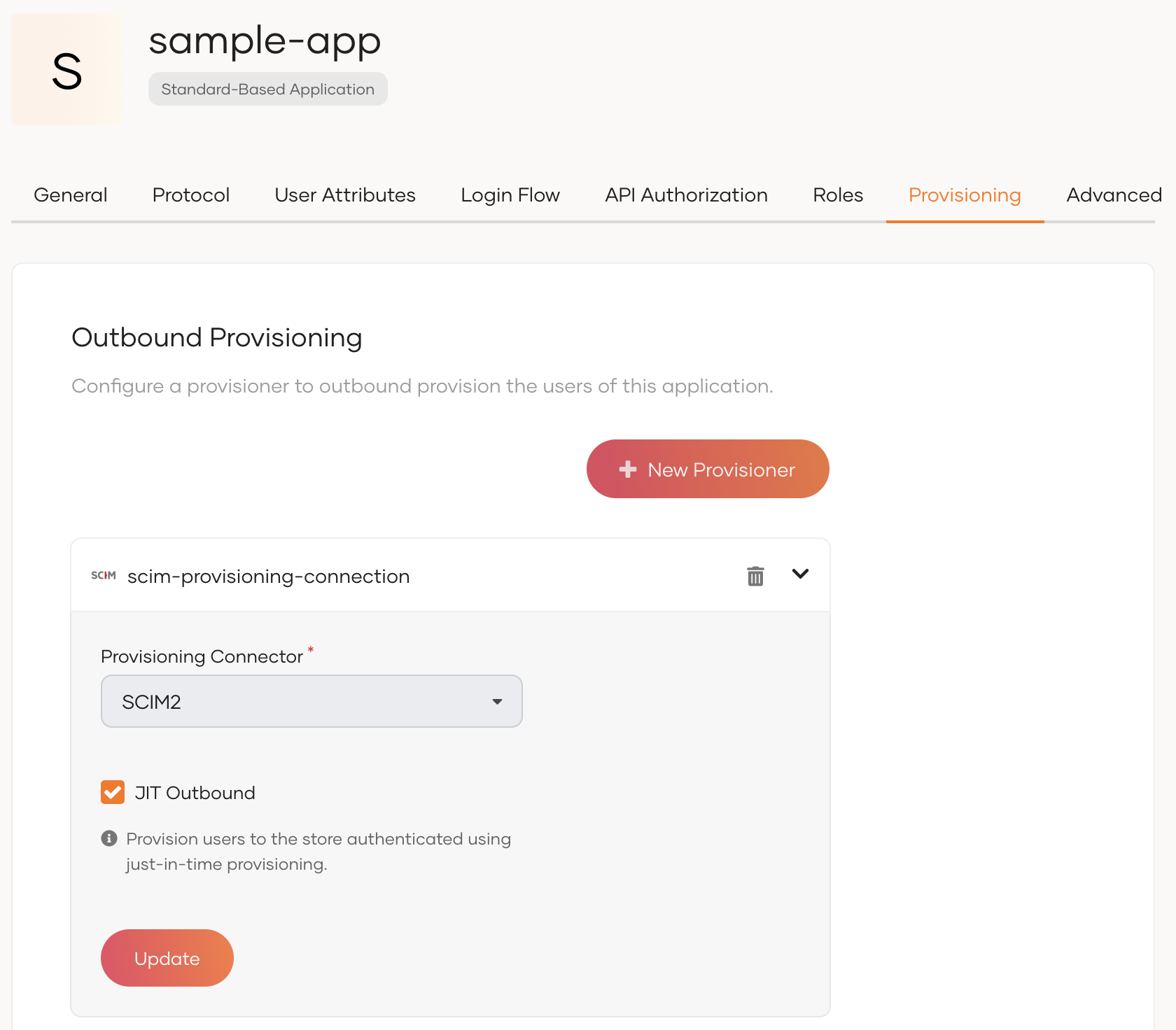
Select your application from the list and navigate to its Provisioning tab.
-
Under Outbound Provisioning Configuration, click New Provisioner.
-
Select the connection in which you have configured outbound provisioning as the Connection and the relevant outbound connector as the Provisioning Connector.
-
Optionally, enable any of the following options.
Option Description JIT Outbound Enables outbound provisioning for JIT-provisioned users during authentication. -
Click Add.
Try it out
Application-level outbound provisioning is triggered when a user is provisioned through the application. This can happen in the following ways:
-
JIT provisioning: Configure JIT user provisioning for the application. When a user signs in through a federated identity provider, the user is JIT provisioned in WSO2 Identity Platform, which triggers outbound provisioning to the external system.
-
User creation via API: Use a SCIM API with an access token obtained for the application to create a user. This triggers outbound provisioning to the external system.