Register a Next.js Application
Asgardeo provides an application template with default configurations to register a Next.js application with minimal effort.
To register a Next.js application,
-
On the Asgardeo Console, go to Applications.
-
Click New Application and select Next.js.
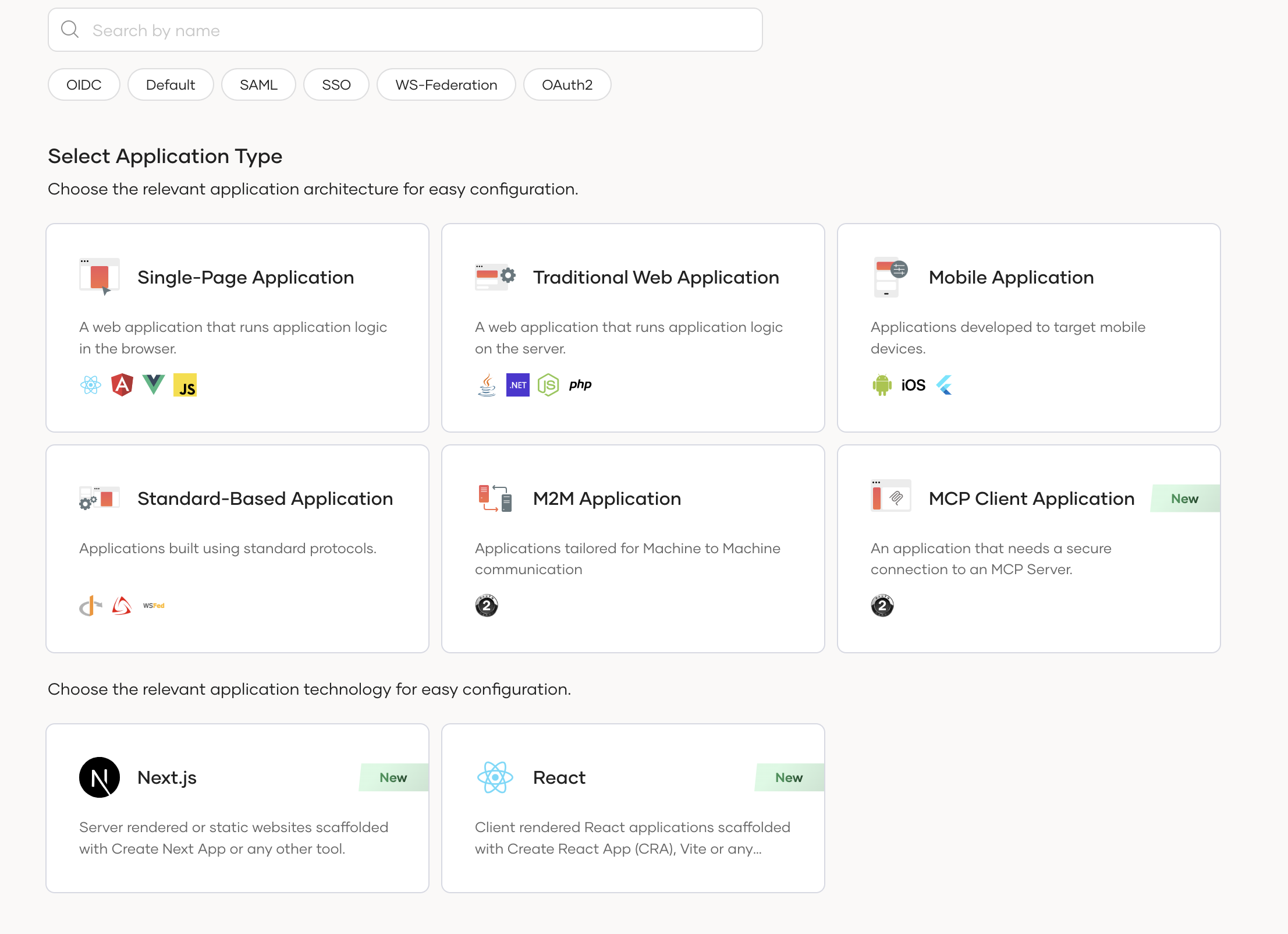
-
In the wizard that appears, enter the following details:
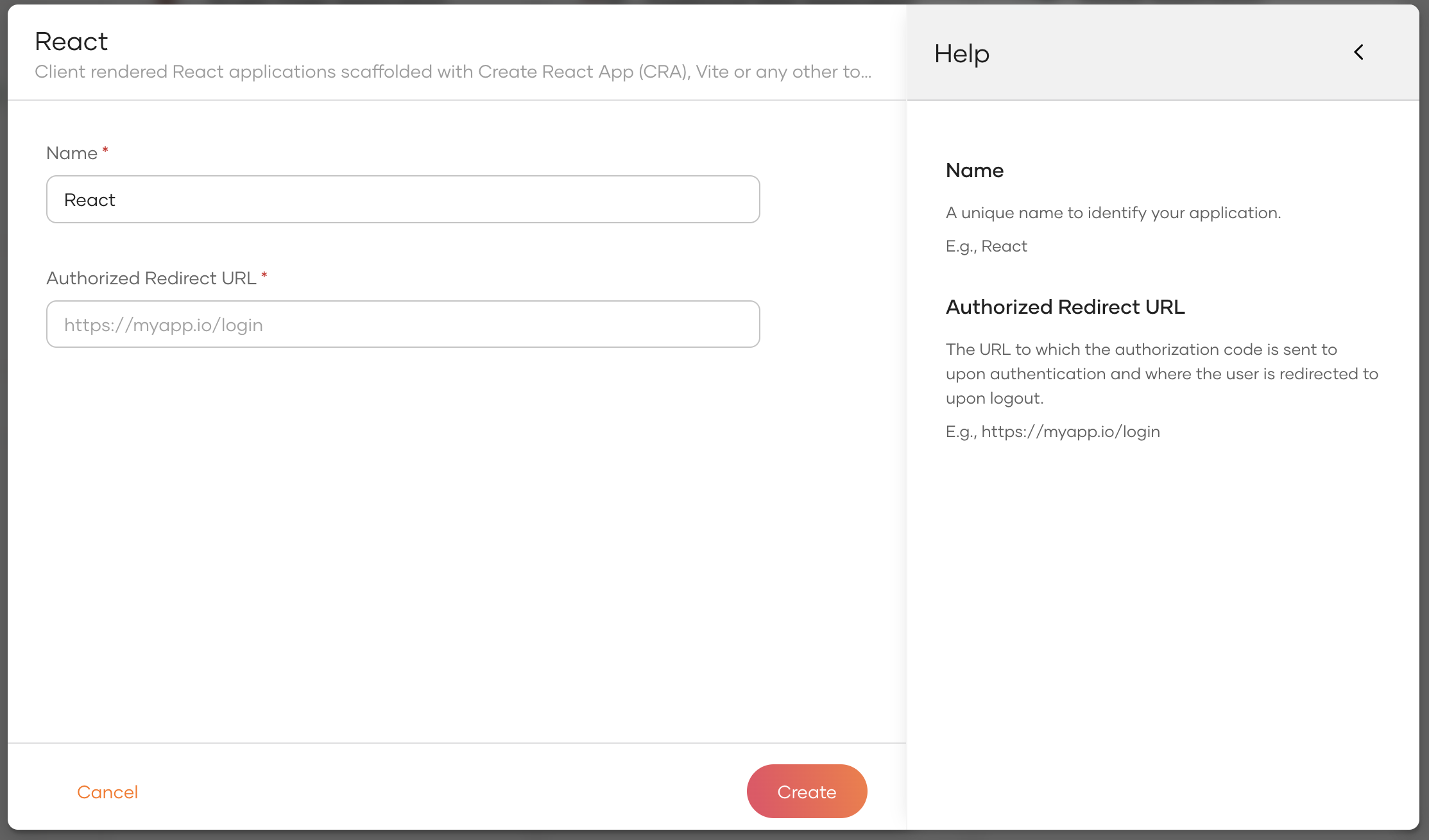
Parameter Description Name A unique name to identify your application. Authorized redirect URL The URL to which the authorization code is sent upon user authentication and where the user is redirected upon logout. -
Click Create to complete the registration.
What's next?
- Try the Asgardeo Next.js quickstart guide.