Configure group-based outbound provisioning
Group-based provisioning allows you to automatically provision users to external systems when they are added to a group and automatically deprovision when they are removed from a group. This guide explains how to configure group-based provisioning in Asgardeo.
Prerequisites
Before you begin, ensure you have set up outbound provisioning at the organization or application level.
Enable group-based provisioning
- On the Asgardeo Console, go to Connections.
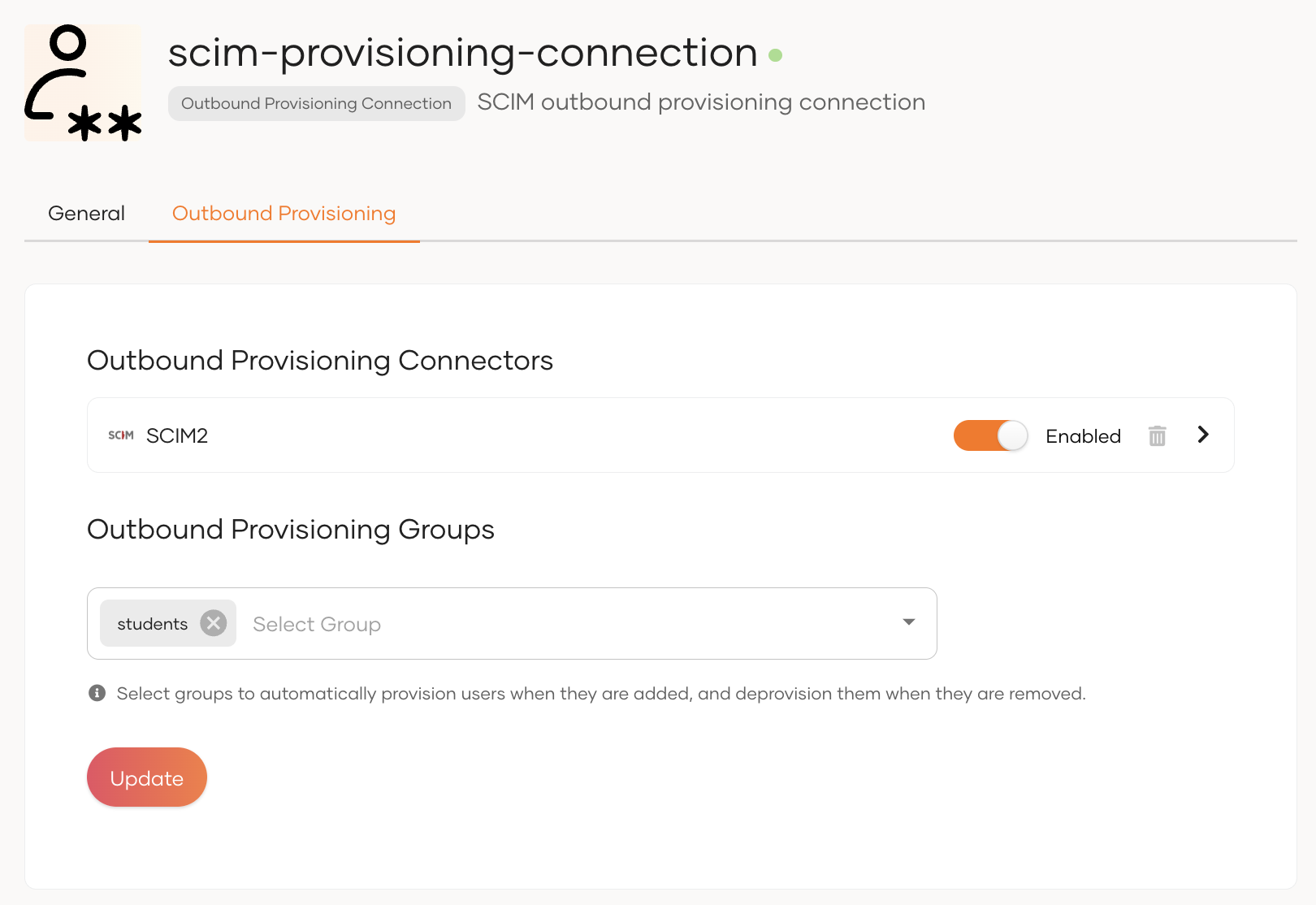
- Select the connection in which you configured the outbound connector and navigate to its Outbound Provisioning tab.
-
Select the required groups from the dropdown.
-
Click Update to save the changes.
Try it out
- On the Asgardeo Console, create a user.
- Assign the created user to a group that you specified for outbound provisioning. The user will be provisioned to the external system automatically.
- Remove the user from the group. The user will be deprovisioned from the external system automatically.