Setup Guide
This guide walks you through creating a Discord application and obtaining the credentials required to use the Discord connector.
Step 1: Log in to Discord Developer Portal
-
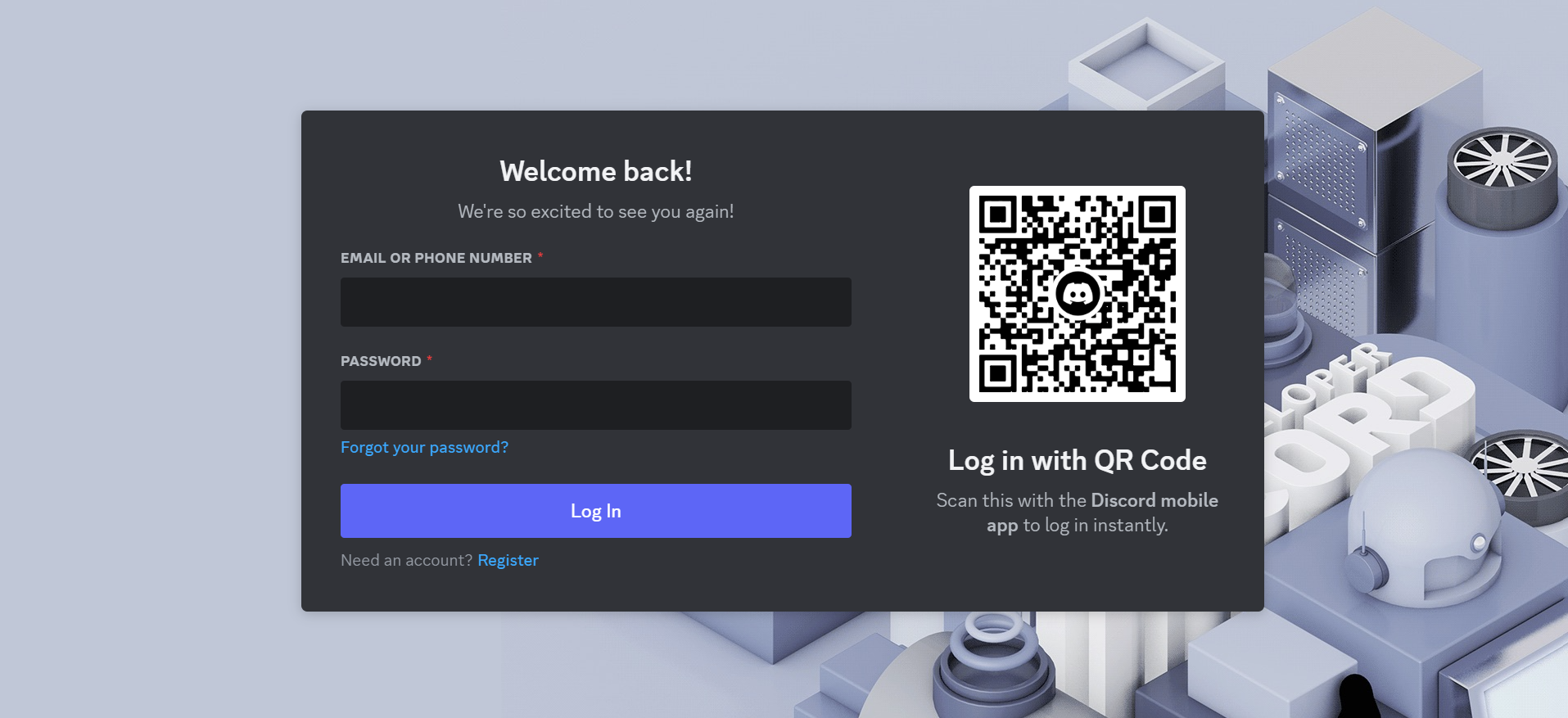
Access the Discord developer portal using your Discord credentials.
-
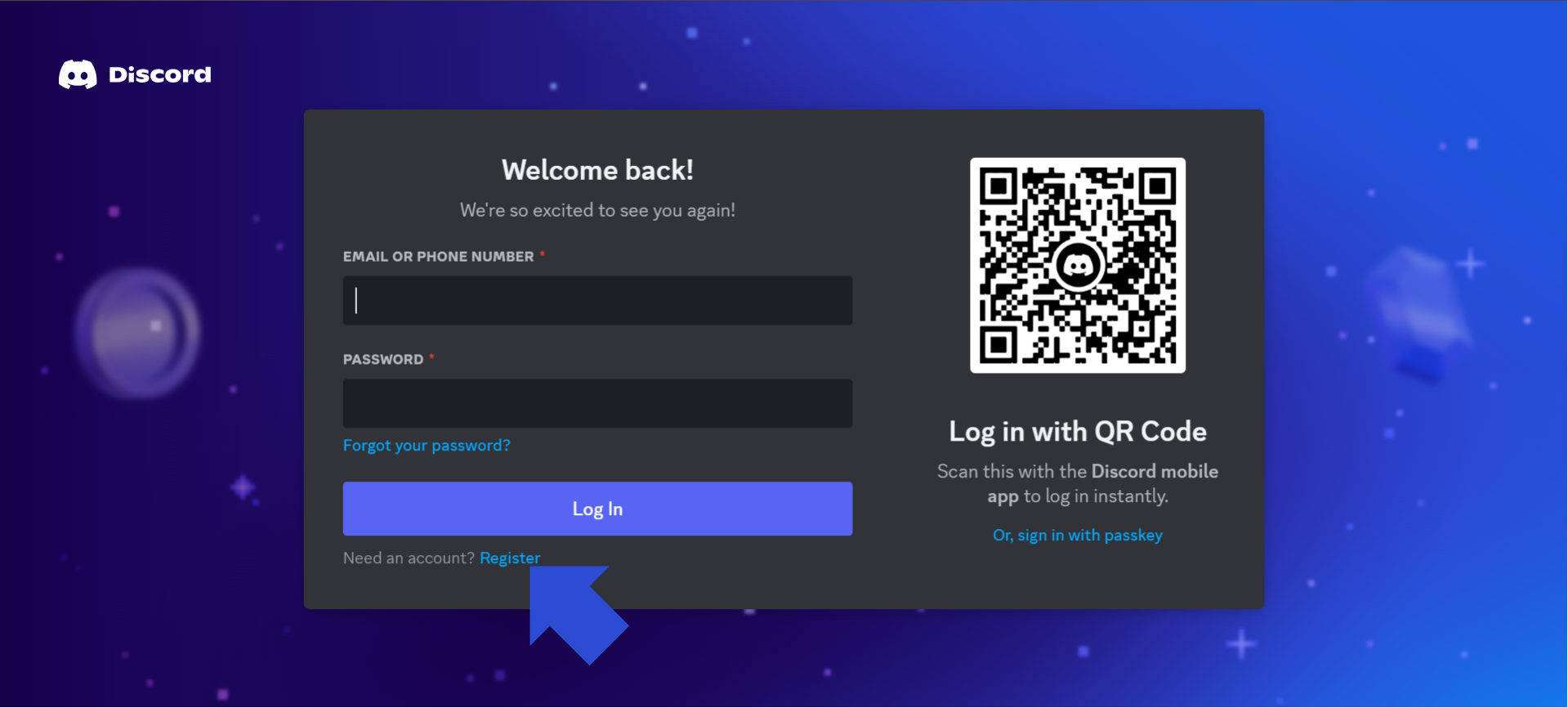
If you don't have a Discord account, select Register beneath the login button and complete account creation.
Step 2: Create a new Discord application
-
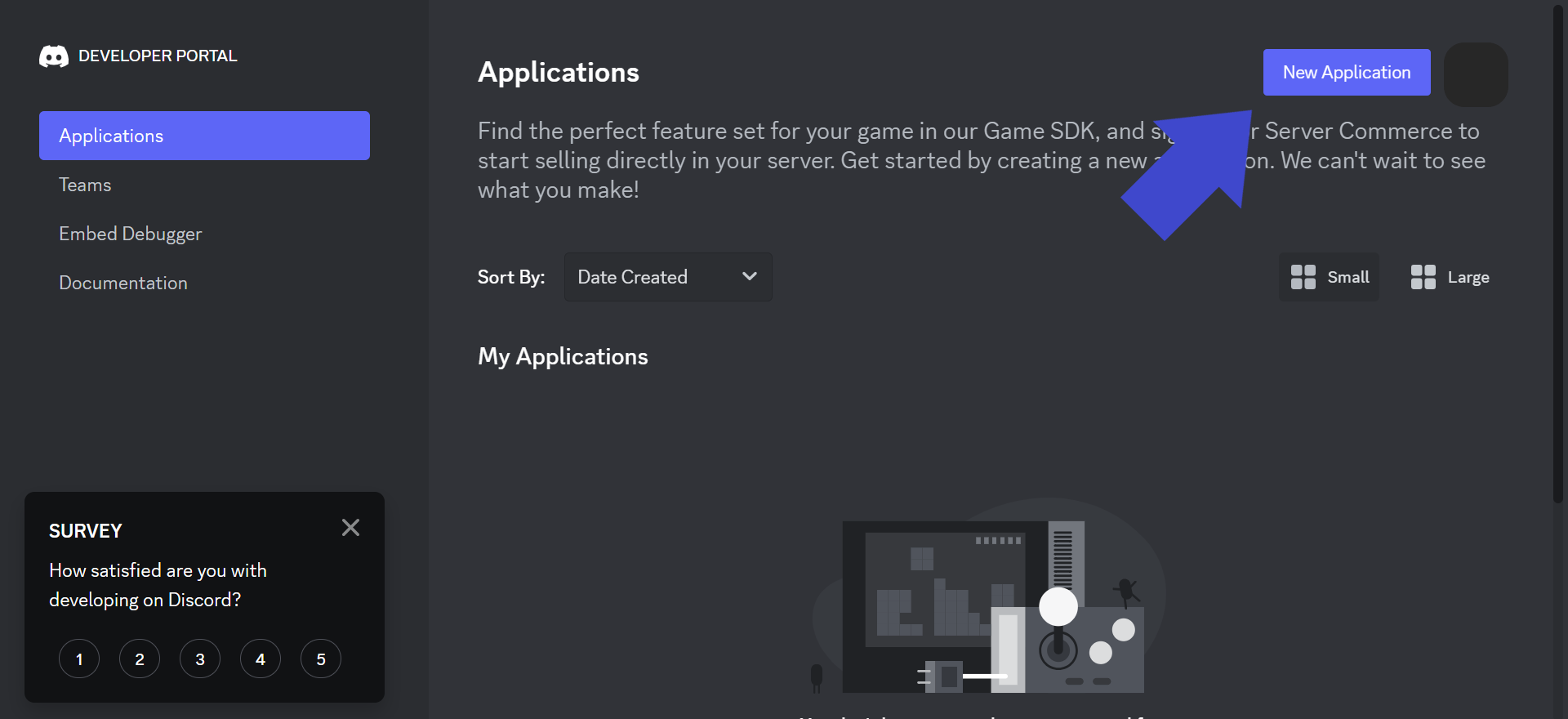
In the developer portal, select New Application.
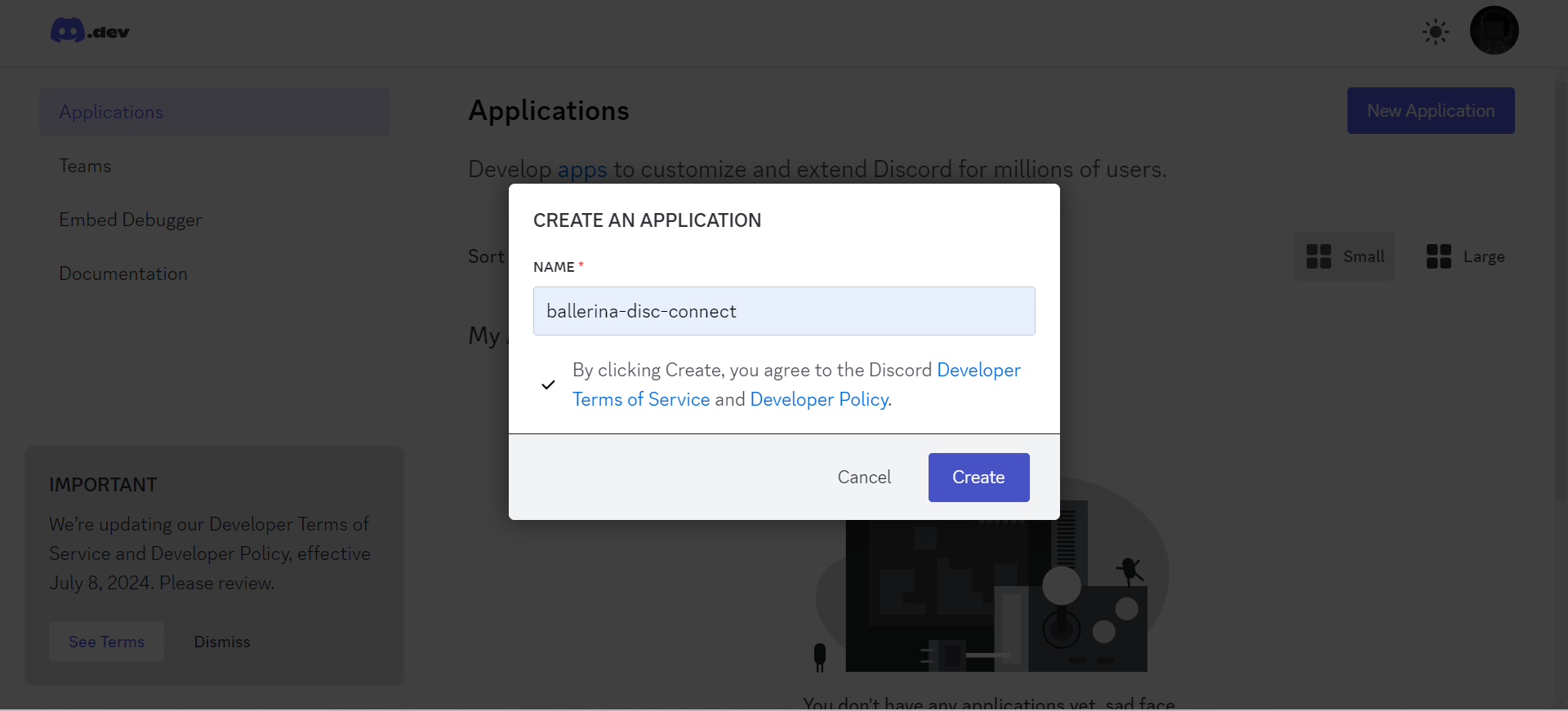
Step 3: Name the Discord application
-
Provide a name for your application and accept the terms of service.
-
Select Next to complete naming.
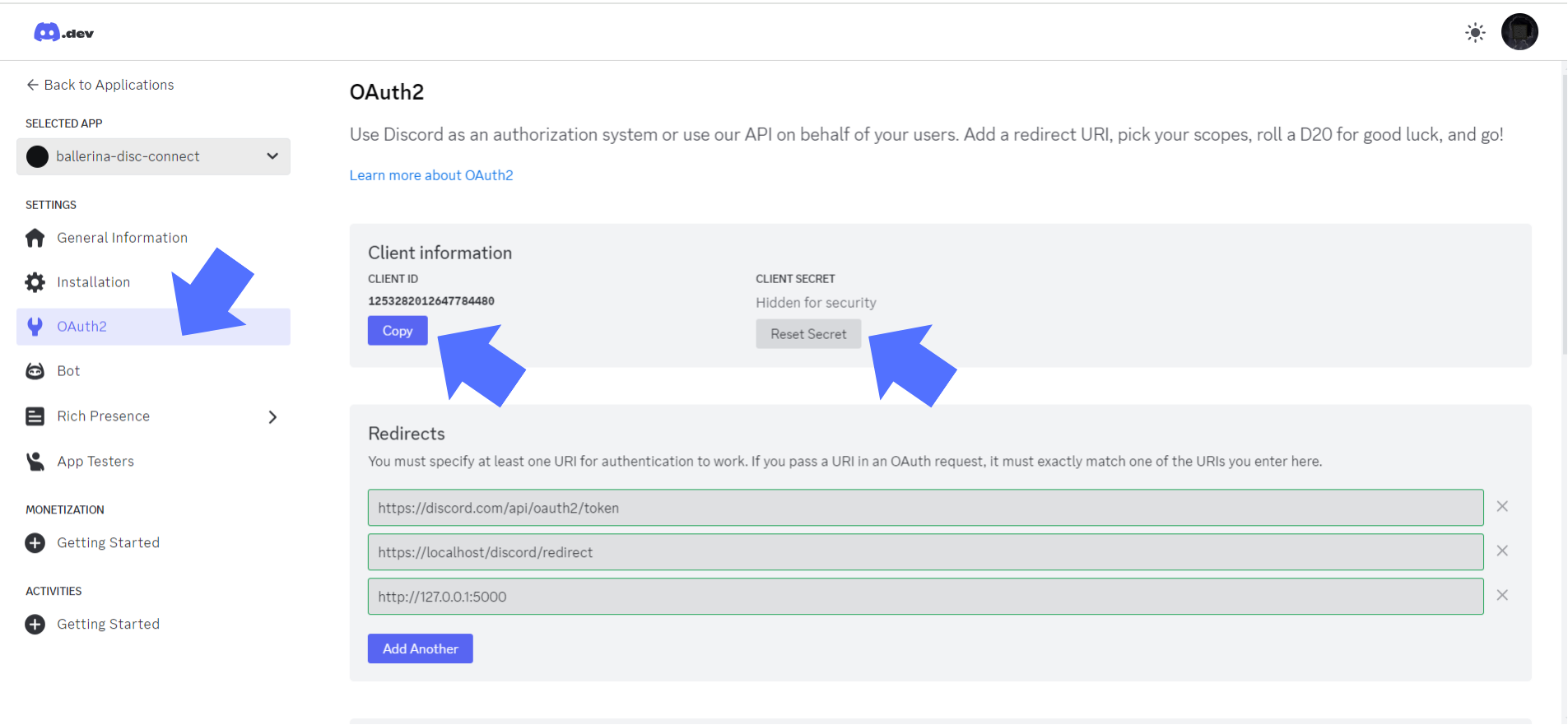
Step 4: Obtain the client ID and client secret
-
Navigate to OAuth2 in the sidebar to retrieve your client credentials. You need the Client ID and Client Secret to use the Discord connector.