Setup Guide
This guide walks you through creating an OpenAI account and generating an API key required to use the OpenAI Fine-tunes connector.
Prerequisites
- An OpenAI account on a paid billing plan. Fine-tuning endpoints are not available on free or Explore plans. Enable billing and add credits in the Billing settings.
OpenAI is winding down the fine-tuning platform. It is no longer available to new users. Existing users can continue creating training jobs for the coming months, after which inference will continue until the underlying base models are deprecated.
Step 1: Navigate to the API keys dashboard
-
Open the OpenAI Platform Dashboard.
-
Navigate to Dashboard > API keys in the left sidebar.
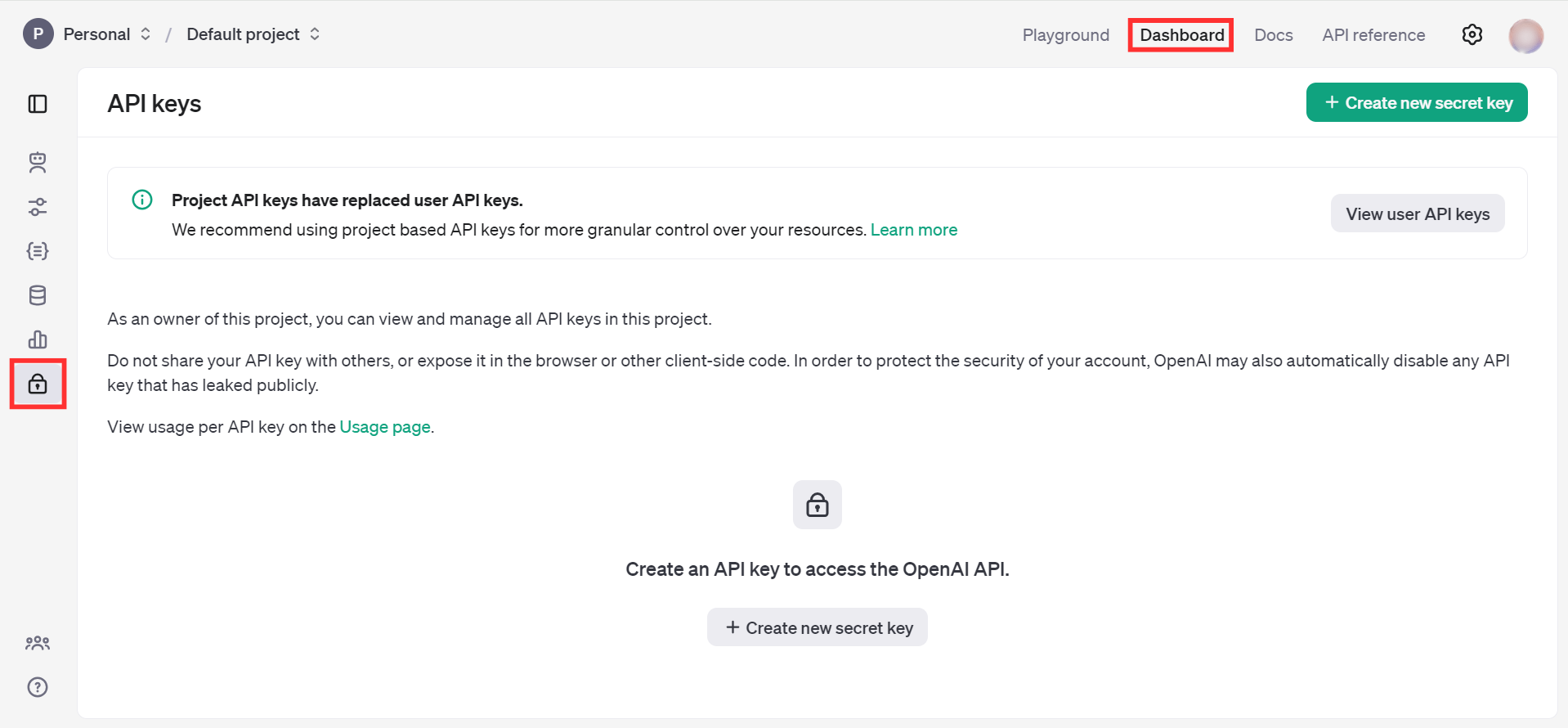
Step 2: Create a new secret key
-
Select Create new secret key.
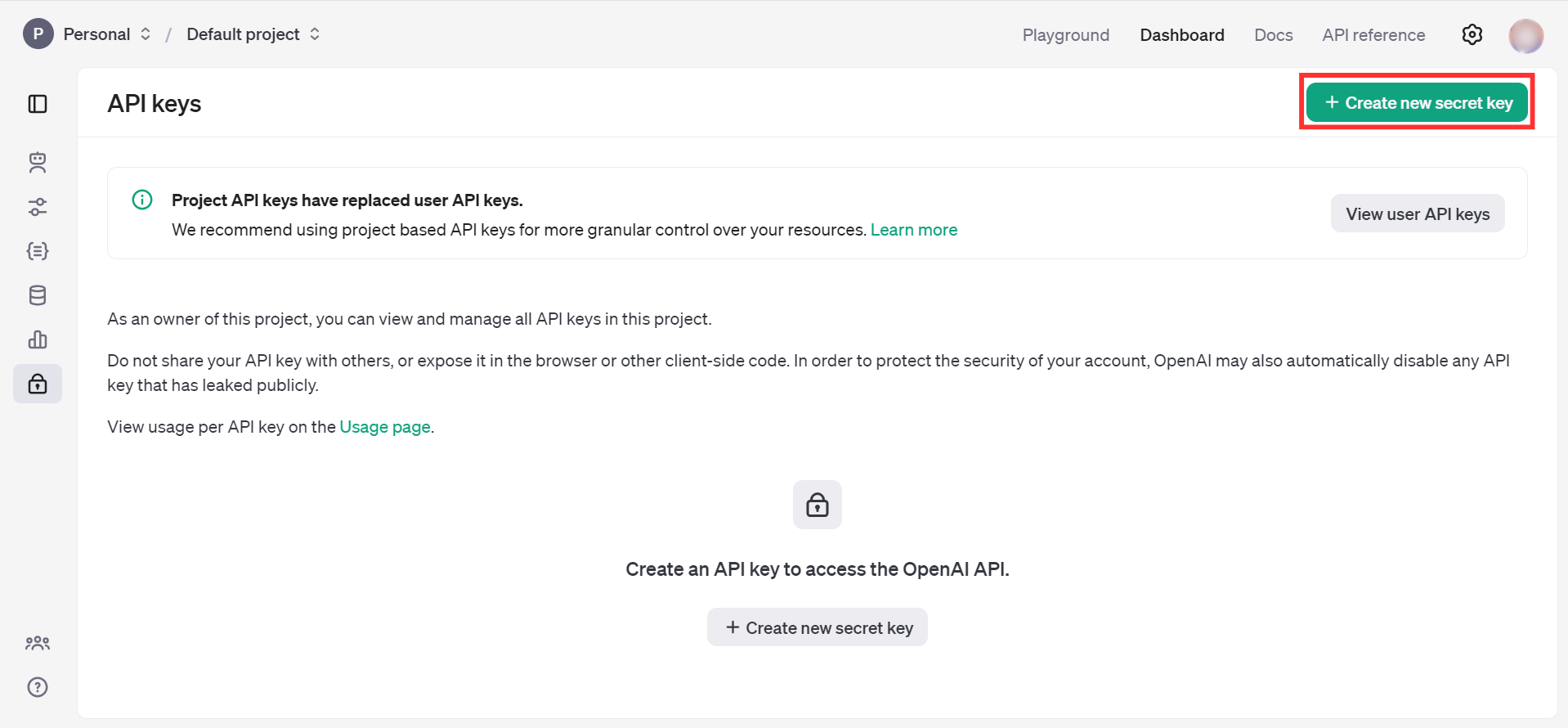
-
Fill in the required details and select Create secret key.
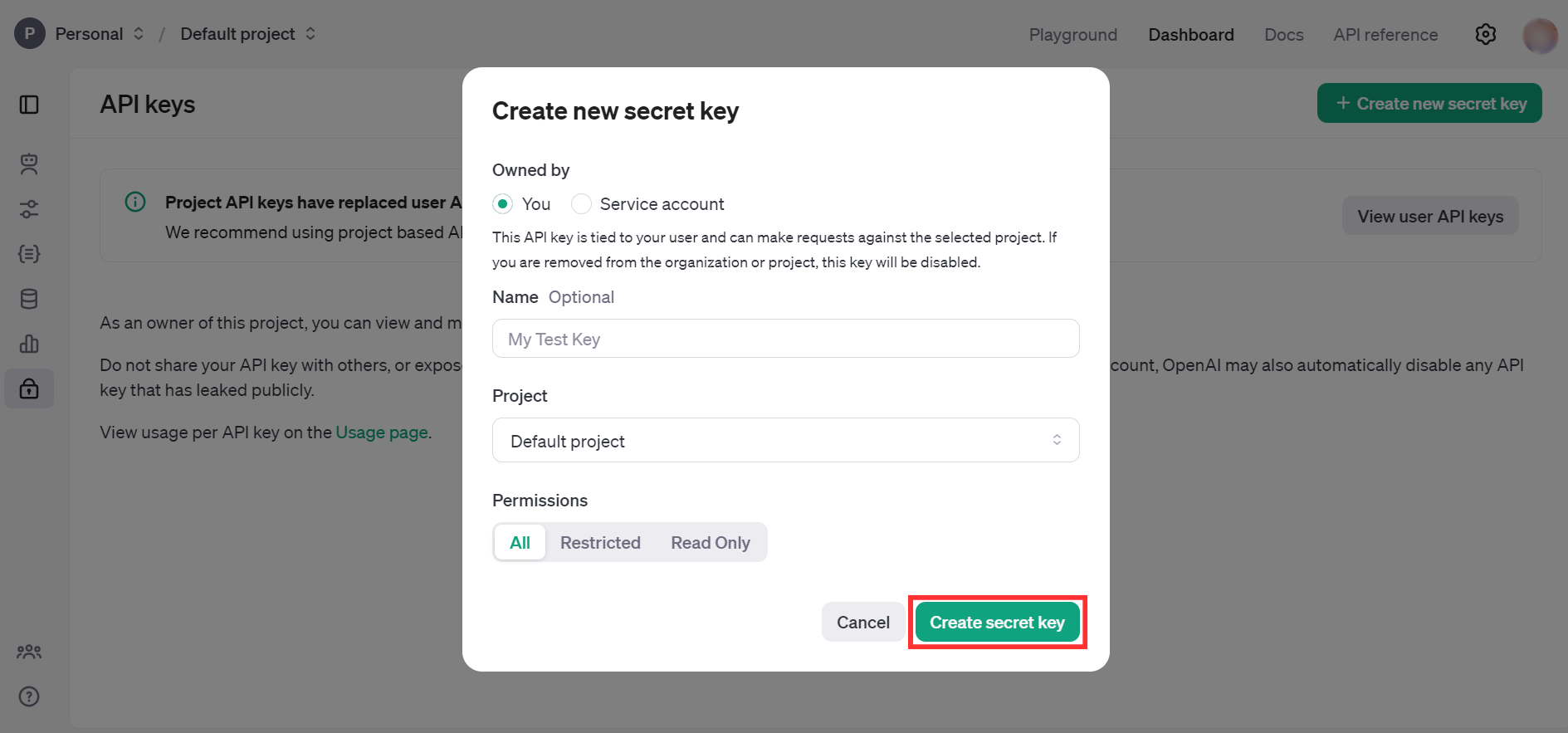
-
Copy the generated API key immediately — it will not be shown again.
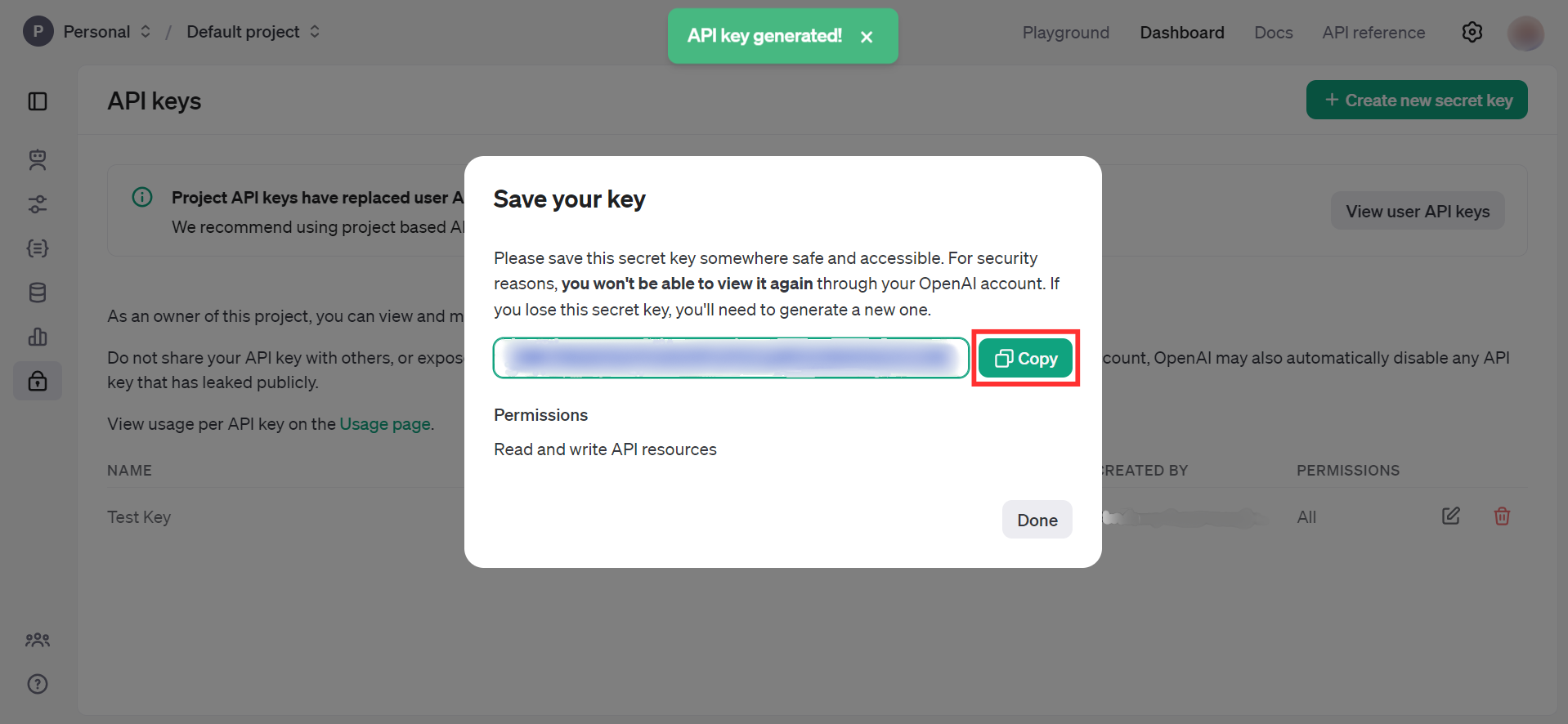
Store the API key securely. Do not commit it to source control. Use Ballerina's configurable feature and a Config.toml file to supply it at runtime.
What's next
- Action reference: Available operations