Install WSO2 Integrator
Install WSO2 Integrator IDE on your machine to develop, test, and debug integrations locally. The IDE is available for Windows, macOS, and Linux.
Installation steps
Step 1: Download WSO2 Integrator
- Visit the WSO2 Integrator Downloads page.
- Select your operating system: Windows, macOS, or Linux.
- Download the installer for WSO2 Integrator.
Step 2: Install WSO2 Integrator
Windows
- Run the
.msiinstaller and follow the installation wizard.
macOS
- Run the
.dmginstaller and drag the application to the Applications folder.
Linux
- Ubuntu or Debian: install the
.debpackage. - RHEL or Fedora: install the
.rpmpackage. - Other distributions: extract the
.tar.gzarchive.
Step 3: Launch WSO2 Integrator
After installation, launch the IDE:
- Windows: Double-click the WSO2 Integrator icon on your desktop or start menu.
- macOS: Open the Applications folder and double-click WSO2 Integrator.
- Linux: Launch WSO2 Integrator from your applications menu (after a
.debor.rpminstall), or run the binary from the extracted directory if you used the.tar.gzarchive.
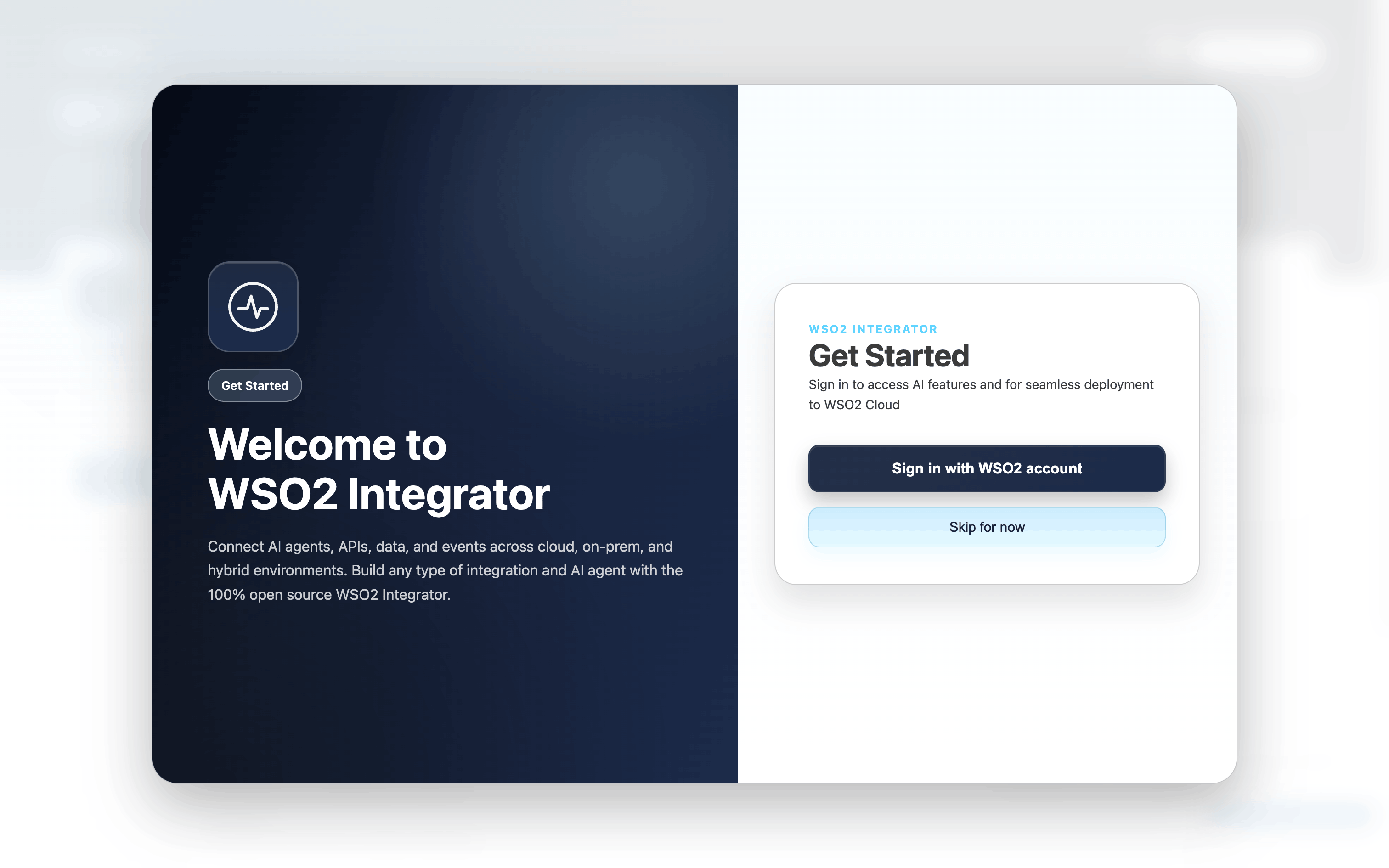
Step 4: Sign in to WSO2 Integrator
Sign in with your WSO2 Cloud account to deploy to WSO2 Cloud, manage environments, access observability features, and use WSO2 Integrator Copilot.
-
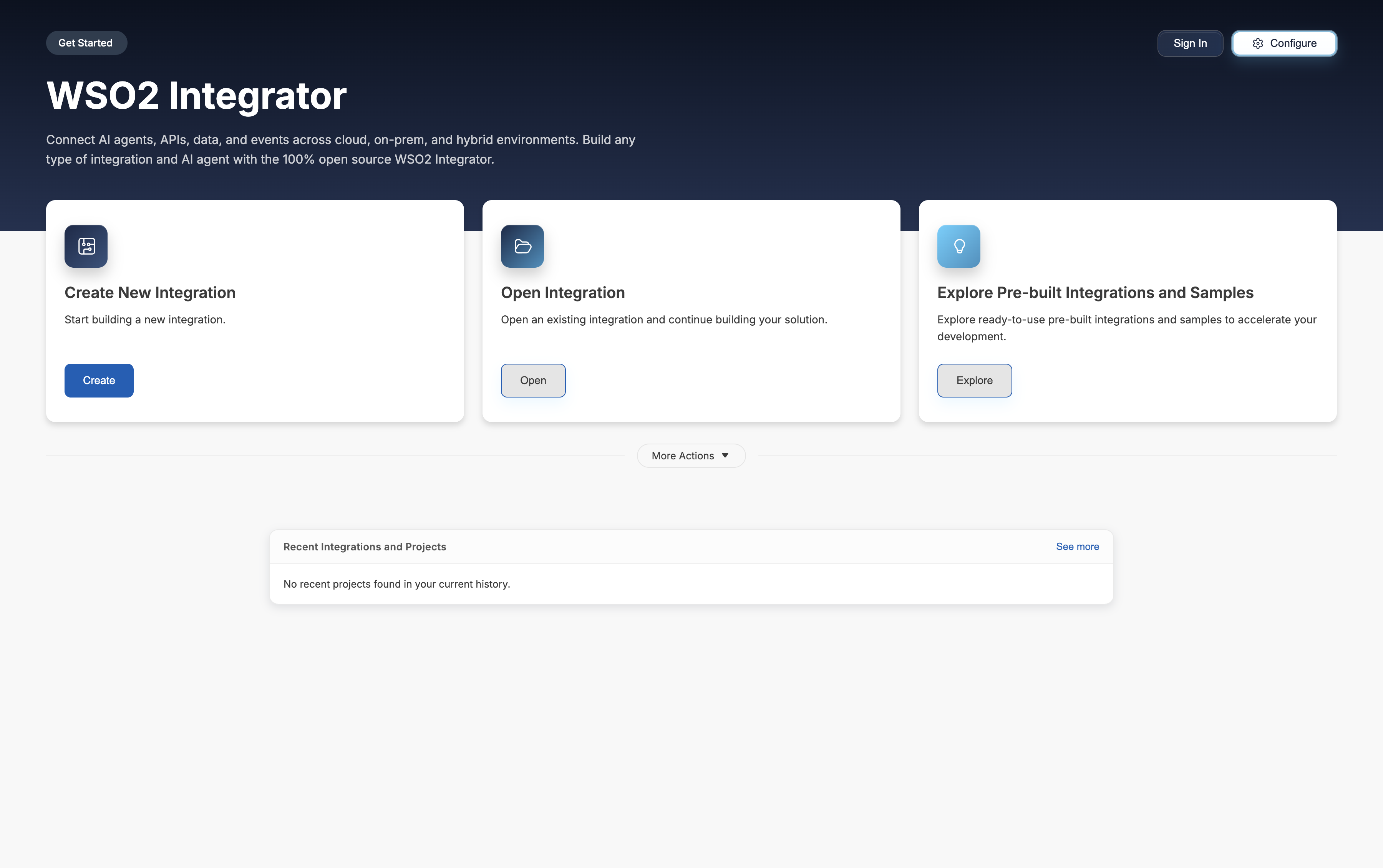
On the Get Started page, click Sign In in the top-right corner.
-
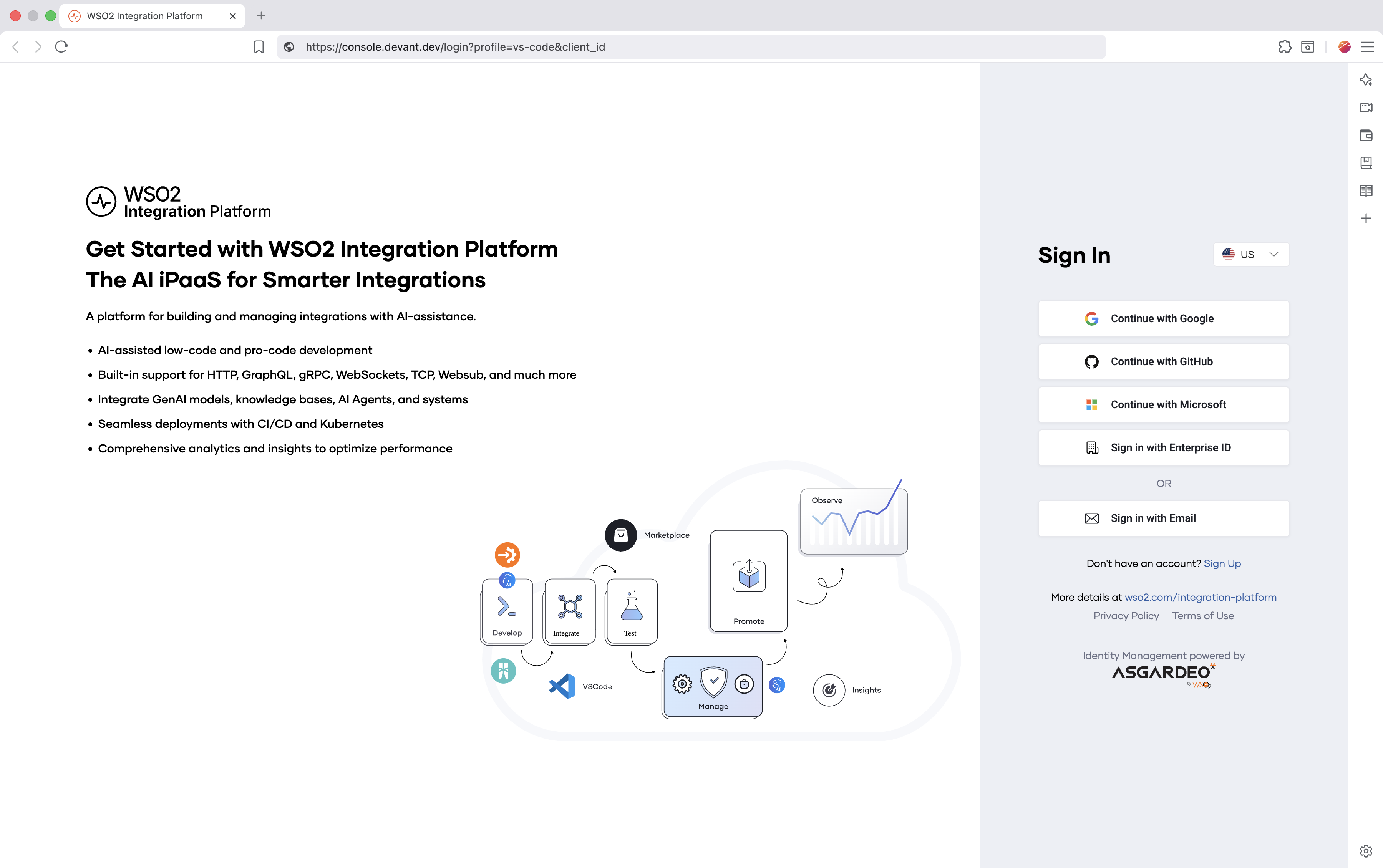
The WSO2 Integration Platform sign-in page opens up in your default browser. Sign in using your preferred method.
-
When the browser prompts you, click Open WSO2 Integrator to return to the IDE.
-
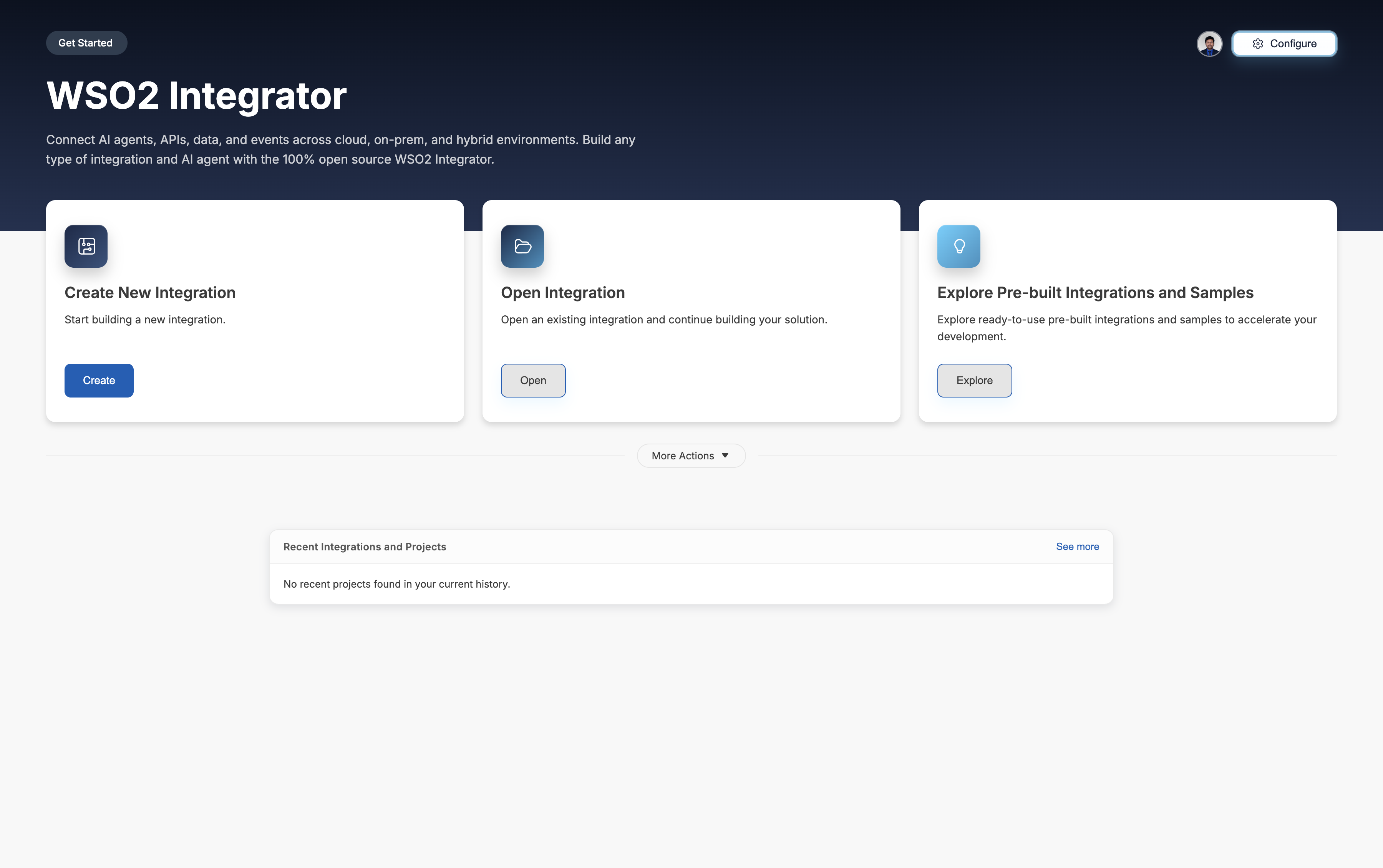
The IDE shows a Successfully signed into WSO2 Integration Platform notification, and your account avatar appears in the top-right corner.
Sign up for WSO2 Cloud to create one before signing in.
Next steps
- Sign up with WSO2 Cloud — Sign up with WSO2 Cloud to get the most out of WSO2 Integrator.
- Develop a new integration — Create a new integration project and start building.
- Open an existing integration — Continue working on a project you already have.
- Explore sample integrations — Learn from ready-made examples.