Example
What you'll build
Build an integration that connects to SAP Business One using the SAP Business One Administration connector and retrieves company information from a SAP B1 Service Layer endpoint. The integration sets up an automation entry point that invokes the company info operation and returns structured company metadata.
Operations used:
- Company Service Get Company Info : Retrieves metadata about the connected SAP B1 company database, including company name, version, and currency
Architecture
Prerequisites
- Access to a SAP Business One Service Layer endpoint
- SAP B1 company database name, username, and password
Setting up the SAP Business One Administration integration
New to WSO2 Integrator? Follow the Create a New Integration guide to set up your integration first, then return here to add the connector.
Adding the SAP Business One Administration connector
Step 1: Open the connector palette and add the SAP B1 Administration connector
- From the project canvas, select + Add Artifact → Connection.
- In the connector search palette, enter
sap.businessone.administration. - Locate ballerinax/sap.businessone.administration and select Add.
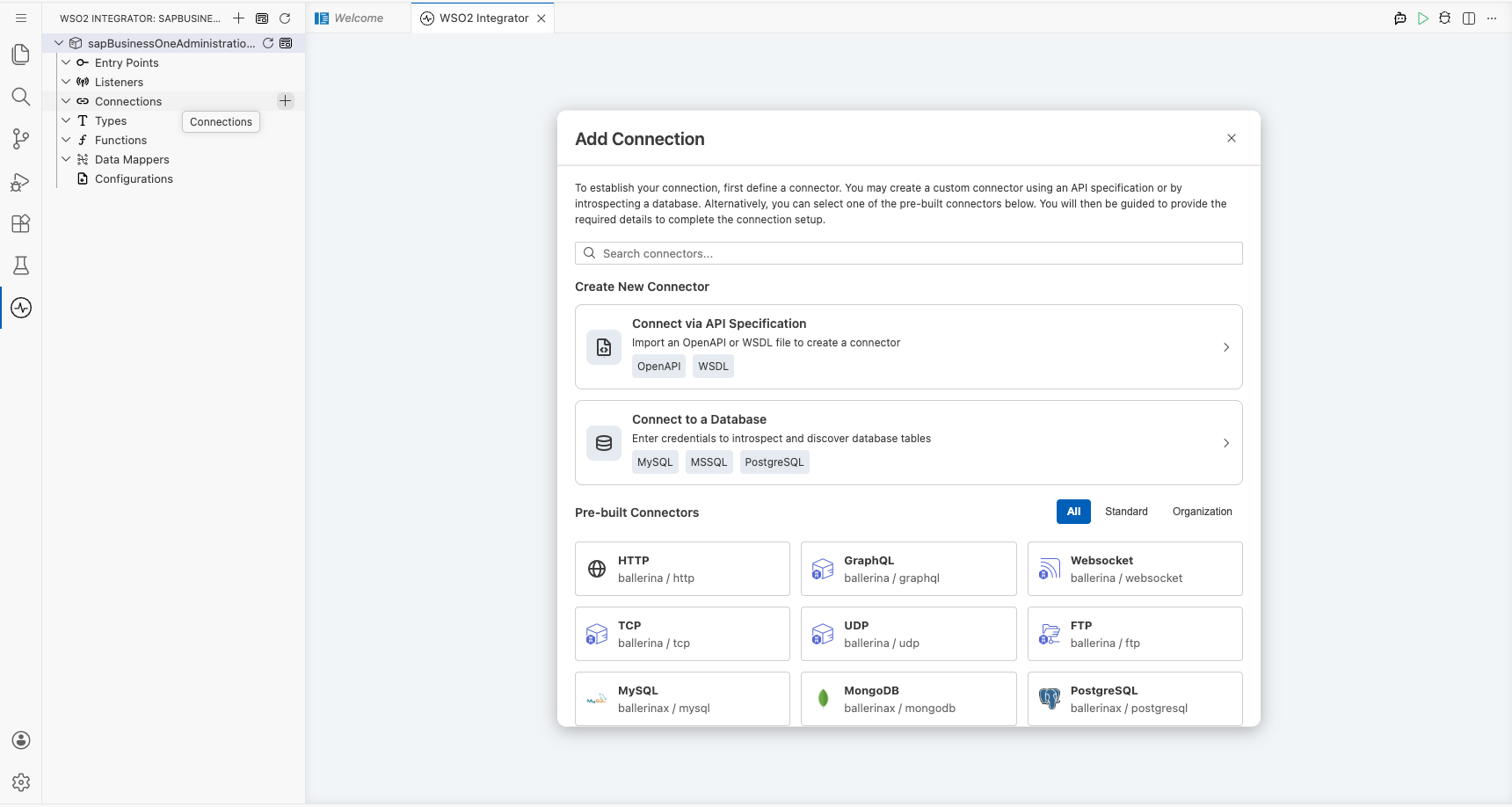
Configuring the SAP Business One Administration connection
Step 2: Fill in the connection parameters
Bind each connection field to a configurable variable to keep credentials out of source code.
- session : SAP B1 login credentials record containing
companyDb,username, andpassword— bound tosapCompanyDb,sapUsername, andsapPasswordconfigurable variables - serviceUrl : Base URL of the SAP Business One Service Layer — bound to the
sapServiceUrlconfigurable variable - connectionName : Logical name for this connection — leave the default value
administrationClient
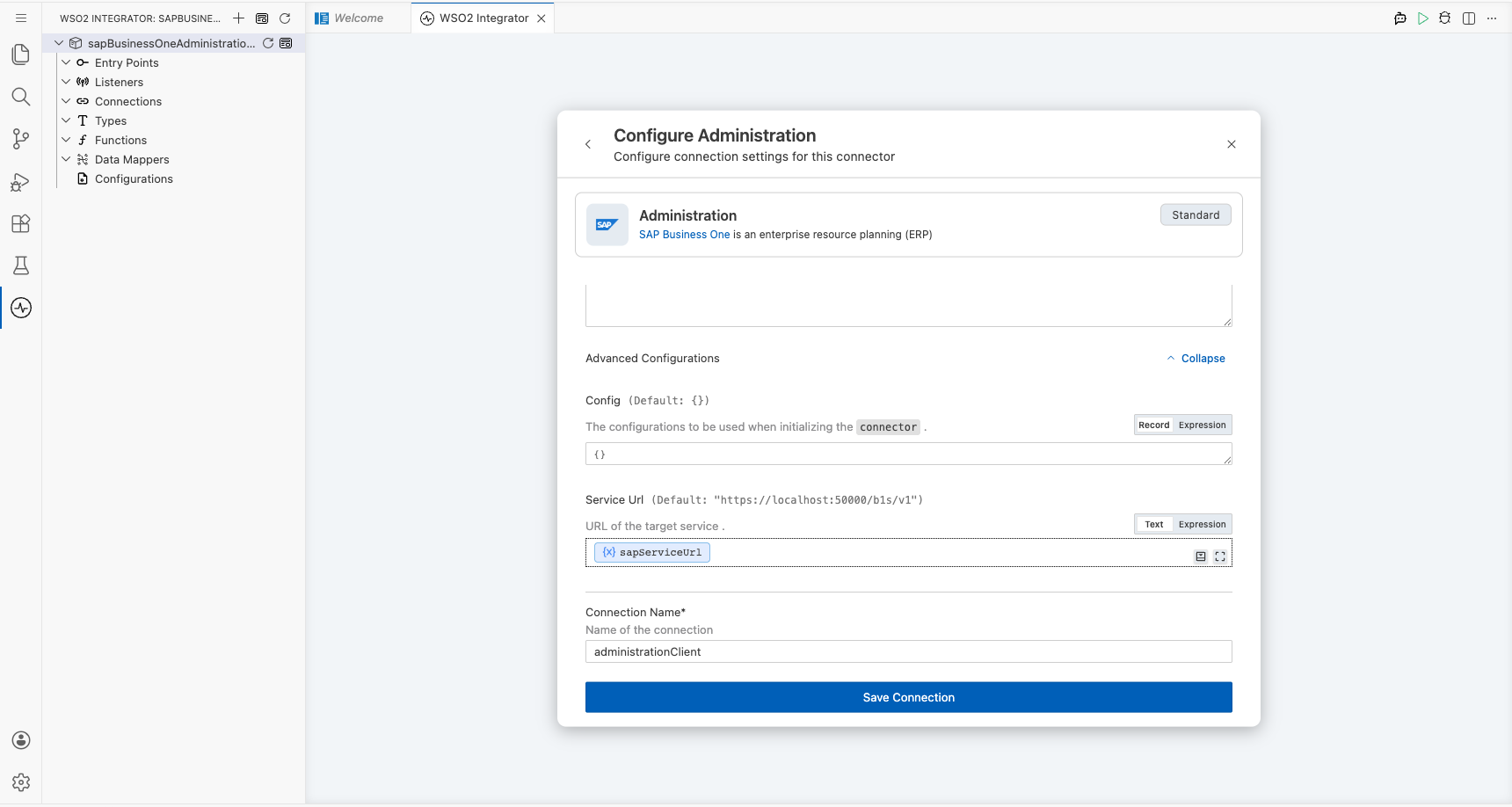
Step 3: Save the connection
Select Save Connection. The connection is saved and administrationClient appears in the Connections section of the project tree.
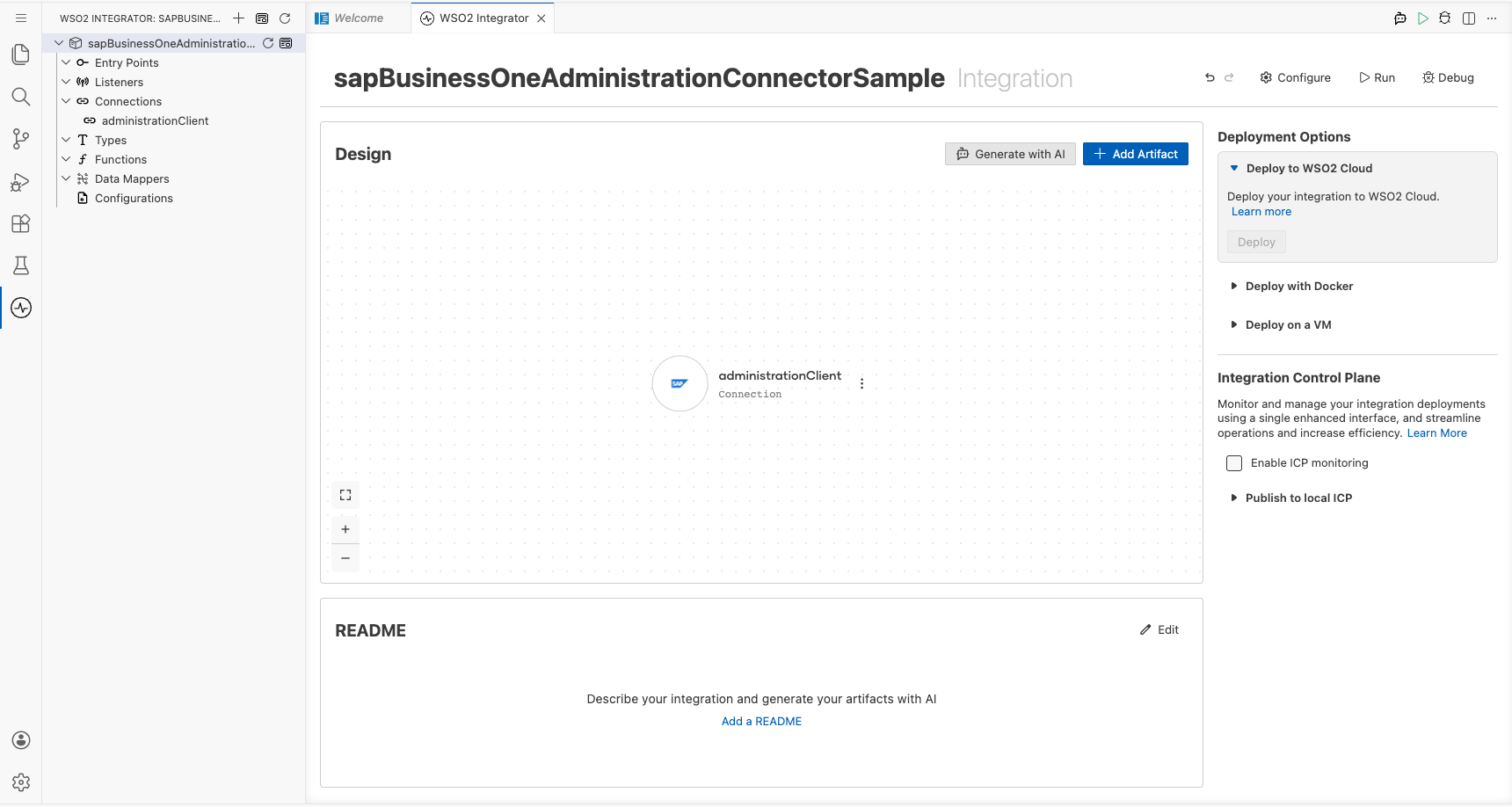
Step 4: Set actual values for your configurables
- In the left panel, select Configurations.
- Set a value for each configurable listed below.
- sapCompanyDb (string) : The SAP B1 company database name (for example,
SBODEMOUS) - sapUsername (string) : The SAP B1 login username
- sapPassword (string) : The SAP B1 login password
- sapServiceUrl (string) : The base URL of the SAP Business One Service Layer (for example,
https://your-sap-b1-host/b1s/v1)
Configuring the SAP Business One Administration Company Service Get Company Info operation
Step 5: Add an automation entry point
- Select + Add Artifact.
- Select Automation to create an automation that can be invoked periodically or manually.
- In the Create New Automation form, leave the default name and select Create.
The automation entry point main is added under Entry Points in the project tree and the flow canvas opens.
Step 6: Select and configure the Company Service Get Company Info operation
- In the automation flow canvas, select the + button between the Start node and the Error Handler node.
- In the step-addition panel, expand administrationClient under the Connections section.
- Scroll to the Company group and select Company Service Get Company Info.
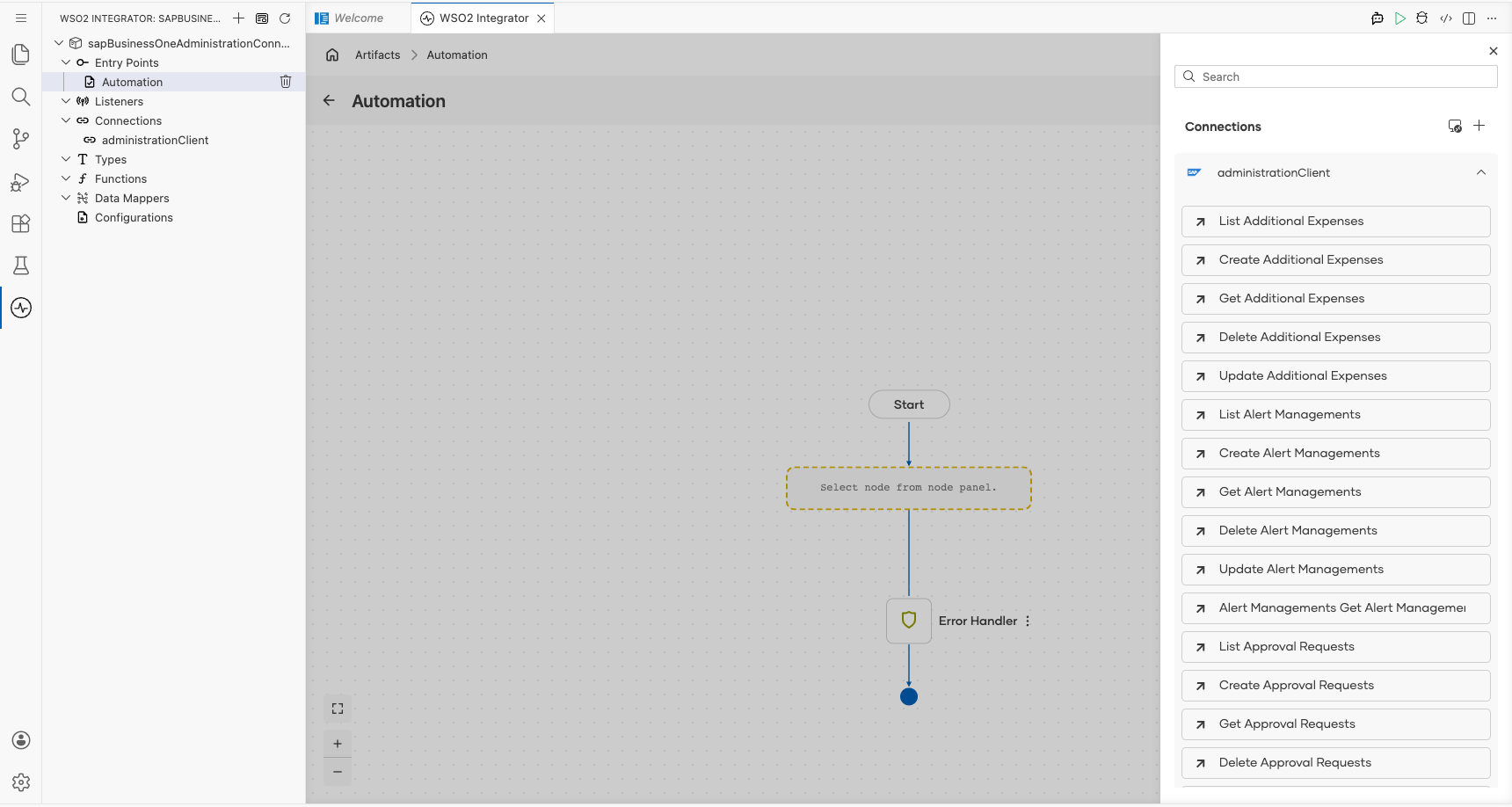
Configure the operation with the following values:
- resultVariable : Auto-generated as
administrationCompanyinfo— leave the default value
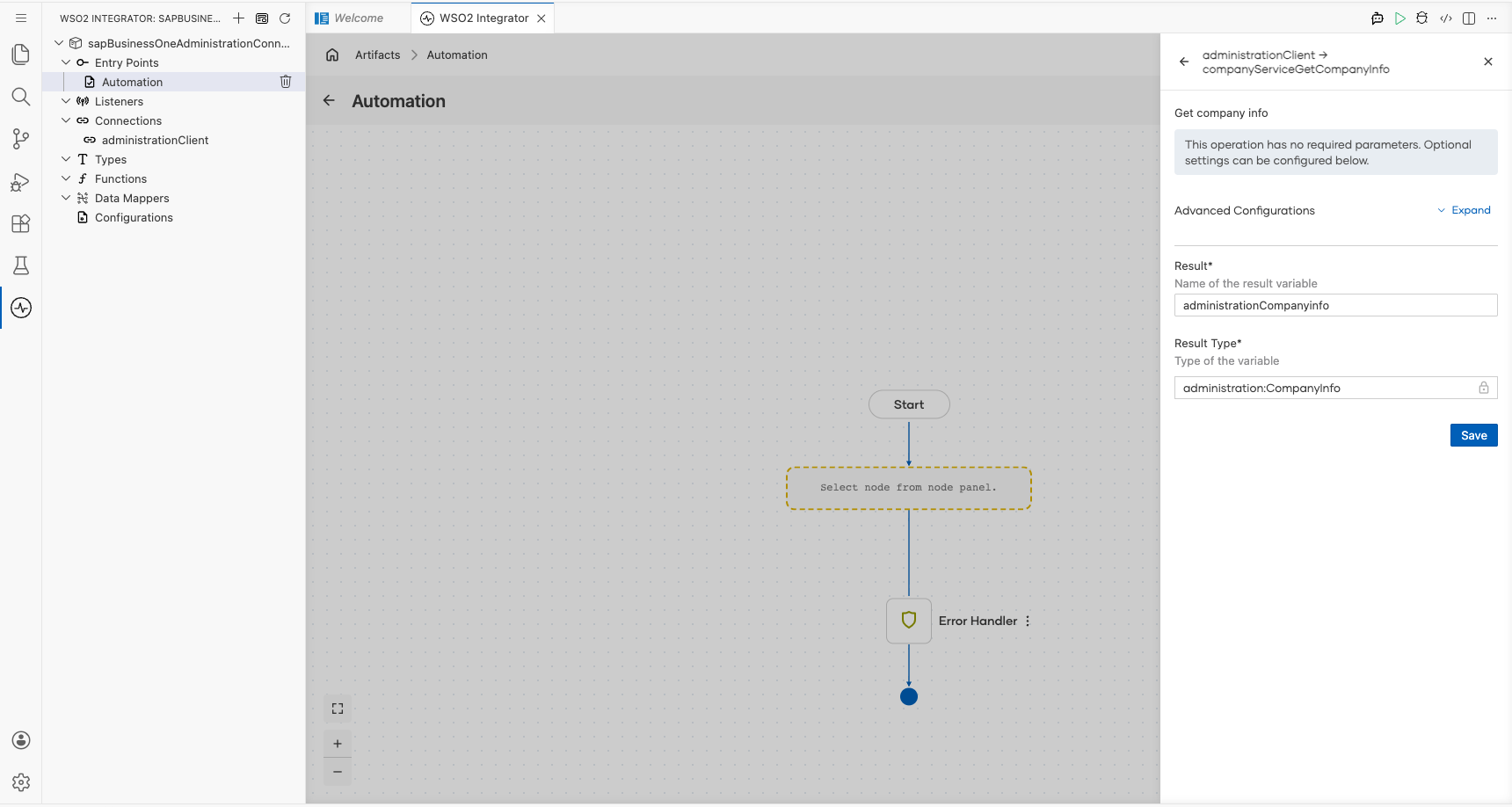
Select Save. The operation step is added to the automation flow.
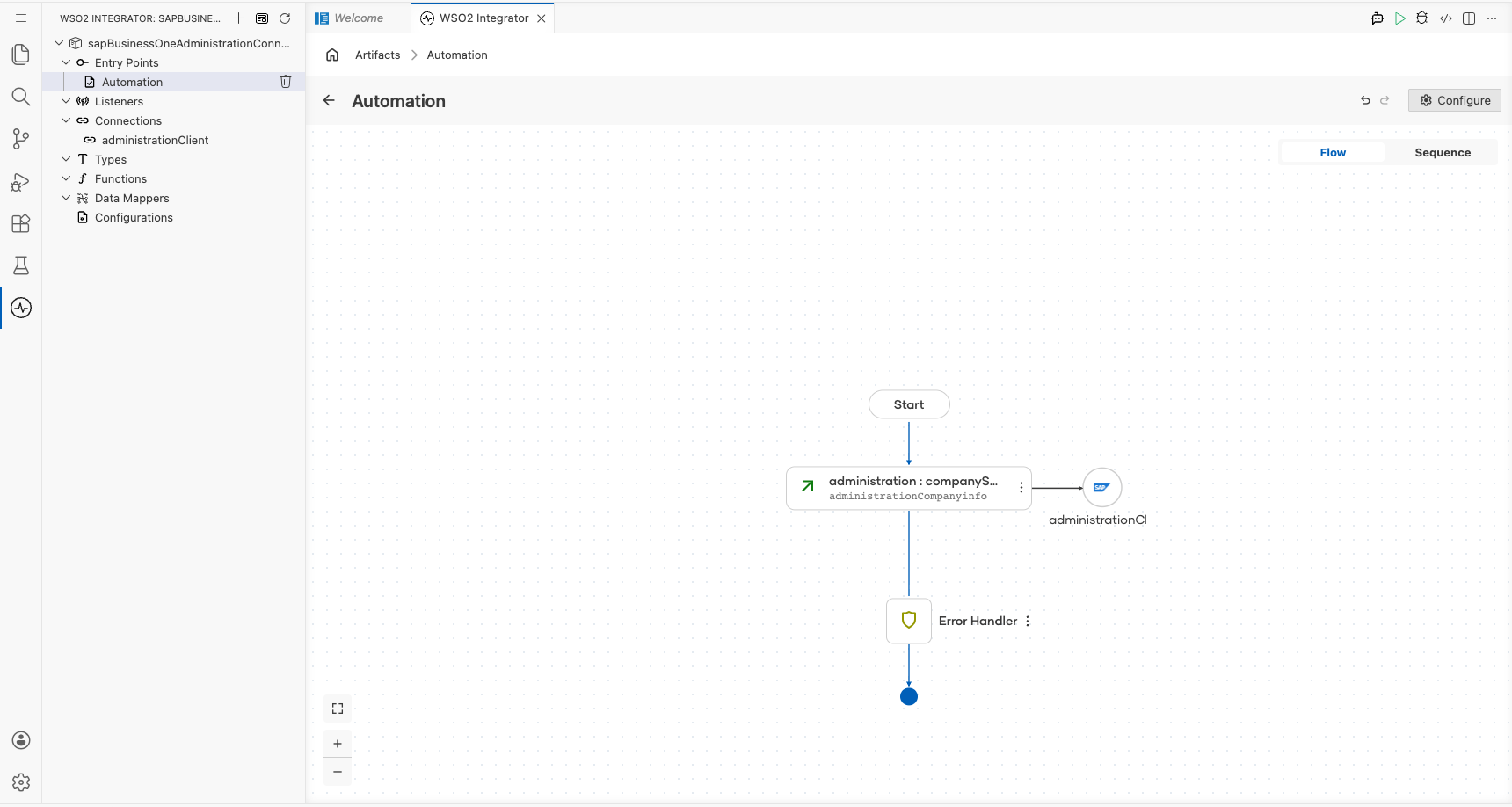
Try it yourself
Try this sample in WSO2 Integration Platform.

More code examples
The SAP Business One connectors provide practical examples illustrating usage in various scenarios. Explore these examples, covering use cases like listing open sales orders, reporting inventory stock, and logging CRM activities.