Setup Guide
This guide walks you through creating a Twitter developer project and obtaining the OAuth 2.0 credentials required to use the Twitter connector.
Prerequisites
- A Twitter developer account. If you do not have one, apply for access at the X Developer Portal.
Step 1: Create a Twitter developer project
-
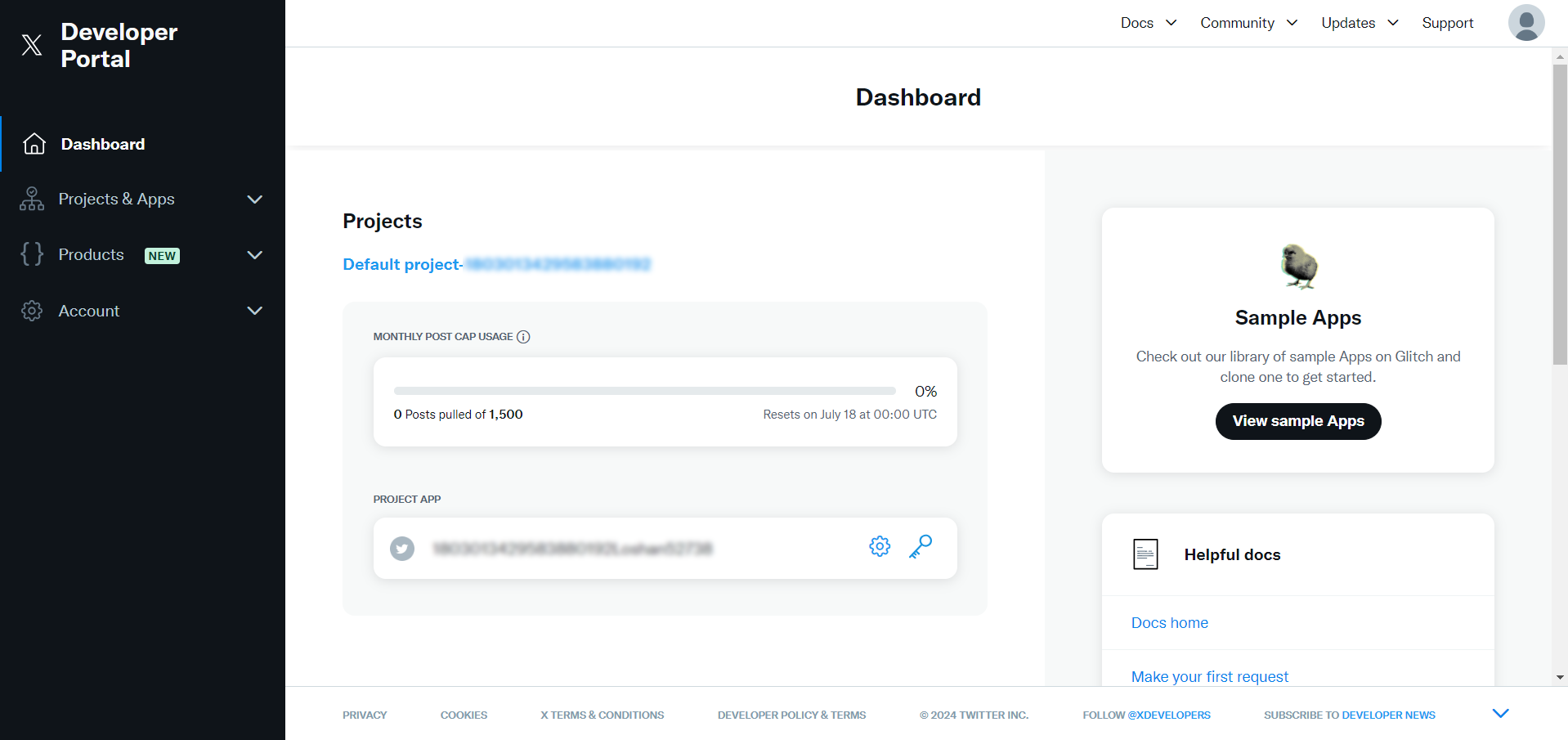
Open the Twitter Developer Portal.
-
Select the Projects & Apps tab and select an existing project or create a new one.
Step 2: Set up user authentication
-
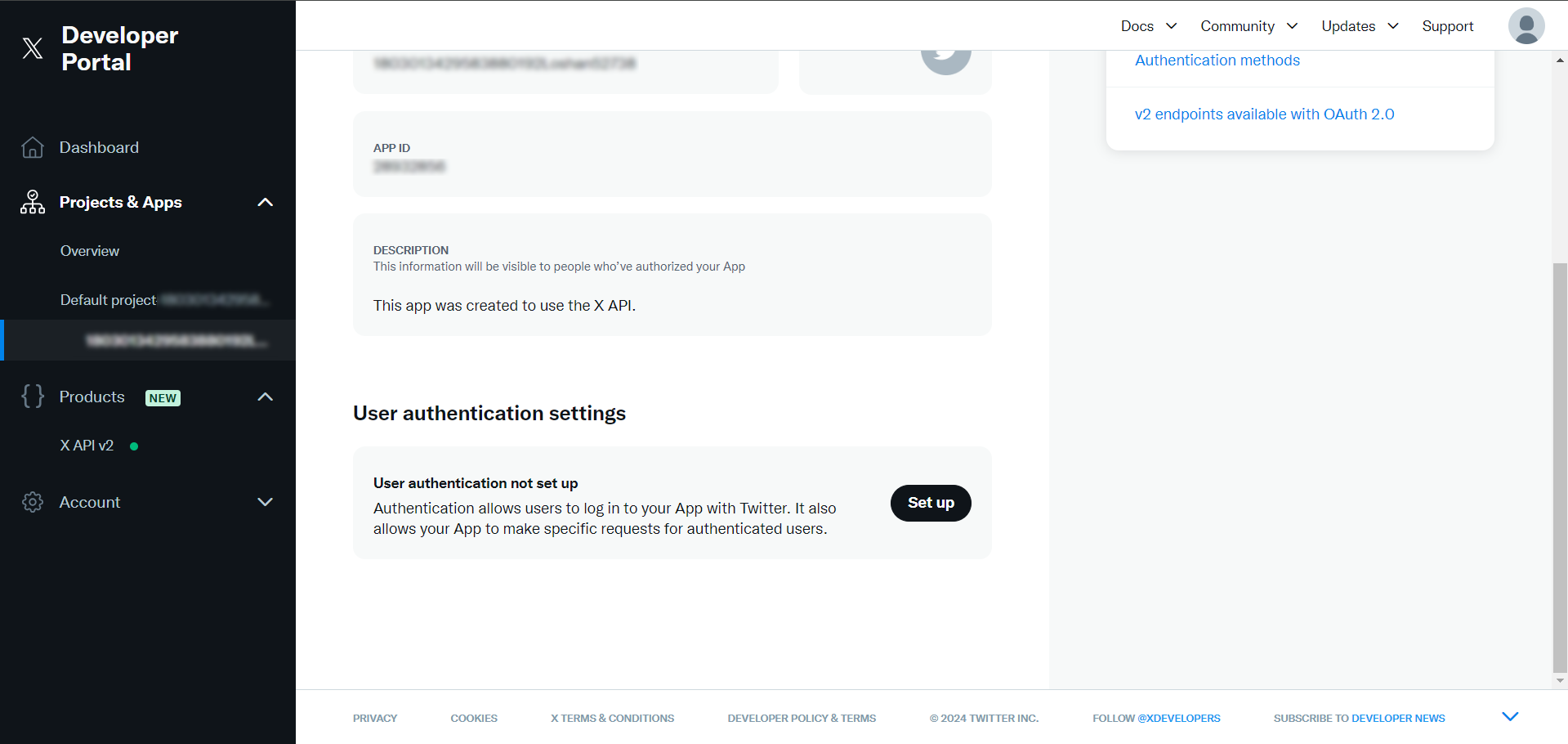
In your project or app settings, select Set up to configure user authentication.
-
Complete the user authentication setup by filling in the required fields (app permissions, callback URI, website URL).
Step 3: Get the client ID and client secret
After completing authentication setup, copy the Client ID and Client Secret.
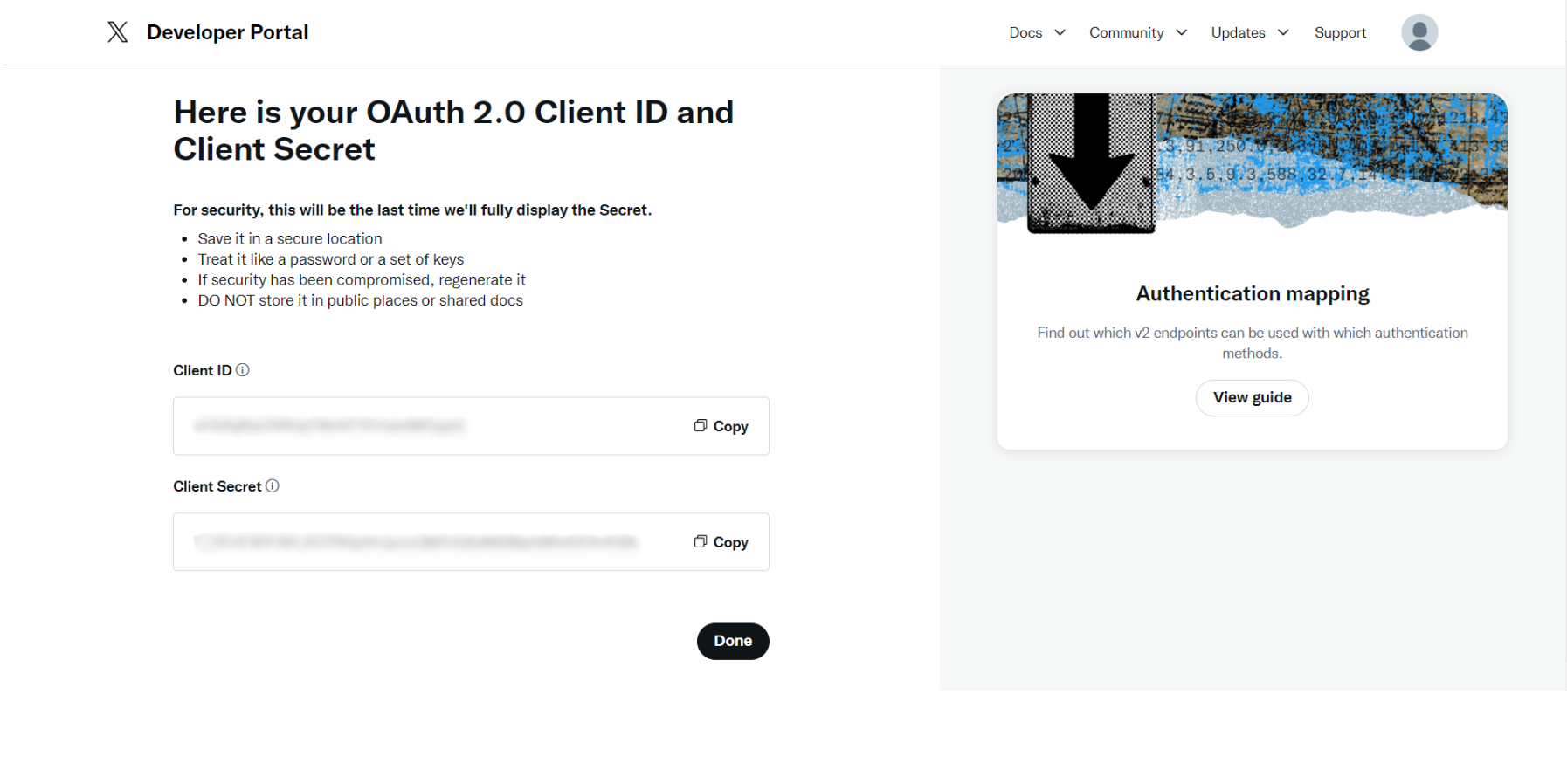
Store the Client ID and Client Secret securely. Do not commit them to source control. Use Ballerina's configurable feature and a Config.toml file to supply them at runtime.
Step 4: Get an access token (OAuth 2.0 PKCE flow)
Twitter uses OAuth 2.0 with PKCE. You need a code verifier (a random string) and a code challenge (derived from the verifier).
-
Construct the authorization URL:
https://twitter.com/i/oauth2/authorize?response_type=code&client_id=<YOUR_CLIENT_ID>&redirect_uri=<YOUR_REDIRECT_URI>&scope=tweet.read%20tweet.write%20users.read%20follows.read&state=state&code_challenge=<YOUR_CODE_CHALLENGE>&code_challenge_method=S256Replace
<YOUR_CLIENT_ID>,<YOUR_REDIRECT_URI>, and<YOUR_CODE_CHALLENGE>with your values. Adjust thescopeparameter as needed.noteTwo code challenge methods are available:
S256(SHA256 hash of the code verifier, recommended) andplain(the verifier string itself). -
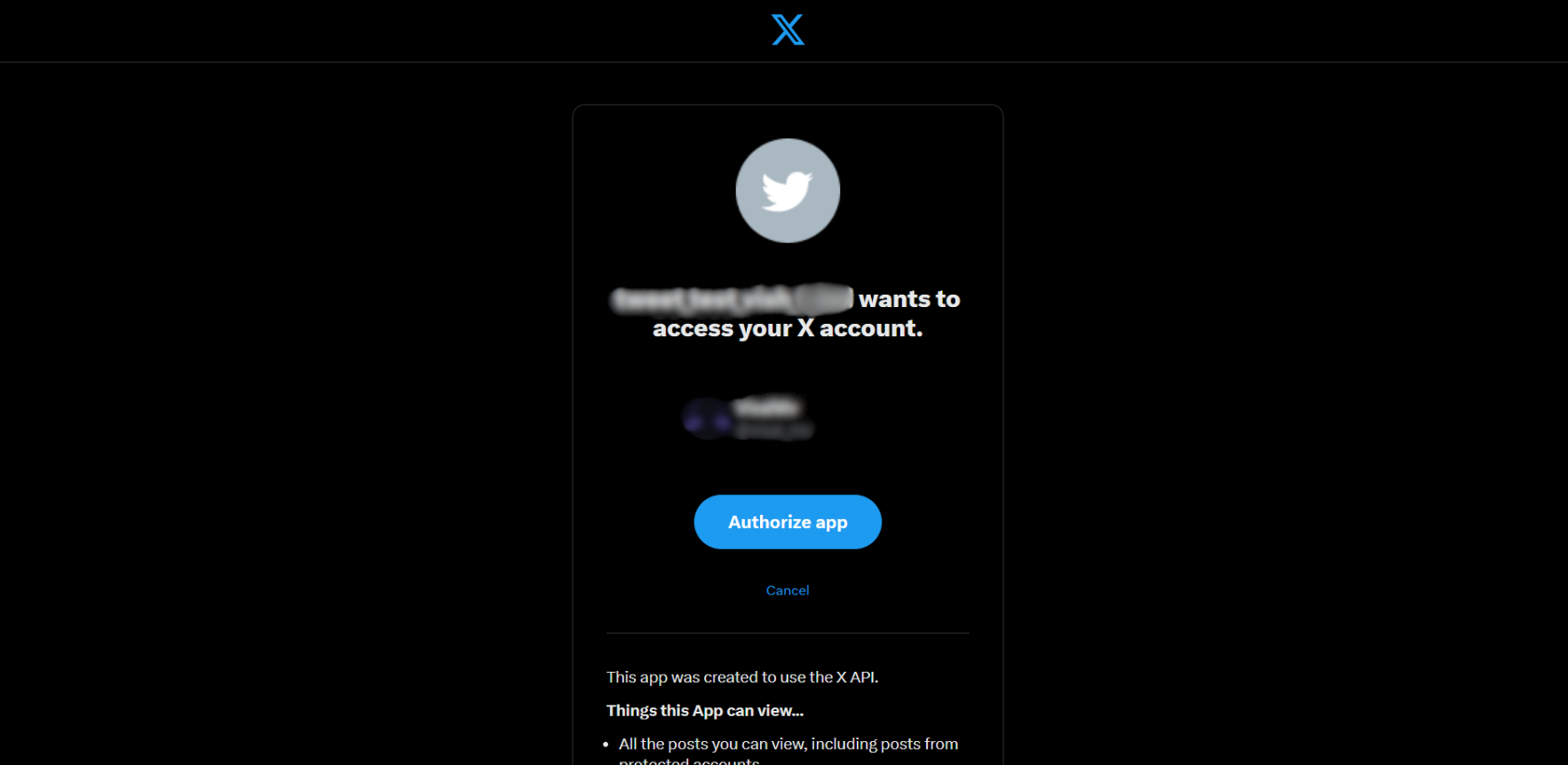
Open the URL in a browser and authorize the app when prompted.
-
After authorization, you are redirected to your callback URI with an authorization
codein the URL. Copy the code.warningThe authorization code expires quickly — use it immediately.
-
Exchange the code for tokens:
curl --location "https://api.twitter.com/2/oauth2/token" \
  --header "Content-Type: application/x-www-form-urlencoded" \
  --data-urlencode "code=<YOUR_AUTHORIZATION_CODE>" \
  --data-urlencode "grant_type=authorization_code" \
  --data-urlencode "client_id=<YOUR_CLIENT_ID>" \
  --data-urlencode "redirect_uri=<YOUR_REDIRECT_URI>" \
--data-urlencode "code_verifier=<YOUR_CODE_VERIFIER>" -
Copy the
access_tokenfrom the response.noteBy default, access tokens obtained through this flow are valid for two hours. To obtain a long-lived token, add
offline.accessto your scopes — see the Twitter documentation for details.
What's next
- Action reference: Available operations