Setup Guide
This guide walks you through setting up a Milvus instance and obtaining the connection details required to use the Milvus connector. You can use a local Docker instance or the managed Zilliz Cloud service.
Prerequisites
- A running Milvus instance (Docker or Zilliz Cloud).
Option 1: Local instance with Docker
-
Ensure Docker is installed on your system.
-
Start a Milvus standalone instance:
curl -sfL https://raw.githubusercontent.com/milvus-io/milvus/master/scripts/standalone_embed.sh -o standalone_embed.sh
bash standalone_embed.sh startnoteThe script URL above points to the
masterbranch. For a version-pinned installation command specific to your target release, refer to the official Milvus documentation:- Linux/macOS: Run Milvus in Docker
- Windows: Run Milvus in Docker on Windows
-
The default connection endpoint is
http://localhost:19530.
Option 2: Managed instance with Zilliz Cloud
-
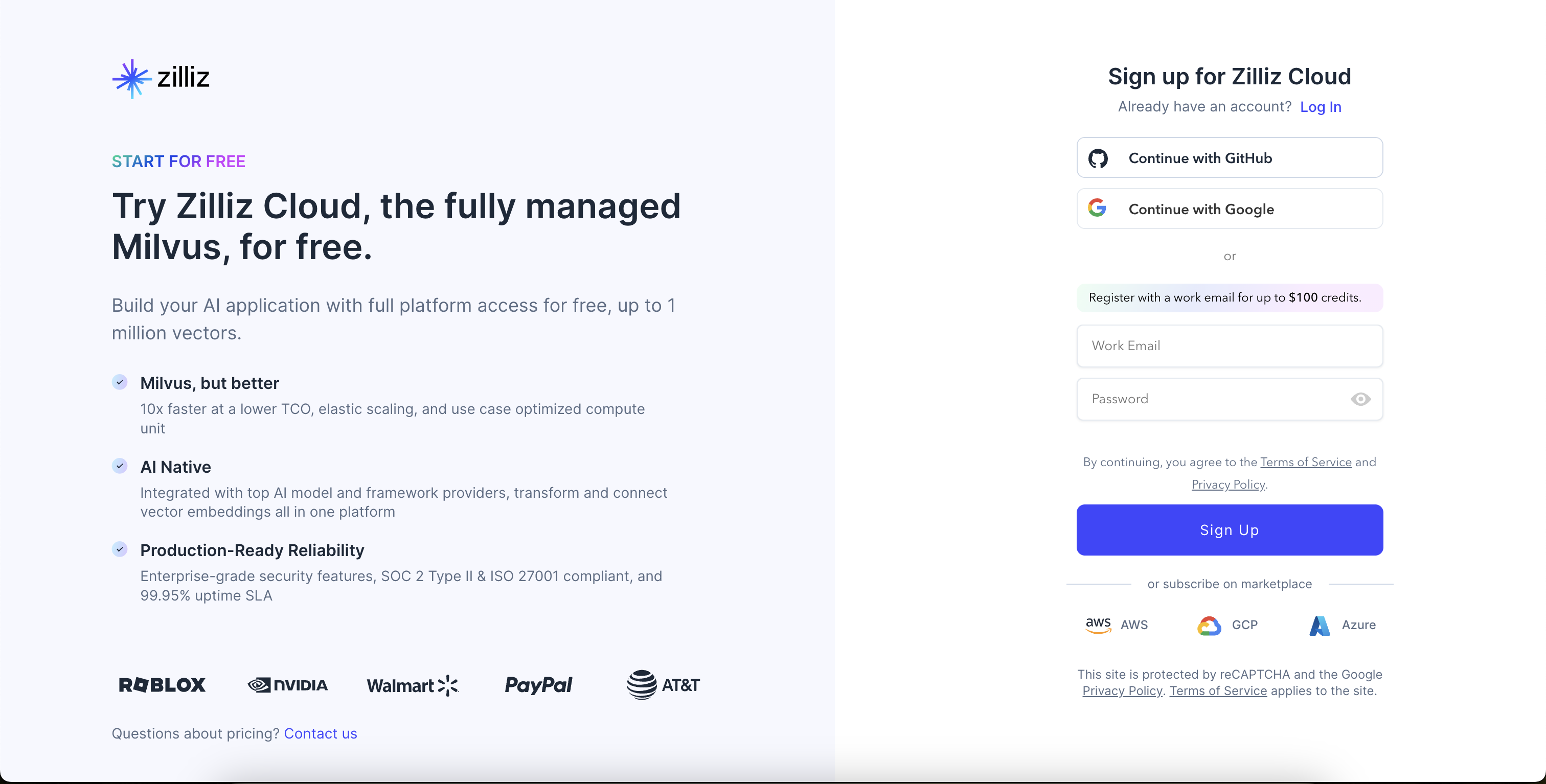
Visit Zilliz Cloud and create an account.
-
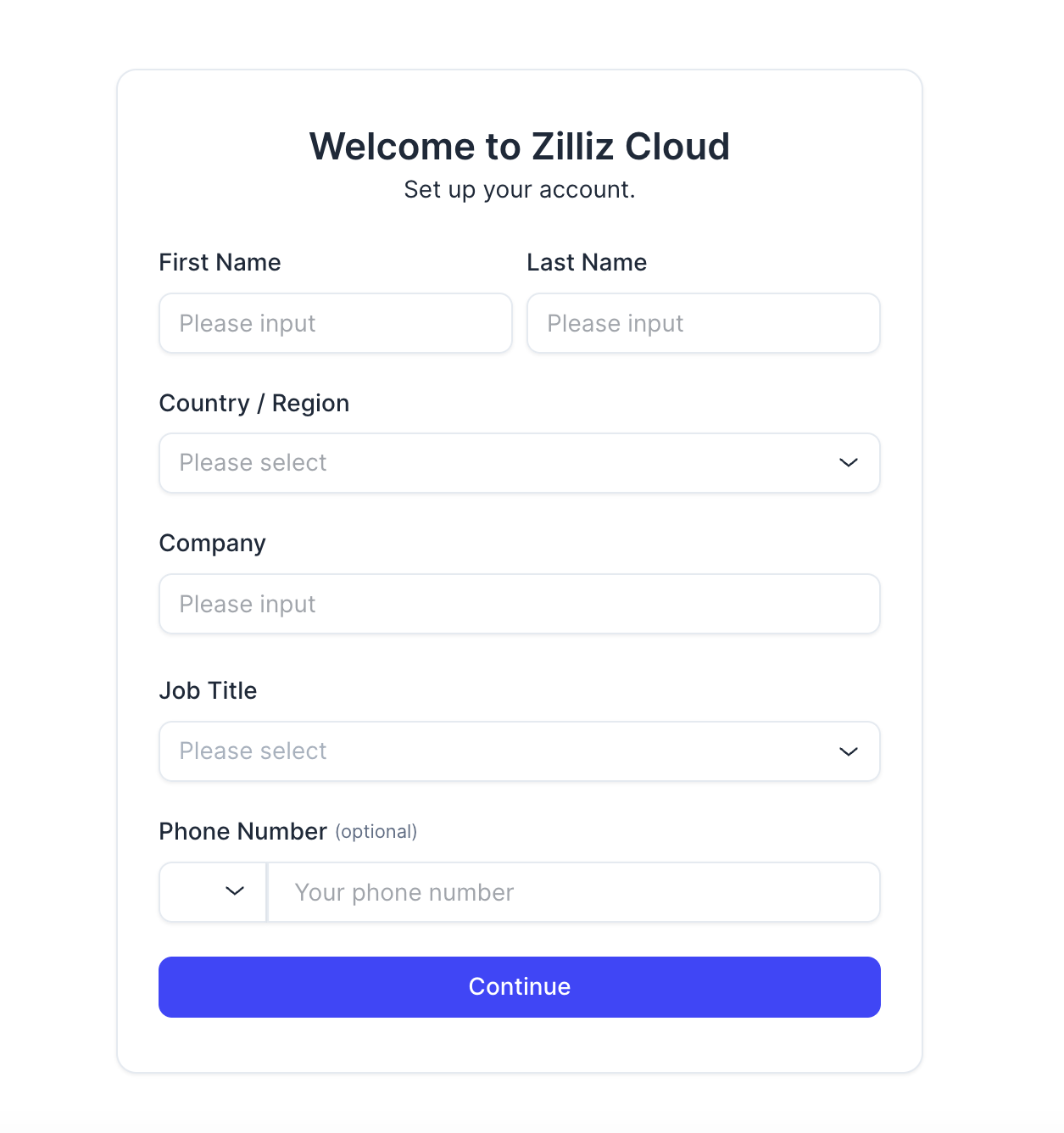
Complete the account setup process.
-
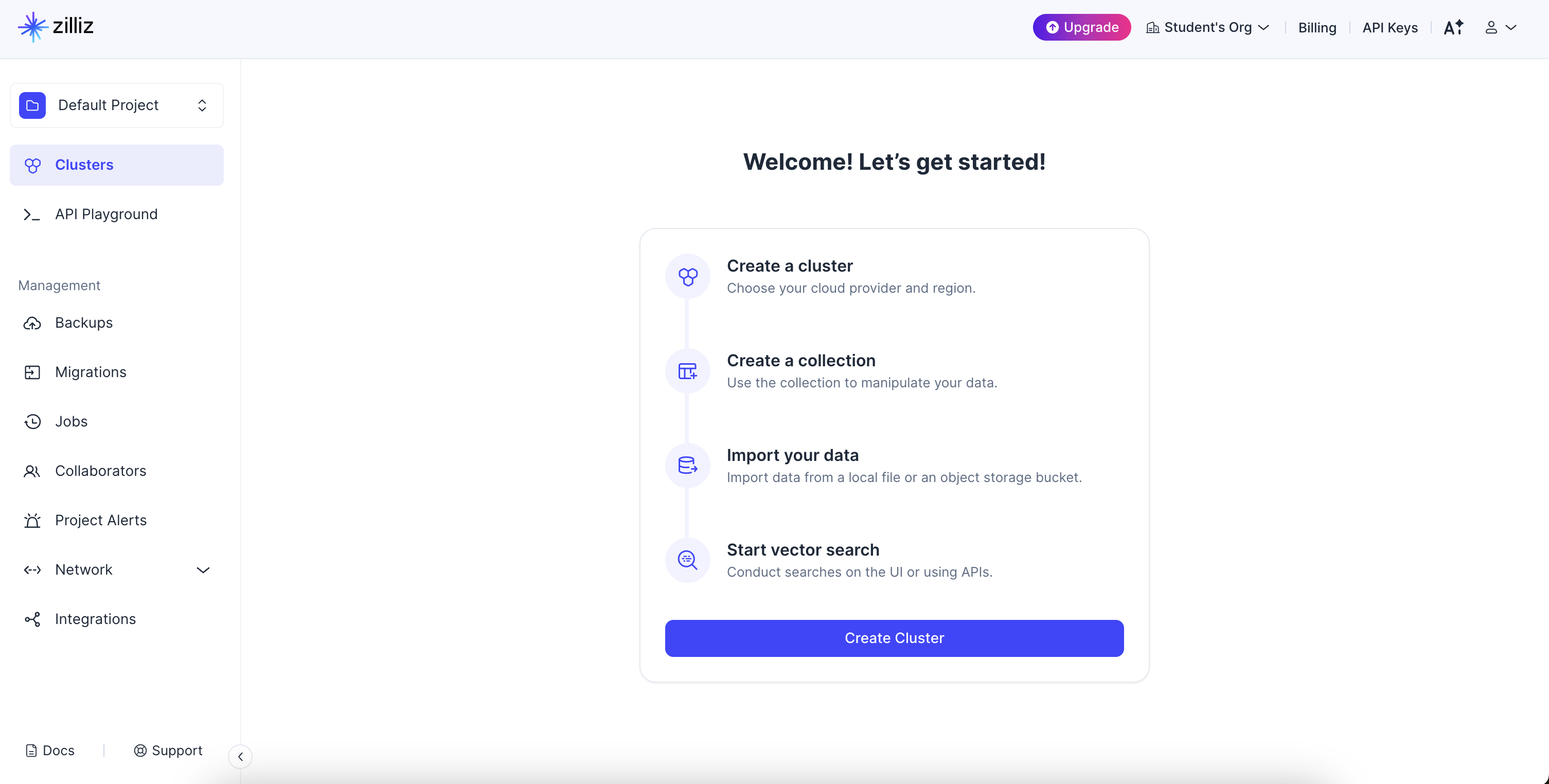
From the welcome page, select Create Cluster.
-
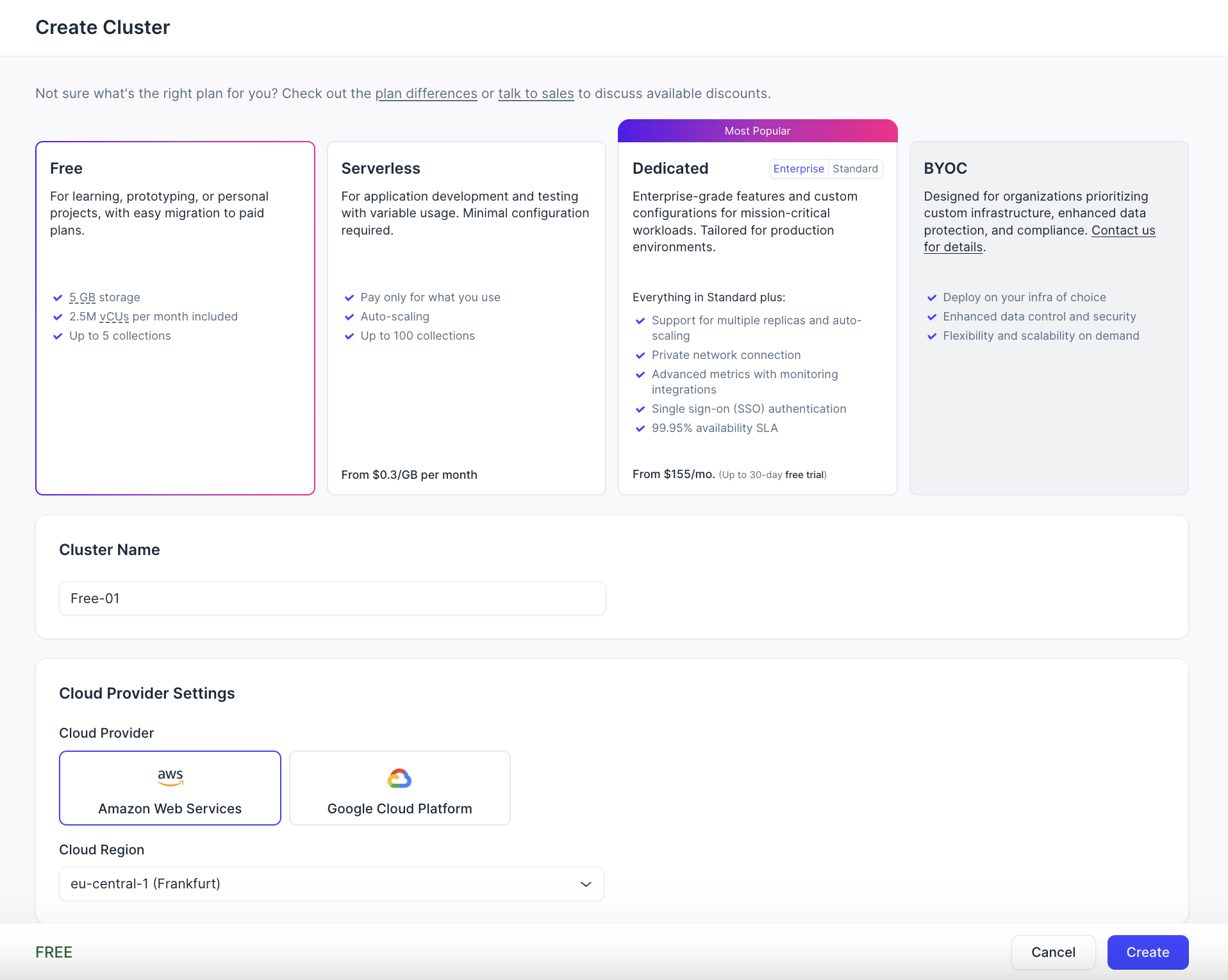
Configure cluster details including cluster name, cloud provider, and region.
-
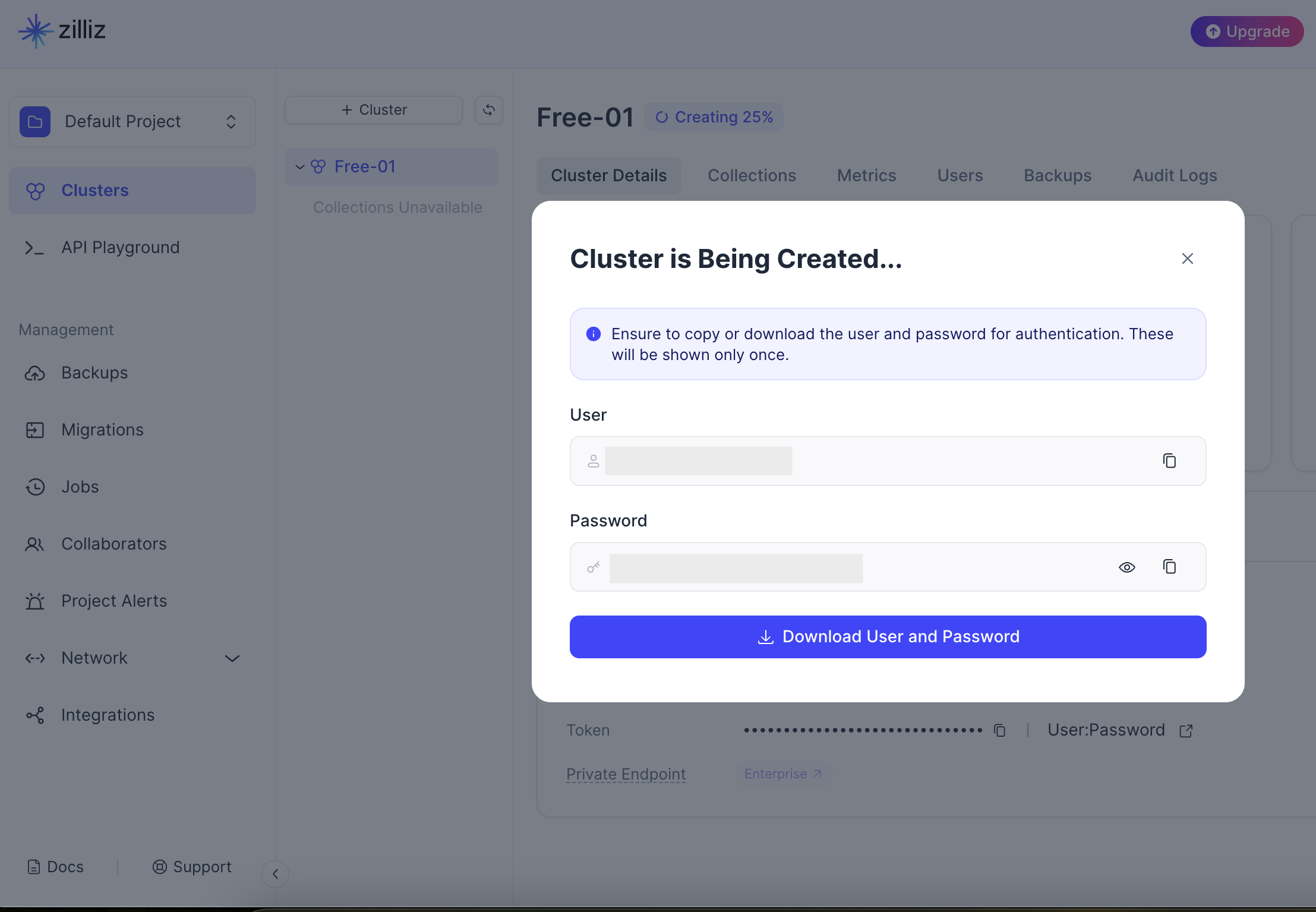
Once the cluster is created, download the connection details and credentials.
-
Navigate to the API Keys section in your cluster dashboard and generate an API key for authentication.
Store the API key and endpoint securely. Use Ballerina's configurable feature and a Config.toml file to supply them at runtime.
What's next
- Action reference: Available operations