Example
Google Chat Trigger Example
What you'll build
A minimal Google Chat app that replies to every message with the same text. Google Chat delivers interaction events over HTTP; the chat:Listener verifies the Google-signed bearer token on each request before dispatching to onMessage, which replies via the injected chat:MessageCaller.
Architecture
Prerequisites
- A GCP project with the Google Chat API enabled and a Chat app configured. See the Setup Guide.
- A public HTTPS URL for local development, for example using ngrok
Setting up the Google Chat integration
New to WSO2 Integrator? Follow the Create a New Integration guide to set up your integration first, then return here to add the trigger.
Adding the Google Chat trigger
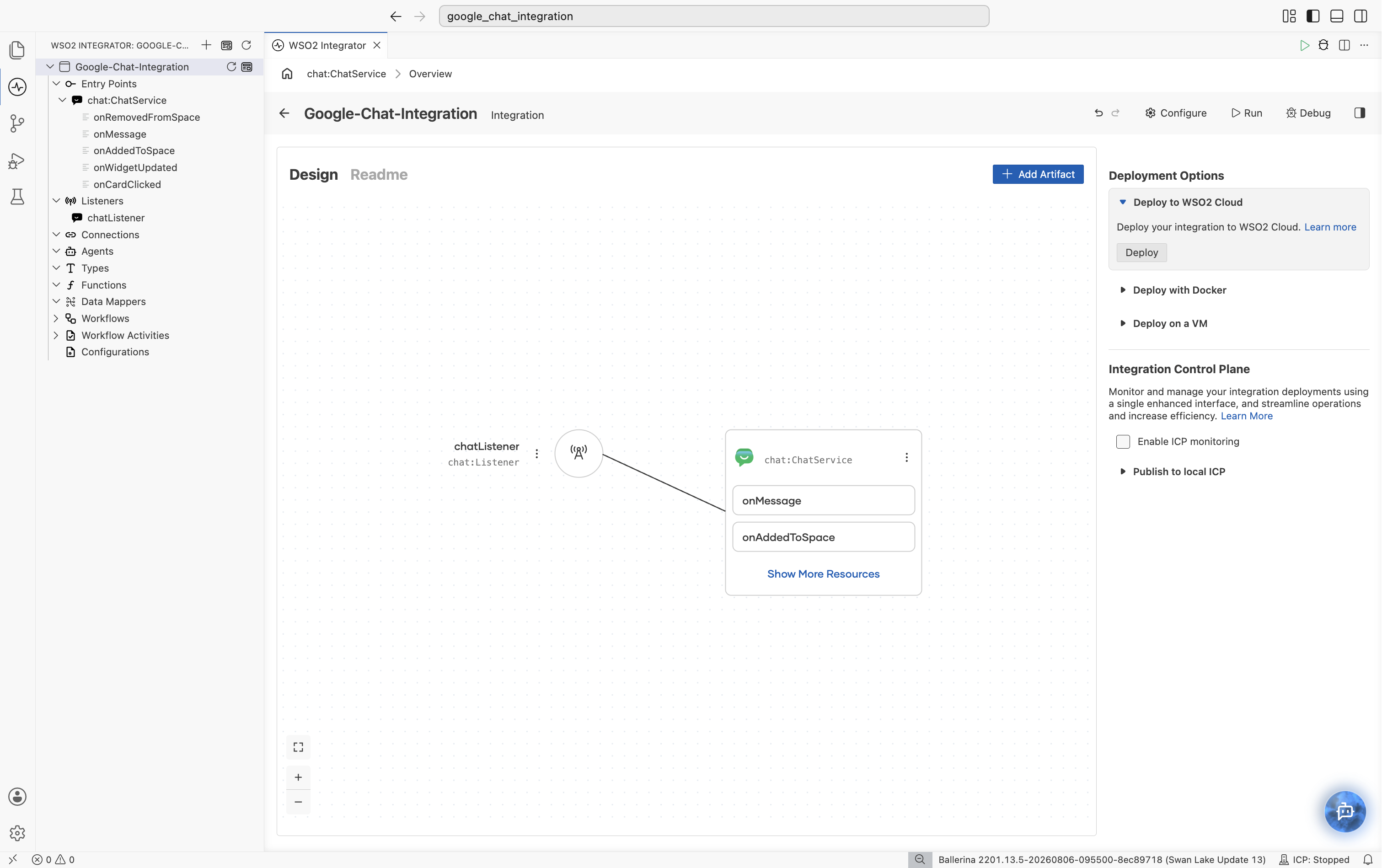
Add a Google Chat event integration and implement the listener and service as described in the Google Chat event integration guide. WSO2 Integrator renders the listener and service on the design canvas, with all available handlers listed under Event Handlers.
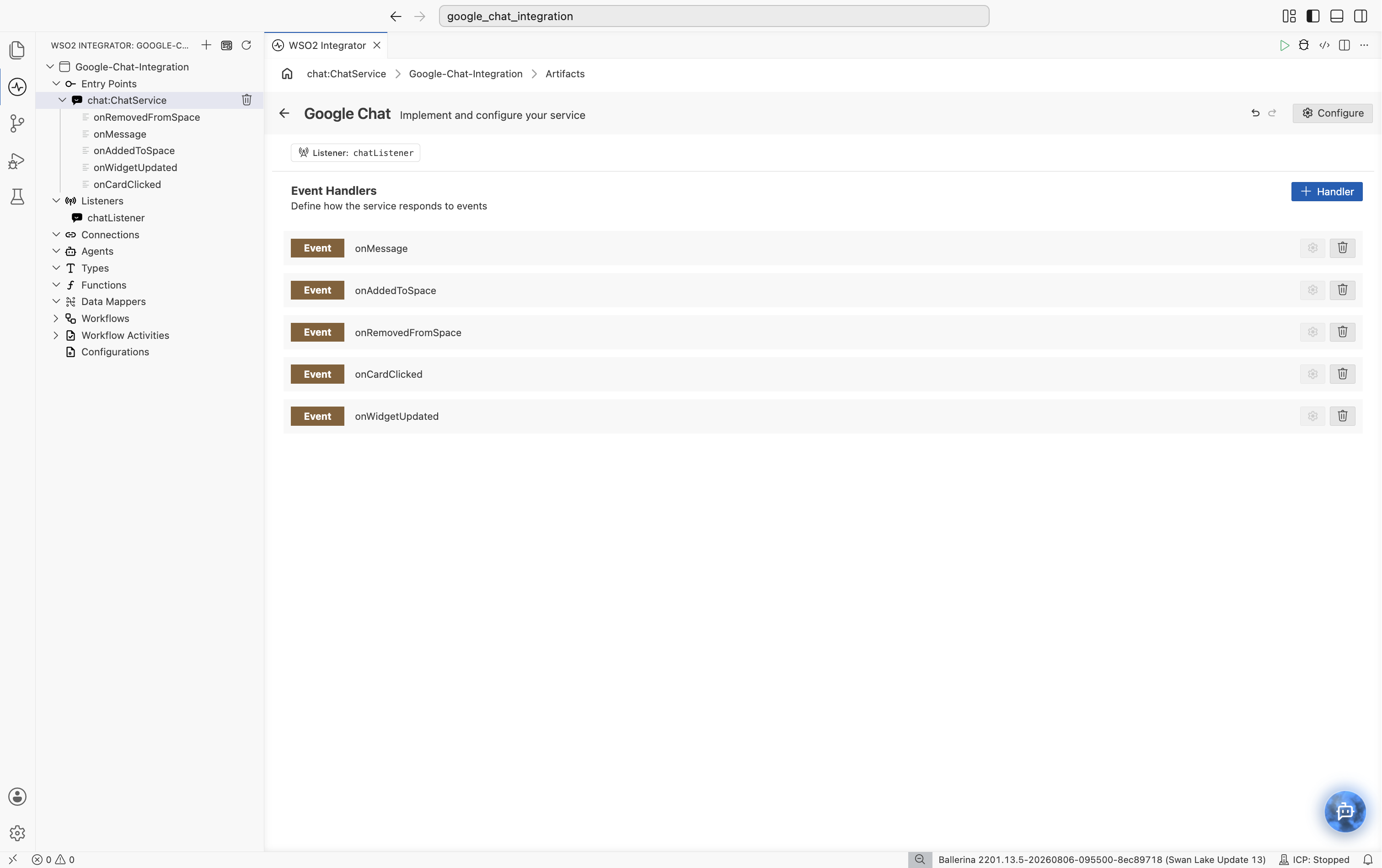
Select chat:ChatService in the design canvas to open the Service Designer, which lists every pre-registered event handler bound to the chatListener.
Handling Google Chat events
Select the onMessage row to open its flow canvas, then declare a variable for the message text and respond via the injected caller:
remote function onMessage(chat:MessageEvent event, chat:MessageCaller caller) returns error? {
    string text = event.message.text ?: "";
    log:printInfo("Google Chat message received", text = text);
    check caller->respond({text: "Echo: " + text});
}
Running the integration
Run the integration from WSO2 Integrator, then message your Chat app from Google Chat. Google Chat delivers the event to your listener, which invokes onMessage, logs the message, and replies with the echoed text. Verify both the log entry and the reply in the chat.
What's next
- Action Reference: manage spaces, messages, and members using the
Client. - Trigger Reference: full listener configuration and service callback reference.
- Setup Guide: create a GCP project and configure the Chat app.