Setup Guide
This guide walks you through creating a Slack application and obtaining the OAuth token required to use the Slack connector.
Step 1: Sign in to Slack
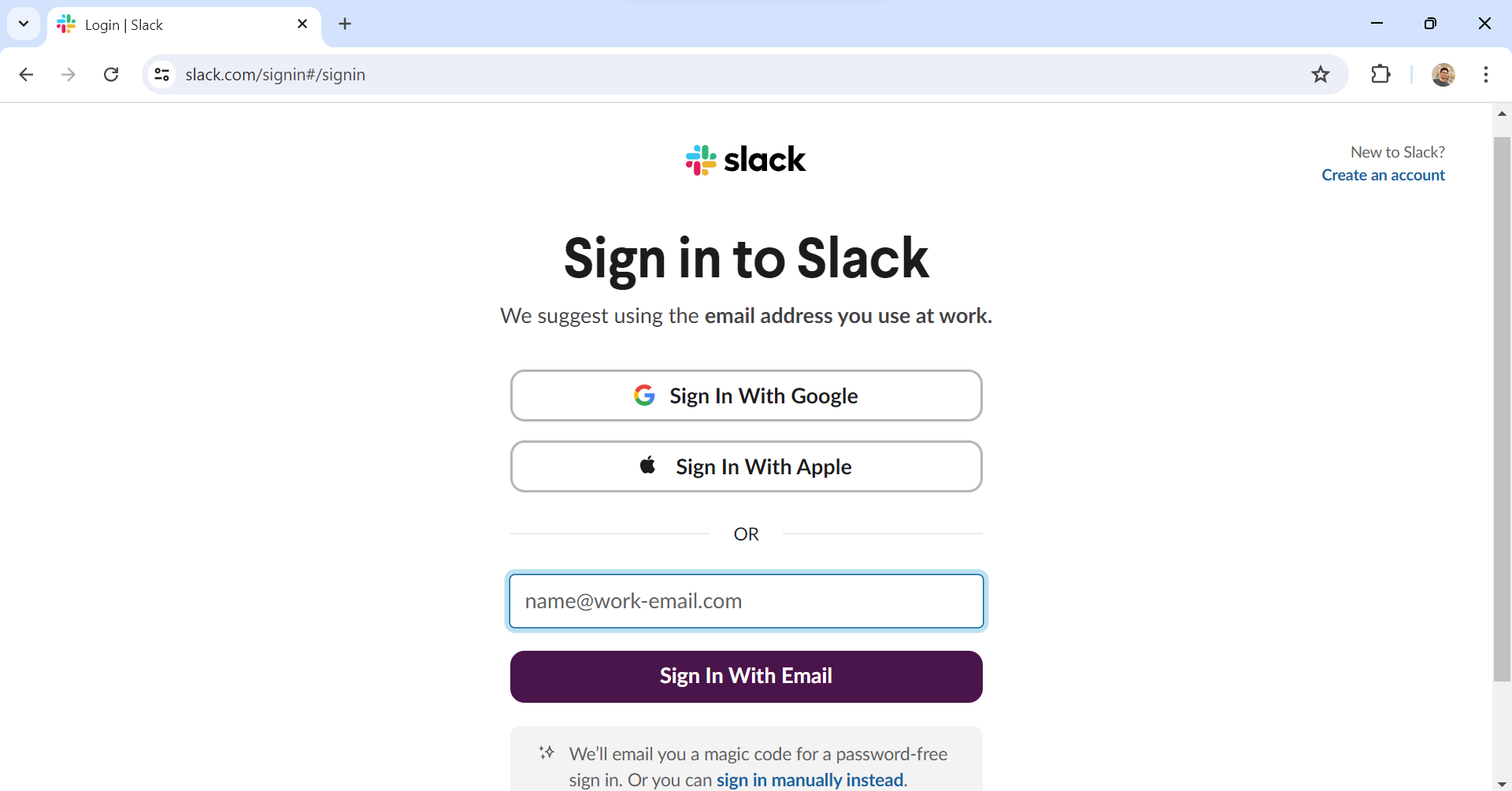
Sign in to Slack. If you don't have an account, create one here.
Step 2: Create a new Slack application
-
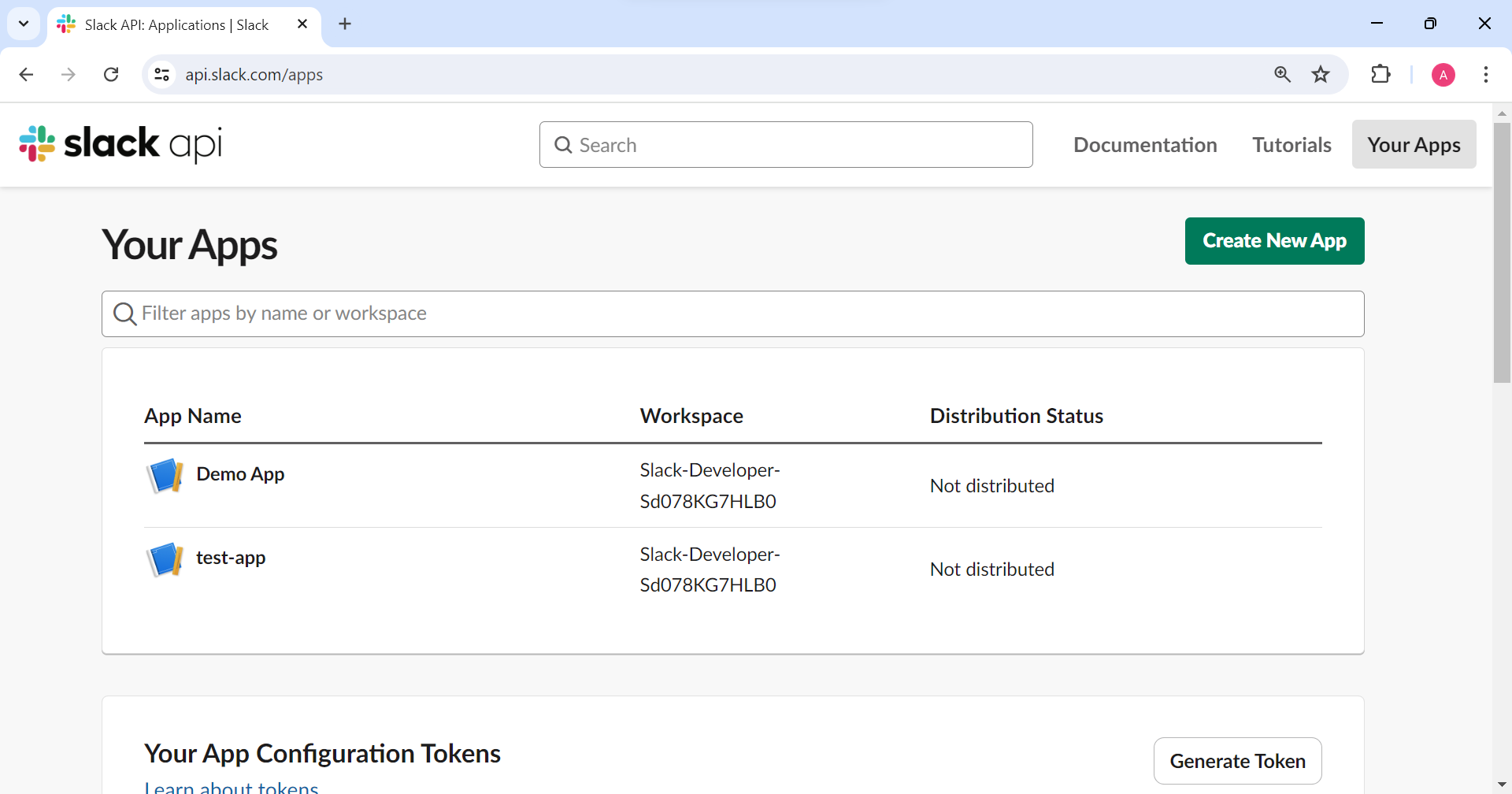
Navigate to your apps in the Slack API and create a new Slack app.
-
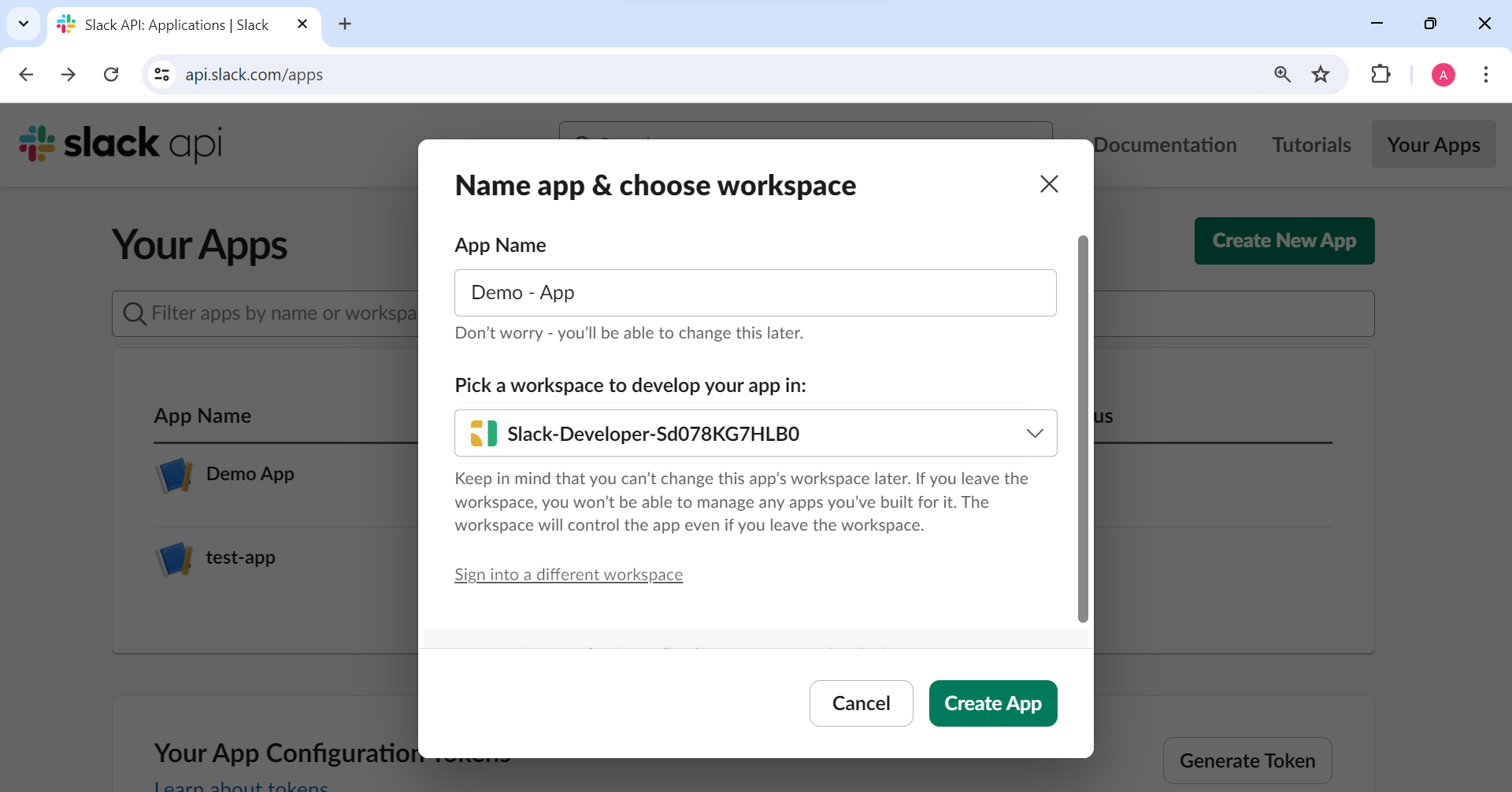
Provide an app name and select your workspace.
-
Select Create App.
Step 3: Add scopes to the token
-
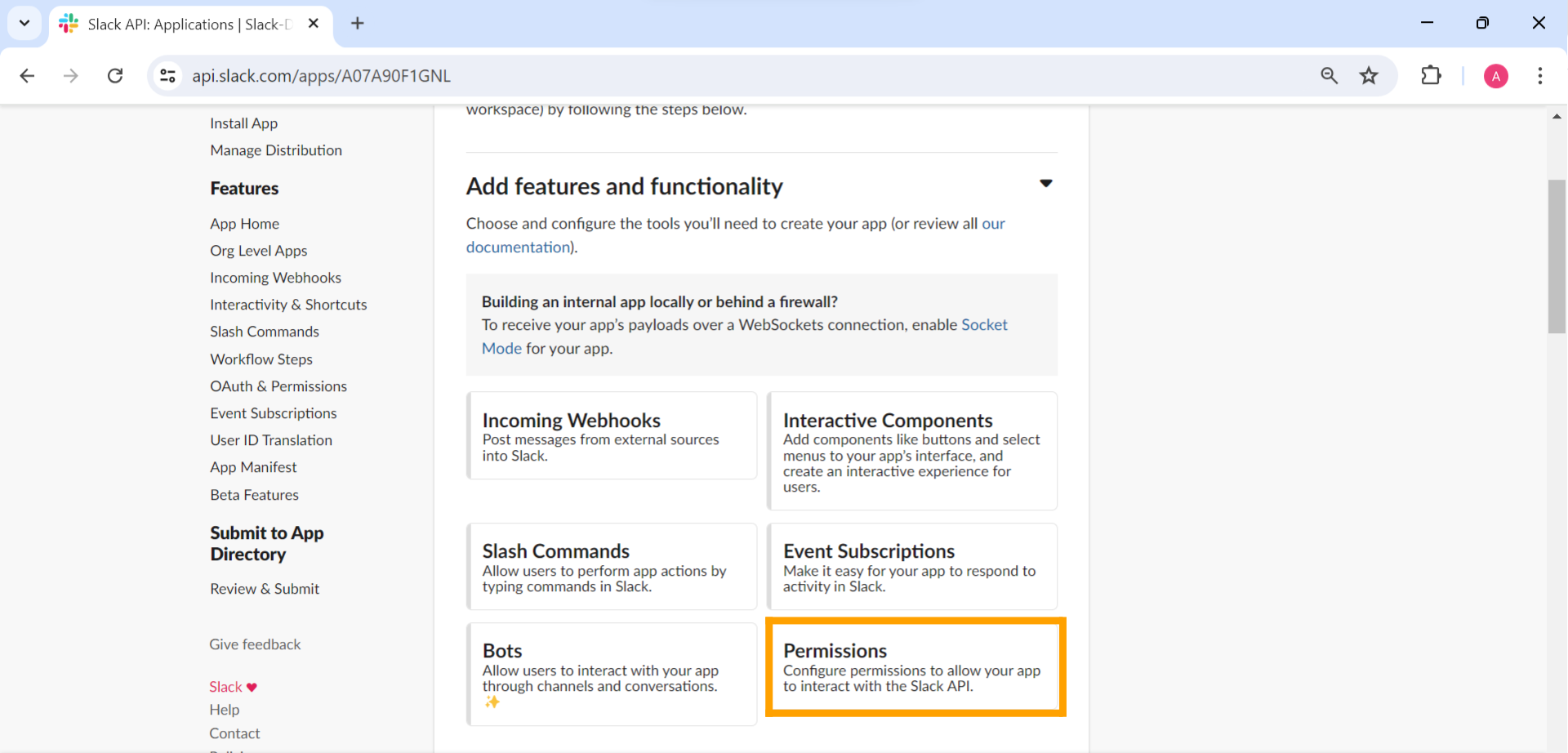
Under Add Features and Functionality, select Permissions to set the token scopes.
-
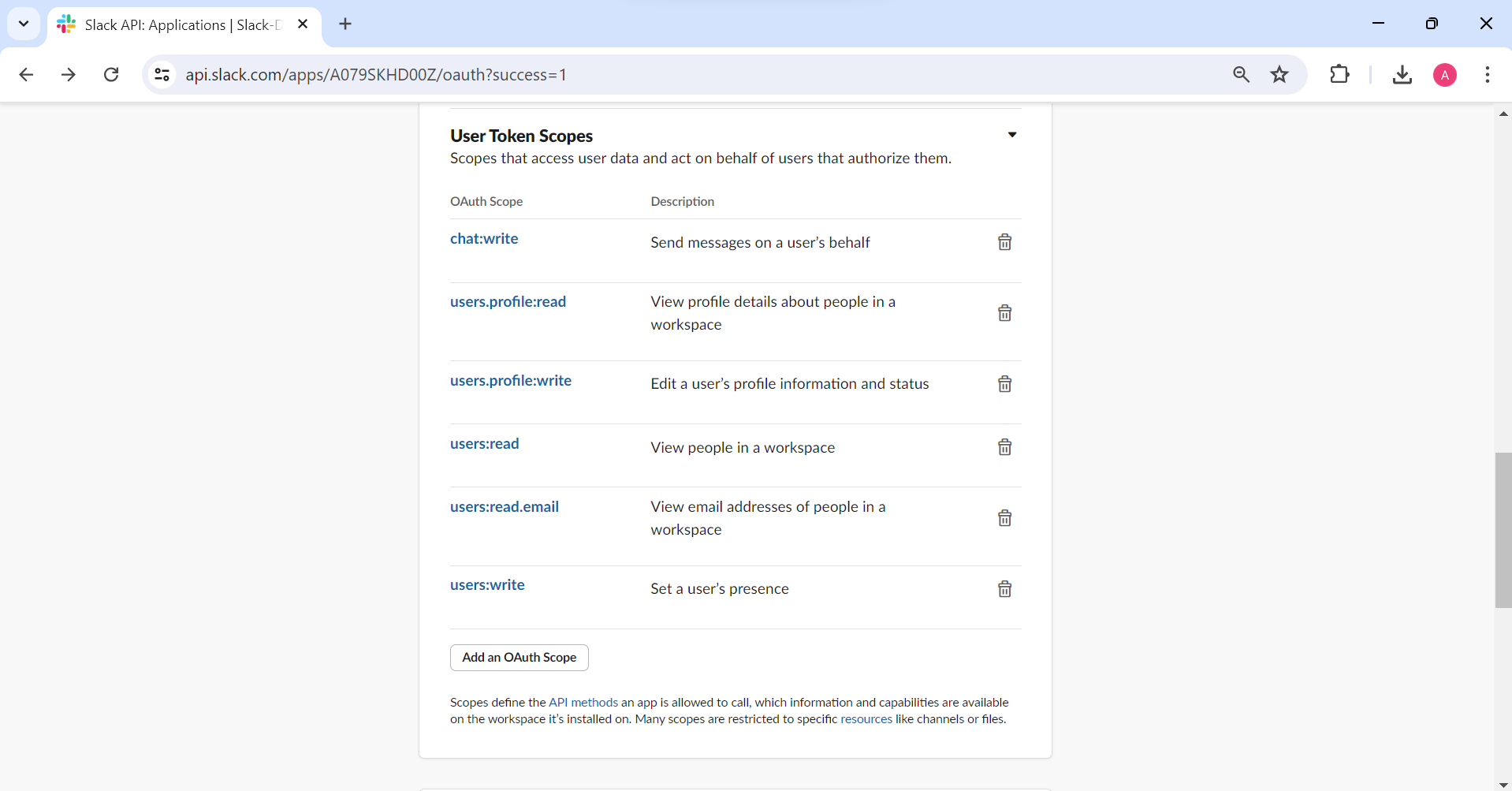
In the User Token Scopes section, add the required scopes.
-
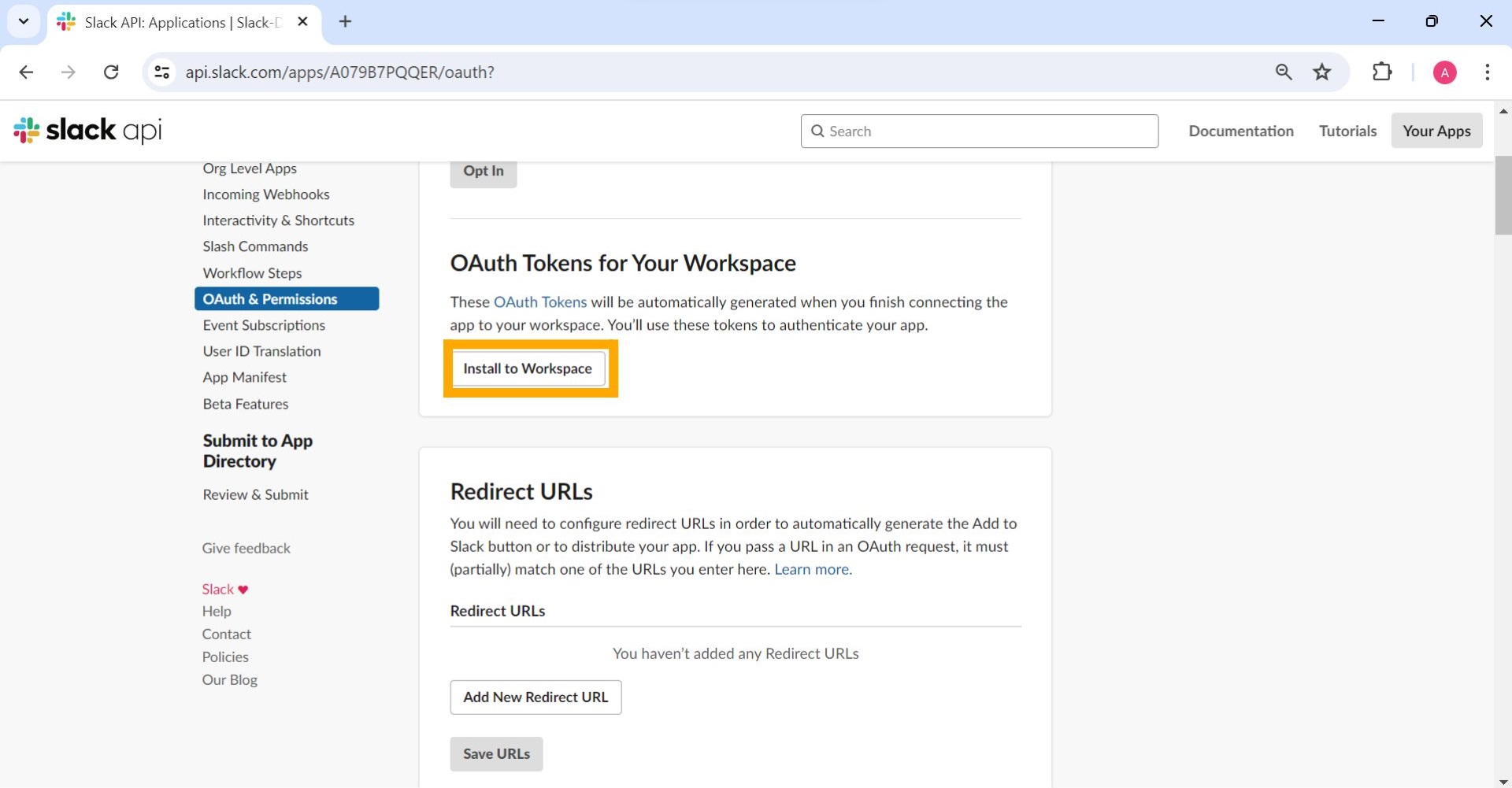
Select Install to Workspace.
-
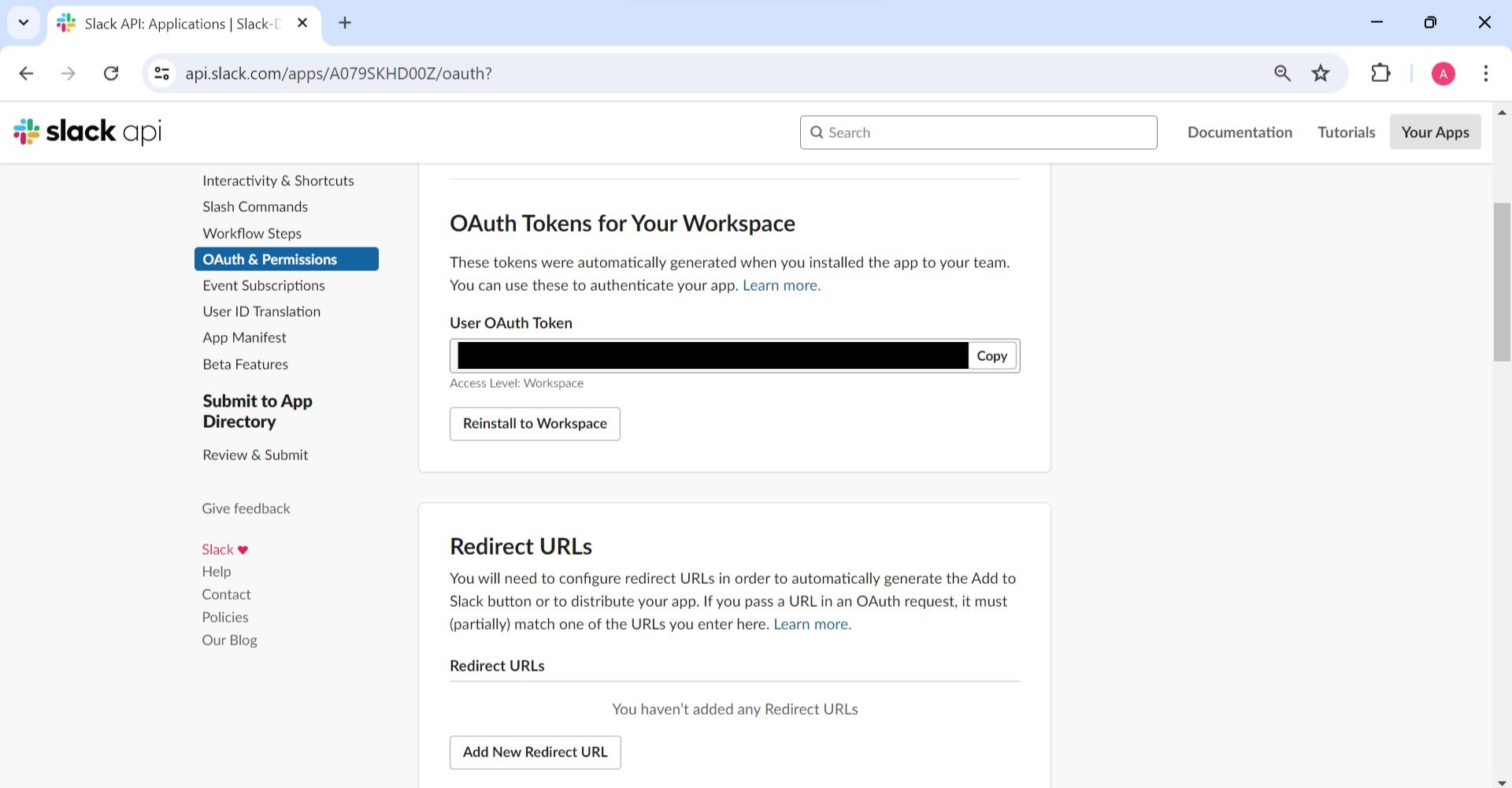
Copy the OAuth token generated upon installation.