Example
What you'll build
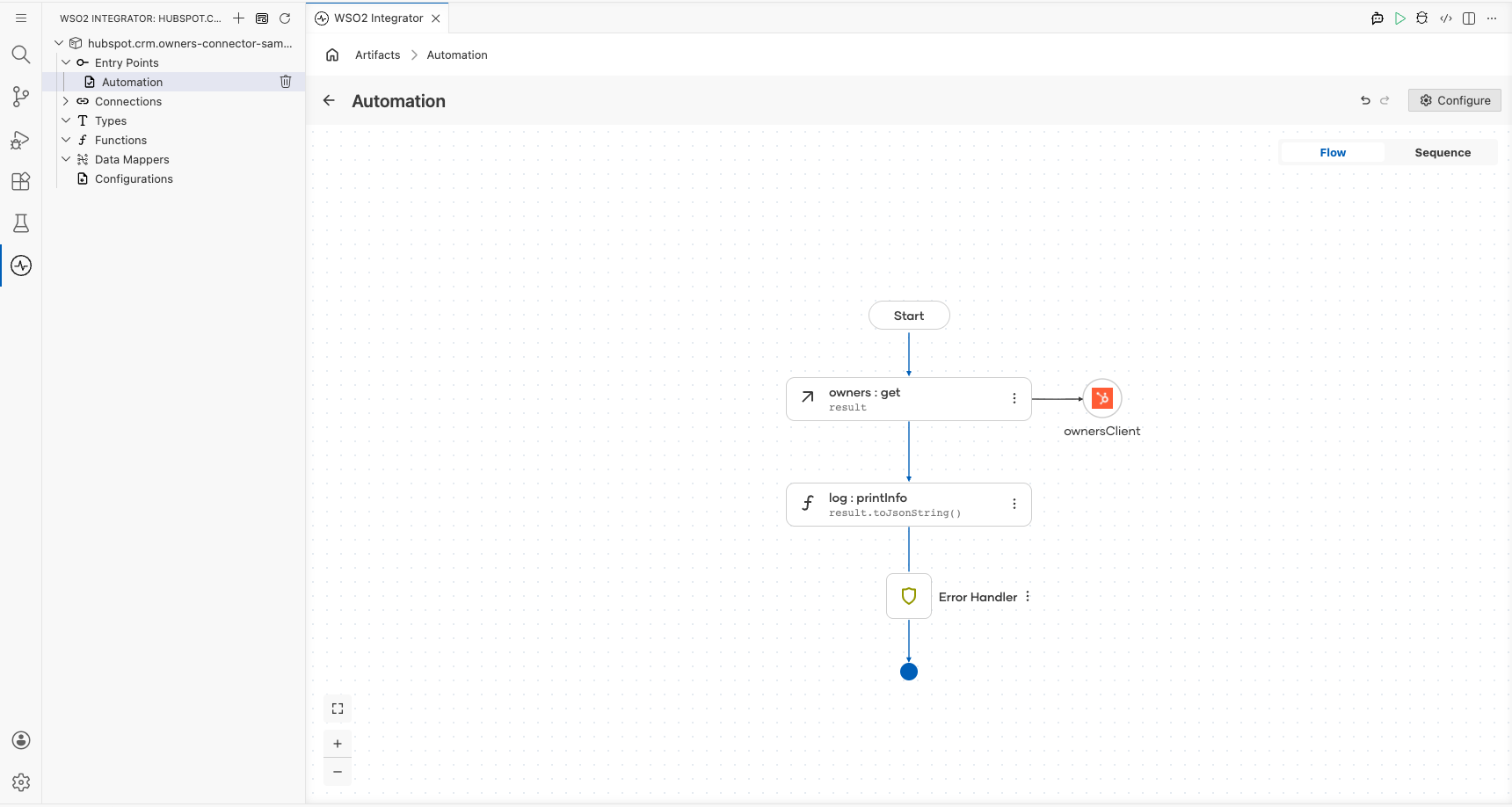
This integration retrieves a page of CRM owners from HubSpot and logs the result. It connects to the HubSpot CRM Owners API using a private app access token and returns owner data as a JSON-serialized response.
Operations used:
- Get a page of owners : Retrieves a paginated list of CRM owners from HubSpot
Architecture
Prerequisites
- A HubSpot account with a private app access token (bearer token)
Setting up the HubSpot CRM Owners integration
New to WSO2 Integrator? Follow the Create a New Integration guide to set up your integration first, then return here to add the connector.
Adding the HubSpot CRM Owners connector
Step 1: Open the connector palette and select the HubSpot CRM Owners connector
- In the canvas, select Add Connection (or the + icon next to Connections in the sidebar).
- The connector palette opens. In the search field, enter
hubspot.crm.owners. - Select ballerinax/hubspot.crm.owners from the results.
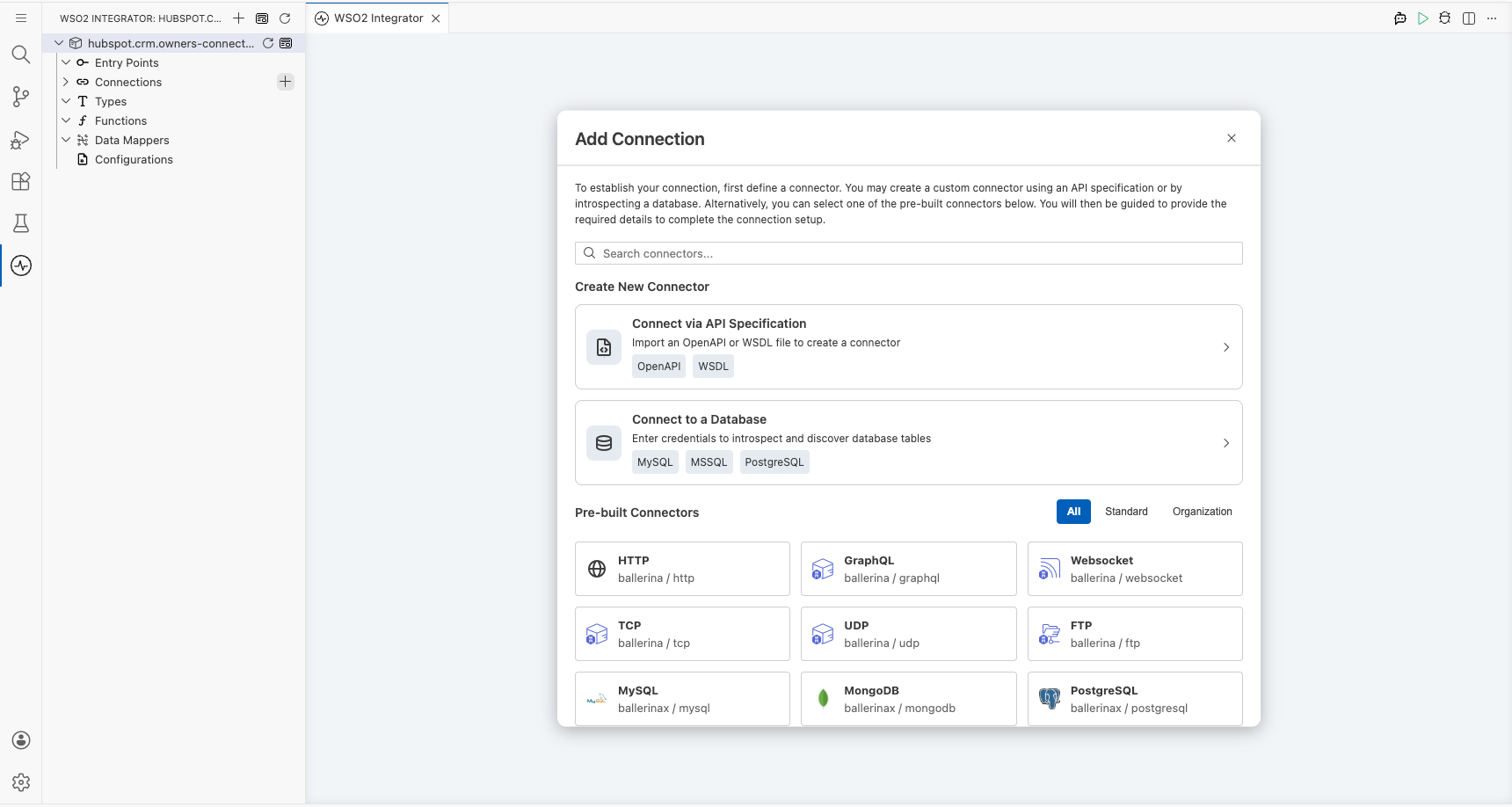
Configuring the HubSpot CRM Owners connection
Step 2: Fill in the connection parameters
Bind the connection parameters to configurable variables so credentials aren't hardcoded.
- Config : The connection configuration record containing the bearer token, bound to the
hubspotTokenconfigurable variable - Connection Name : Set to
ownersClient
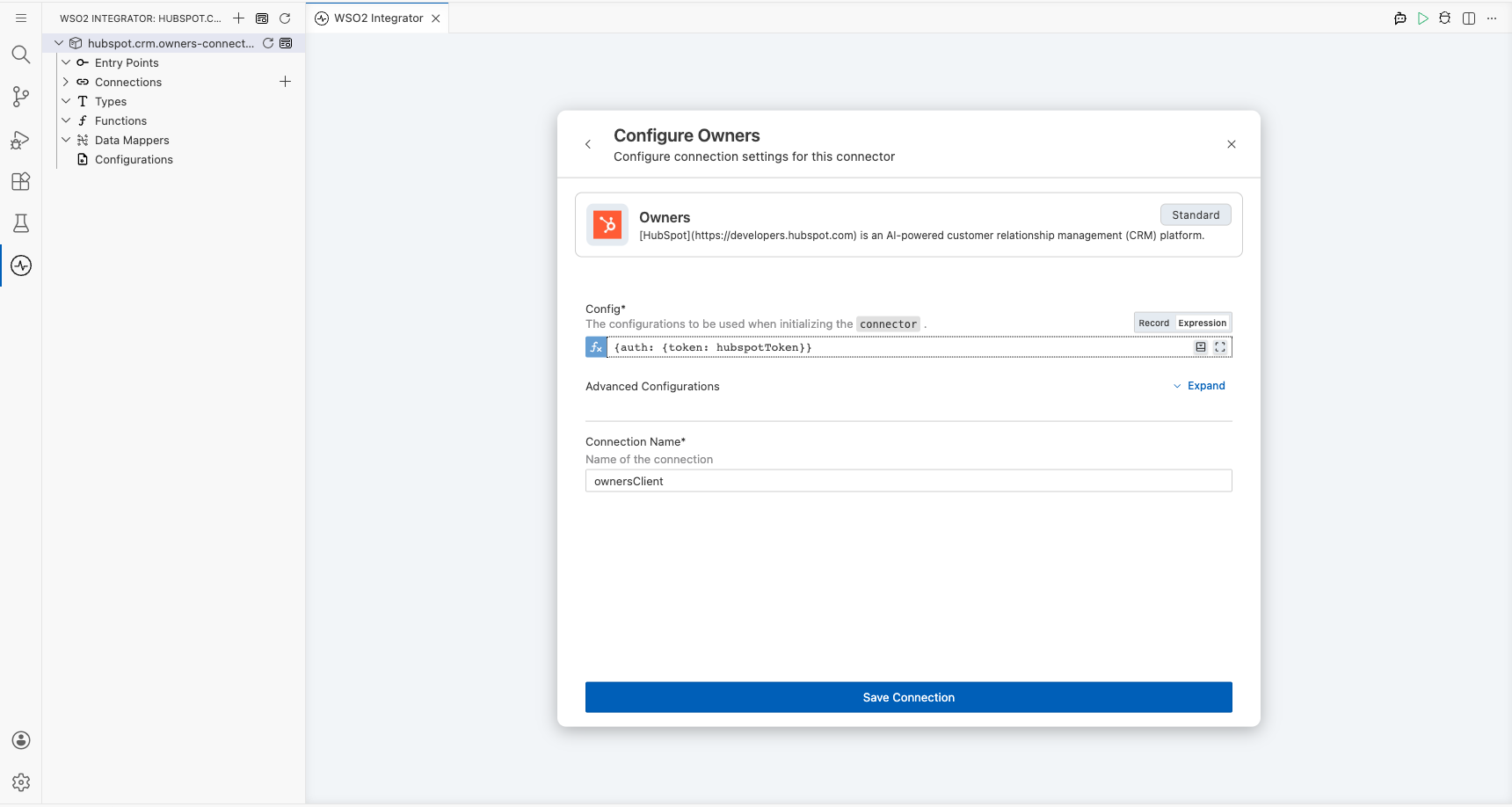
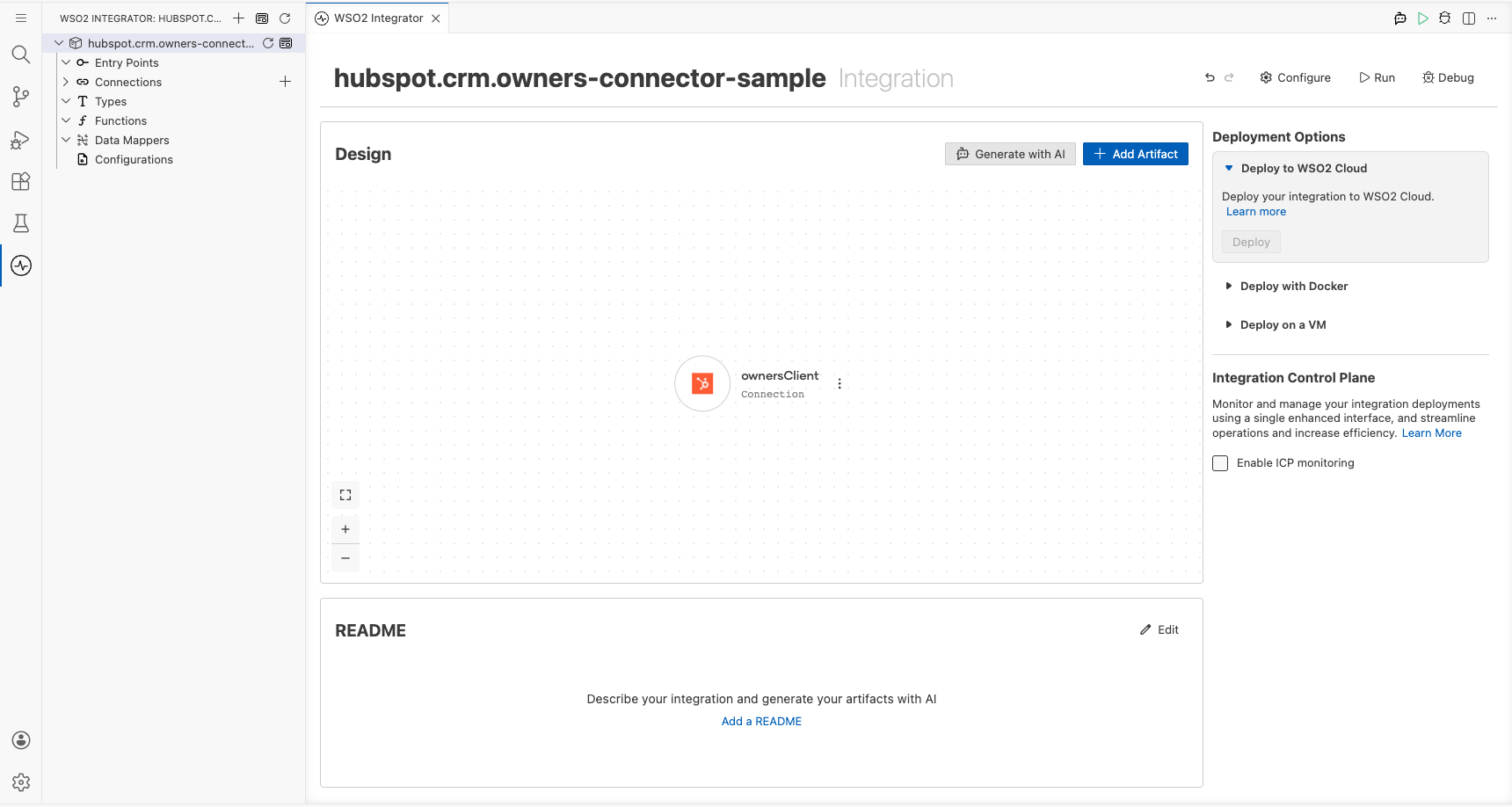
Step 3: Save the connection
Select Save Connection to persist the connection. The ownersClient connection node appears on the canvas.
Step 4: Set actual values for your configurables
- In the left panel, select Configurations.
- Set a value for each configurable listed below.
- hubspotToken (string) : Your HubSpot private app access token
Configuring the HubSpot CRM Owners get a page of owners operation
Step 5: Add an automation entry point
- In the sidebar, select Add Entry Point (the + button next to Entry Points).
- Select Automation.
- In the Create New Automation form, accept the defaults and select Create.
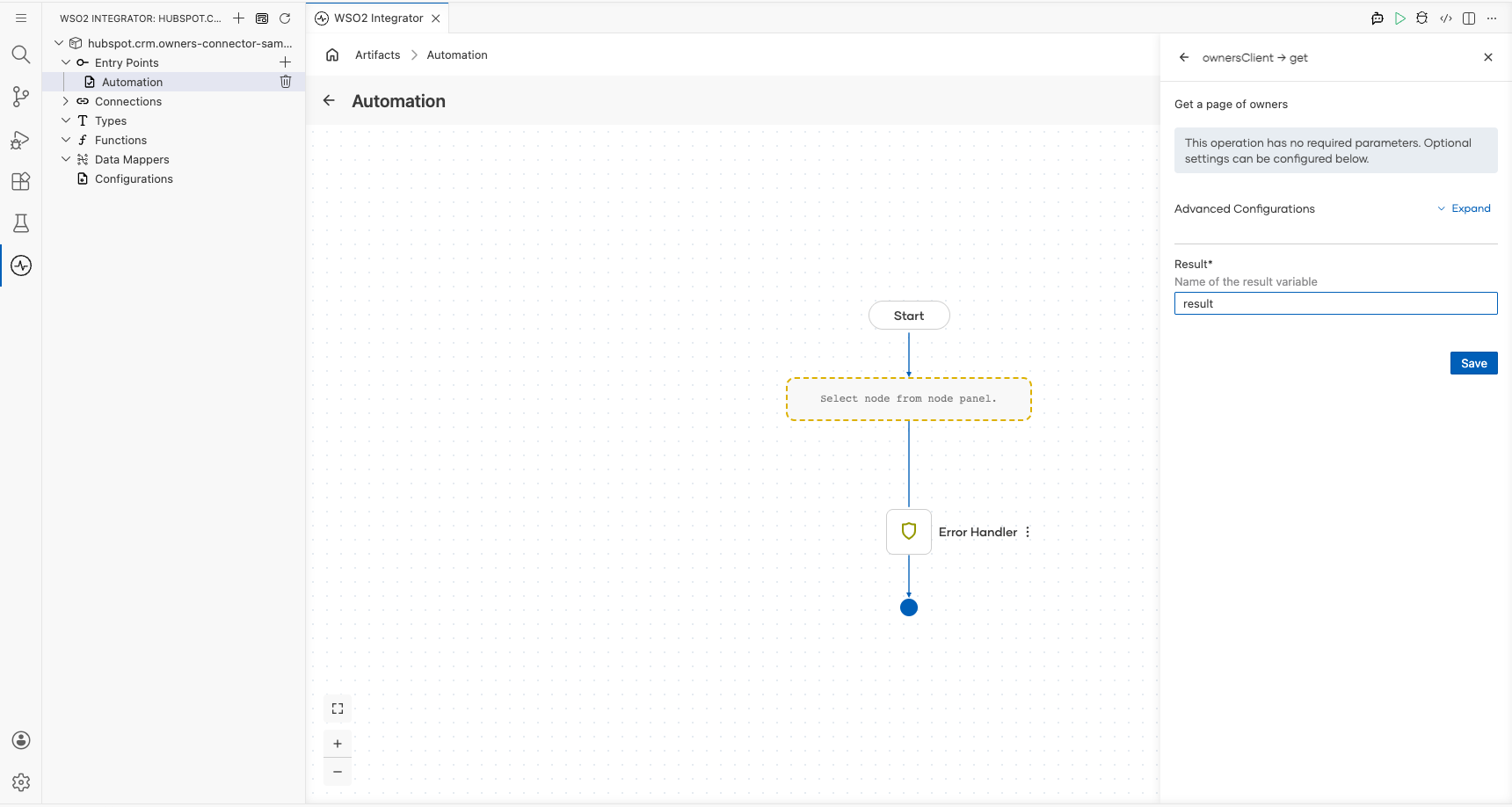
Step 6: Select and configure the get a page of owners operation
- Select the + (Add Step) button between the Start node and Error Handler.
- Under Connections, select ownersClient to expand it and reveal available operations.
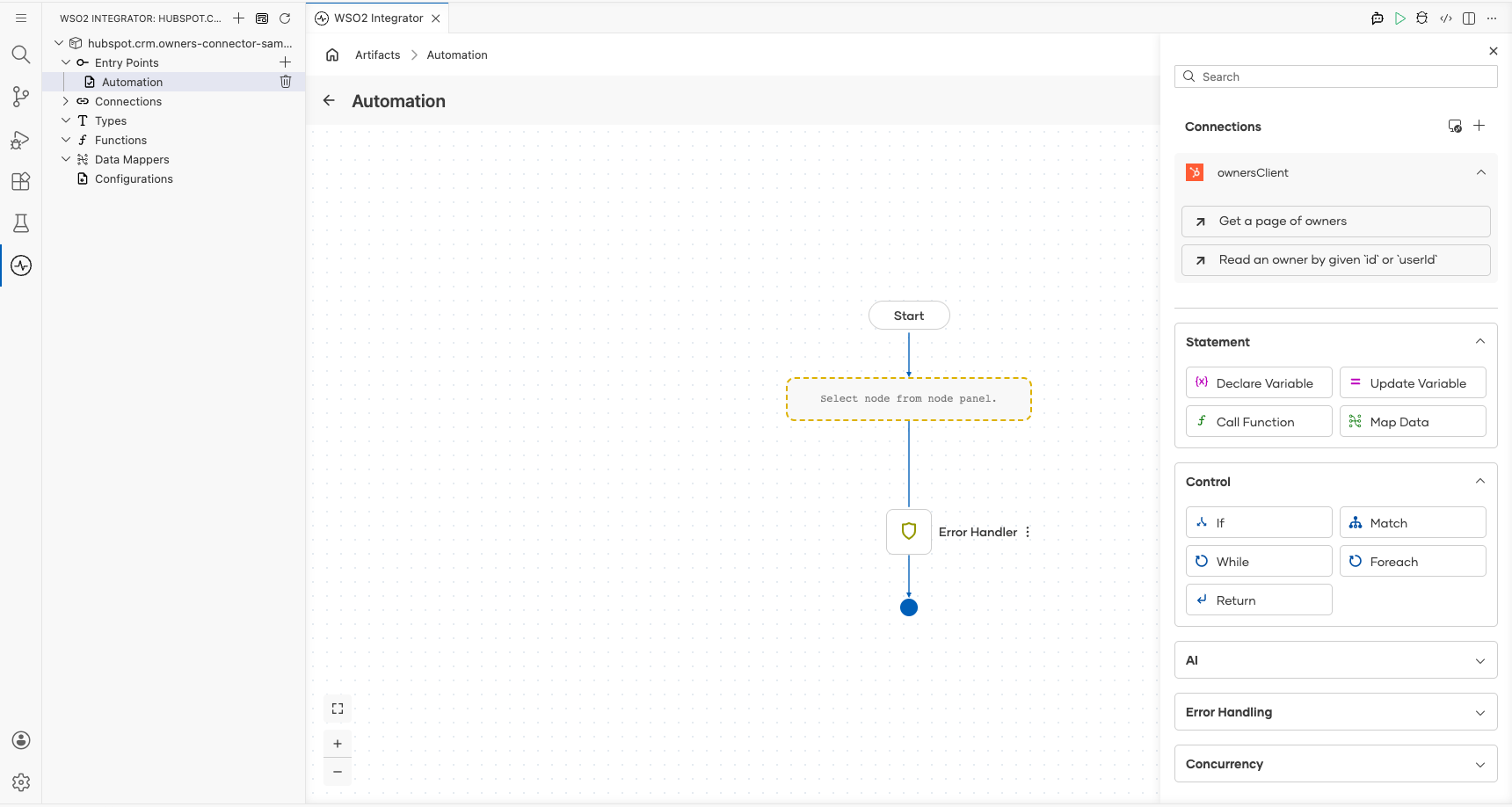
- Select Get a page of owners.
- In the Result field, enter
result. - Select Save.
Try it yourself
Try this sample in WSO2 Integration Platform.

More code examples
The HubSpot CRM Owners connector provides practical examples illustrating usage in various scenarios.
- Retrieve the owner IDs for all users in the account to later assign CRM records across the team. - This example demonstrates how to use the HubSpot CRM Owners connector to retrieve a page of owners from your HubSpot account. It shows how to fetch owner details such as owner ID, first name, and last name, which can then be used to assign CRM records to team members.