Setup Guide
This guide walks you through creating a Shopify development store and obtaining the Admin API access token required to use the Shopify Admin connector.
Prerequisites
- A Shopify account. If you do not have one, sign up at the Shopify signup portal.
- Membership in the Shopify Partner Program to access development tools.
Step 1: Sign up for a Shopify developer account
-
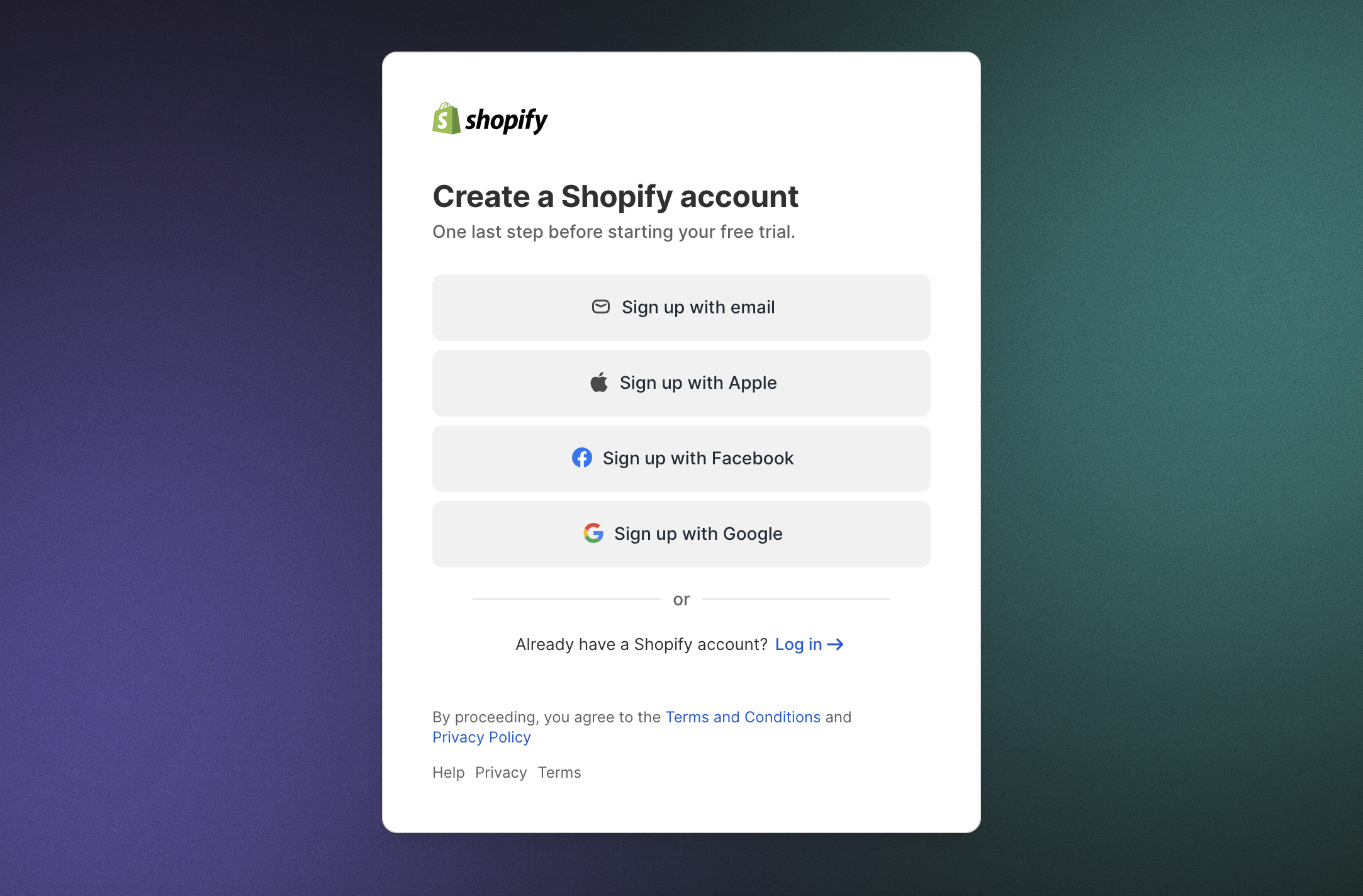
Create a Shopify account via the Shopify signup portal.
-
Join the Shopify Partner Program to access development tools.

Step 2: Create a new organization
-
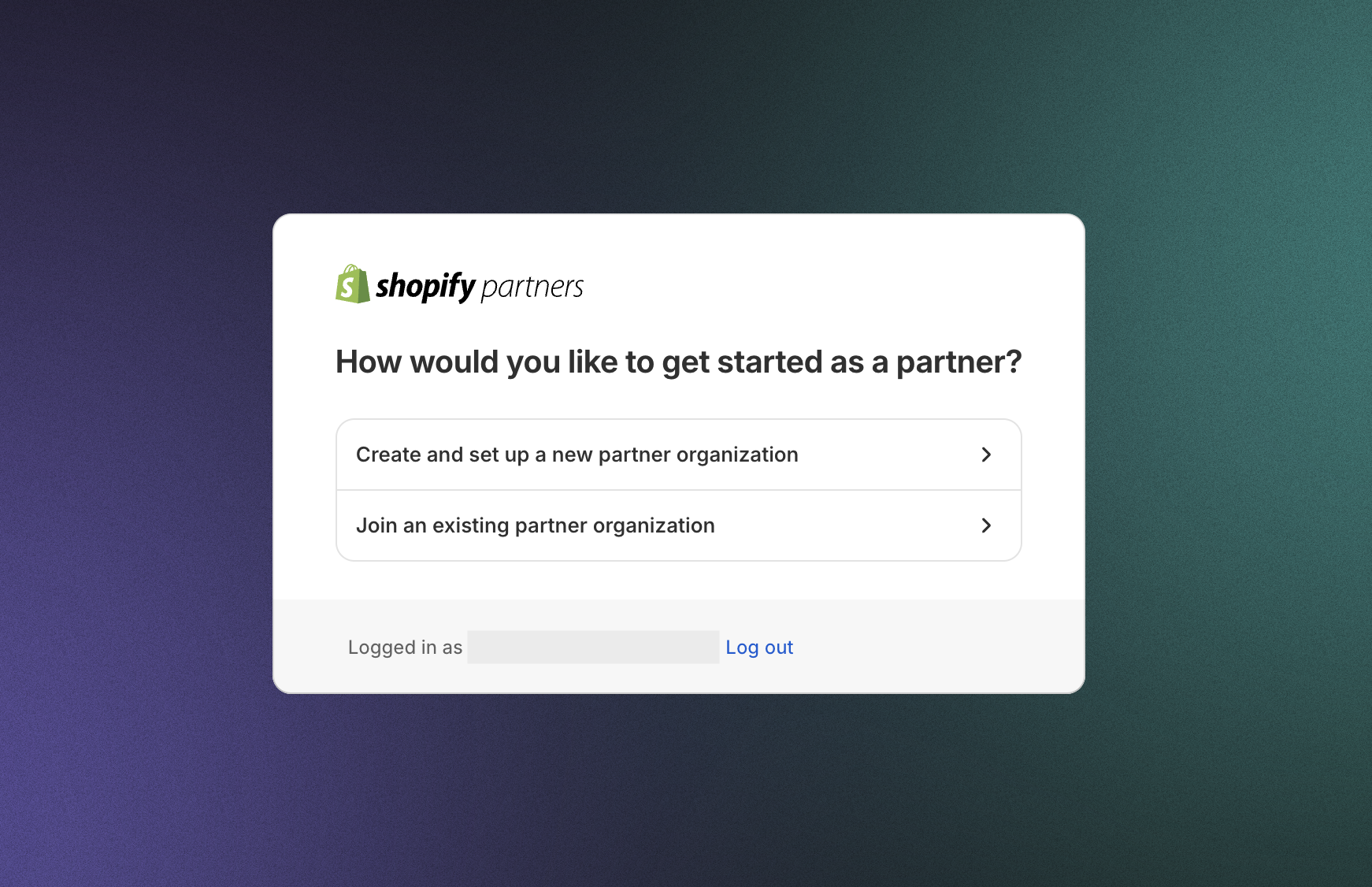
In the Shopify Partner Dashboard, connect to an existing organization or create a new one.
-
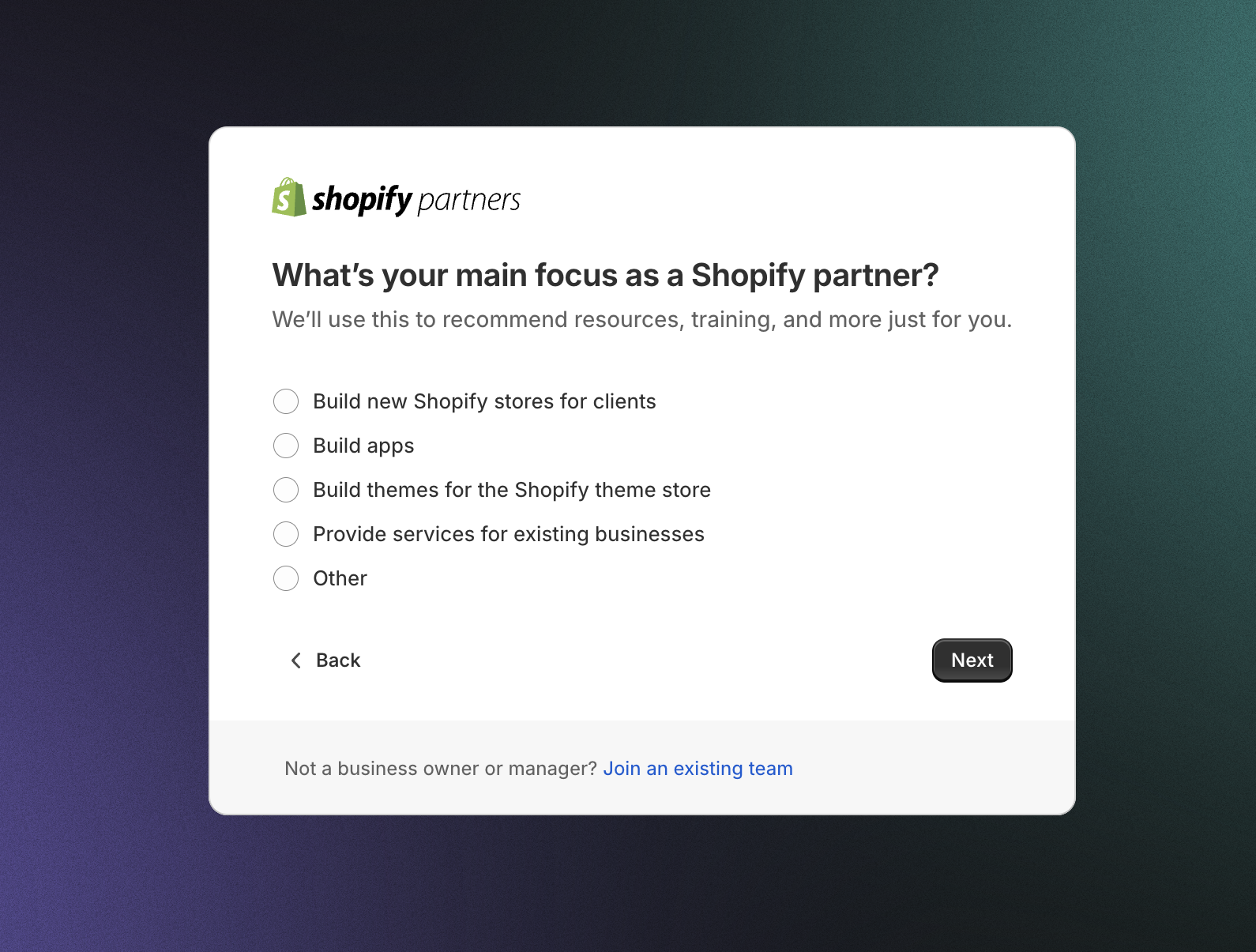
Select your main focus as a Shopify partner and follow the on-screen instructions.
-
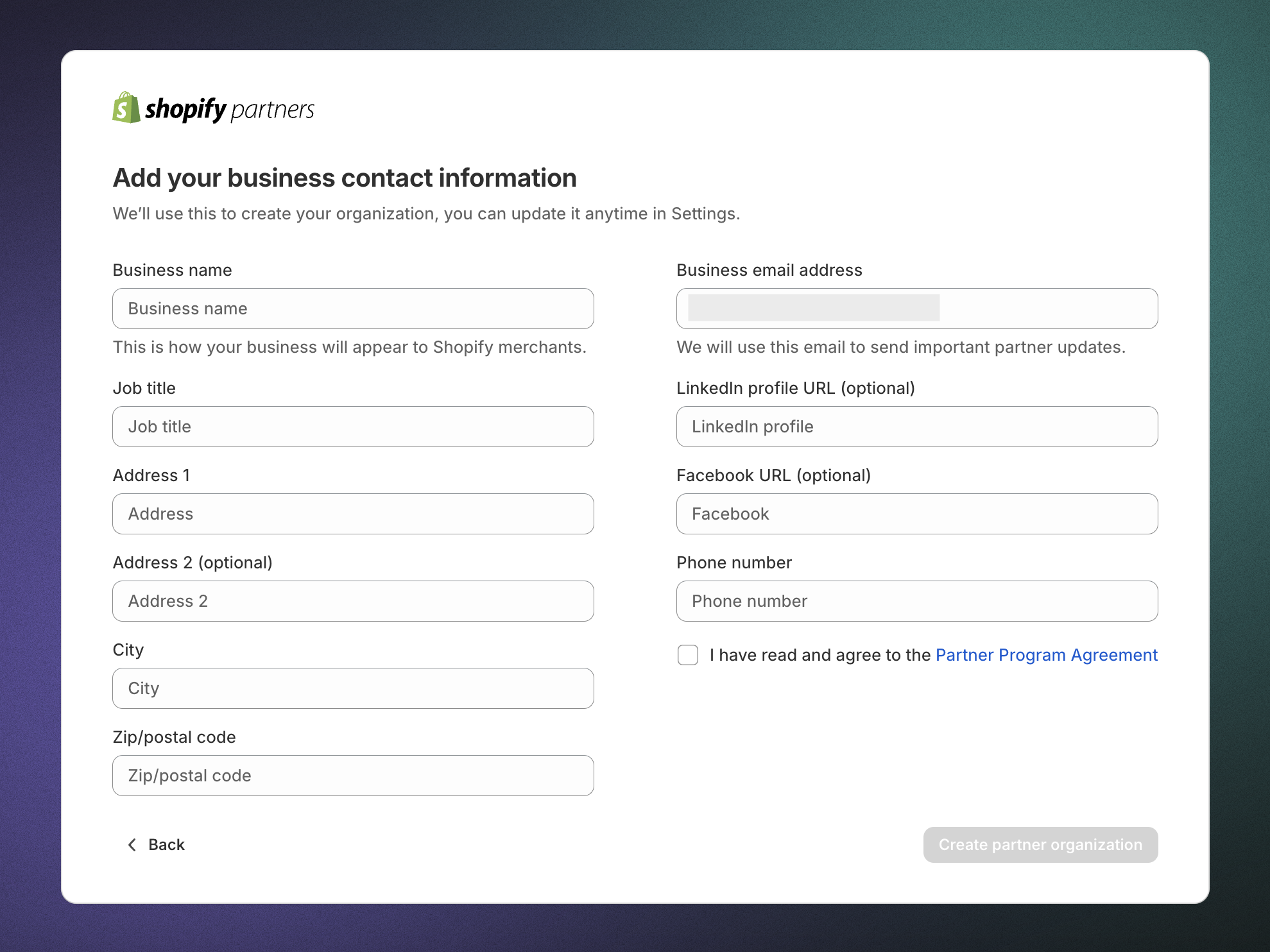
Provide business contact details and finalize the setup.
Step 3: Create a development store
-
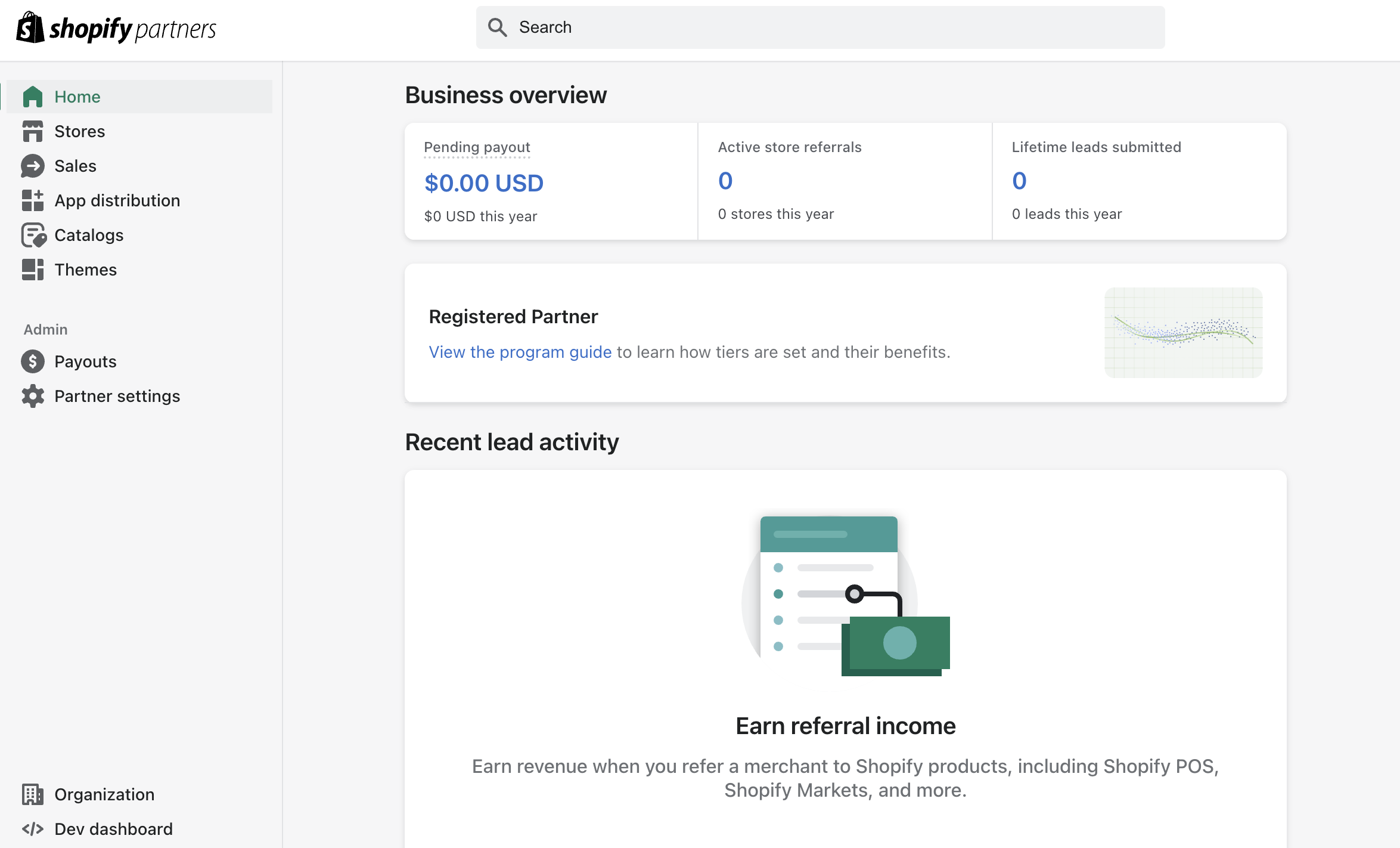
In the Shopify Partner Dashboard, select Stores in the left navigation.
-
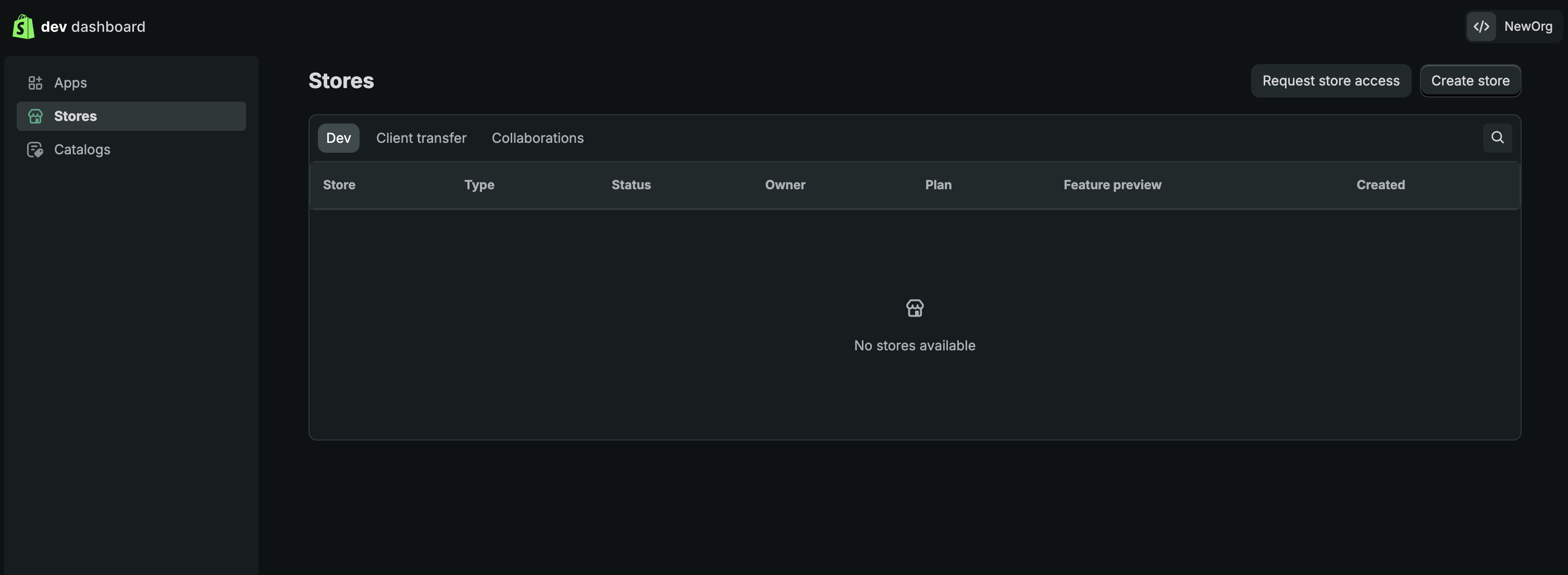
Select Create store to proceed.
-
Complete the store setup by following the on-screen instructions.
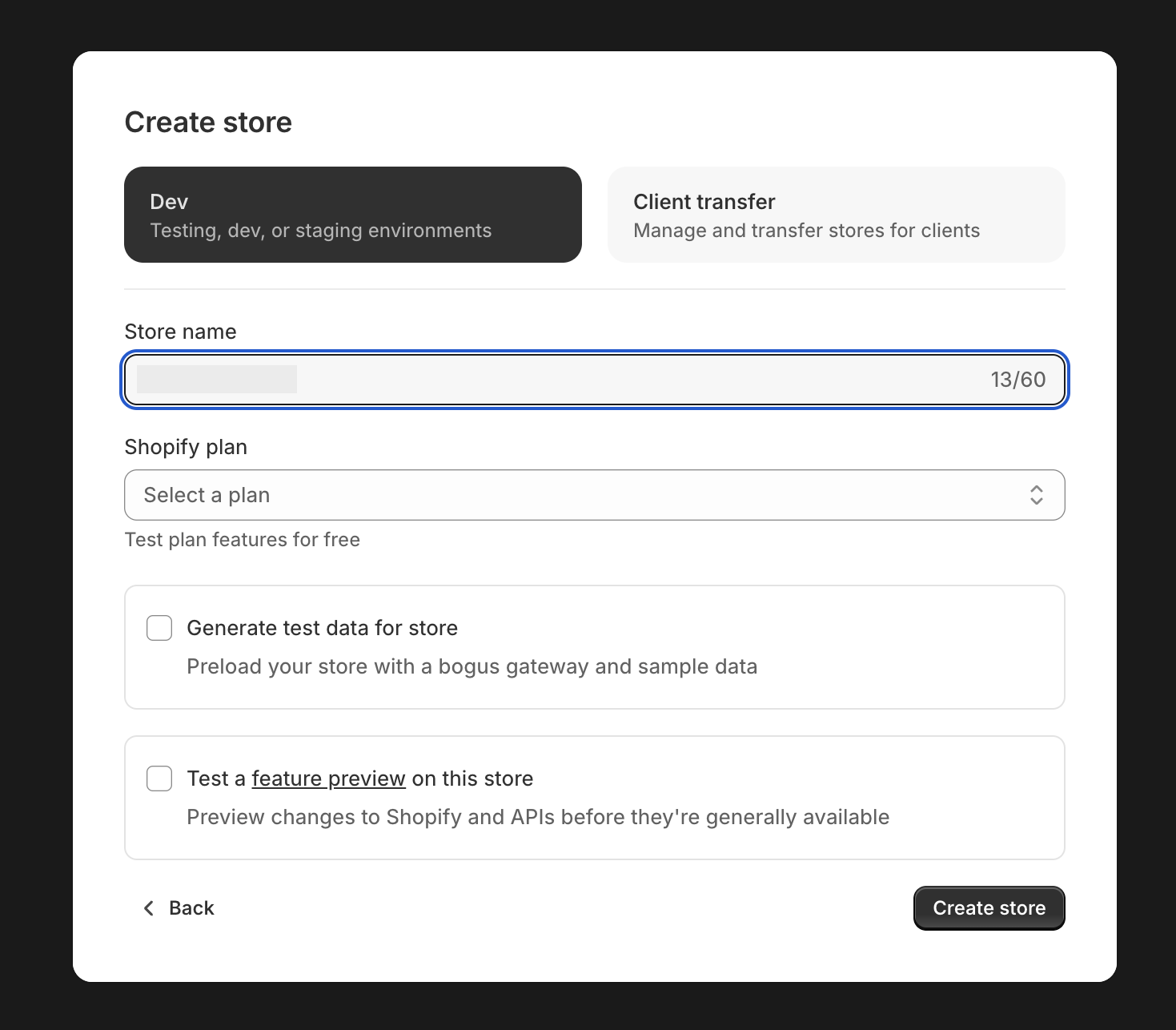
A development store is free and intended for testing and development purposes.
Step 4: Create a new app
-
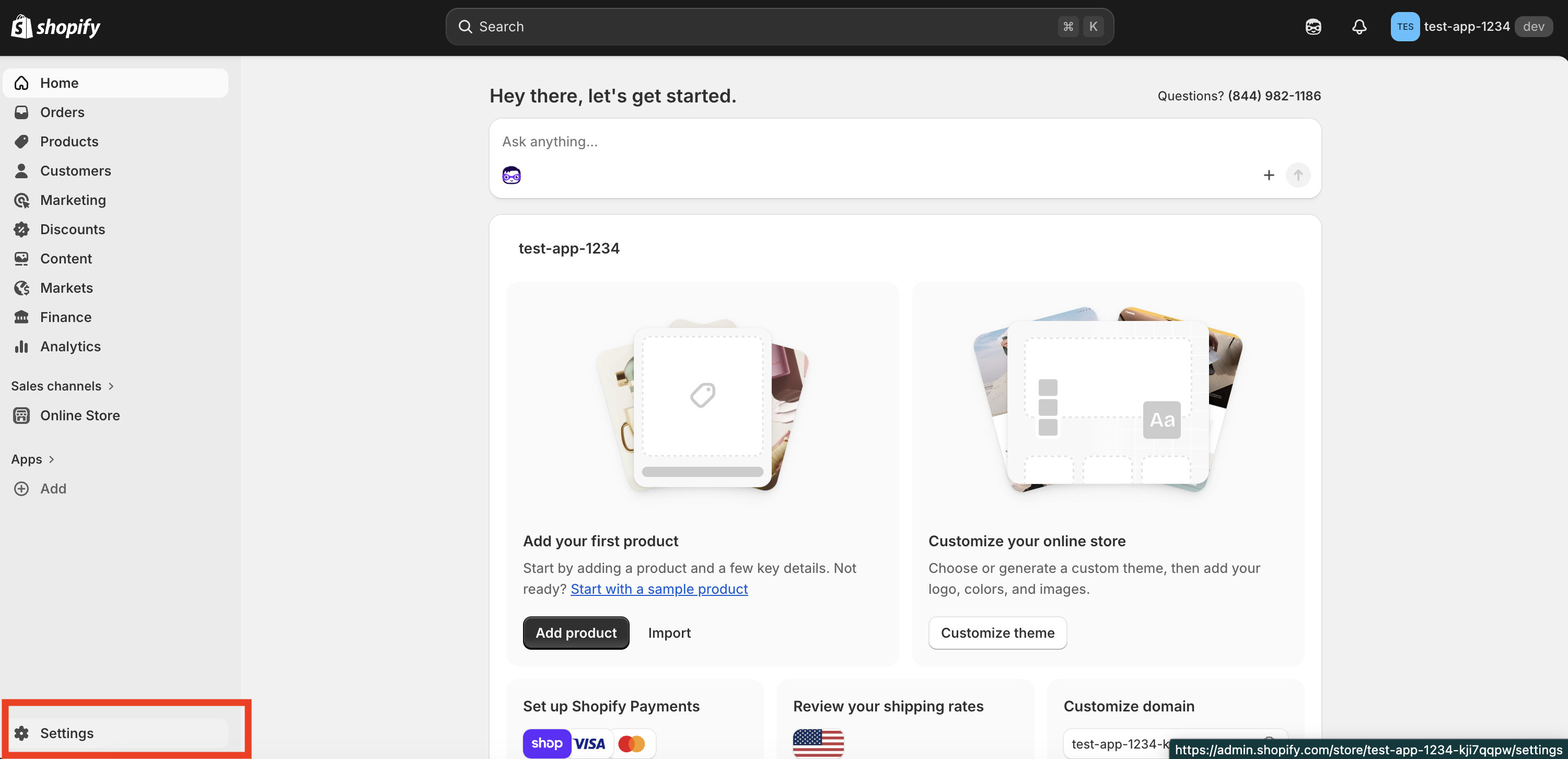
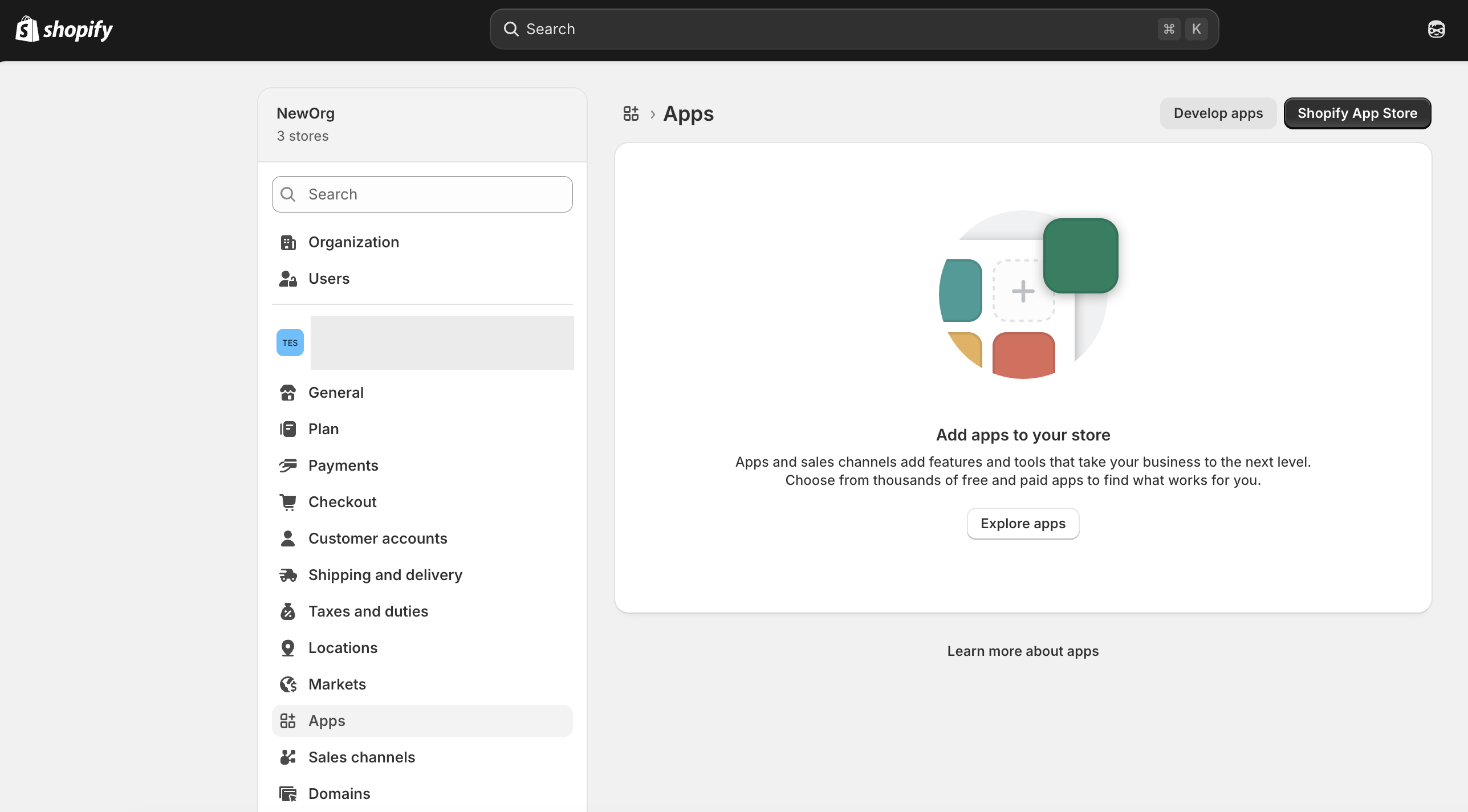
In your store admin, select Settings.
-
Go to the Apps section and select Develop apps.
-
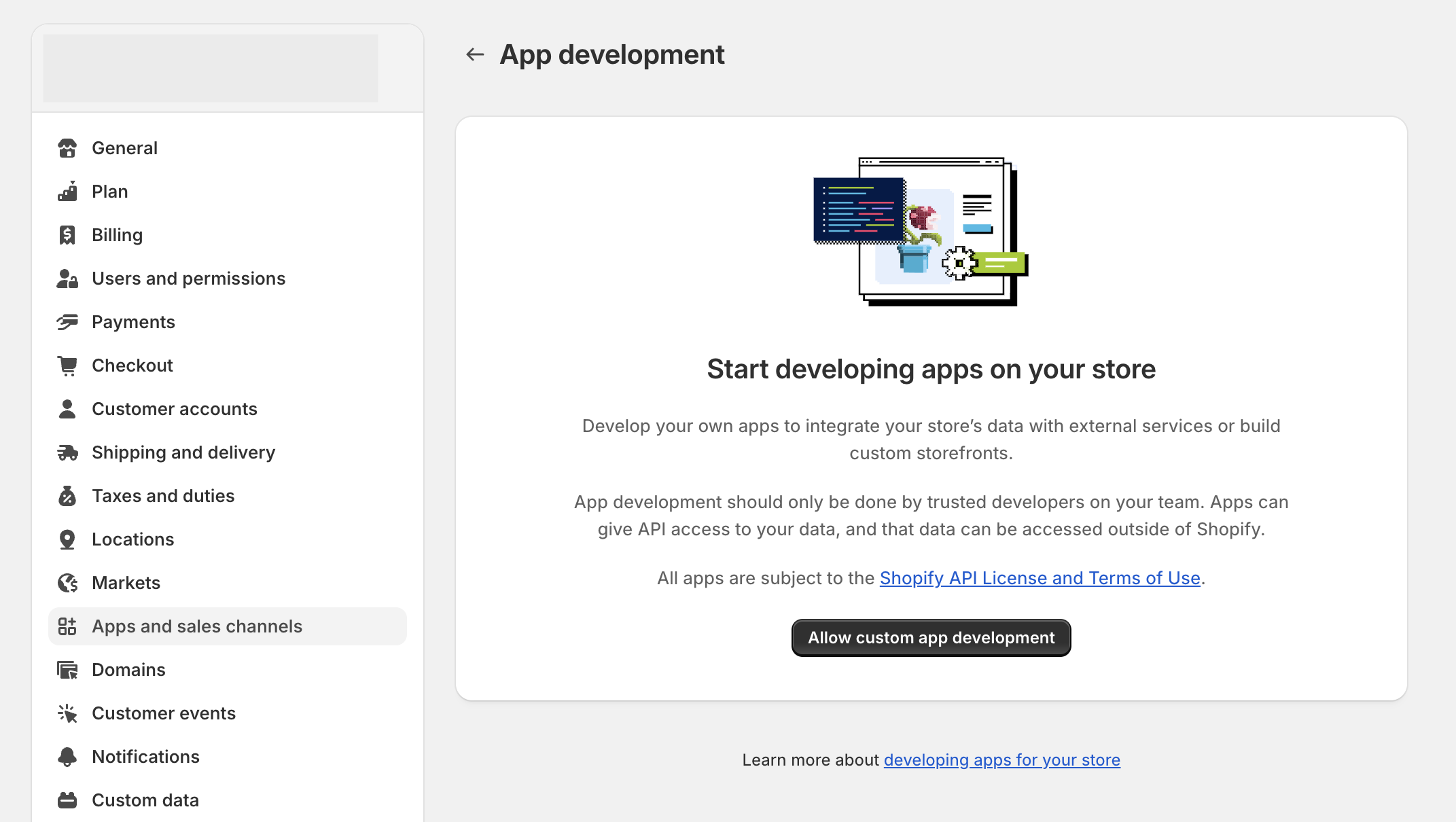
Select Allow custom app development.
-
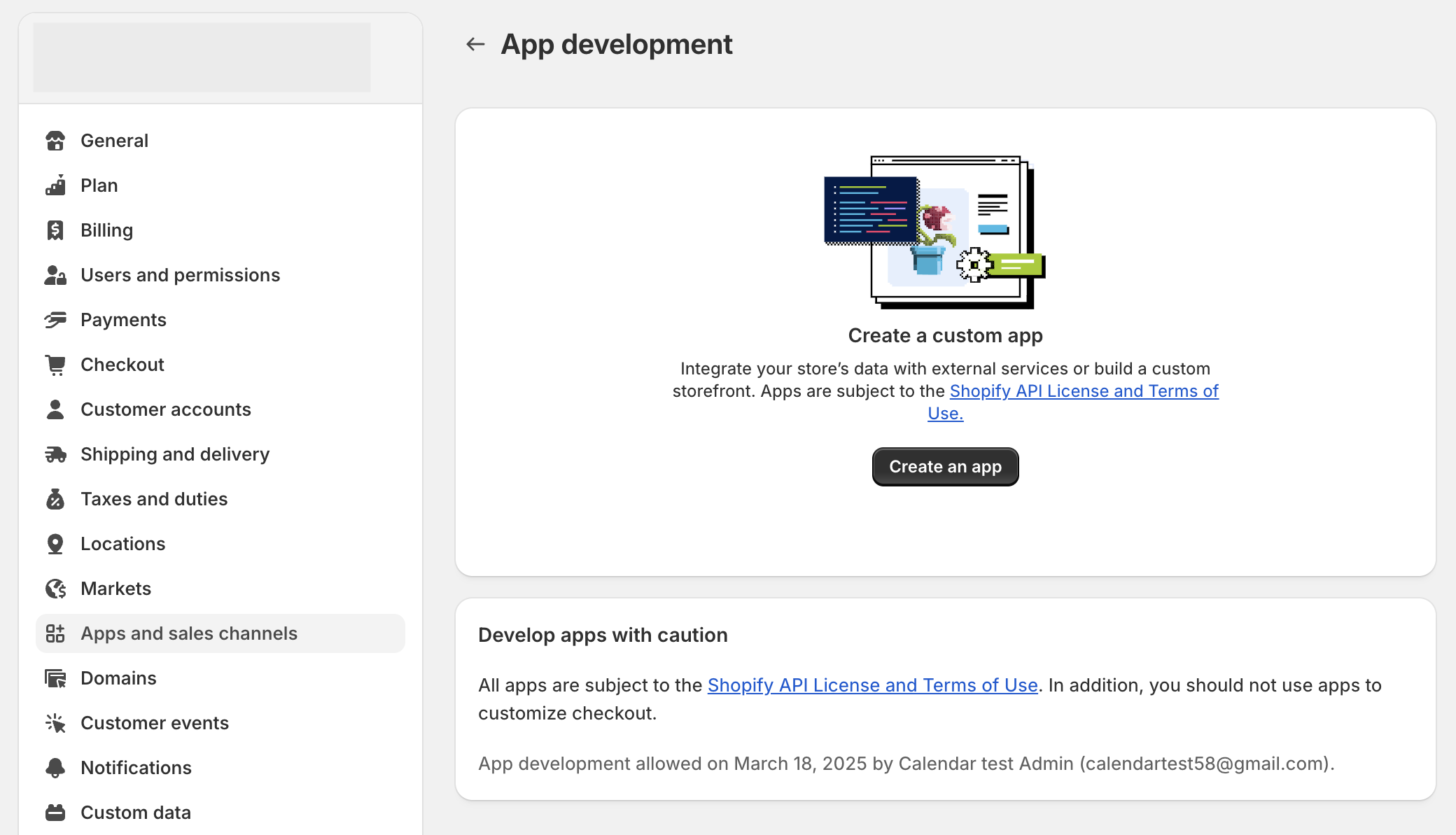
Select Create an app, enter an app name, and confirm.
Step 5: Generate an access token
-
Once the app is created, select Configure Admin API scopes and apply the scopes required for your use case (for example,
read_products,write_orders).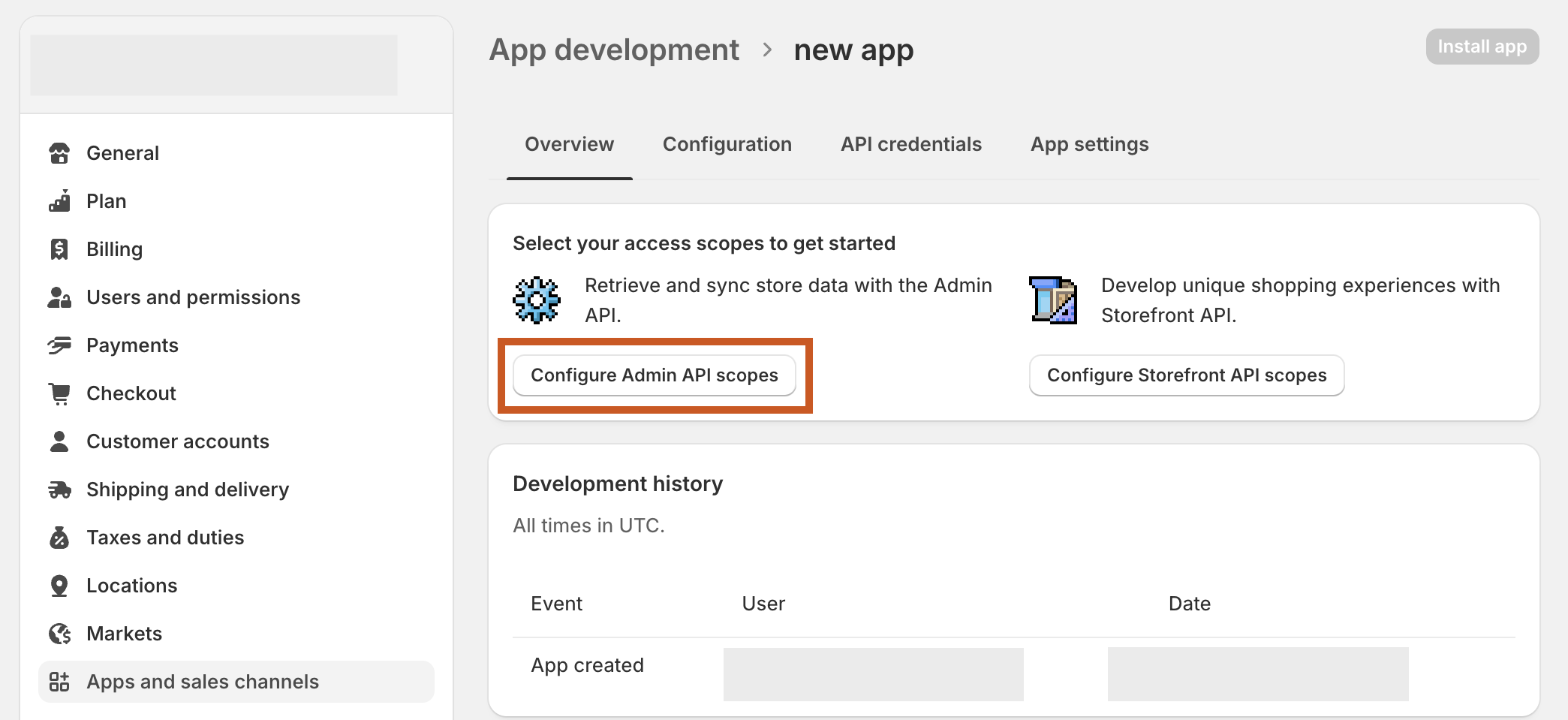
-
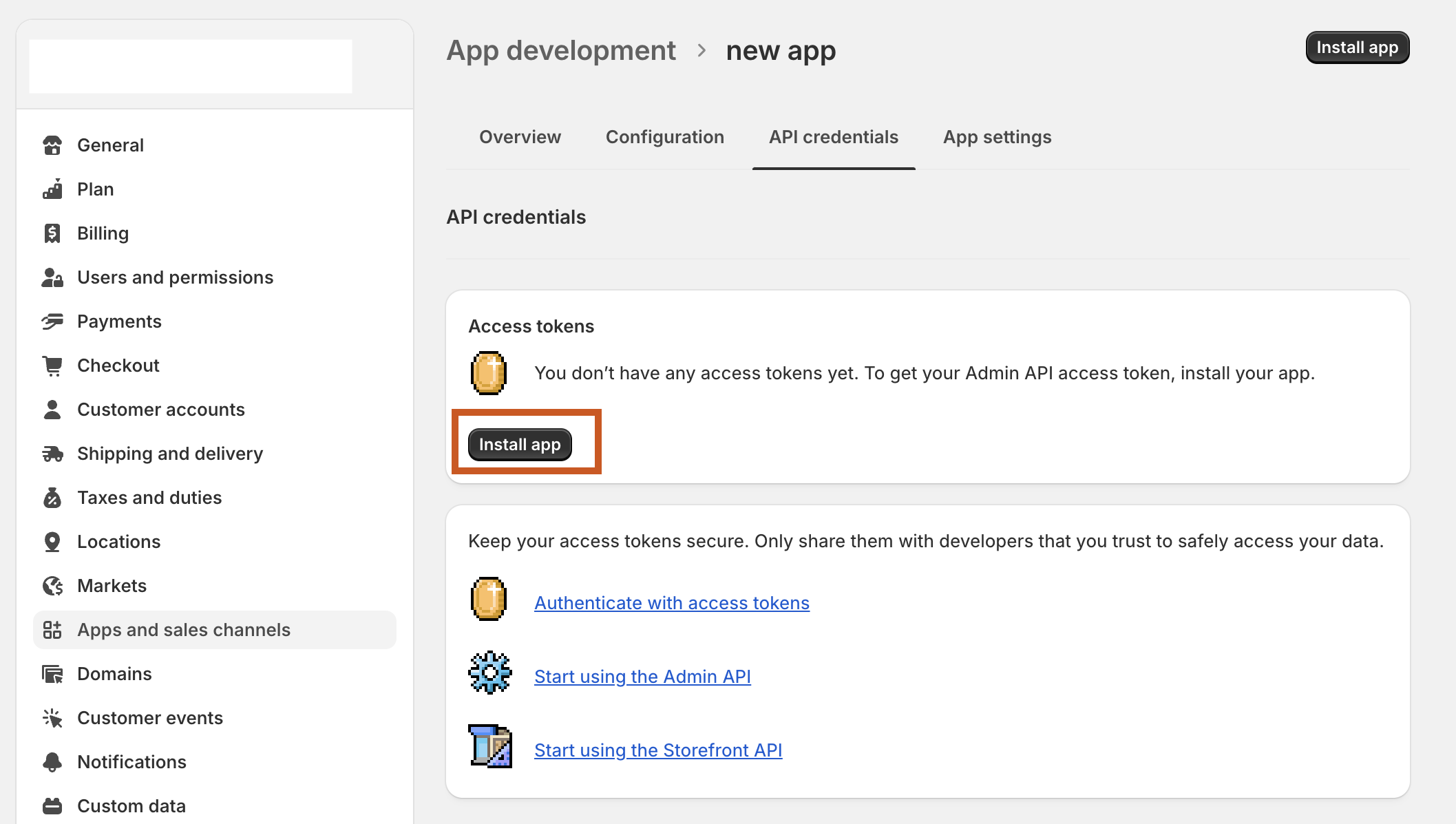
Select Install app to generate an Admin API access token.
-
Select Reveal token once to copy and save the token securely.
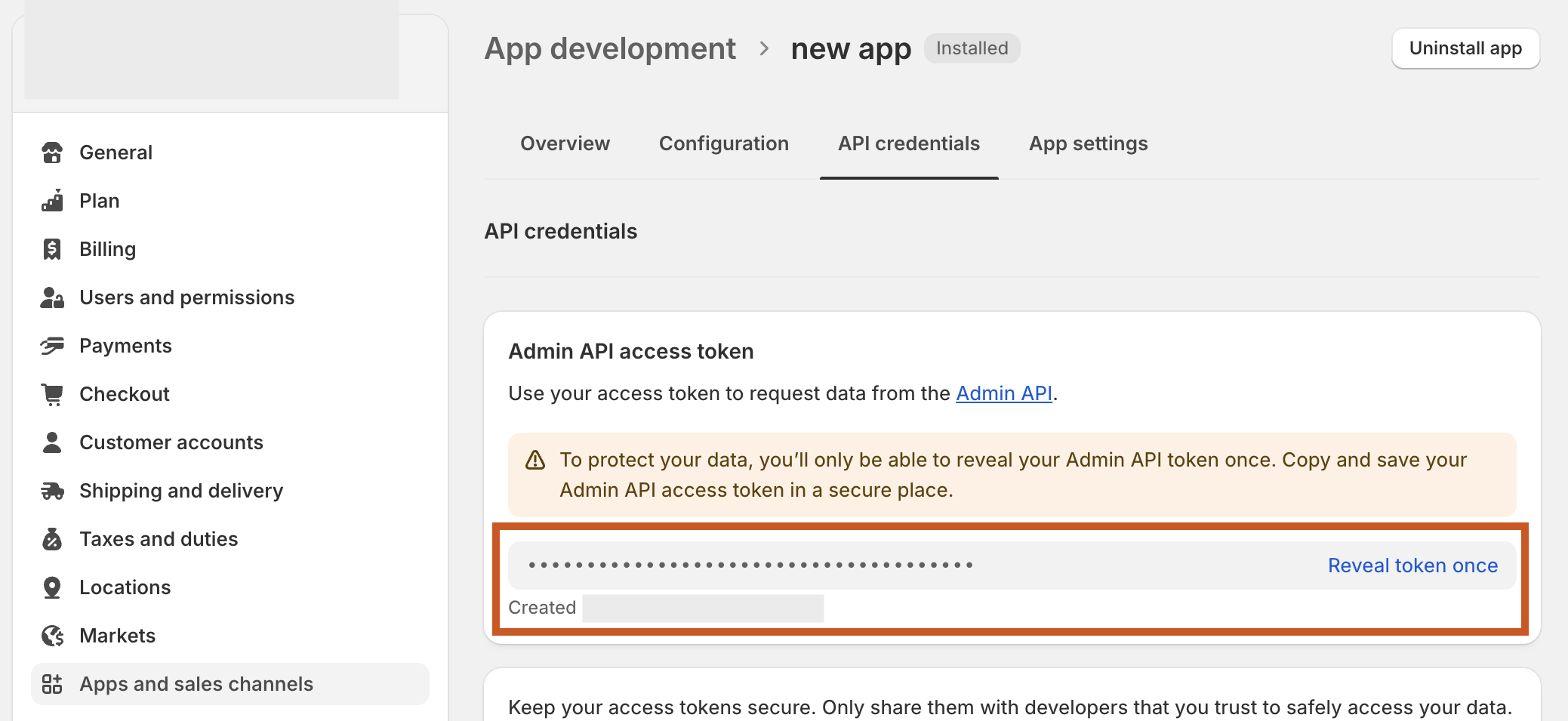
The access token is shown only once. Copy it immediately and store it securely. Do not commit it to source control. Use Ballerina's configurable feature and a Config.toml file to supply it at runtime.
Step 6: Get your store URL
Your store URL follows this pattern:
https://<your-store-name>.myshopify.com
You can find it in the browser address bar when viewing your Shopify admin dashboard.
What's next
- Action reference: Available operations
- Trigger reference: Event-driven integration