Setup Guide
This guide walks you through creating a Mailchimp account and generating an API key required to use the Mailchimp Marketing connector.
Prerequisites
- A Mailchimp account. If you do not have one, sign up for free.
Step 1: Log in to your Mailchimp account
-
Log in to your Mailchimp account at login.mailchimp.com.
-
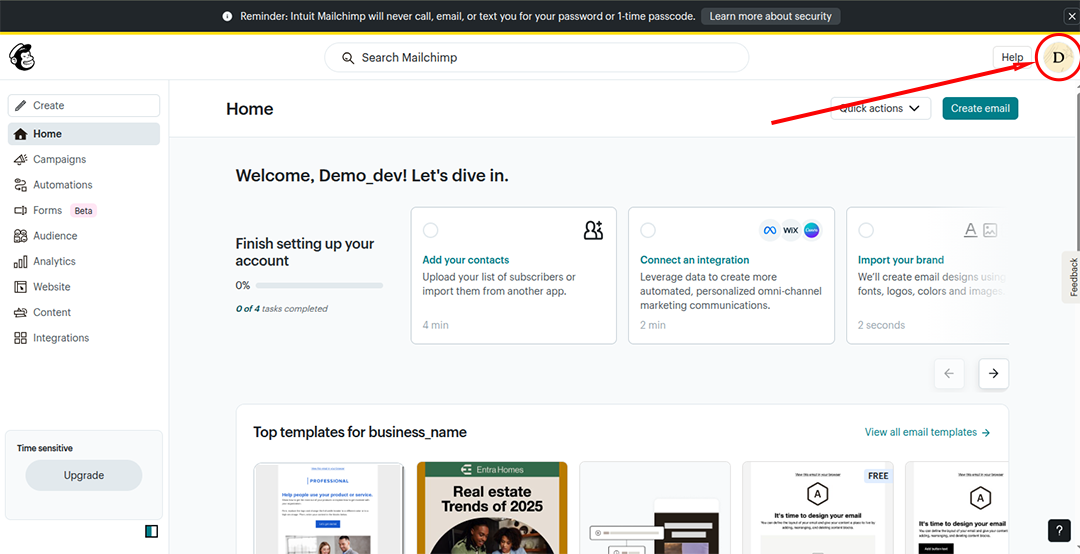
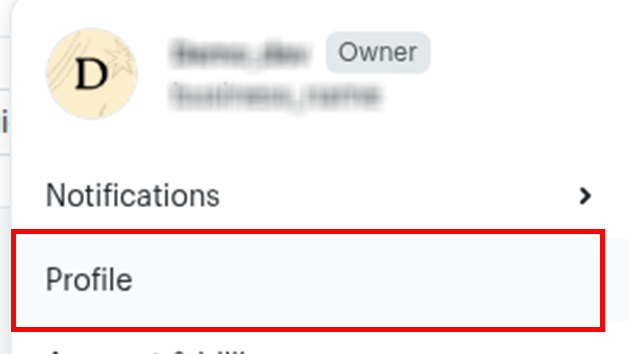
Select your profile icon in the bottom-left corner to open the account menu.
Step 2: Generate an API key
-
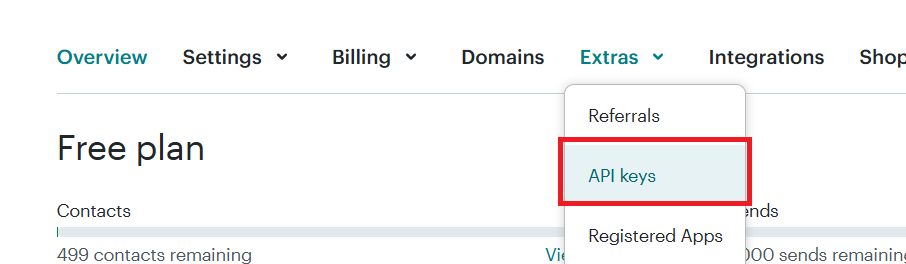
In the account menu, go to the Extras section and select API keys.
-
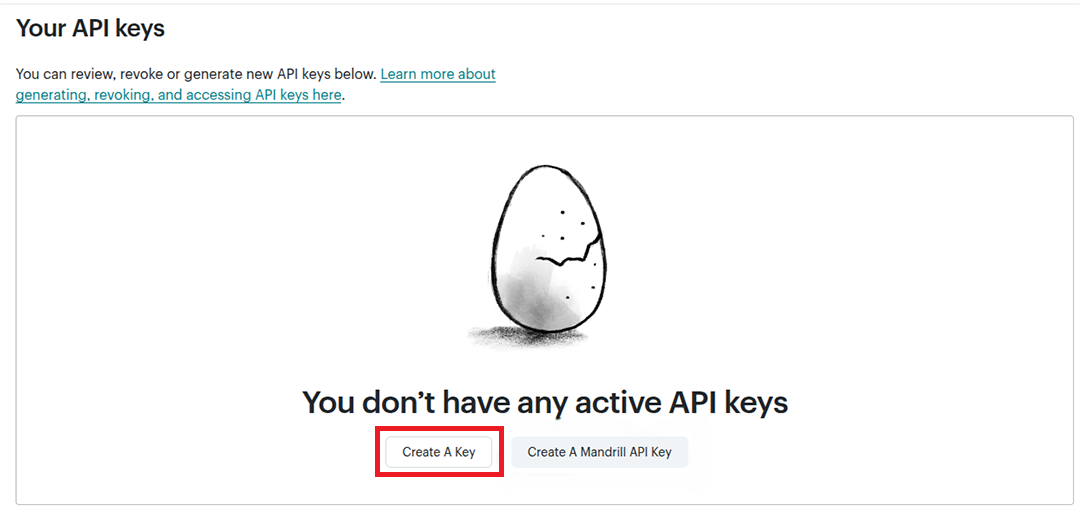
Select Create A Key (not the Mandrill API key). You are redirected to the API key dashboard.
-
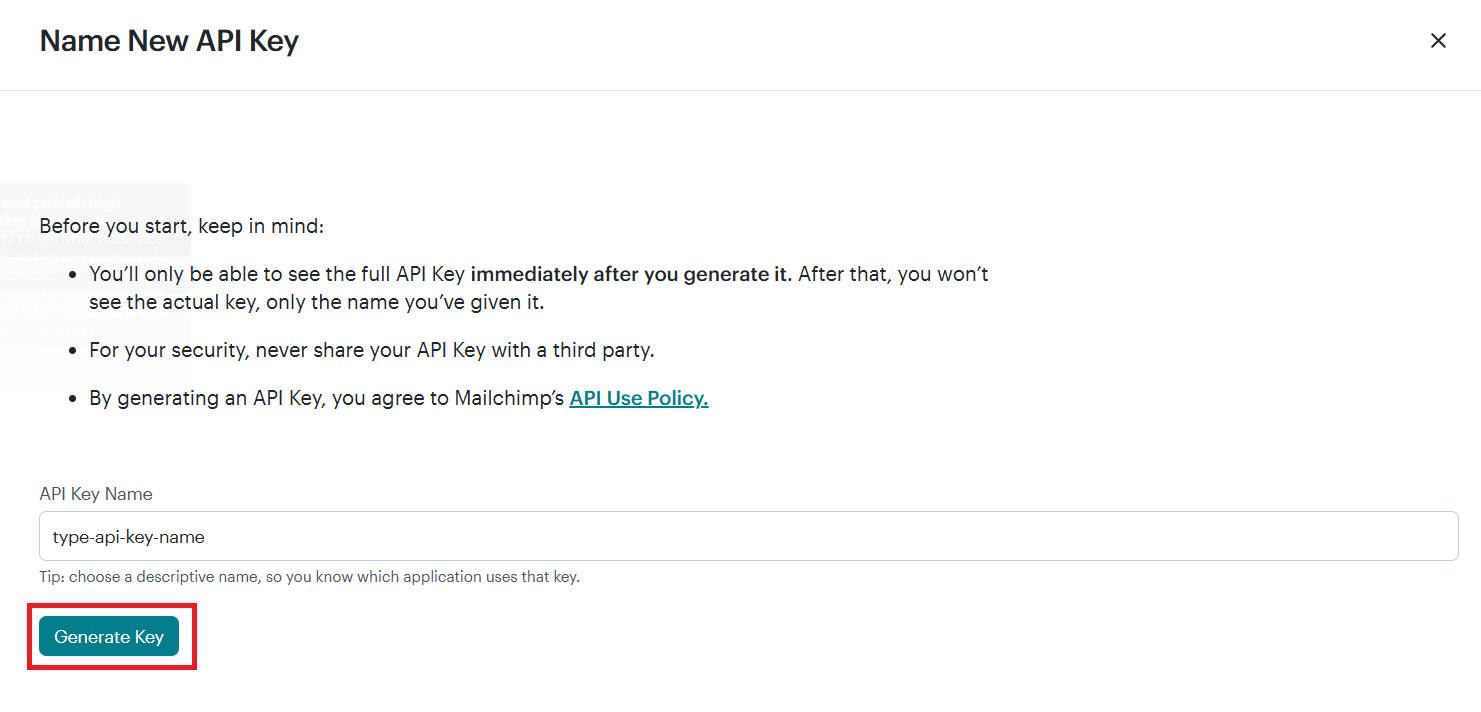
Enter a name for your API key and select Generate Key.
-
Copy the generated API key immediately — it will not be shown again.
warning
Store your API key securely. Do not commit it to source control. Use Ballerina's configurable feature and a Config.toml file to supply it at runtime.
What's next
- Action reference: Available operations