Setup Guide
This guide walks you through creating a DocuSign developer account and obtaining the OAuth 2.0 credentials required to use the DocuSign Admin connector.
Prerequisites
- A DocuSign developer account. If you do not have one, sign up for free at the DocuSign Developer Center.
- Organization Admin privileges in your DocuSign account to access the Admin API.
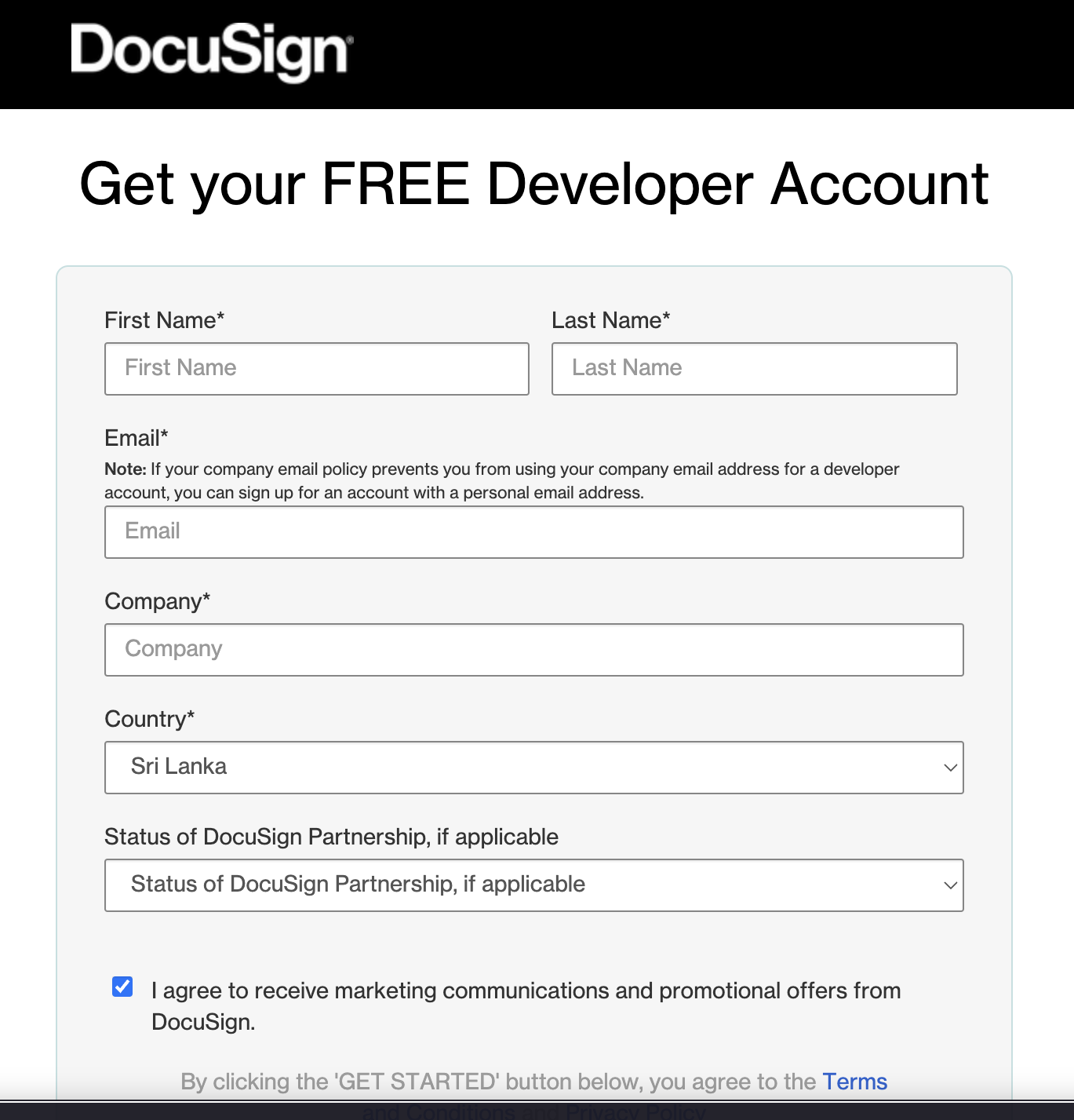
Step 1: Create a DocuSign developer account
If you do not already have a developer account, sign up for free.
Step 2: Create an integration key and secret key
-
Log in to the DocuSign Developer Portal and navigate to Apps and Keys.
-
Select Add App and Integration Key, enter a name, and select Create App. This generates an Integration Key (your
clientId).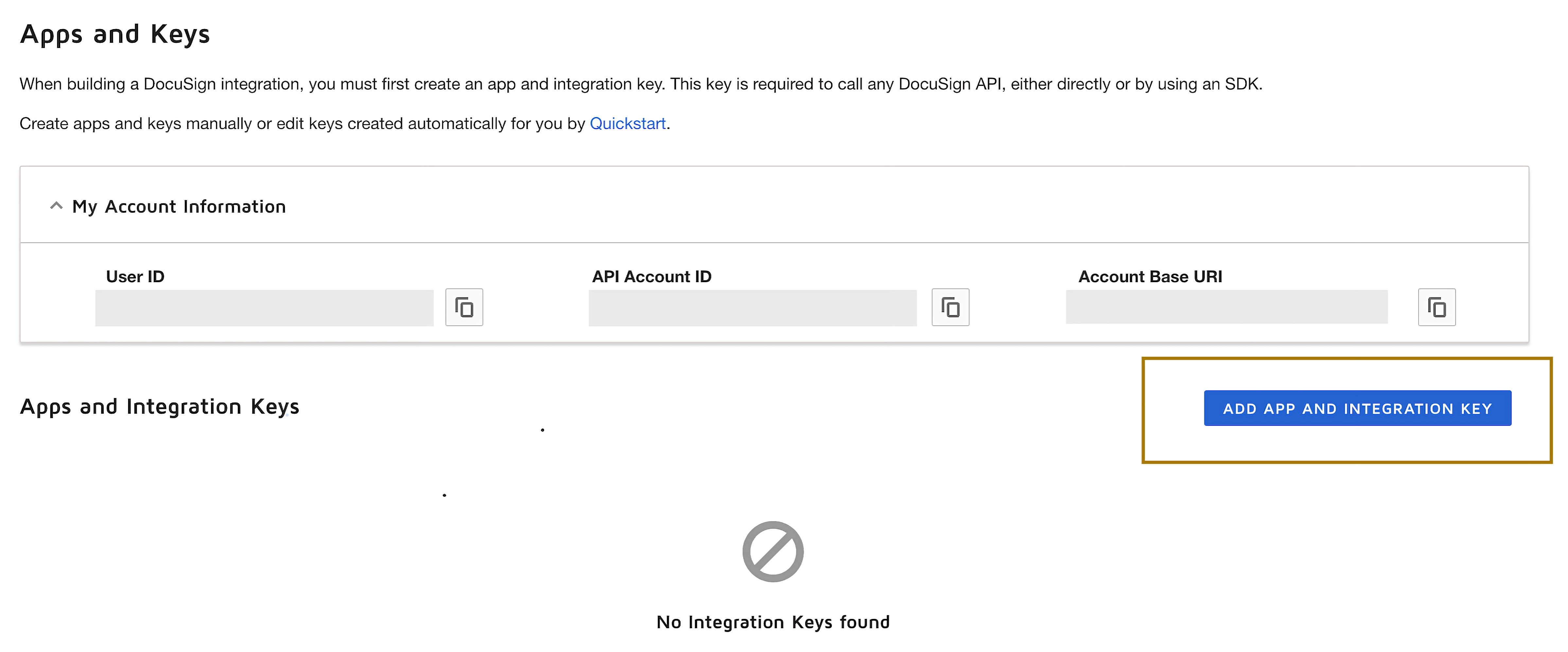
-
Under Authentication, select Add Secret Key. Copy and save the generated Secret Key (your
clientSecret).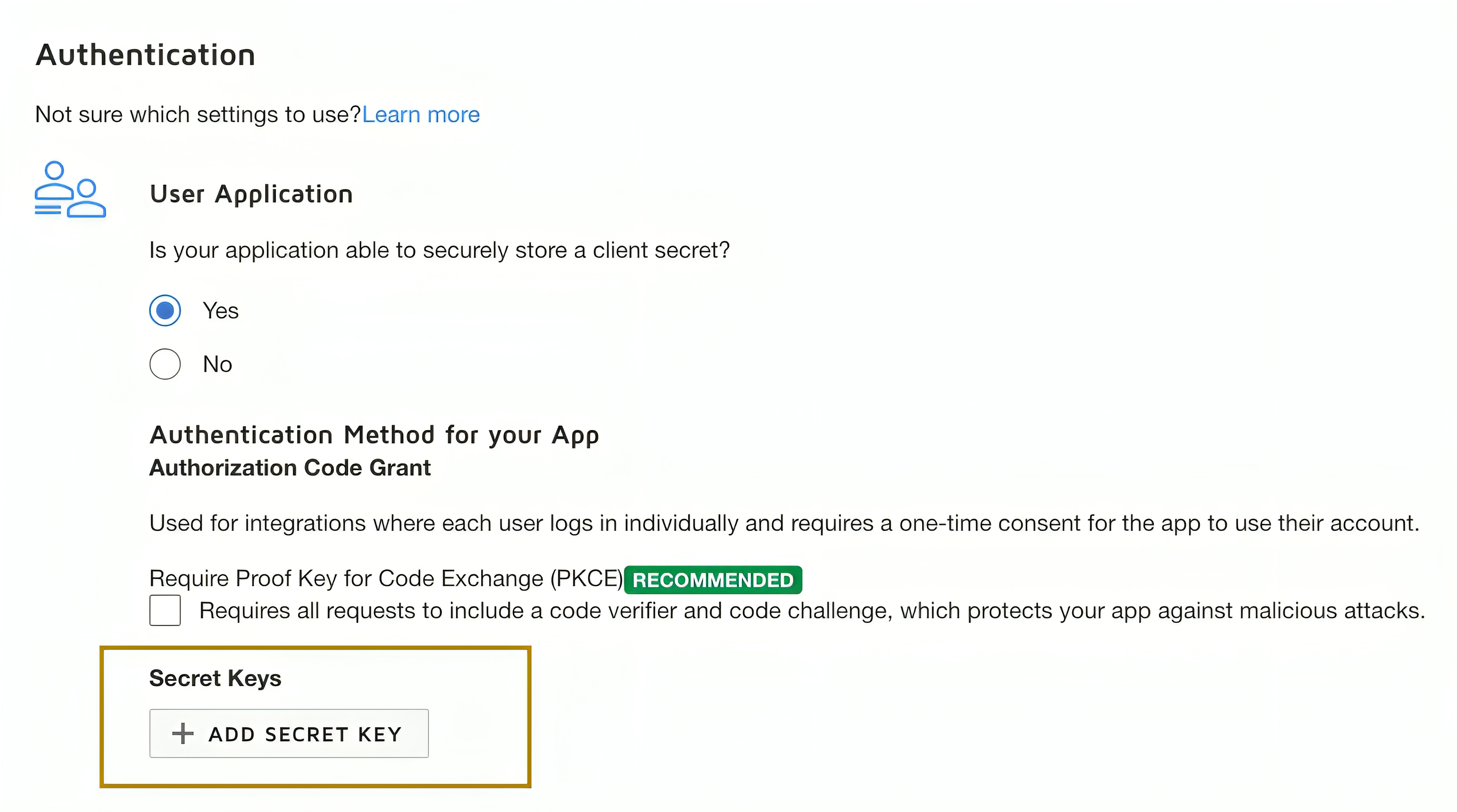
Store the Integration Key and Secret Key securely. Do not commit them to source control. Use Ballerina's configurable feature and a Config.toml file to supply them at runtime.
Step 3: Add a redirect URI
-
On the same app configuration page, under Additional settings, select Add URI.
-
Enter your redirect URI (for example,
http://www.example.com/callback).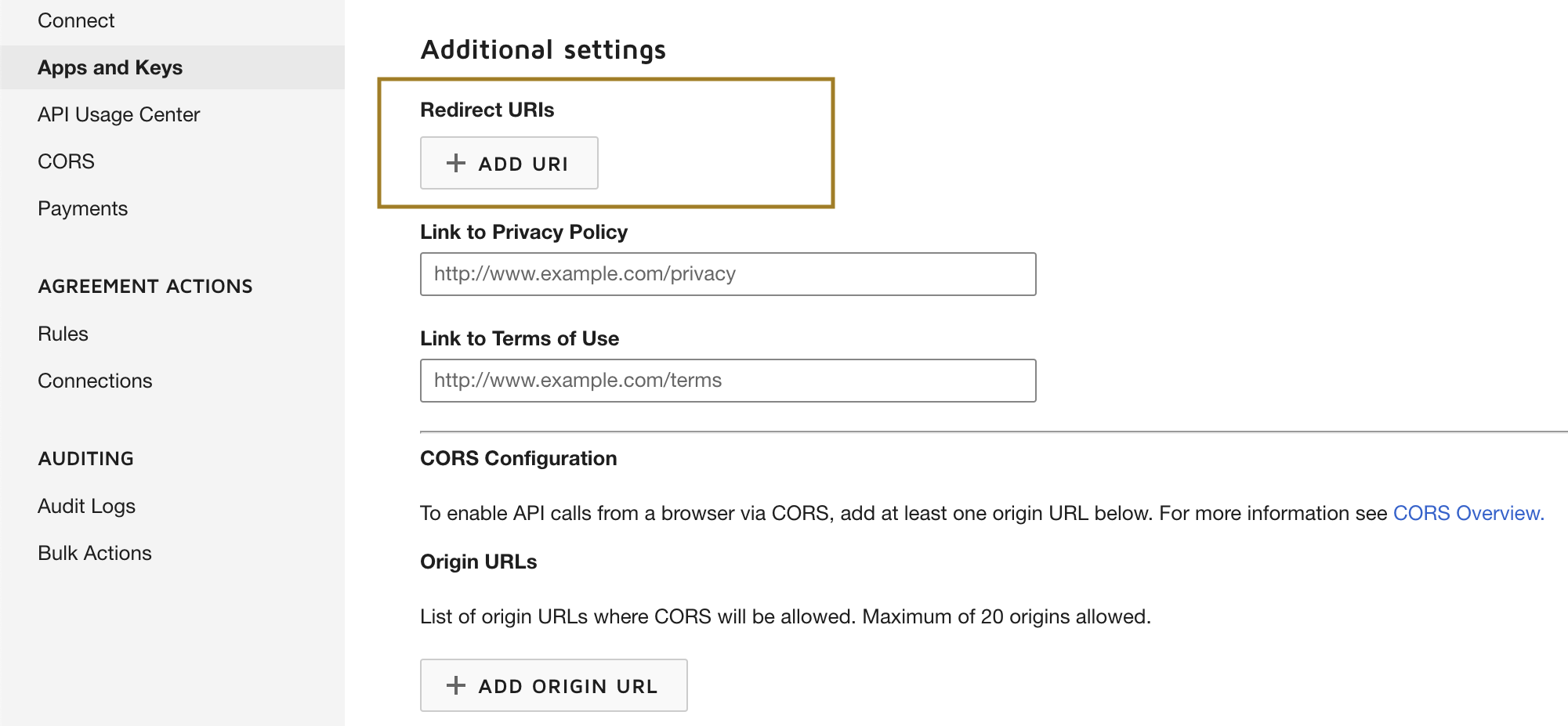
-
Save the changes.
Step 4: Get the refresh token
-
Generate the encoded key by base64-encoding your Integration Key and Secret Key in the format
IntegrationKey:SecretKey. You can use a browser console:btoa('IntegrationKey:SecretKey') -
Open the following authorization URL in your browser, replacing
{iKey}with your Integration Key and{redirectUri}with your redirect URI:https://account-d.docusign.com/oauth/auth?response_type=code&scope=signature%20organization_read%20group_read%20account_read%20permission_read%20user_read%20user_write&client_id={iKey}&redirect_uri={redirectUri} -
Log in and authorize the application. You are redirected to your redirect URI with a
codequery parameter — this is your authorization code. -
Exchange the authorization code for a refresh token:
curl --location 'https://account-d.docusign.com/oauth/token' \
  --header 'Authorization: Basic {encodedKey}' \
  --header 'Content-Type: application/x-www-form-urlencoded' \
  --data-urlencode 'code={codeFromUrl}' \
--data-urlencode 'grant_type=authorization_code' -
Copy the
refresh_tokenfrom the response. Usehttps://account-d.docusign.com/oauth/tokenas the refresh URL.
The scopes above (organization_read, group_read, account_read, permission_read, user_read, user_write) cover Admin API operations. Adjust scopes based on your use case.
Step 5: Prepare for production
The steps above use the DocuSign developer (demo) environment. When your application is ready for production, follow the DocuSign Go Live guidelines to transition to the production environment. The production base URL is https://api.docusign.net/Management and the OAuth endpoints change from account-d.docusign.com to account.docusign.com.
What's next
- Action reference: Available operations