Setup Guide
This guide walks you through obtaining the API access token required to use the Smartsheet connector.
Prerequisites
- An active Smartsheet account. If you do not have one, sign up for a free trial.
Step 1: Generate an API access token
-
Log in to your Smartsheet account at app.smartsheet.com.
-
Select your Account icon in the lower-left corner.
-
Select Personal Settings.
-
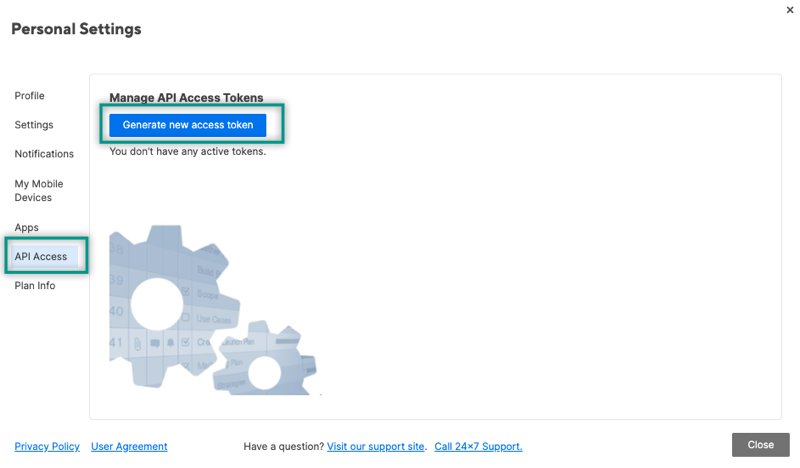
Navigate to the API Access tab and select Generate new access token.
-
Give the token a descriptive name (for example,
Ballerina Integration) and select OK. -
Copy the generated token immediately — it will not be shown again.
Store your API access token securely. Do not commit it to source control. Use Ballerina's configurable feature and a Config.toml file to supply it at runtime.
API access tokens inherit the permissions of the user who generates them. Ensure the user has appropriate access to the sheets and workspaces you intend to manage.
What's next
- Action reference: Available operations