Use WSO2 Integrator in the Cloud
WSO2 Integration Platform lets you launch WSO2 Integrator directly in the cloud, so you can build integrations without installing anything locally. This page walks you through opening the cloud editor from the project overview page.
You need a WSO2 Cloud account and an organization set up. If you haven't done this yet, see Sign up for WSO2 Cloud.
Open the cloud editor
After signing in, you land on the Overview page of your project.
-
On the project overview page, click Create on Cloud.
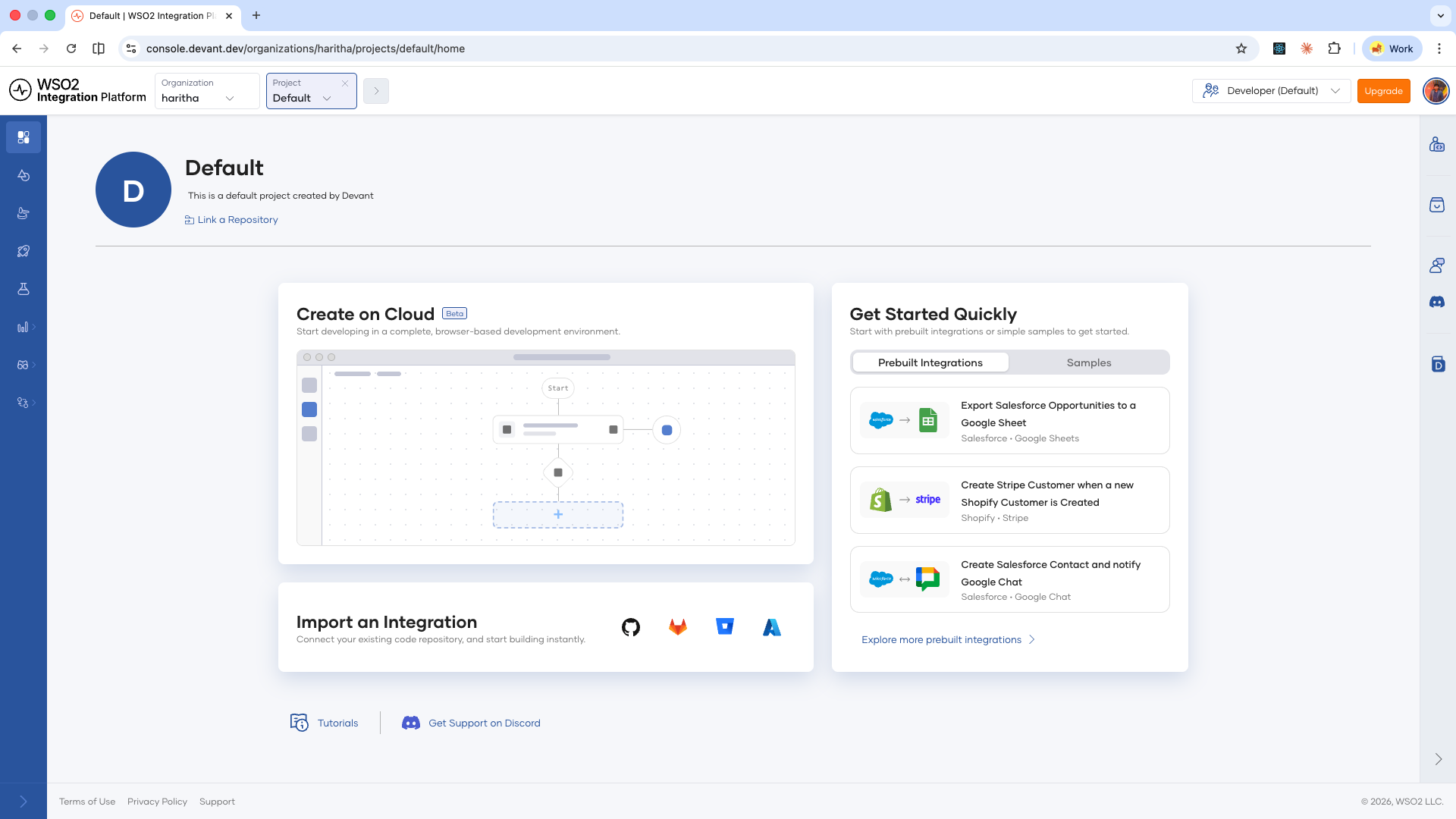
-
WSO2 Integrator launches in a cloud instance in your browser.
You can now build integrations directly in the browser using the same visual designer and pro-code editor available in the local IDE.
To work on a different project, go to the organization overview page by clicking your organization name in the top navigation, then create a new project from there.
What's next
- Deploy from cloud editor — Start building your first integration
- Key concepts — Learn the building blocks of WSO2 Integration Platform
- Manage integrations — Manage integrations on WSO2 Cloud