API documentation
The documentation page holds everything the publisher wrote about an API: its full specification, an interactive console for calling operations, and any guides attached alongside. Where the overview page summarizes the API, this is where you work out how to call it.
Open the documentation page
- Go to APIs in the sidebar and open the API you want.
-
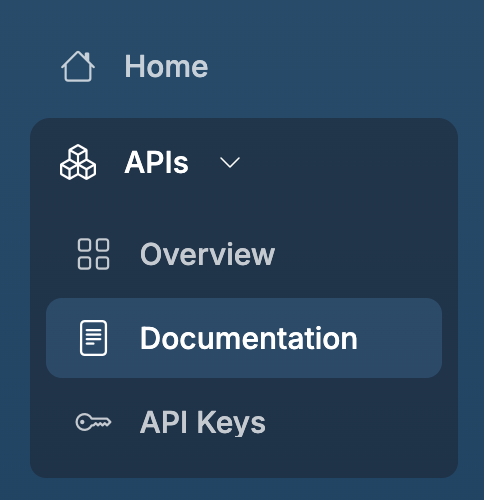
Click Documentation in the header, or select Documentation under APIs in the sidebar.
The page opens on the API's specification. A navigation pane on the left lists everything else available.
Note
SOAP APIs have no Documentation button. Their overview page offers a Download button for the WSDL file instead.
Navigate the documentation
The left pane groups entries under a heading per section:
- SPECIFICATION holds the API's own specification, listed as API Definition (or MCP Playground for an MCP server). For WebSocket, WebSub, and GraphQL APIs it also holds Tryout, which opens the same specification in an interactive client.
- One group per document type the publisher used, such as Other, listing each attached document by name.
Select any entry to load it in the content pane on the right. A badge above the content names the file you're reading, such as openapi.yaml or getting-started.md.
Read the API specification
API Definition renders the specification in a viewer chosen for the API type:
| API type | Viewer | What you can do |
|---|---|---|
| REST | OpenAPI reference | Read every operation, parameter, and response schema, and call operations from the built-in Try It console |
| GraphQL | Schema viewer | Browse types, queries, and mutations. Tryout opens GraphiQL, with an endpoint selector and fields for an OAuth2 token or API key |
| WebSocket, WebSub | AsyncAPI viewer | Read the channels and message payloads. Tryout opens a client that connects to the endpoint |
| MCP server | MCP Playground | Inspect the server's tools and invoke them with a bearer token |
The Try It console on a REST API calls the endpoint straight from your browser, so the API's gateway has to return CORS headers for the portal's origin. Supply every credential the operation requires, the same way your client would: an Authorization: Bearer header for OAuth2, the API key header for key-secured APIs, and—where the API declares one—the subscription header its specification names.
Read an attached document
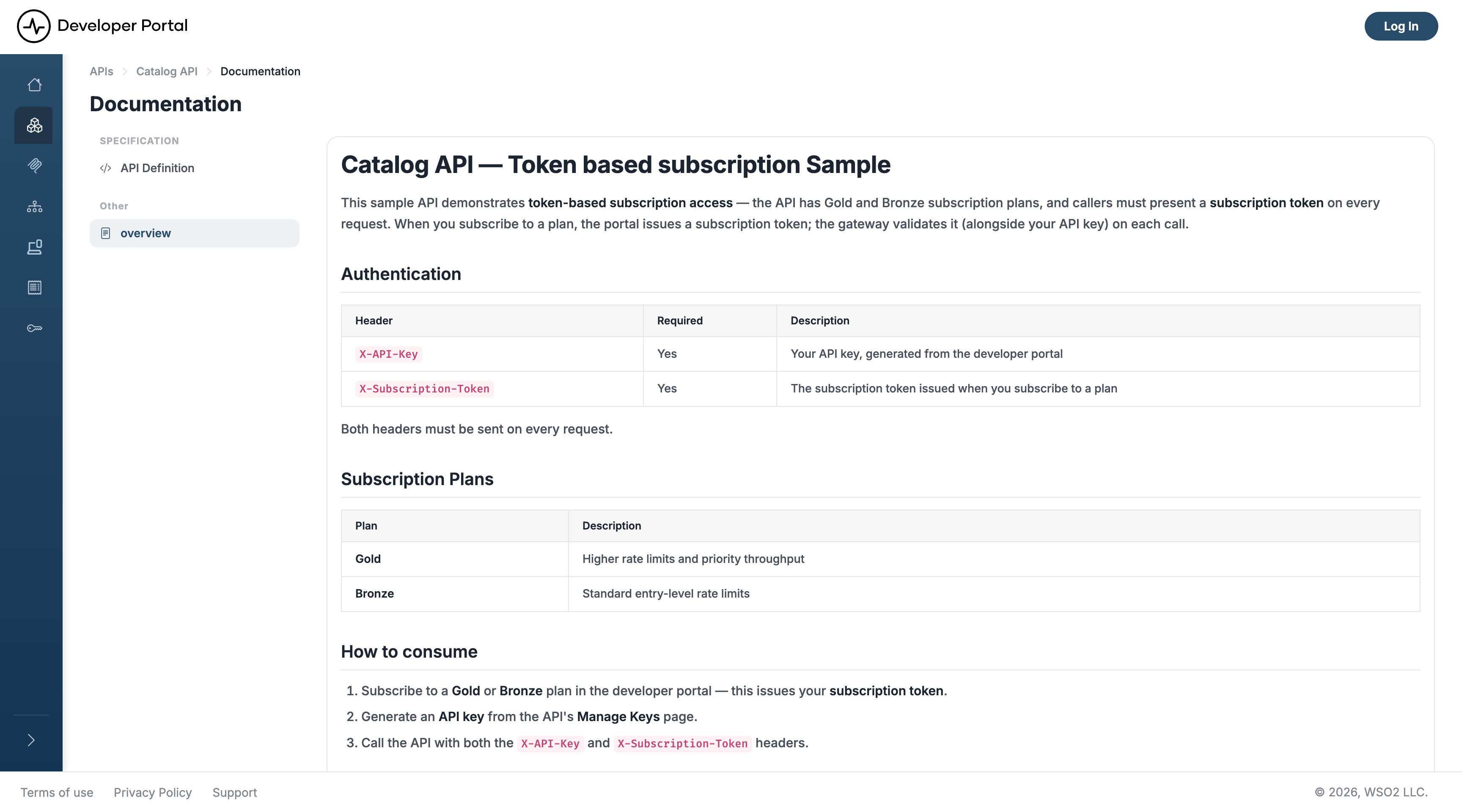
Publishers attach guides to an API to cover what a specification can't express—authentication walkthroughs, worked examples, known limitations. Select a document in the left pane to read it.
An attached document renders in the content pane, as in this example covering a token-based subscription:
Every document is also served as raw Markdown for AI agents. See AI Agent Discovery for the endpoints.
Related
- Search APIs: find the API you want to view
- API Overview: endpoints, resources, and subscription plans at a glance
- Consume an API Secured with OAuth2: get a token before using the try-out console
- Consume an API Secured with an API Key