Getting Started
If you have already signed in to WSO2 Integrator with your WSO2 Cloud account, WSO2 Integrator Copilot uses the same authentication and is ready to use. Otherwise, sign in from the Copilot welcome screen.
Sign in from the Copilot welcome screen
-
In your WSO2 Integrator project view, open Copilot by clicking the Generate with AI button, or the Open WSO2 Integrator Copilot icon in the top-right corner of the editor toolbar.
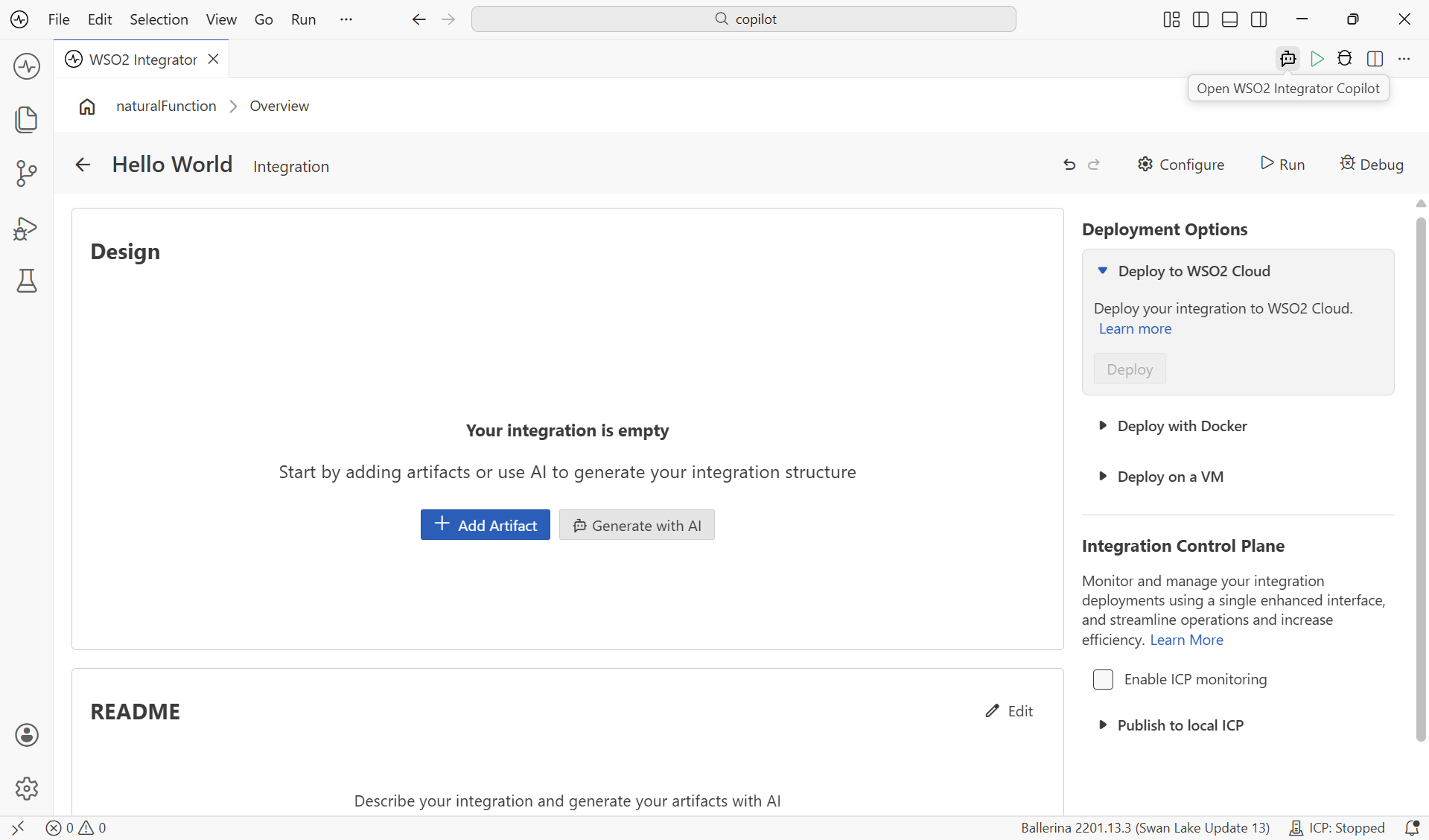
-
The Copilot welcome screen opens with the available sign-in options.
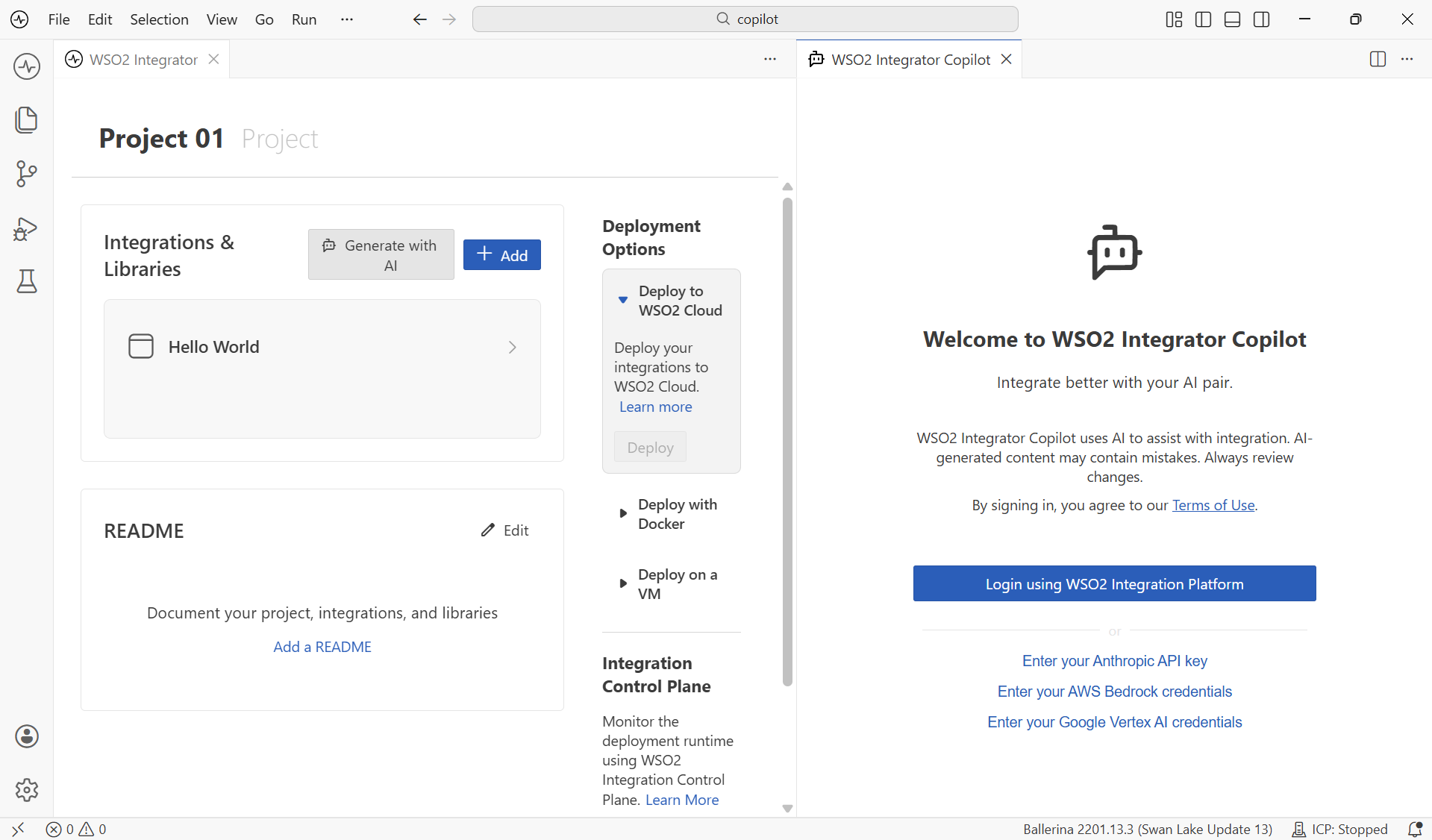
- Login using WSO2 Integration Platform (recommended): Sign in with your WSO2 Cloud account.
- Enter your Anthropic API key: Use your own Anthropic key to power Copilot.
- Enter your AWS Bedrock credentials: Use your AWS Bedrock account.
- Enter your Google Vertex AI credentials: Use your Google Vertex AI account.
-
Select one option and complete the sign-in. Once authenticated, Copilot opens its chat view and is ready to use.
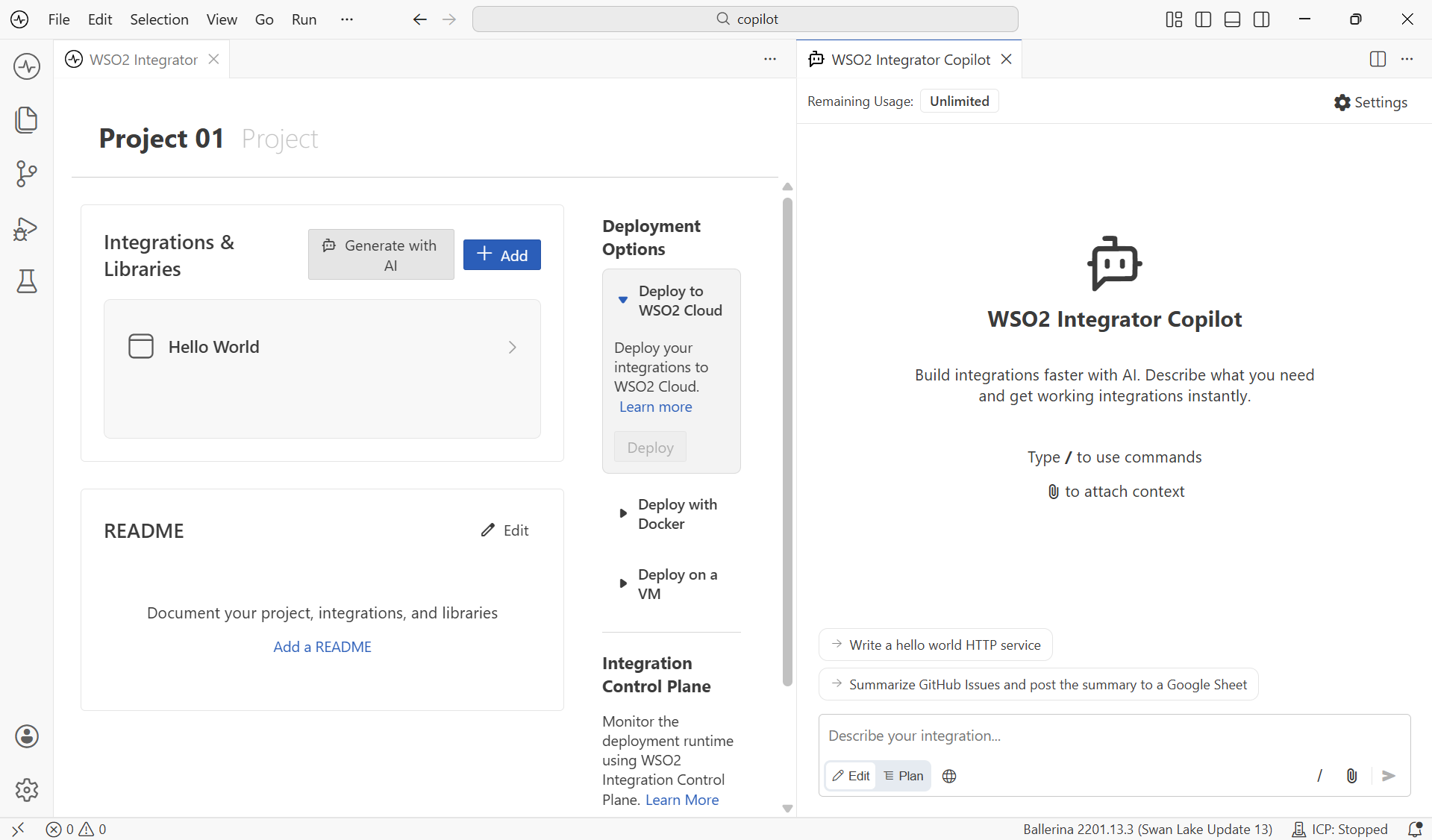
Terms of use and data handling
By signing in, you agree to the WSO2 Integrator Copilot Terms of Use shown on the welcome screen. See AI usage and data handling guidelines for how Copilot handles your data.
What's next
- Copilot capabilities — Explore planning, review, testing, and more.