Create an Environment
WSO2 Cloud - Integration Platform provides Development and Production environments by default. You can create additional environments, such as a staging or regional environment, to match your release pipeline.
Free-tier organizations can have a maximum of three environments.
Prerequisites
- You must have organization administrator privileges to create environments.
Create an environment
-
Sign in to WSO2 Cloud.
-
In the top navigation menu, click the Organization list and select your organization. This opens the organization home page.
-
In the left navigation menu under Admin, click Environments.
-
Click + Create. This opens the environment creation page.
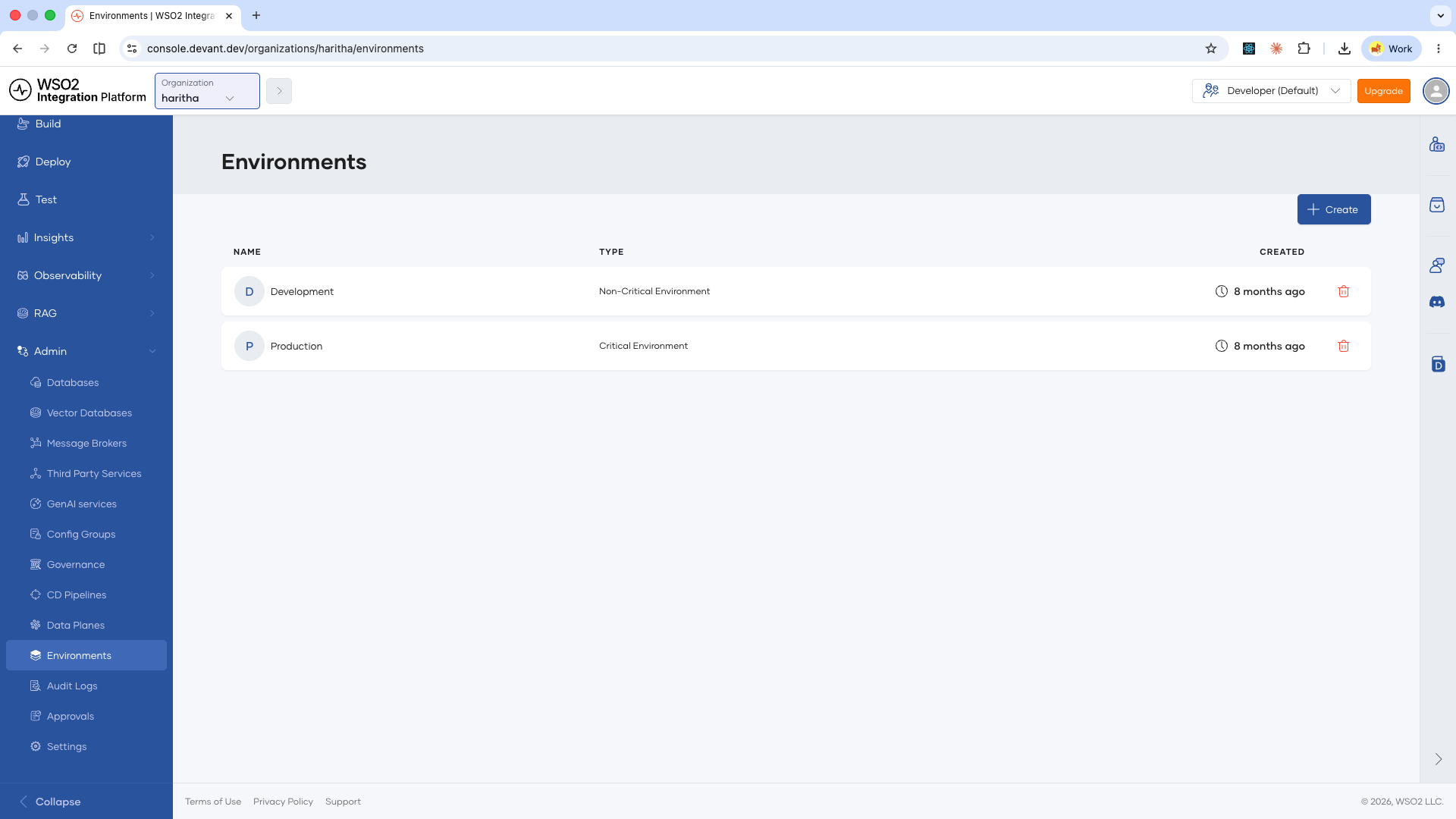
-
Configure the environment using the following fields:
Field Description Environment Name A display name for the environment. For example, StagingorUS East Production.Data Plane The data plane on which this environment runs. Select from the available data planes configured for your organization. DNS Prefix A prefix used to construct endpoint URLs for integrations in this environment. Mark as Production Select this checkbox if the environment should be treated as a production environment. tipYou can mark multiple environments as production. This is useful for multi-region deployments where you maintain independent production environments in different regions.
-
Click + Create.
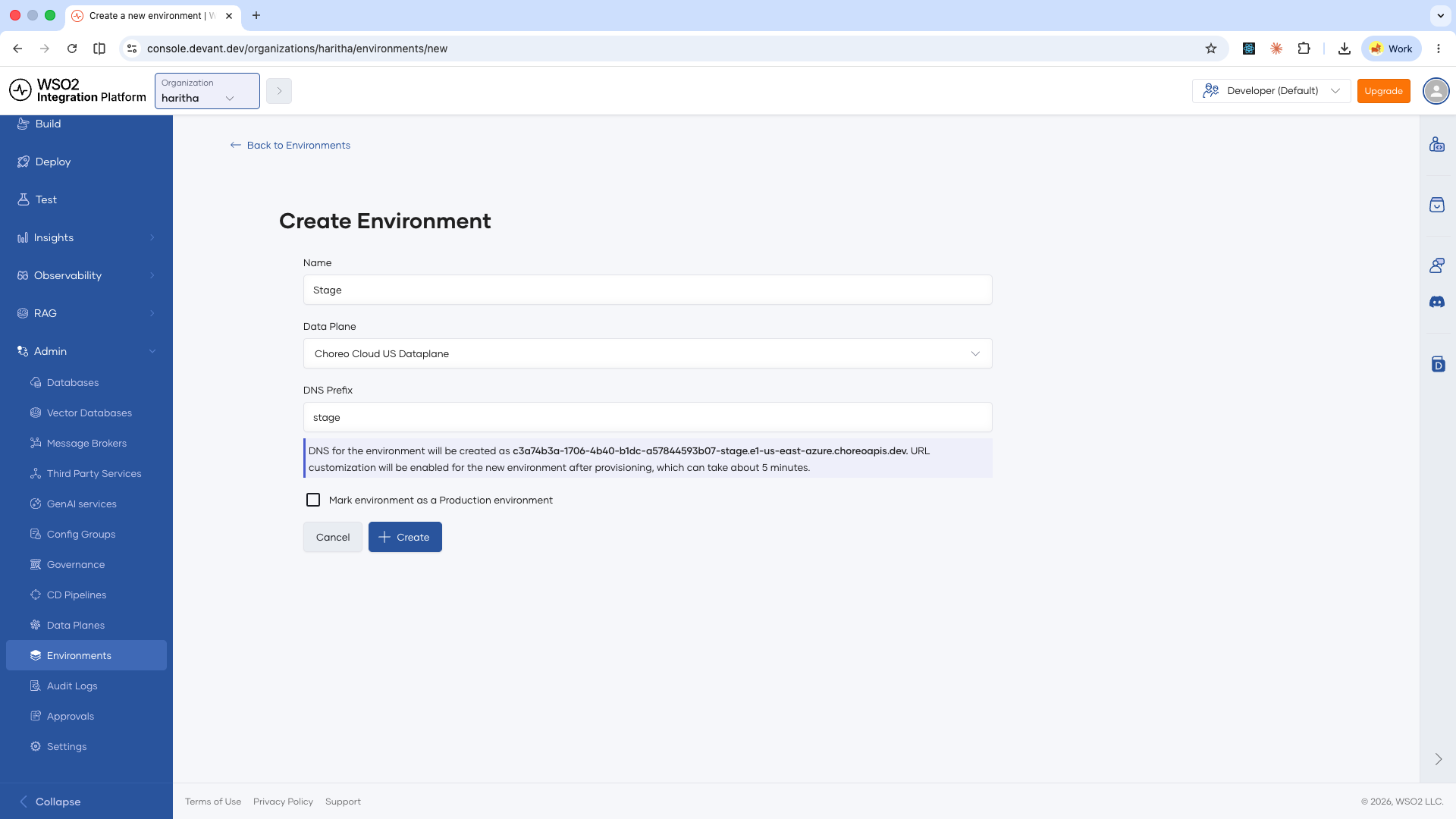
The new environment is created and available for use across projects in your organization.
What's next
- Promote an integration — Move an integration from one environment to the next in your pipeline
- Promotion approvals — Require approvals before an integration is promoted to a protected environment
- Manage deployment pipelines — Define the promotion flow of integrations across environments in your organization