Test Chat Agent
AI chat agents respond to natural language rather than structured HTTP requests, so testing them requires a conversational interface. The Chat panel lets you send messages to your agent and inspect its responses directly from WSO2 Integrator, without deploying or setting up a separate client.
Open the Chat panel
Open the chat agent in the flow diagram view. In the toolbar at the top right of the diagram, select the Chat button, next to Tracing: Off.
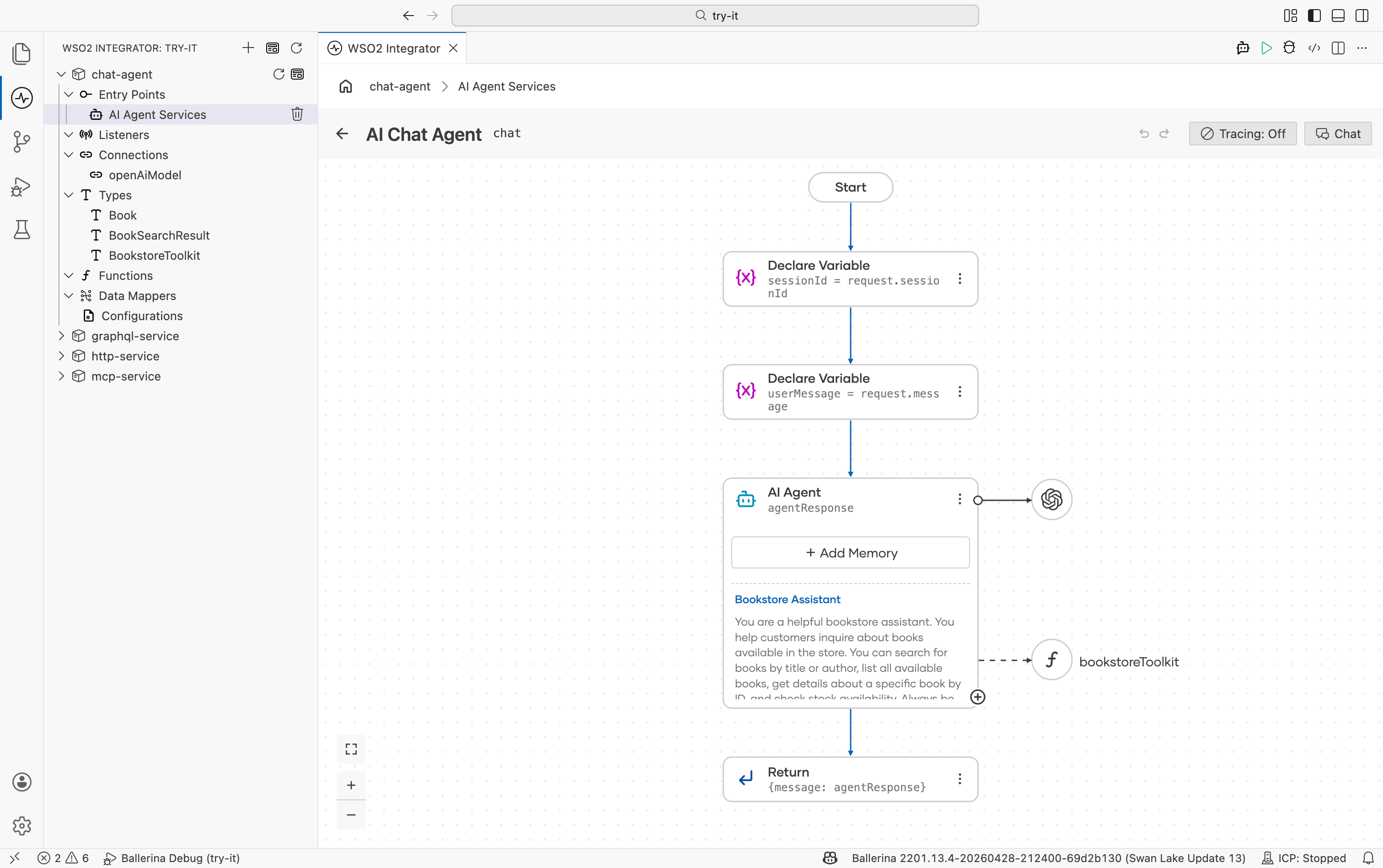
The service starts automatically and the Agent Chat panel opens on the right side. Type a message in the input field at the bottom and press Enter or select the send icon to begin.
Enable tracing
Select Tracing: Off in the toolbar to toggle tracing on. With tracing active, the panel shows the full execution path for each response: which tools the agent called, the inputs passed to each, and the outputs returned. Use tracing when an agent produces an unexpected response and you need to understand which step went wrong.
What's next
- Test MCP server — invoke MCP tools directly from the inspector
- Test HTTP service — request builder for REST endpoints
- Build an AI agent — create your first chat agent