Discover APIs from AWS API Gateway
API Platform allows you to discover APIs from AWS API Gateway and bring them under centralized governance.
Prerequisites
Before you begin, ensure you have:
- An active AWS account with access to AWS API Gateway
- Appropriate permissions to create IAM users and manage API Gateway resources
- Admin access to your API Platform organization. (Only required for Step 1 and 2)
Step 1: Configure User Credentials in AWS API Gateway
- Login to your AWS account and navigate to Console Home. Search for "IAM" in the search bar.
- Click on the IAM service. Navigate to Users under Access Management.
- Create an IAM user in AWS with
AmazonAPIGatewayAdministratorpermission. - Obtain an Access Key and Secret Key for the IAM user created in the previous step. Select Third-party service as the use case.
Warning
It is not recommended to enter root credentials of the AWS account. Instead, create a new IAM user with the required permissions and use the credentials of the IAM user. For more information see Best practices for managing AWS access keys.
Step 2: Add an External Gateway in API Platform
Now that you have your AWS credentials ready, configure the external gateway connection in API Platform.
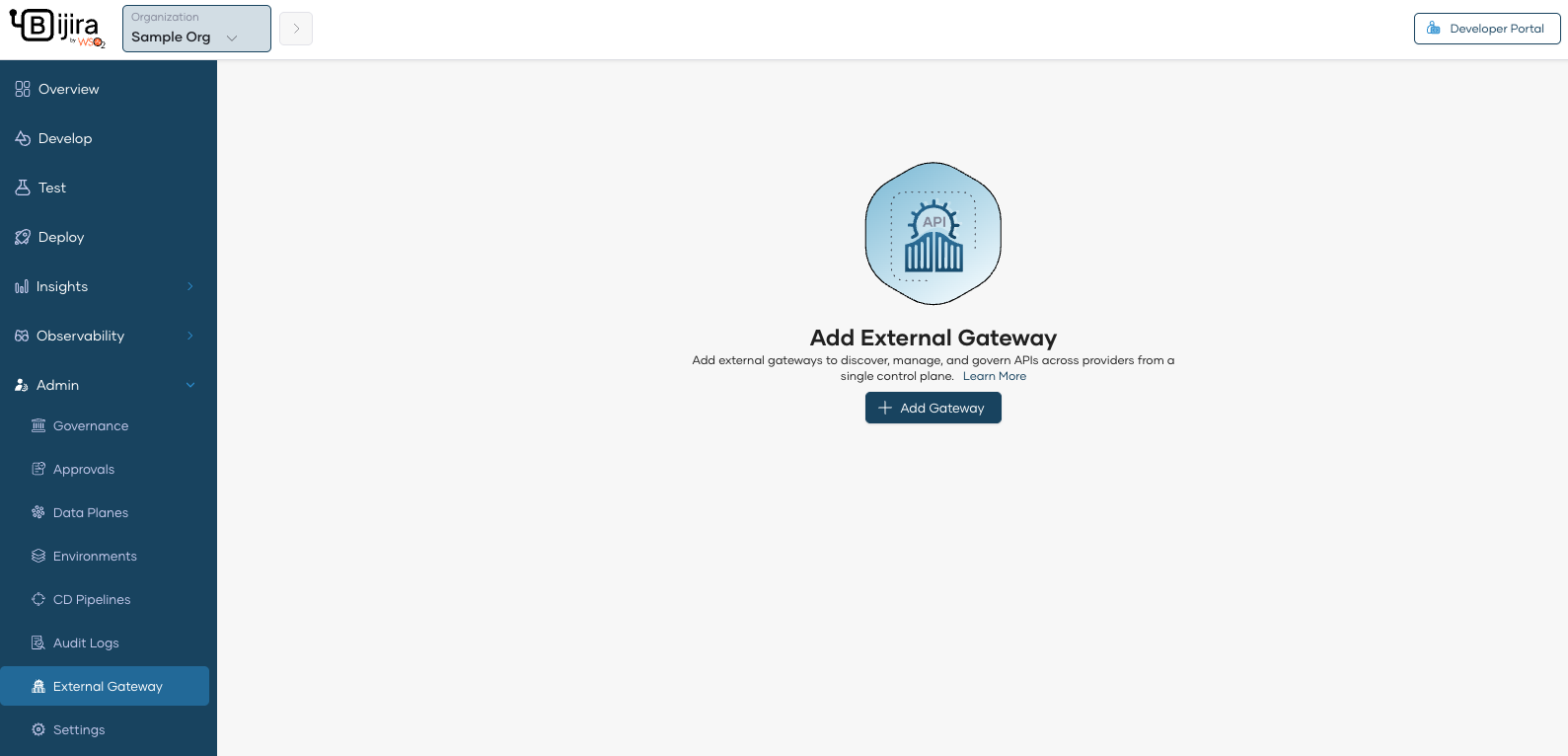
- Navigate to Organization Level in API Platform.
-
Click Add External Gateway.
-
Enter the gateway configuration details:
- Gateway Name: A descriptive name for this gateway (e.g.,
Production AWS API Gateway) - Region: The AWS region where your API Gateway is deployed (e.g.,
us-east-1) - Stage: The API Gateway stage to discover APIs from (e.g.,
prod,dev) - Access Key : The Access Key from Step 1
- Secret Key: The Secret Key from Step 1
- Gateway Name: A descriptive name for this gateway (e.g.,
- Click Save
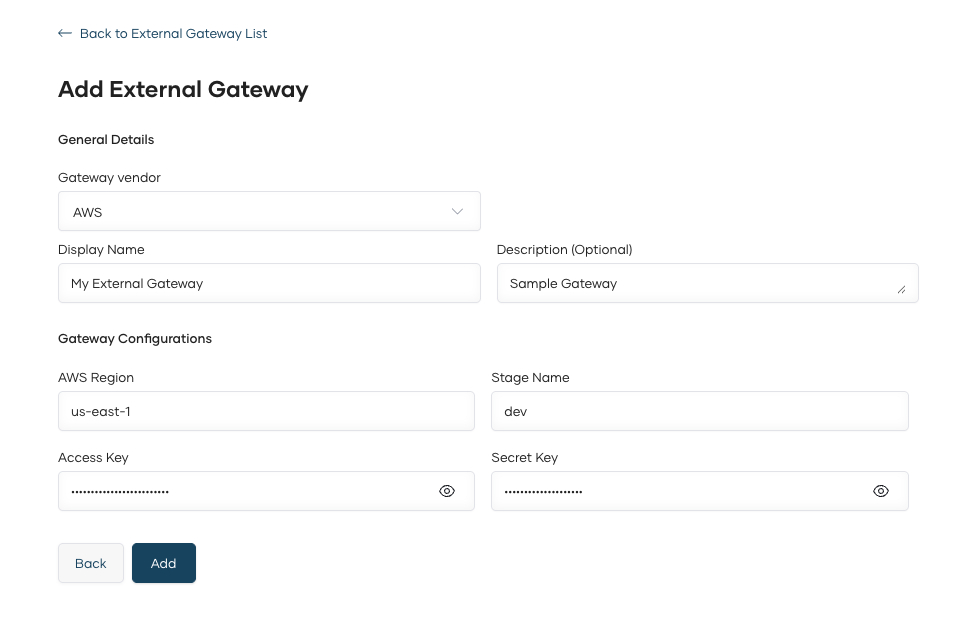
The external gateway is now connected to API Platform and ready for API discovery.
Step 3: Discover APIs from the Gateway
Once the external gateway is configured, you can discover and federate APIs into API Platform.
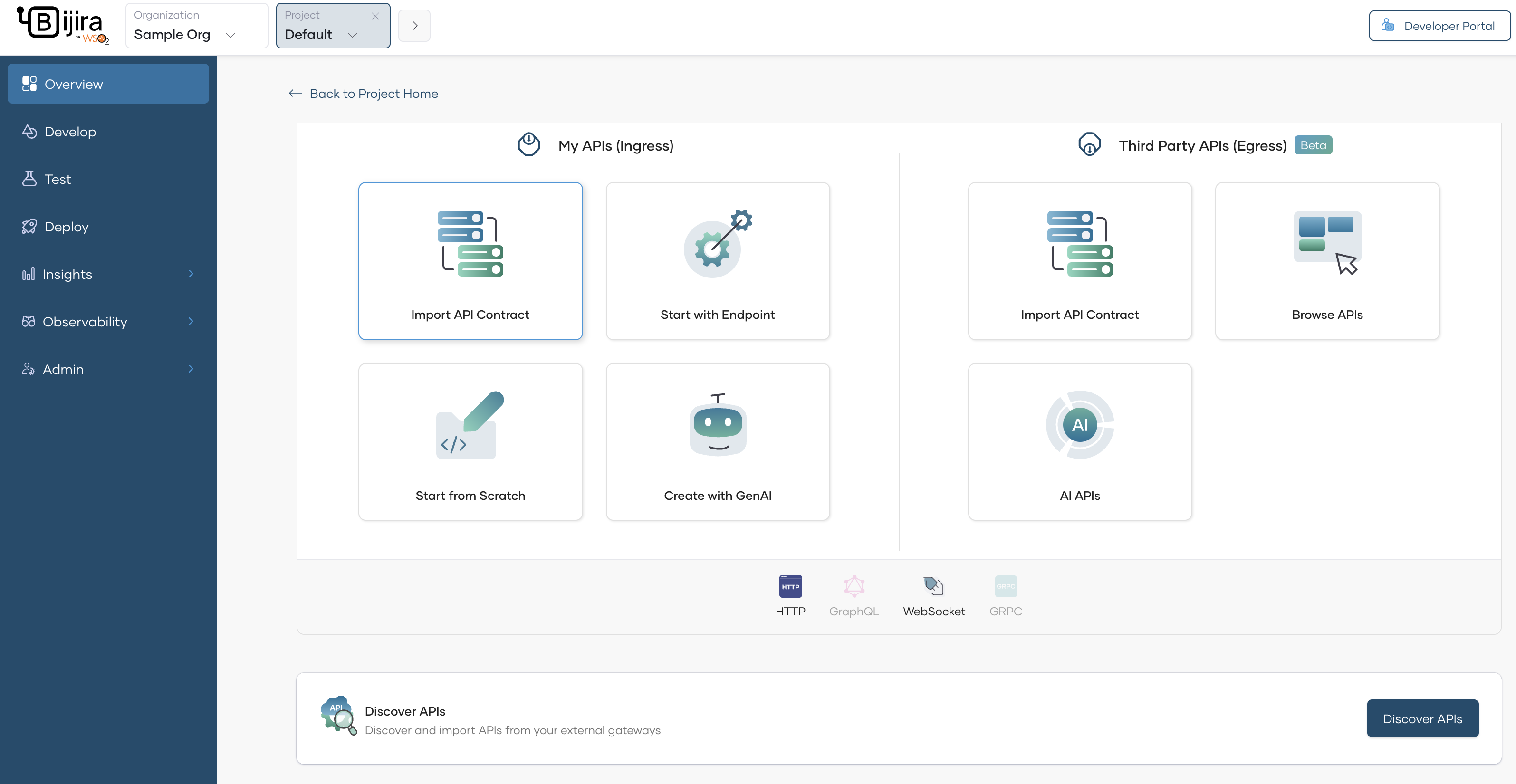
- Navigate to a Project in API Platform.
- Click Create in the project overview.
-
Click on Discover APIs.
-
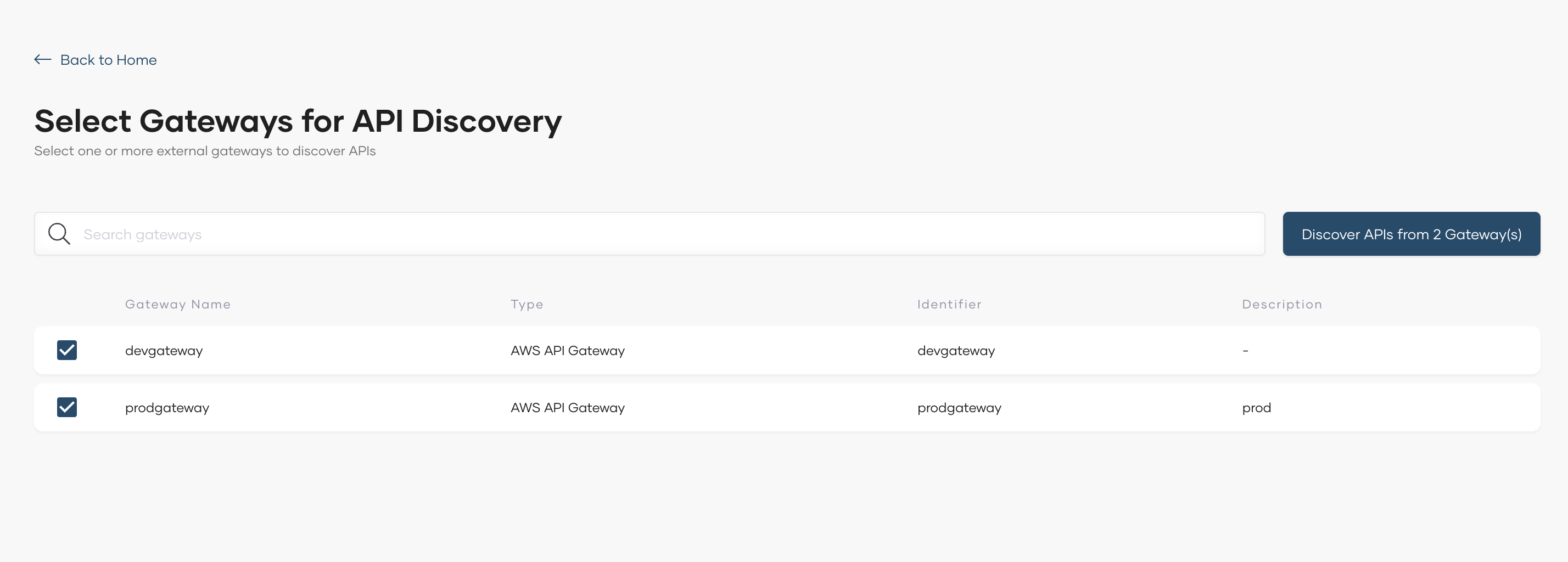
Select the external gateway(s) from which you want to discover APIs and proceed with discovery.
-
Click Discover APIs from Gateways.
-
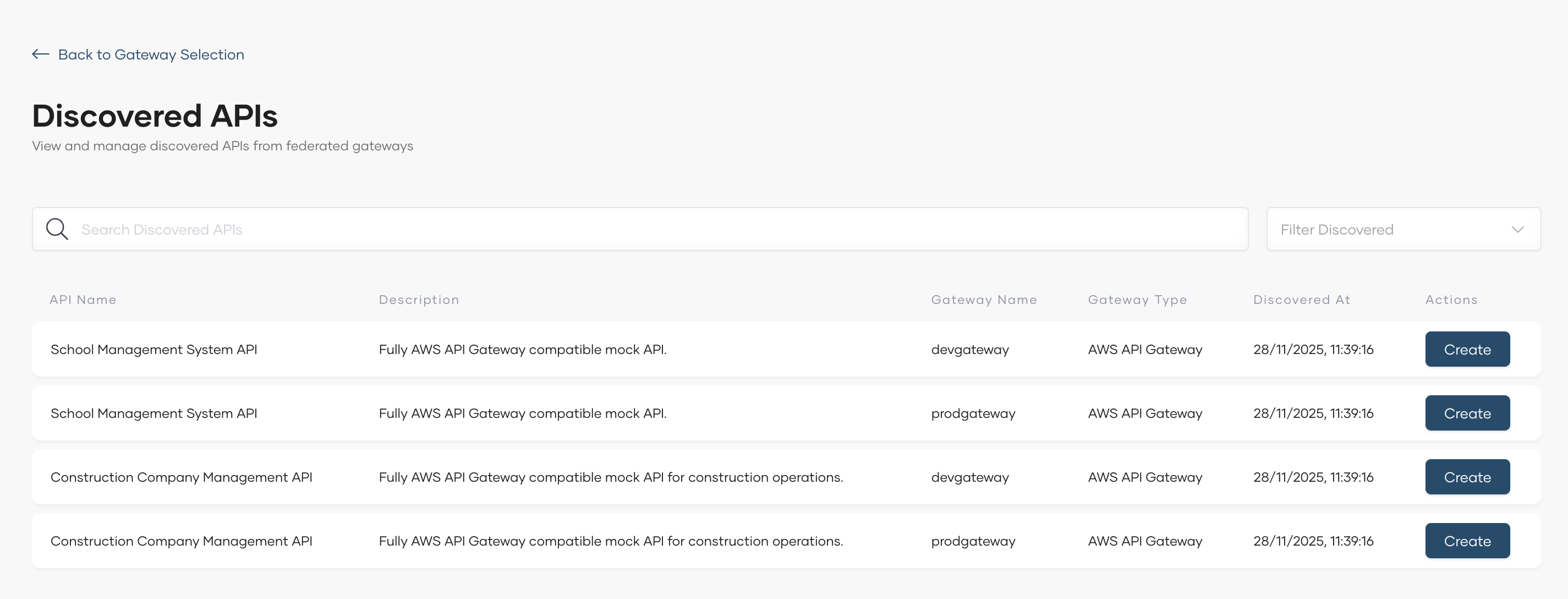
View the list of discovered APIs from the selected gateway(s).
Note
Only REST APIs are supported for discovery from AWS API Gateway.
- For each API, click Create next to the API name. This federates the API into the API Platform control plane.
- Repeat for all desired APIs.
- Navigate to the project Overview page to view all federated APIs.
-
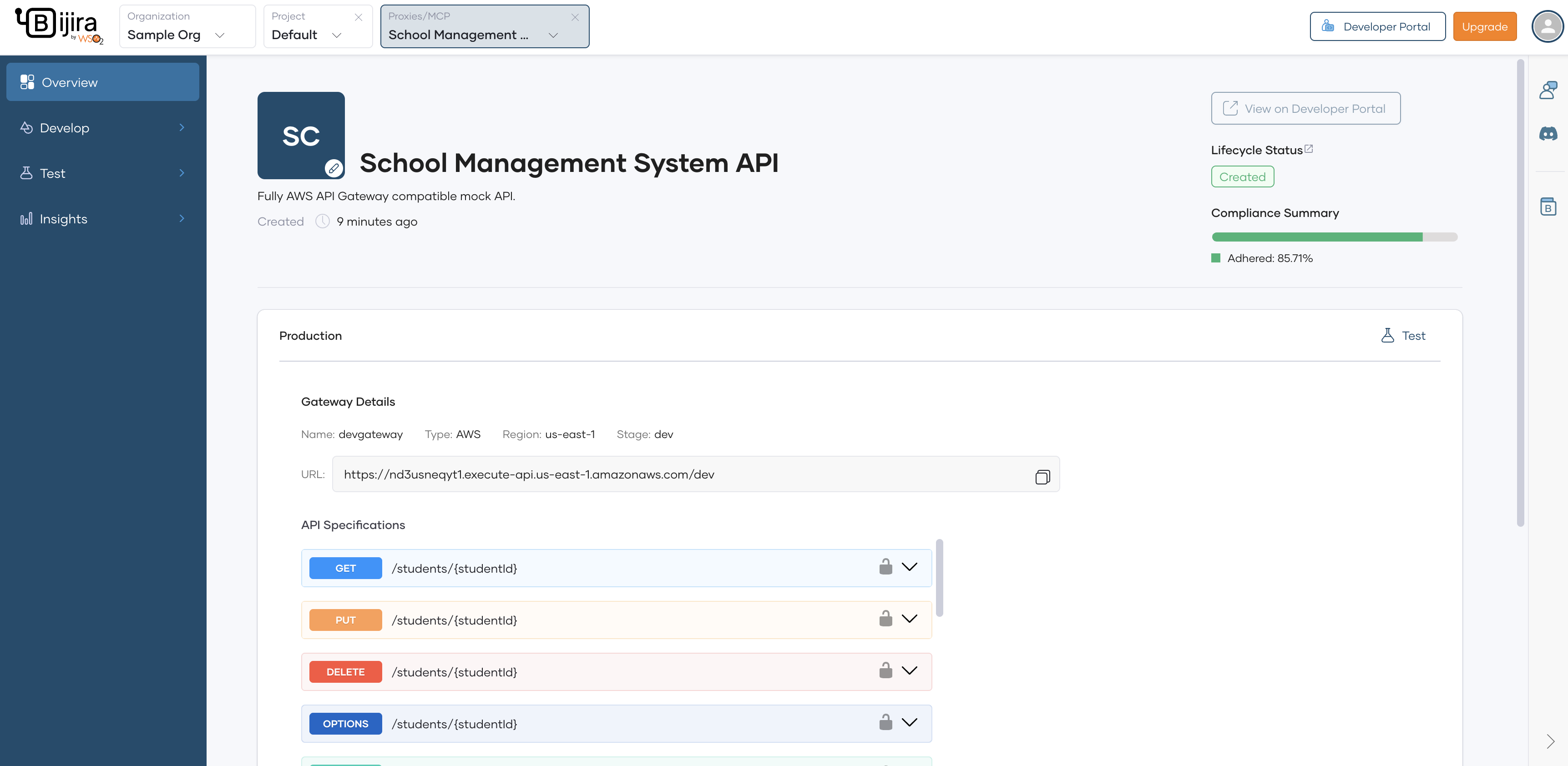
You can view the federated API overview by navigating to the API overview page