gRPC Service
gRPC services use Protocol Buffers (protobuf) to define strongly-typed contracts and support four communication patterns: unary, server streaming, client streaming, and bidirectional streaming. WSO2 Integrator generates Ballerina service stubs from your .proto files using the bal grpc tool, which you run from the integrated terminal in your project.
gRPC service creation is not available through + Add Artifact in the Visual Designer. Use the integrated terminal in your project to generate service stubs from a .proto file, then implement the remote functions in code. Once the service exists, you can open it in the visual designer to implement logic for individual remote functions.
Step 1: Place the proto file in your project
Copy your .proto file into a resources/ folder inside your integrator project. For a full example proto file, see the example proto file in the gRPC Tool reference.
my-integration/
├── Ballerina.toml
├── main.bal
└── resources/
    └── order_service.proto
Step 2: Open the terminal at the project root
In VS Code, open the integrated terminal (Ctrl+`) and confirm that you are in the project root directory containing the Ballerina.toml file:
ls Ballerina.toml
Step 3: Run the code generation command
See Generating a service stub from a proto file in the gRPC Tool reference for the full command options. For a service stub, run:
bal grpc --input resources/order_service.proto --mode service --output .
Step 4: Verify generated files
The tool places two files in the project root:
my-integration/
├── Ballerina.toml
├── main.bal
├── resources/
│   └── order_service.proto
├── order_service_pb.bal          # Message types and descriptor constant
└── order_service.bal     # Service stub with empty RPC methods
| File | Contents |
|---|---|
order_service_pb.bal | Message record types and the ORDER_SERVICE_DESC descriptor constant required by @grpc:Descriptor |
order_service.bal | Service stub with all RPC remote functions to implement |
Both files are compiled automatically as part of the project — no extra imports or configuration needed.
Do not edit
order_service_pb.baldirectly. It is always overwritten when you regenerate. Put all custom logic in separate files.
Step 5: Implement the service
Open order_service.bal and fill in the generated stub methods with your integration logic:
import ballerina/grpc;

listener grpc:Listener grpcListener = new (9090);

@grpc:Descriptor {value: ORDER_SERVICE_DESC}
service "OrderService" on grpcListener {

    remote function GetOrder(GetOrderRequest request) returns Order|error {
        // TODO: Implement
    }

    remote function CreateOrder(CreateOrderRequest request) returns Order|error {
        // TODO: Implement
    }

    remote function ListOrders(ListOrdersRequest request) returns stream<Order, error?>|error {
        // TODO: Implement
    }

    remote function StreamUpdates(stream<OrderUpdate, grpc:Error?> clientStream) returns stream<StatusUpdate, error?>|error {
        // TODO: Implement
    }
}
The @grpc:Descriptor annotation and the descriptor constant (ORDER_SERVICE_DESC) come from order_service_pb.bal — you do not write them manually.
RPC communication patterns
| Pattern | Request | Response | Use case |
|---|---|---|---|
| Unary | Single message | Single message | Standard CRUD operations |
| Server streaming | Single message | Stream of messages | Large result sets, real-time feeds |
| Client streaming | Stream of messages | Single message | Bulk uploads, batch inserts |
| Bidirectional streaming | Stream of messages | Stream of messages | Chat, real-time collaboration |
Designing logic with the visual designer
Once a gRPC service exists in the project, it appears in the Entry Points sidebar and on the design canvas.
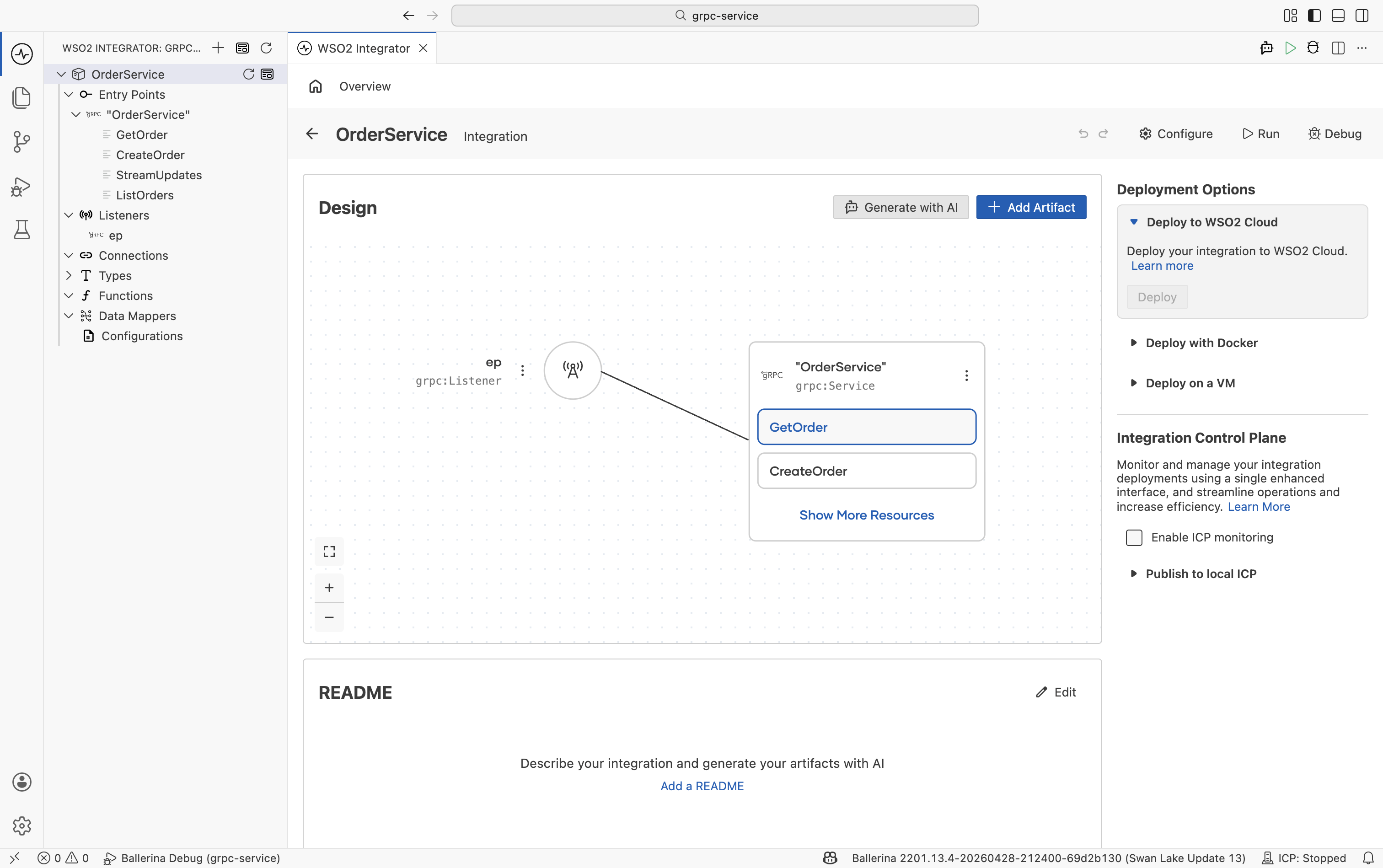
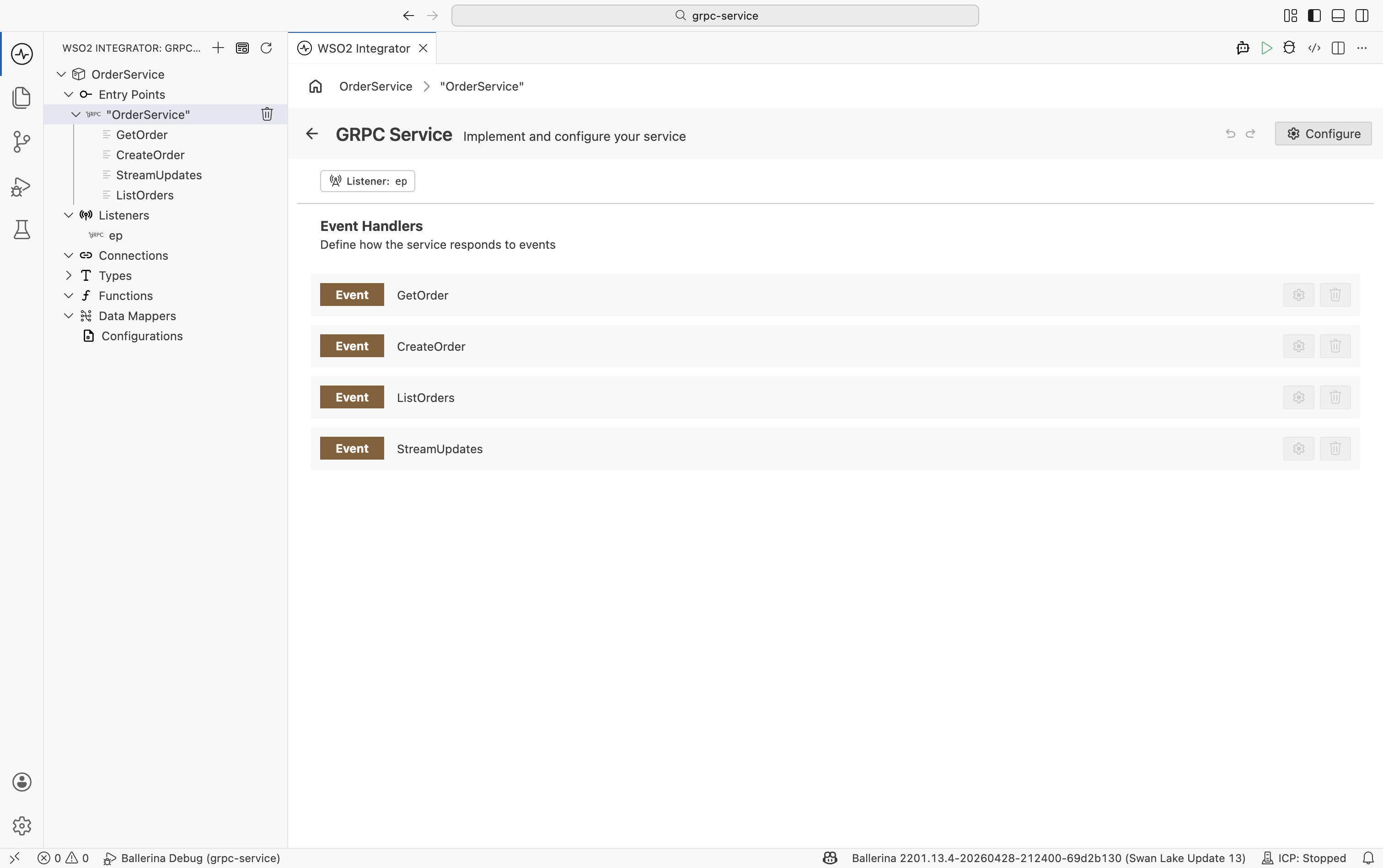
Click the service node on the canvas (or the service name in the sidebar) to open the gRPC Service designer, which lists all remote functions as event handlers.
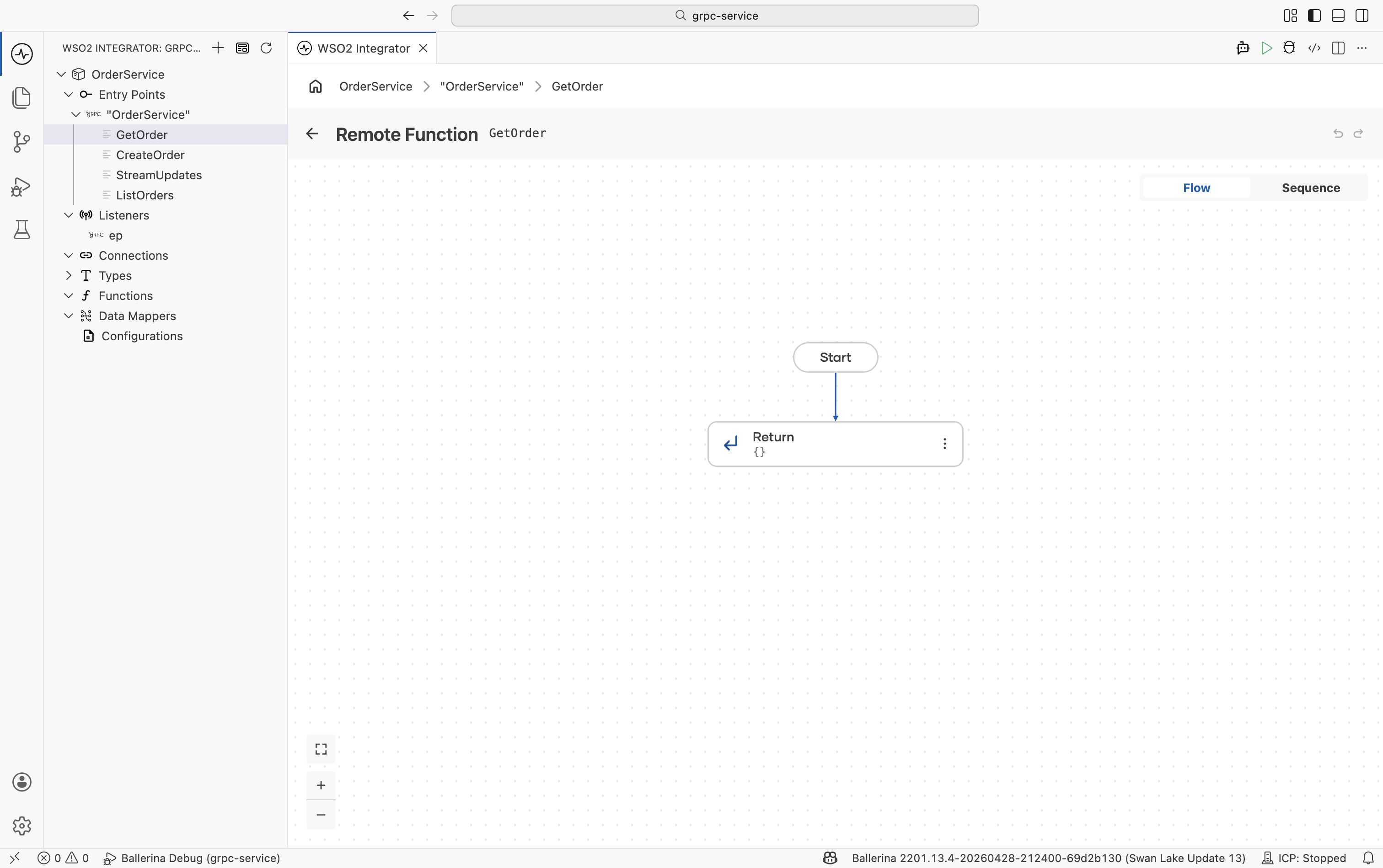
Click any handler row (for example, getOrder) to open its flow designer view, where you can define the integration logic visually.
Not all gRPC service configuration options are available through the visual designer. For full control including listener configuration and descriptor settings, use Ballerina code directly.
Regenerating after proto changes
Re-run the same command whenever the .proto file changes. The generated files are overwritten automatically:
bal grpc --input resources/order_service.proto --mode service --output .
For more details
- gRPC Tool — full command reference including client generation and proto import paths.
- Ballerina gRPC specification — advanced configuration, TLS, authentication, and interceptors.