Kafka
Listen to messages from Apache Kafka topics with consumer group management, offset control, and schema-aware deserialization.
Creating a Kafka listener
- Visual Designer
- Ballerina Code
-
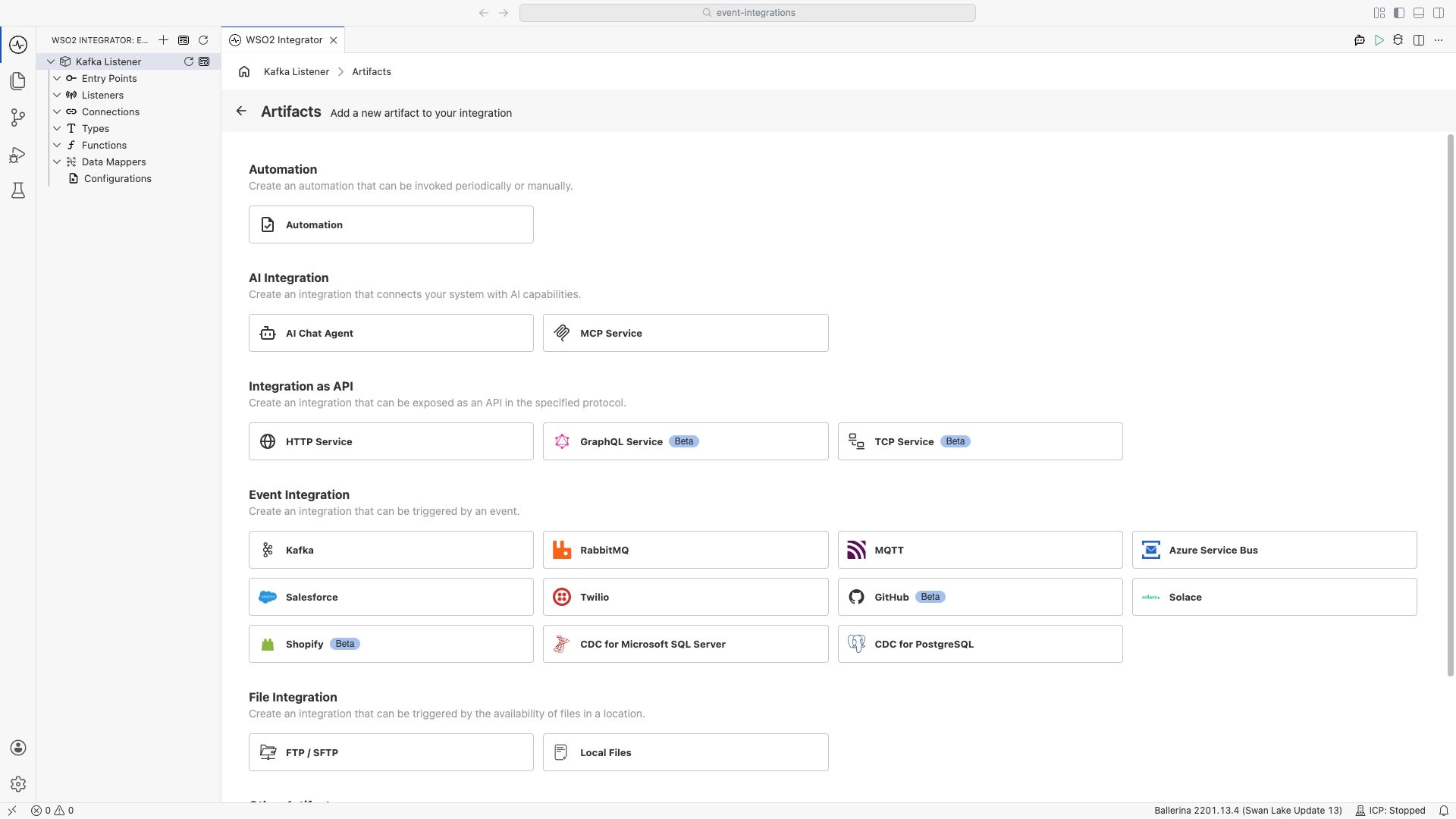
Click the + Add Artifact button in the canvas or click + next to Entry Points in the sidebar.
-
In the Artifacts panel, select Kafka under Event Integration.
-
In the creation form, fill in the following fields:
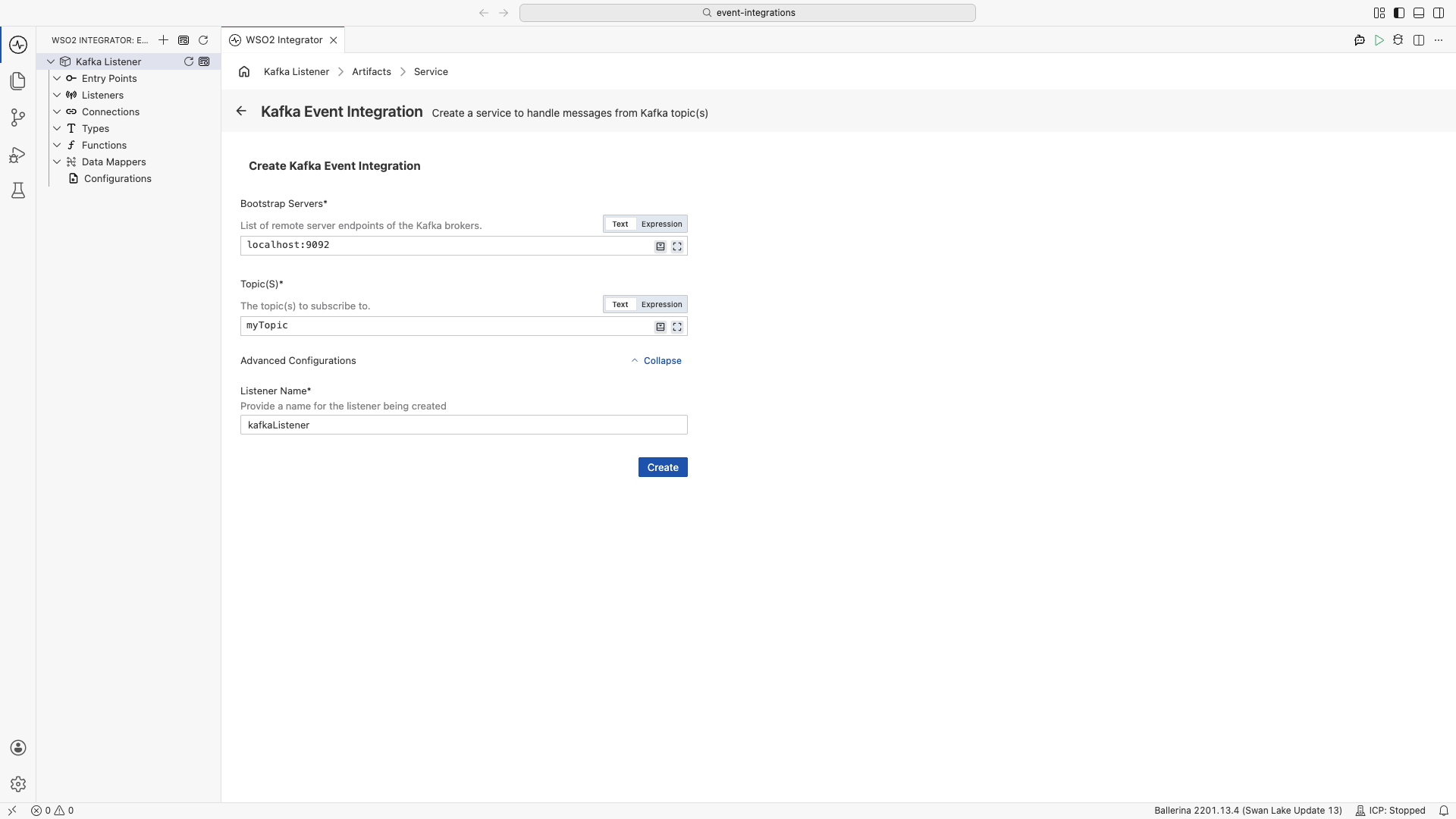
Field Description Bootstrap Servers Comma-separated list of Kafka broker addresses (e.g., localhost:9092). Required.Topic(s) One or more Kafka topic names to subscribe to. Required. Expand Advanced Configurations to set the
listenerName, which is the name assigned to the listener. -
Click Create.
-
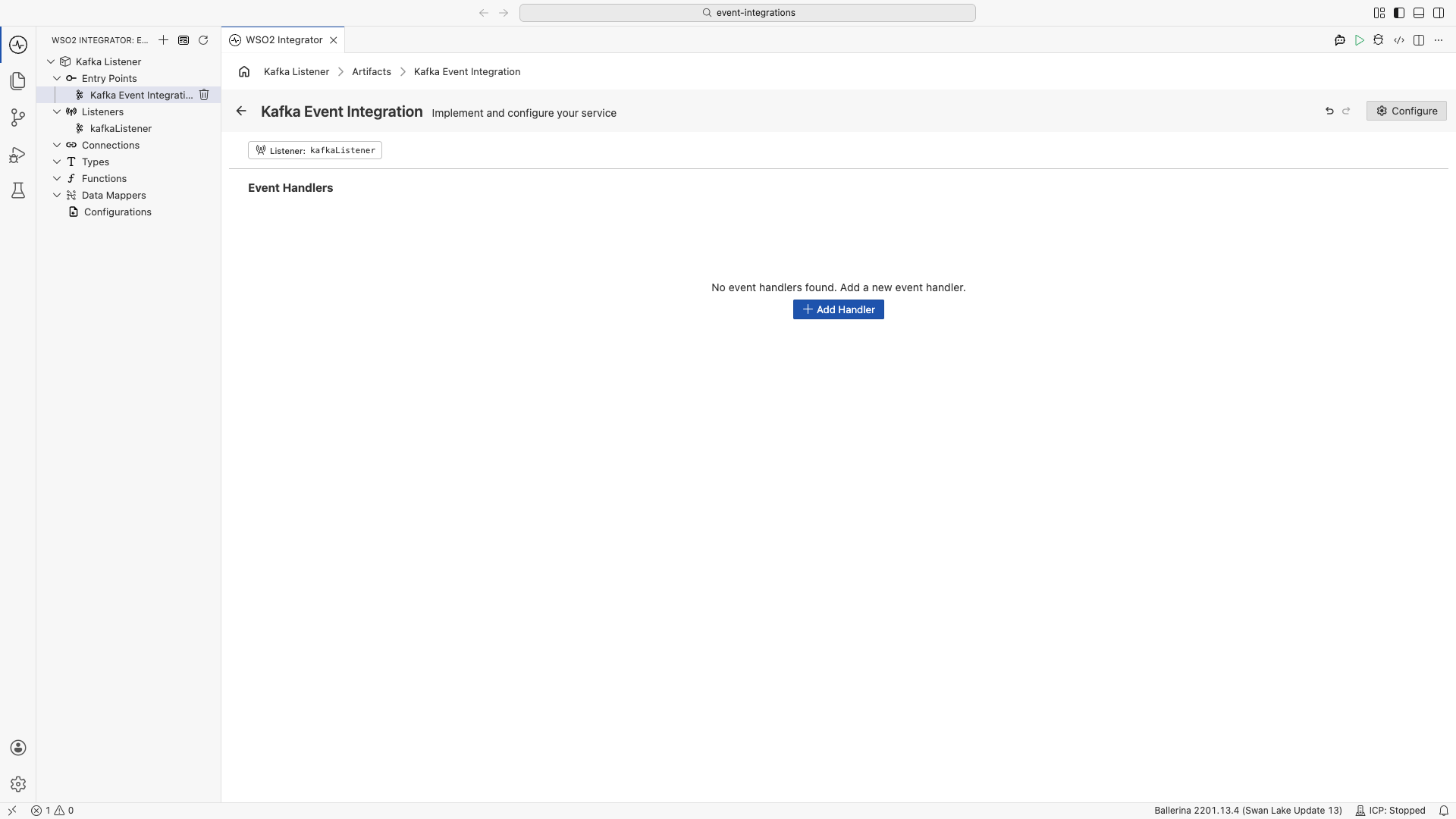
WSO2 Integrator opens the Kafka Listener Designer. The header shows the listener configuration pill and the + Add Handler button.
-
Click + Add Handler button, which will open the Select Handler to Add drawer on the right.
-
Pick onConsumerRecord, then click Save. This opens the Flow Designer for
onConsumerRecord.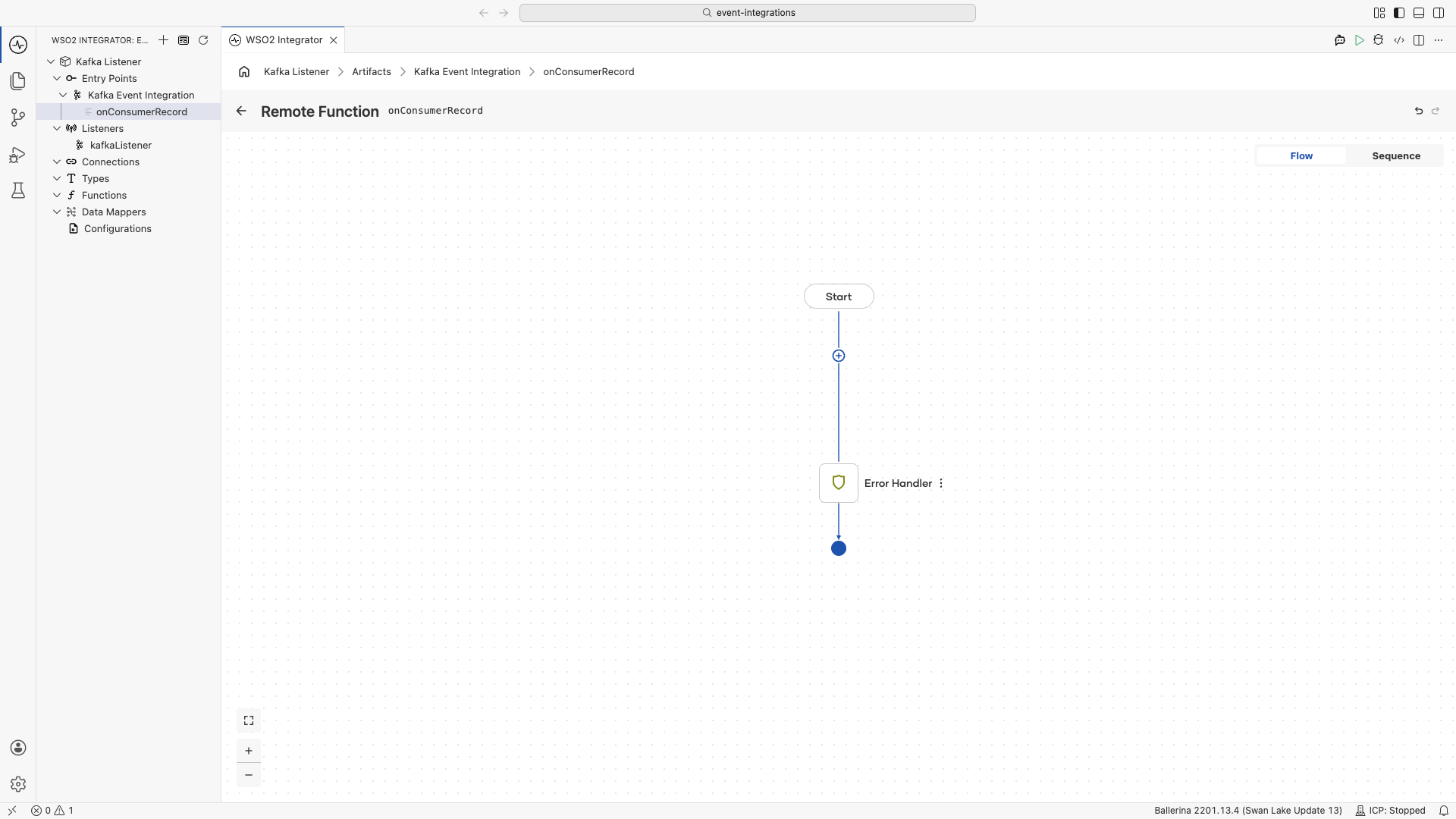
-
Use the flow canvas to add integration steps such as database writes, HTTP calls, and transformations.
import ballerina/log;
import ballerinax/kafka;

// should add under types.bal file
type OrderEvent record {|
    string orderId;
    string customerId;
    decimal amount;
|};

configurable string bootstrapServers = "localhost:9092";
configurable string groupId = "order-processor";
configurable string kafkaTopic = "orders";

listener kafka:Listener kafkaListener = new (bootstrapServers, {
    groupId: groupId,
    topics: [kafkaTopic],
    offsetReset: kafka:OFFSET_RESET_LATEST, // skip old messages, only consume new ones
    pollingInterval: 1,
    autoCommit: false // required when using caller->commit()
});

service kafka:Service on kafkaListener {

    remote function onConsumerRecord(kafka:AnydataConsumerRecord[] messages, kafka:Caller caller) returns error? {
        foreach kafka:AnydataConsumerRecord msg in messages {
            do {
                byte[] msgBytes = check msg.value.ensureType();
                string jsonStr = check string:fromBytes(msgBytes);
                OrderEvent orderEvent = check jsonStr.fromJsonStringWithType();
                processOrder(orderEvent); // Implement a processing logic under processOrder() method in functions.bal file
                log:printInfo("onConsumerRecord triggered", orderId = orderEvent.orderId);
            } on fail error e {
                log:printError("Failed to process message, skipping", 'error = e, offset = msg.offset.offset, partition = msg.offset.partition.partition);
            }
        }
        check caller->commit();
    }
}
Service configuration
Service configuration controls the service name and the Kafka listener it is attached to.
- Visual Designer
- Ballerina Code
In the Kafka Listener Designer, click Configure to open the Kafka Event Integration Configuration panel.
The left panel shows the service name and its Attached Listeners. Pick the Kafka Listener under Attached Listeners to configure the listener connection settings in the main configuration panel.
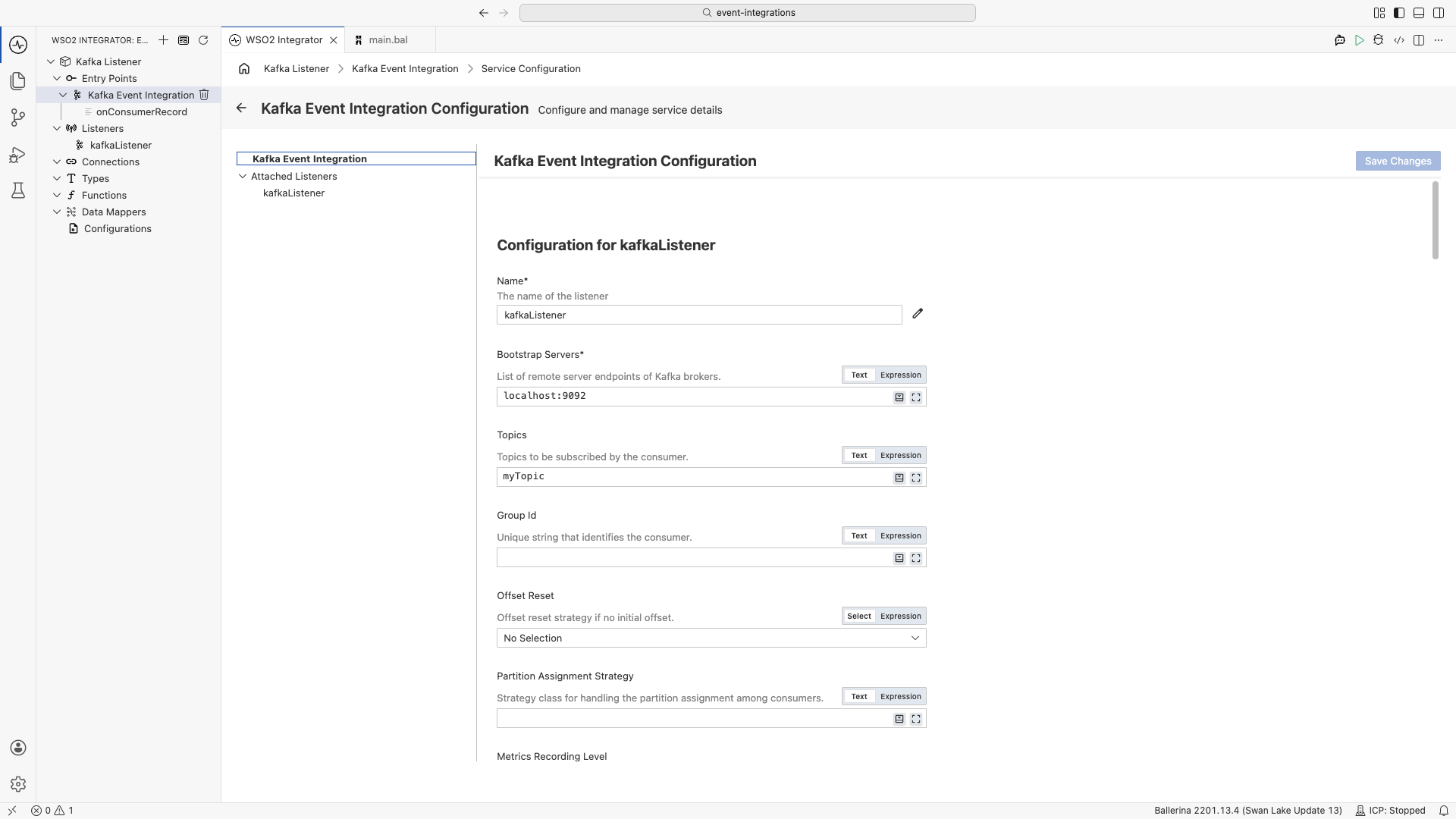
Main configurations
| Field | Description |
|---|---|
| Name | Identifier for the listener, used in the service declaration. Required. |
| Bootstrap Servers | Comma-separated list of Kafka broker host:port addresses. Required. |
| Topics | Topics for the consumer to subscribe to. |
| Group Id | Consumer group identifier for coordinated offset tracking. |
| Offset Reset | Strategy when no committed offset exists: earliest, latest, or none. |
| Partition Assignment Strategy | Class that implements the partition assignment strategy among consumer group members. |
Service configuration maps to the ConsumerConfiguration record passed when constructing the listener:
listener kafka:Listener orderListener = new ("localhost:9092", {
    groupId: "order-processor",
    topics: ["orders"],
    offsetReset: kafka:OFFSET_RESET_EARLIEST
});

service on orderListener {
    // handlers
}
What's next
- Kafka Connector Overview — full connector reference for producer and consumer clients
- Action Reference — all producer and consumer operations, parameters, and sample code
- Trigger Reference — event-driven listener and service callback reference
- Setup Guide — set up a local or managed Kafka cluster