Create an Organization
In Devant, an organization is a logical grouping of users and their associated resources. When signing in for the first time, a user must create an organization and become a member to begin using Devant. Refer Organization for more details.
Users and resources within an organization are isolated from other organizations. Access to resources in another organization is only possible if an admin from that organization explicitly invites and adds the user as a member.
Step 1: Log in to Devant
Go to Devant Console and sign in using your preferred sign-in option.
Step 2: Define a name for the organization
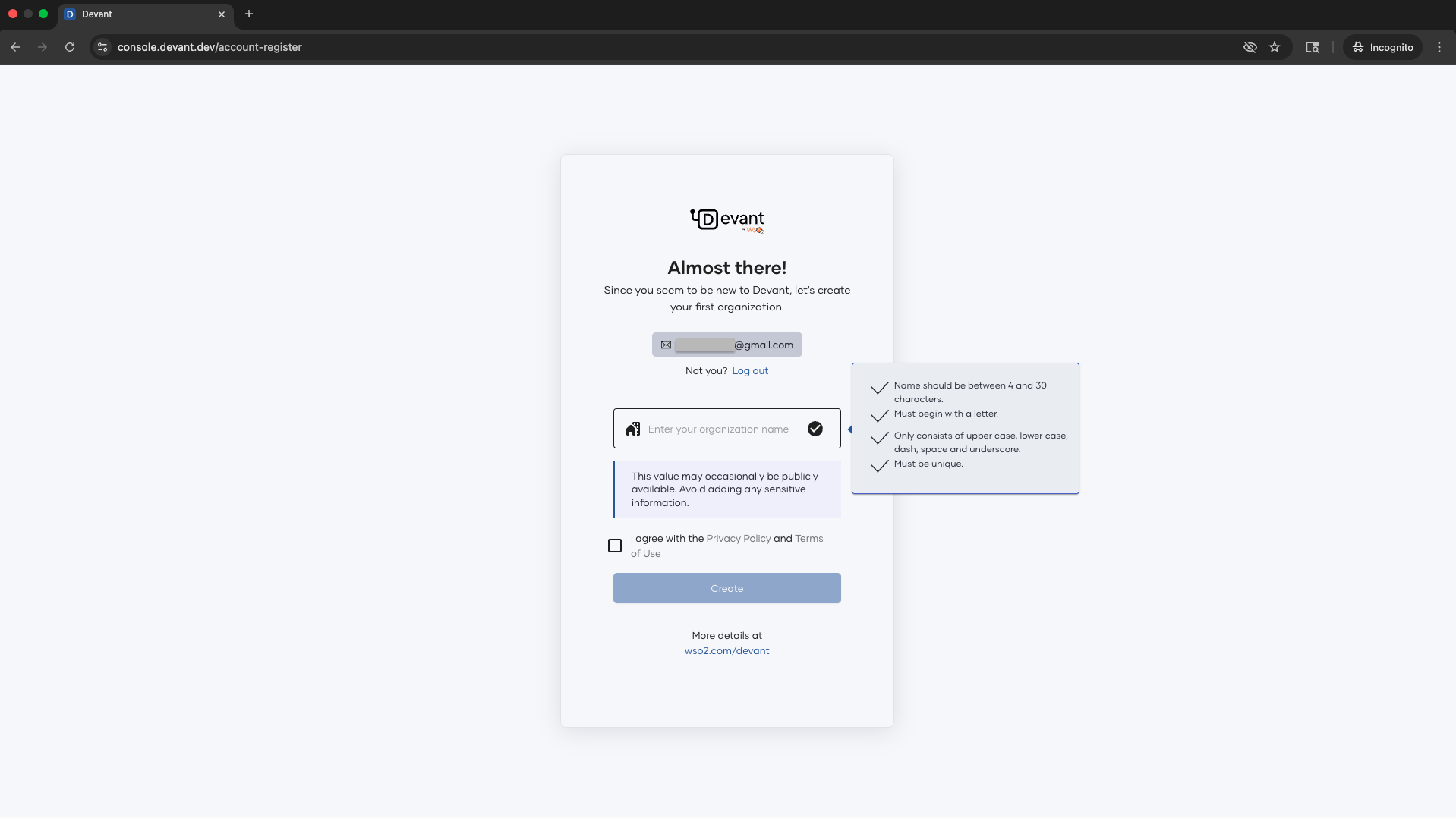
Enter a unique organization name.
- Name should be between 4 and 30 characters.
- Must begin with a letter.
- Only consists of upper case, lower case, dash, space and underscore.
- Must be unique.
Step 3: Read Privacy Policy and Terms of Use
Read and accept the Privacy Policy and Terms of Use and click Create.
Step 4: Select the region
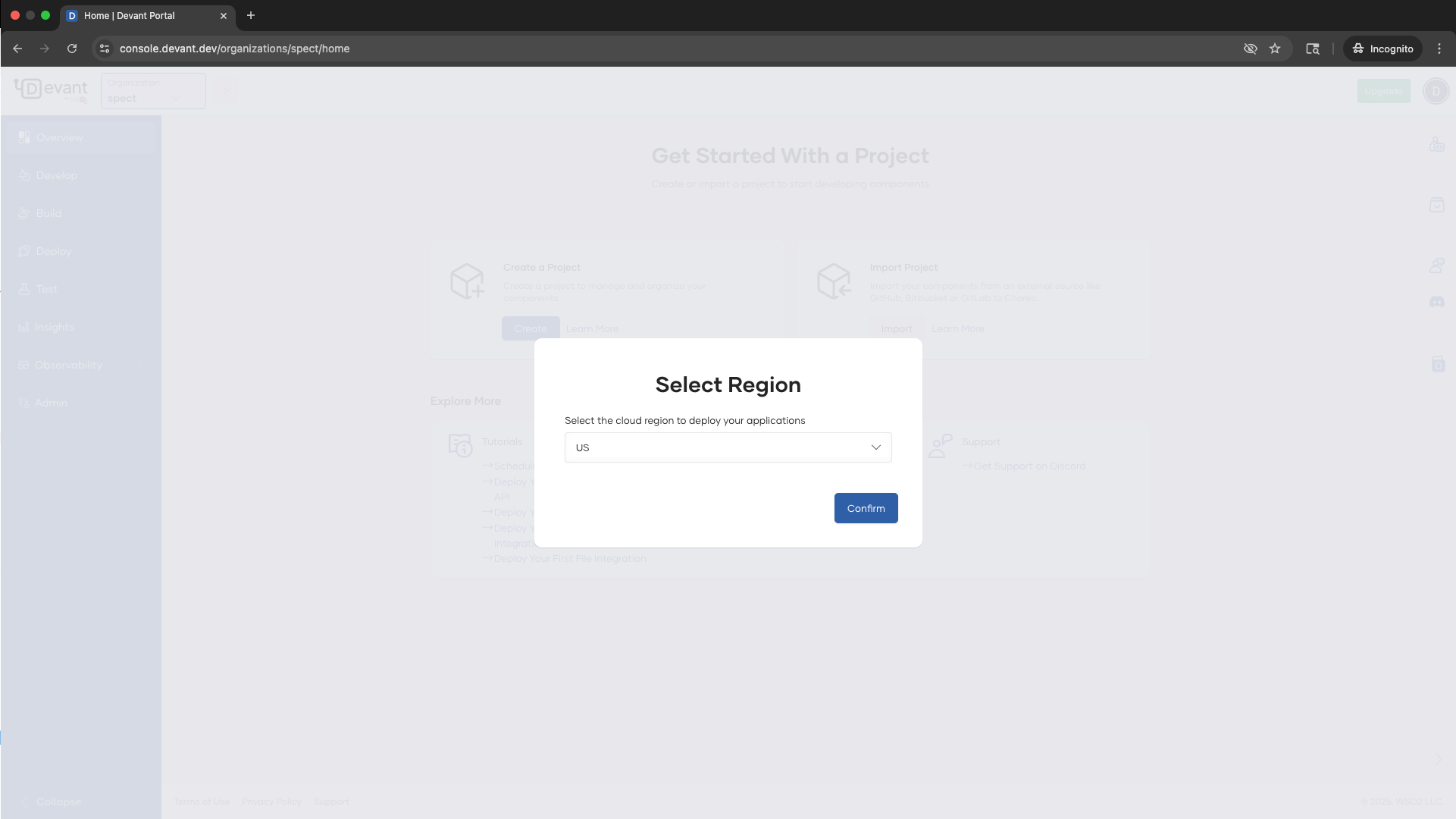
Select the cloud region where you want to deploy your application and click Confirm.
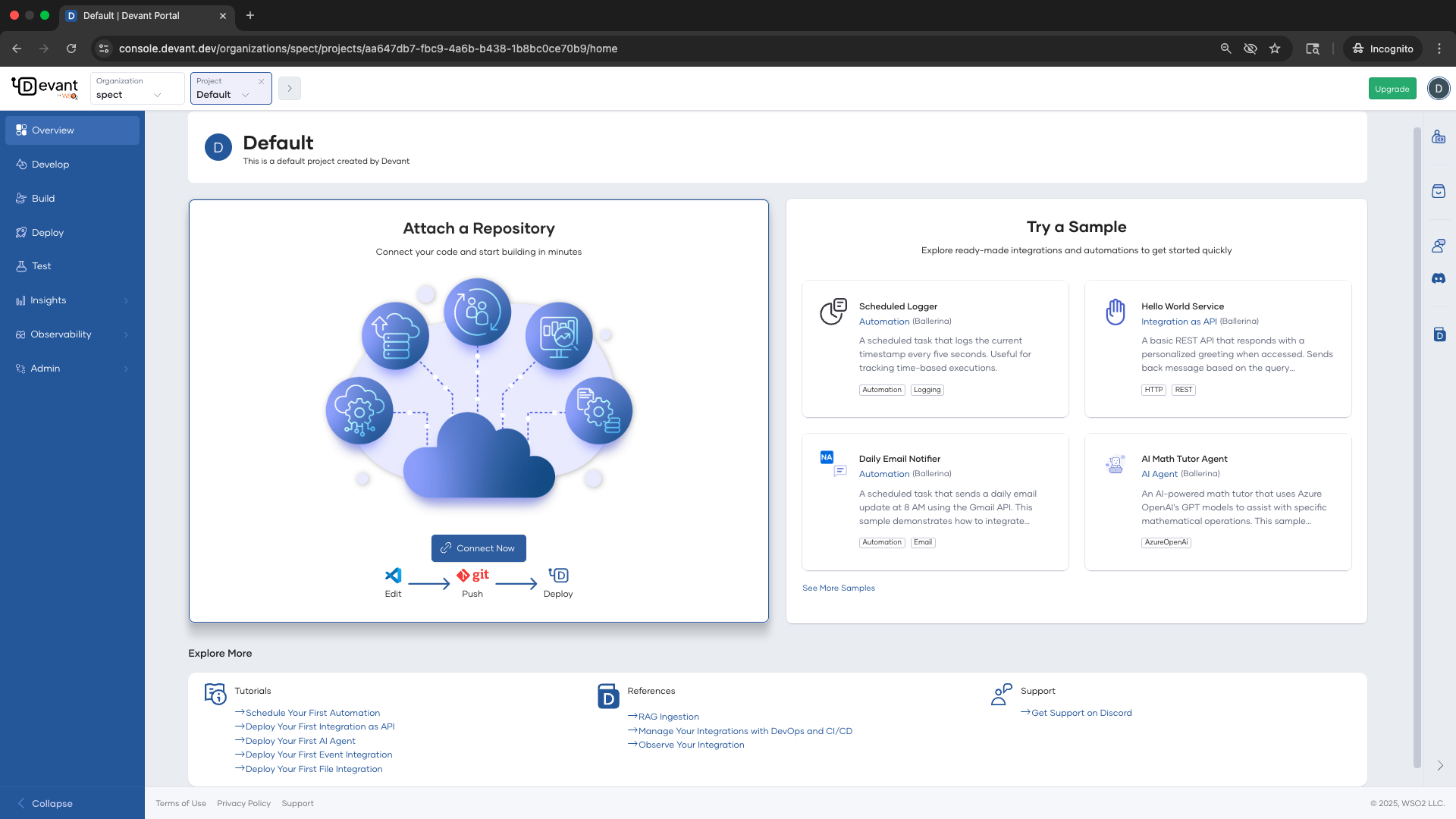
Now, you are on the Overview page of the default project of the newly created organization.