Install and Set Up WSO2 Integrator: BI
WSO2 Integrator: BI is a low-code integration solution built on Ballerina, enabling fast and efficient integration development with minimal coding. It enables you to build integrations easily from your local development environment. This guide walks you through the steps to install and set up BI using Visual Studio Code (VS Code).
Step 1: Install the WSO2 Integrator: BI Extension
-
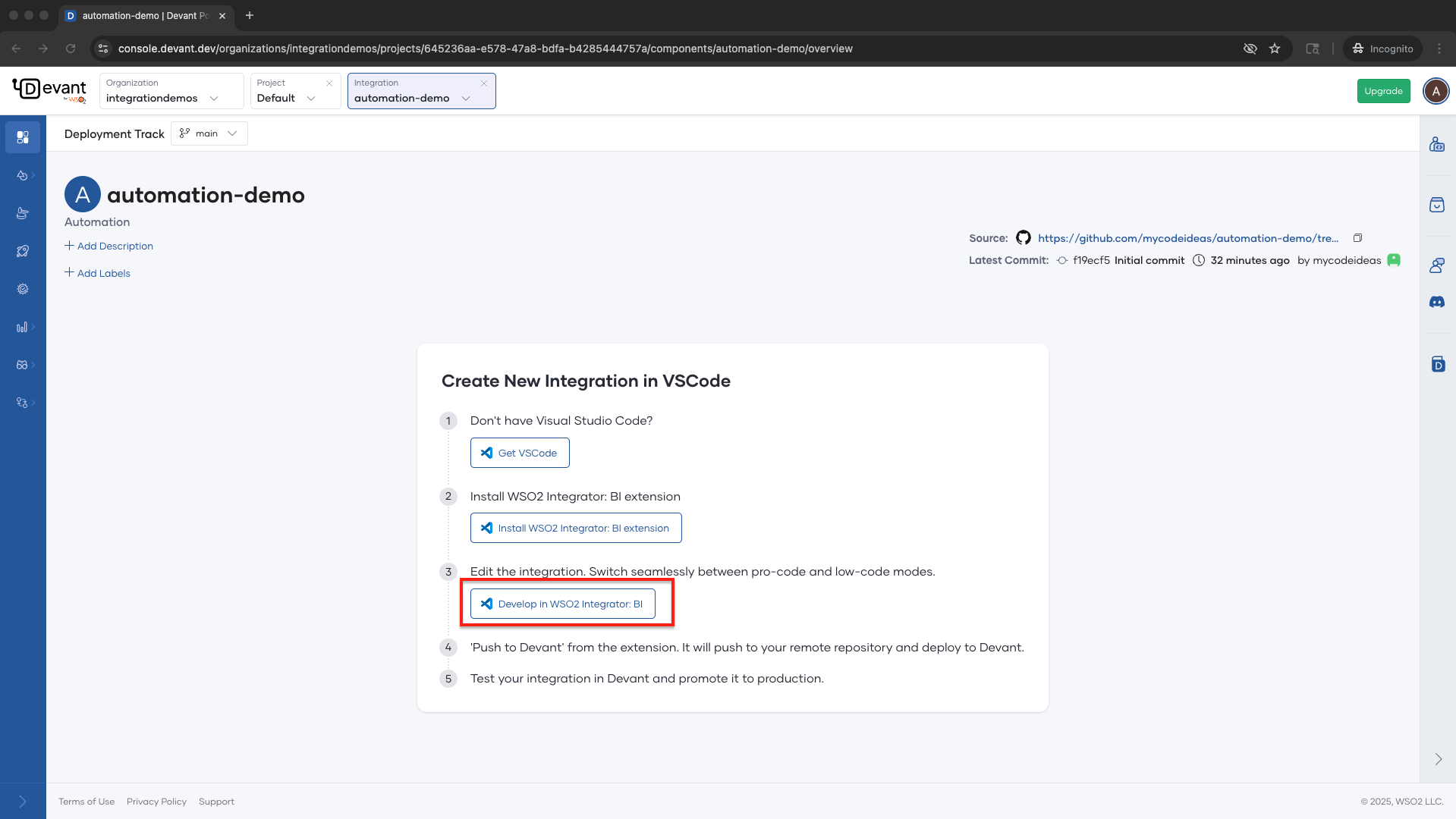
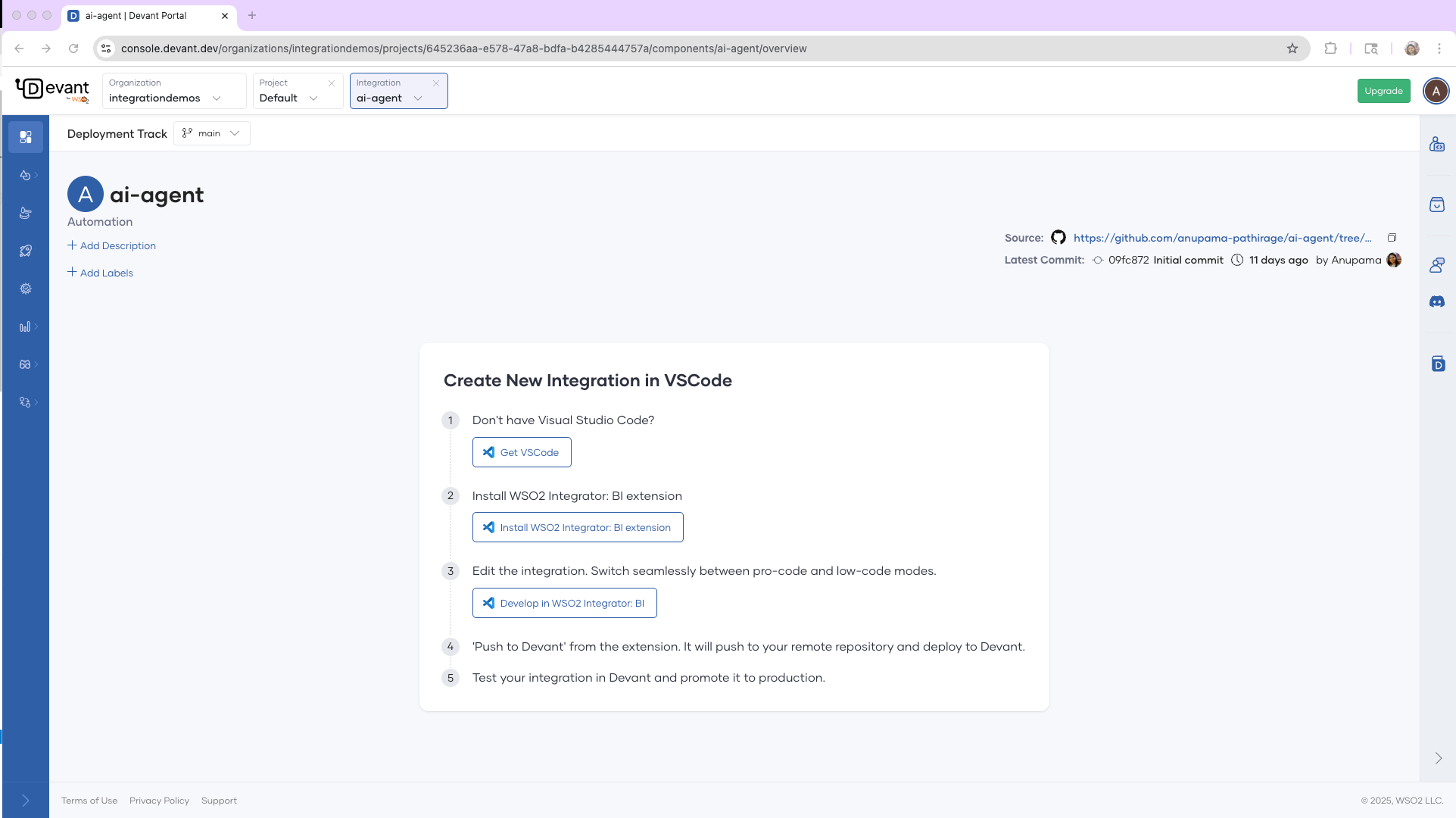
Once you start the integration creation in Devant by importing a repository, you will be redirected to the Create New Integration in VS Code page.
-
If you don't have Visual Studio Code, click
Get VS Codeand install it. -
Then click Install WSO2 Integrator: BI extension.
-
It will open the
WSO2 Integrator: BIextension page and click Install. This will install both theWSO2 Integrator: BIandBallerinaextensions in VS Code.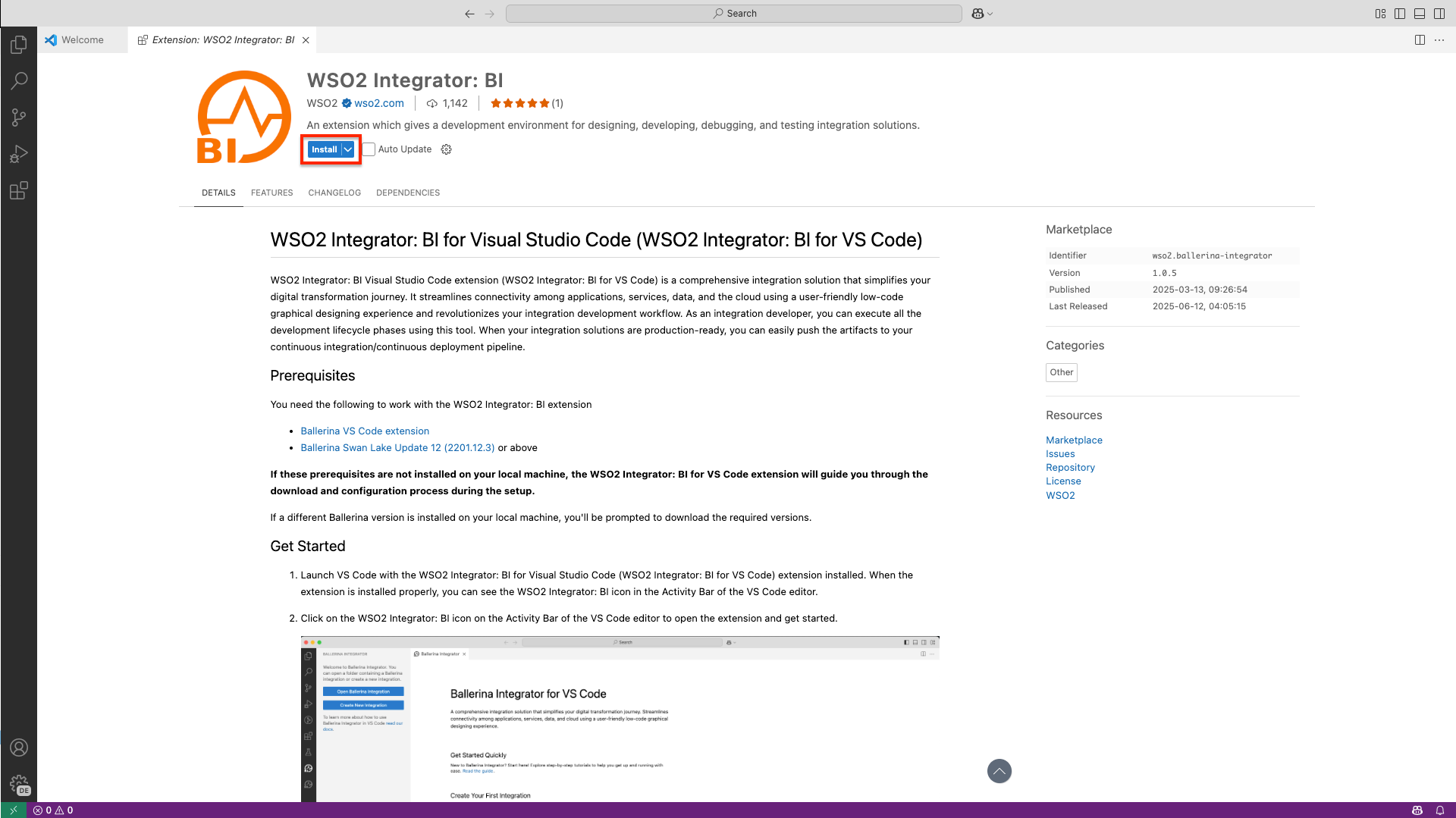
Step 2: Set up WSO2 Integrator: BI for the first time
-
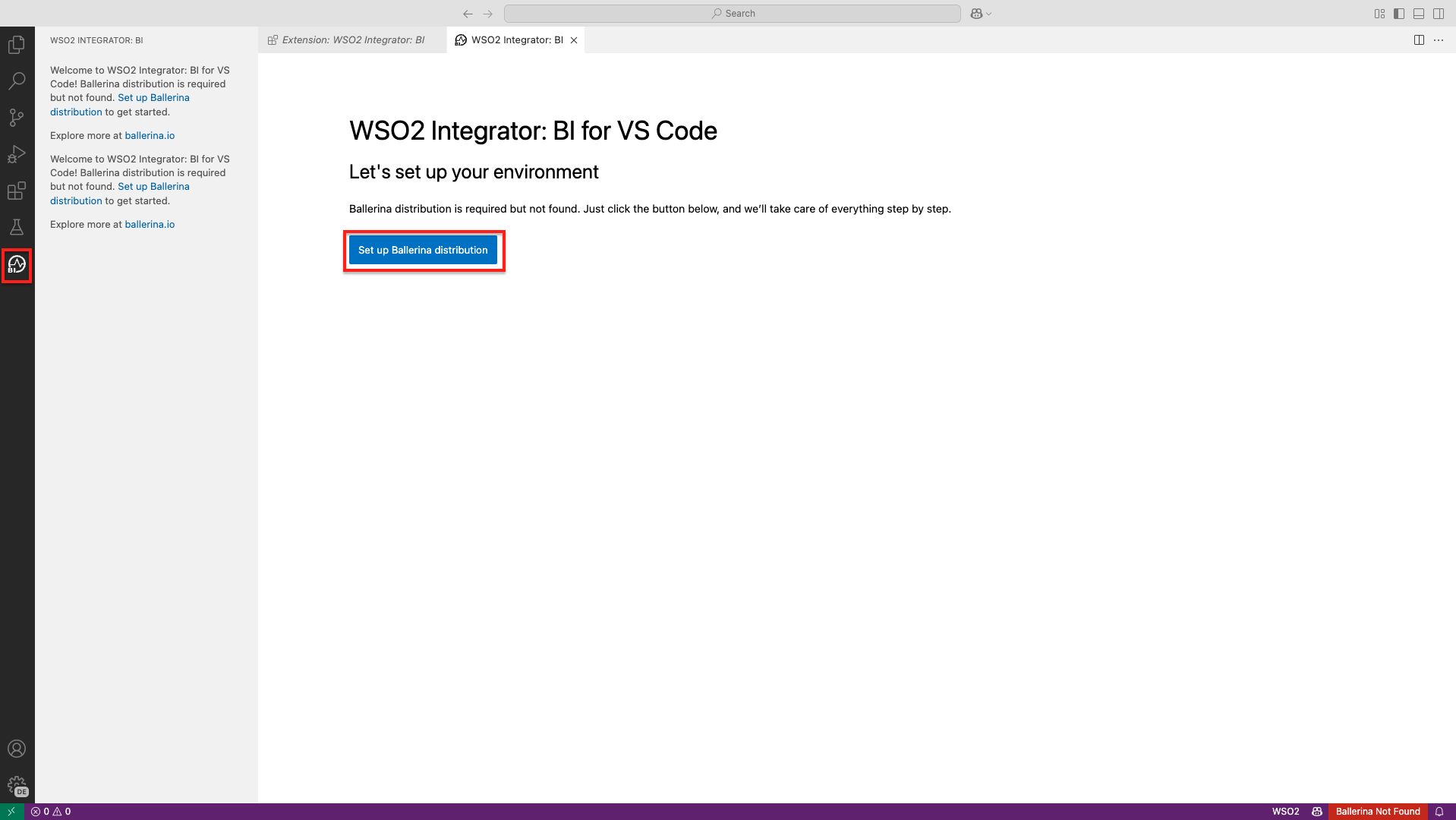
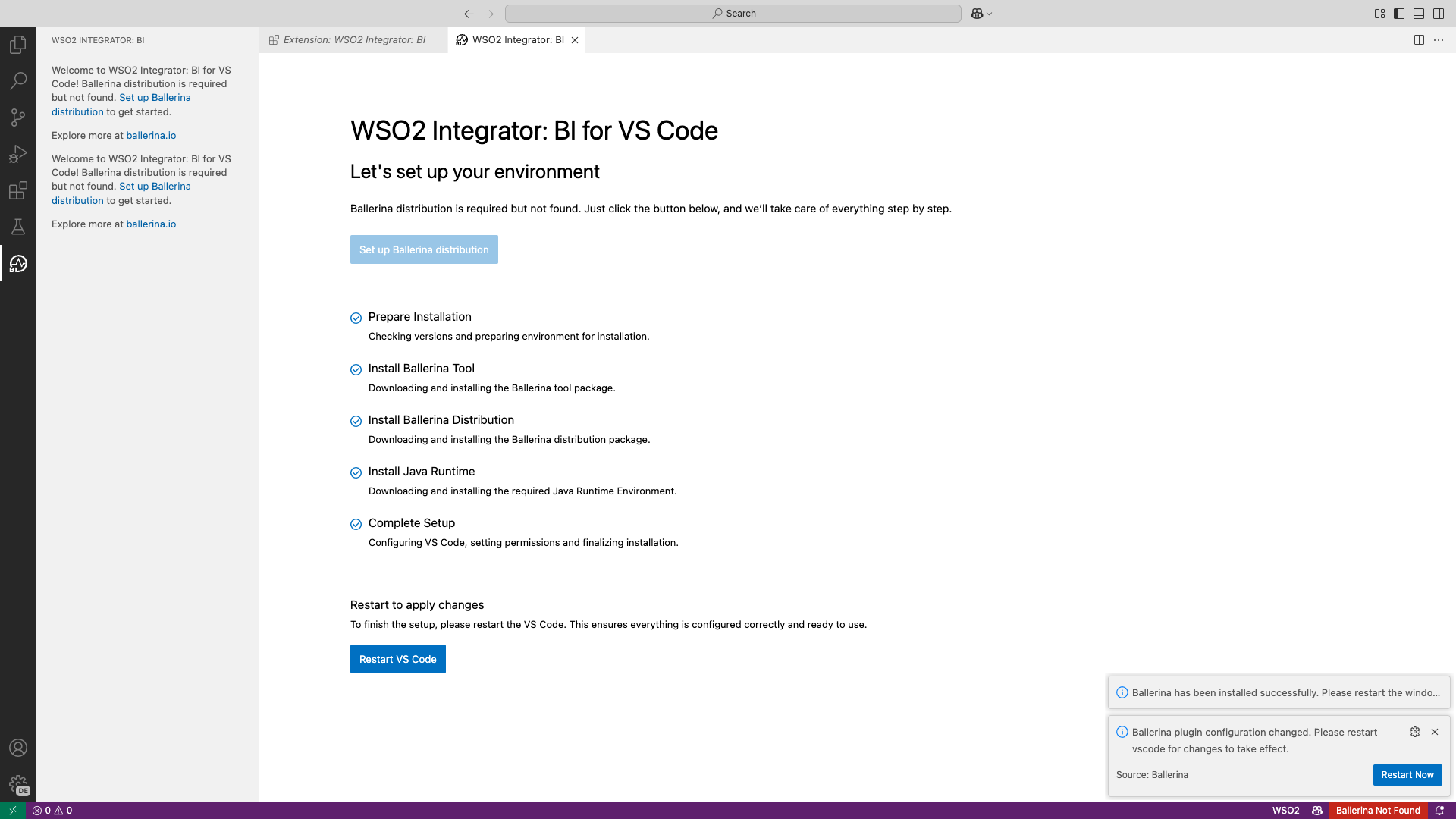
Click the BI in the VS Code sidebar and click Set up Ballerina distribution. The setup wizard will automatically download and configure the required Ballerina distribution.
-
Once the setup is complete, click Restart VS Code to apply the changes.
Step 3: Develop the integration in WSO2 Integrator: BI
-
Click Develop in WSO2 Integrator: BI. This will clone your integration project and open it in BI.