Sign-Up and Upgrade Guide
Sign-up
This section explains how to sign up for Devant.
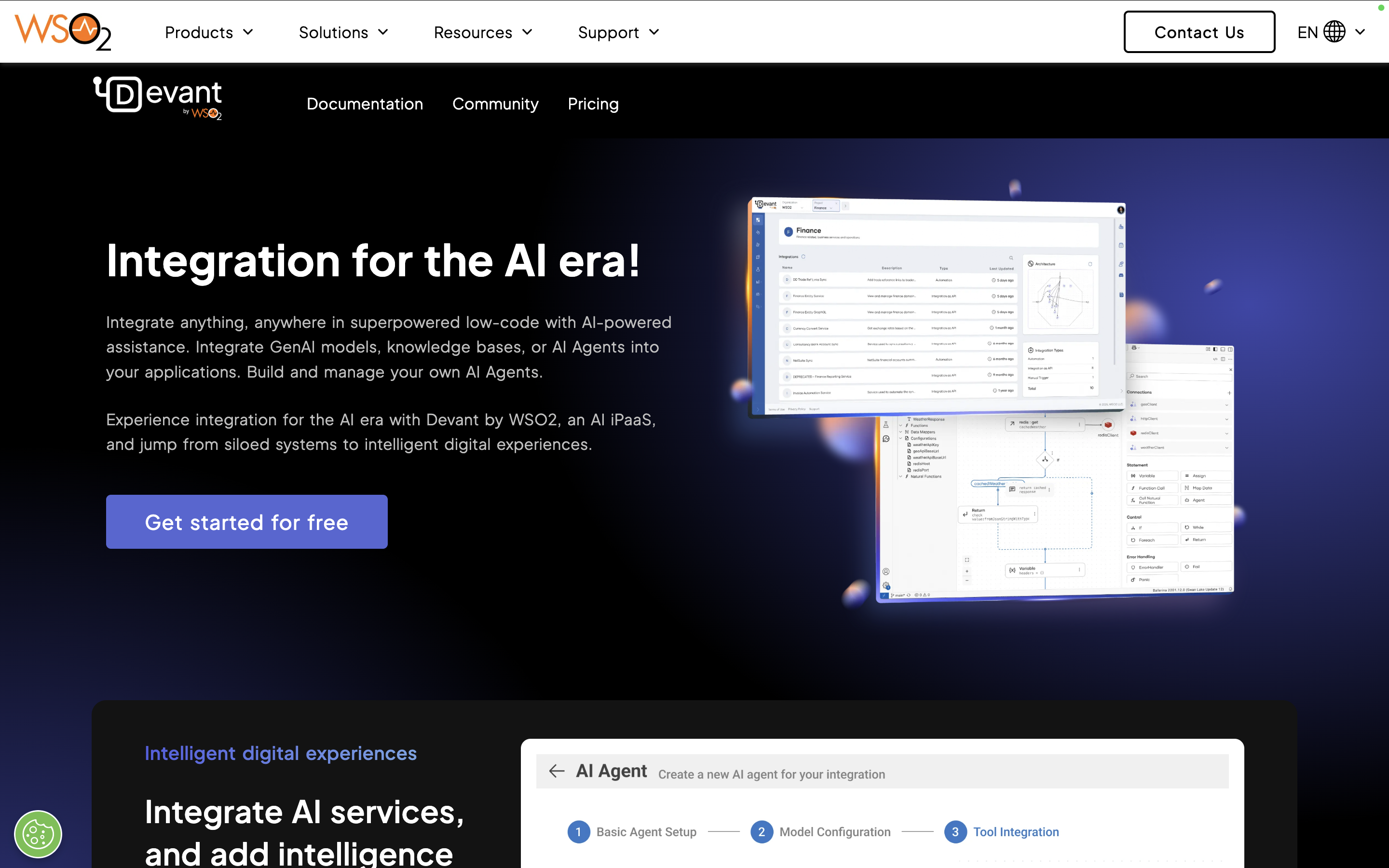
- Go to https://wso2.com/devant.
-
Select Get started for free.
-
Choose your preferred sign up method, and follow the instructions on the screen to associate your email address with Devant.
Upgrade to the Pay-As-You-Go (PAYG) or enterprise tier
This section will show you how to upgrade from the free tier to the Pay-As-You-Go (PAYG) or enterprise tier.
-
Contact us through one of the following methods:
- Via your dedicated Account Manager or Technical Owner
- Via https://wso2.com/contact/?src=devant
-
If you do not have a dedicated Account Manager, we will assign one to guide you through the contracting process.
-
Once your contract is finalized, you will be required to sign up for Devant if you are not signed up already.
Note
We recommend using a common service email address to sign up and administer your Devant Organization.
-
Share your Organization ID with your Account Manager or Technical Owner, and we will upgrade your account for you.