Configurations
Configurable variables externalize configuration: you declare variables in your integration and supply values for them at runtime. They keep two things out of your code:
- Secrets: credentials, API keys, and tokens you don't want in source control.
- Environment-specific settings: URLs, ports, and feature flags that differ between development, staging, and production.
Because the values live outside the code, the same integration implementation runs unchanged in every environment.
WSO2 Integrator's configuration support is built on Ballerina's configurable variable model. For the complete configuration reference, see Configuration management.
Adding a configuration
- Visual Designer
- Ballerina Code
-
Open your integration project in WSO2 Integrator.
-
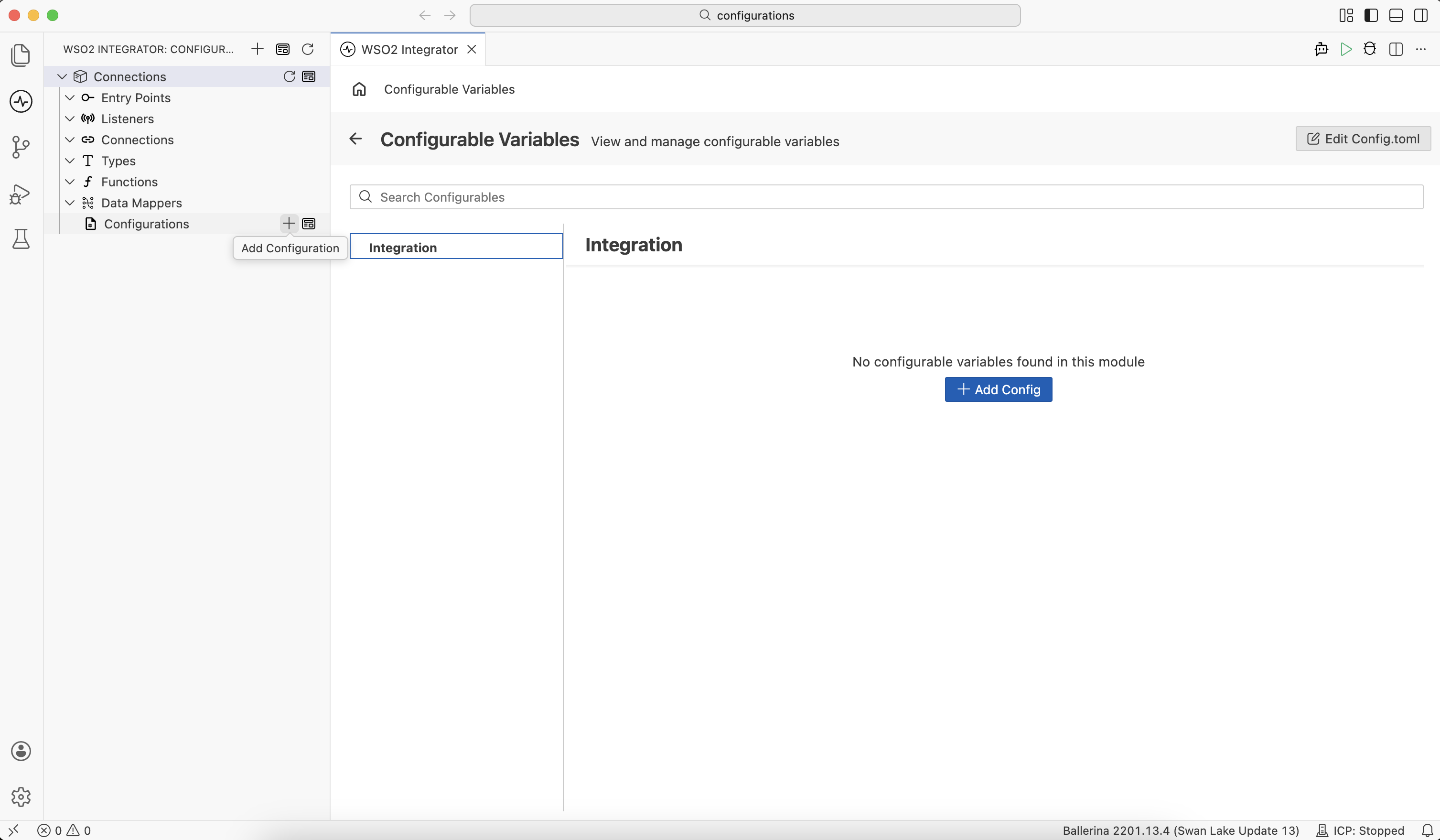
Click + next to Configurations in the sidebar. Alternatively, click + Add Artifact in the Design panel, then click Configuration under Other Artifacts or Library Artifacts.
-
In the Add Configurable Variable panel, fill in the following fields:
Field Description Variable Name The identifier used to reference the variable within your integration (for example, token). Required.Variable Type The type of the variable (for example, string,int,boolean, or a user-defined type). Required.Default Value An optional default value. Leave empty to make the variable required. The integration fails to start unless you supply a value at runtime. Documentation Optional description set as variable documentation. 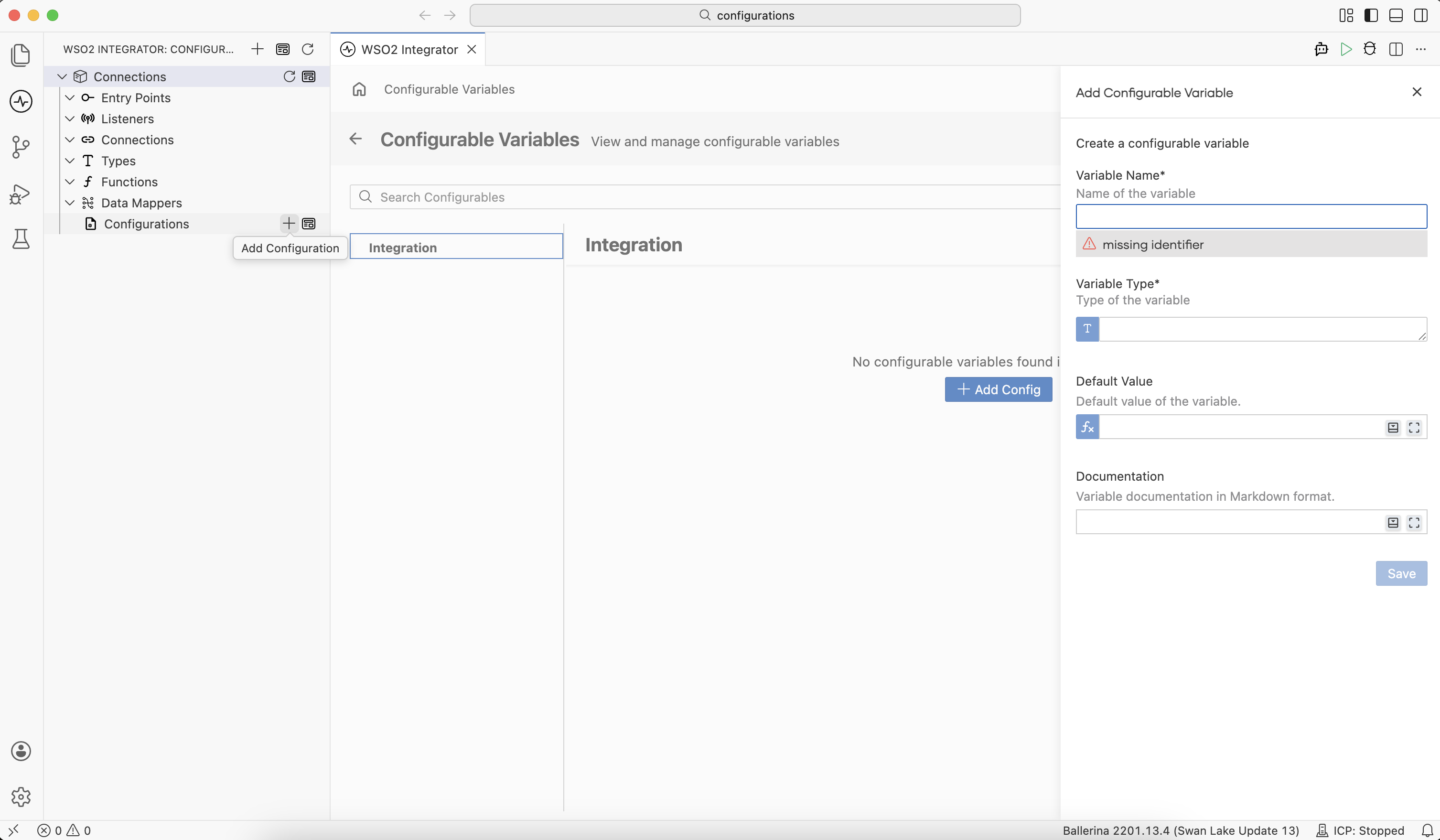
-
Click Save. The variable is written to a
config.balfile at the project root and appears under Configurations in the sidebar.
Declare configurable variables at the module level using the configurable keyword:
// Required configuration
configurable string apiEndpoint = ?;
configurable string apiKey = ?;

// Optional configuration with defaults
configurable int maxRetries = 3;
configurable decimal timeoutSeconds = 30.0d;
configurable boolean enableCache = true;
configurable int cacheMaxSize = 1000;

// Grouped configuration using a record type
type NotificationConfig record {|
    boolean emailEnabled;
    boolean slackEnabled;
    string slackWebhookUrl;
|};

configurable NotificationConfig notificationConfig = {
    emailEnabled: true,
    slackEnabled: false,
    slackWebhookUrl: ""
};
The ? placeholder marks a configurable variable as required. The integration fails to start unless you supply a value at runtime.
Viewing configurations
Click the icon next to Configurations in the sidebar to open the Configurable Variables panel.
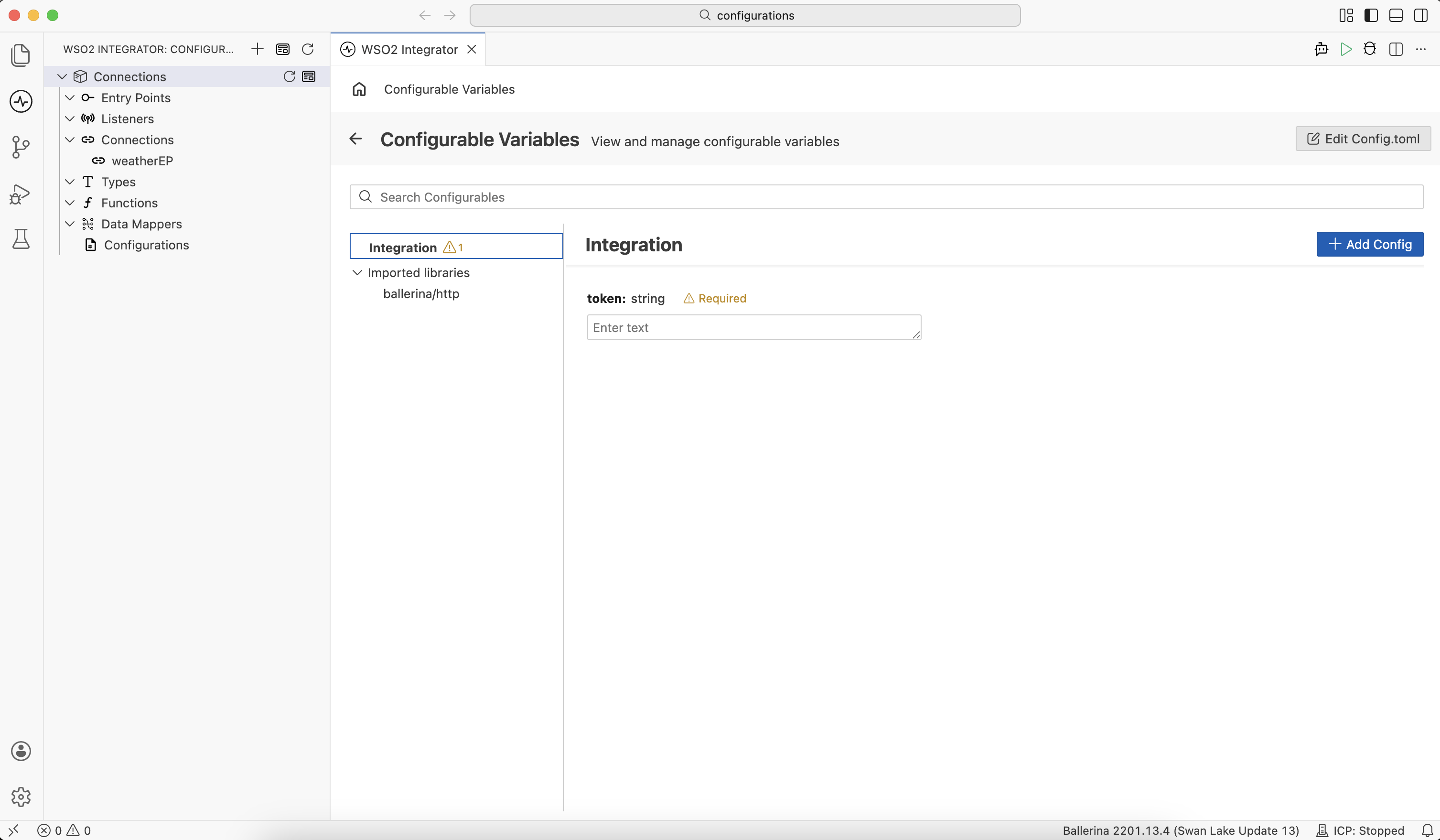
The panel organizes variables into two groups:
- Integration: variables declared in your integration project. Each entry shows the variable name, type, and default value if specified.
- Imported libraries: configurable variables exposed by libraries your integration uses (for example, the default listener port
defaultListenerPortfrom the HTTP module).
Use the Search Configurables box to filter by name. Click the Pencil icon on a variable to edit it or the Trash icon to delete it.
Providing values
- Visual Designer
- Config.toml File
- Ballerina Code
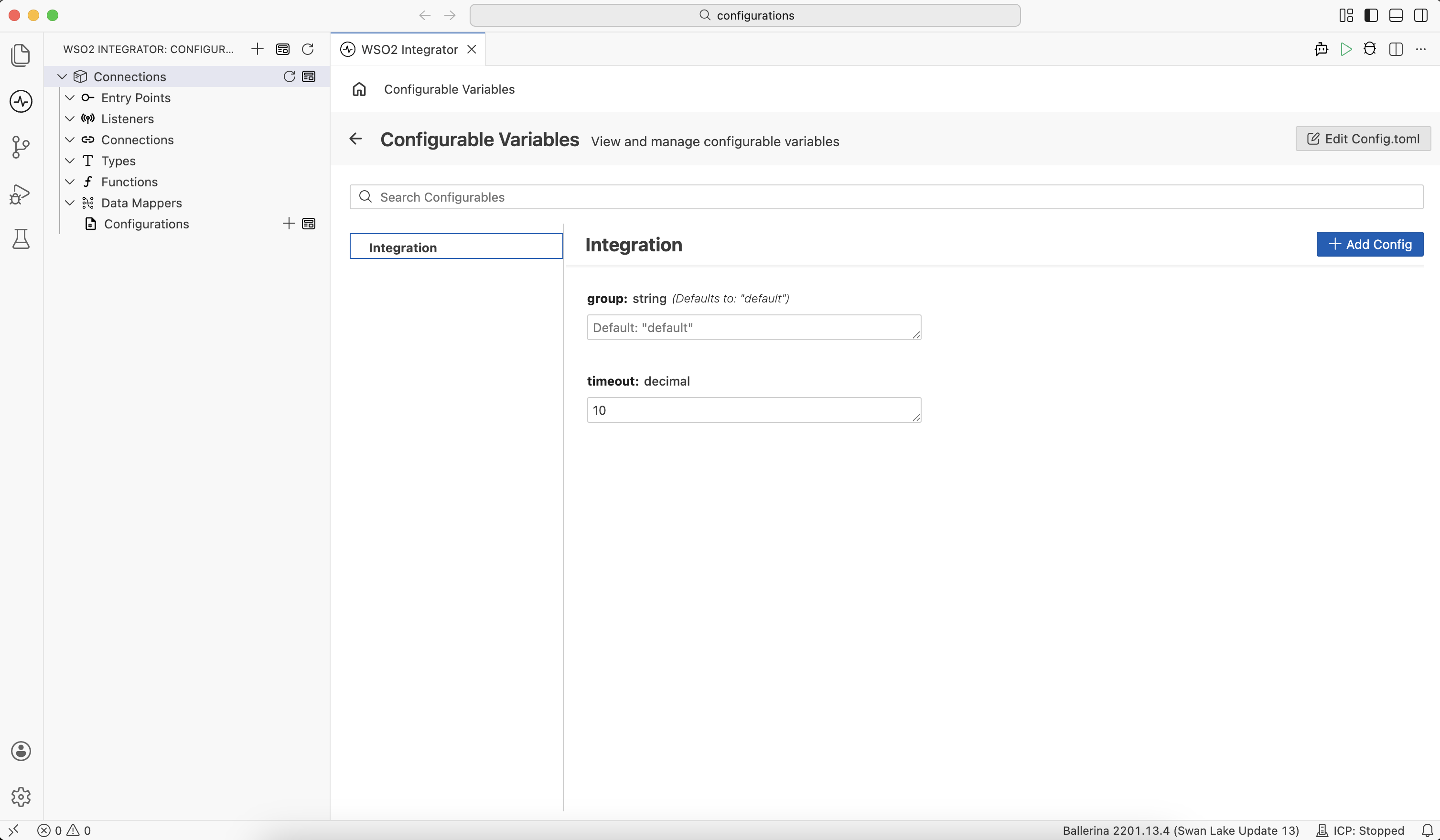
Use the Configurable Variables panel to set values for your configurable variables. The editor writes them to the project's Config.toml file. To open the panel, see Viewing configurations.
Place a Config.toml file at the project root (alongside Ballerina.toml) to supply values for configurable variables. The runtime reads it automatically at startup.
[demoorg.connections]
timeout = 10

[ballerina.http]
traceLogConsole = true
config.bal
configurable string group = "default";
configurable decimal timeout = ?;
connections.bal
import ballerina/http;

final http:Client weatherEP = check new ("http://localhost:8080", timeout = timeout);
For the complete configuration reference (supported types, value sources, resolution priority), see Configuration management.
Best practices
| Practice | Description |
|---|---|
| Never commit the Config.toml file | Keep the Config.toml file out of version control. See Secrets and encryption. |
| Mark required values explicitly | For configurations that must come from the environment (such as endpoints and credentials), leave Default Value empty in the Visual Designer and use ? in code so that the value is mandated and absence causes startup to fail. |
| Group related settings | Use record types to group settings that belong to the same subsystem (for example, database configuration or CRM settings). |
| Document defaults | Use the Documentation field to explain the purpose and valid range of each setting. |
What's next
- Configuration management — Complete configuration reference: value sources, precedence, and environment variables.
- Secrets and encryption — Securely manage credentials and other sensitive values.
- Connections — Use configurable variables to parameterize connections.