Authentication in AI Workspace
AI Workspace and the Platform API read their settings from a single config.toml file. AI Workspace's [ai_workspace.*] tables and the Platform API's [platform_api.*] tables live side by side in it. Authentication is set independently in each service's table, though both must agree for a given mode to work end to end. A running instance uses one mode at a time.
| Mode | [ai_workspace.auth] mode |
[platform_api.auth] mode |
Best for |
|---|---|---|---|
| File-based | basic |
file |
Local use and demos, no identity provider required |
| Identity provider | oidc |
idp |
Production, where a dedicated identity provider manages user login |
File-based authentication
File-based authentication stores a list of users directly in the Platform API's configuration table. It requires no external identity provider, which makes it the default when you get started with AI Workspace using Docker Compose.
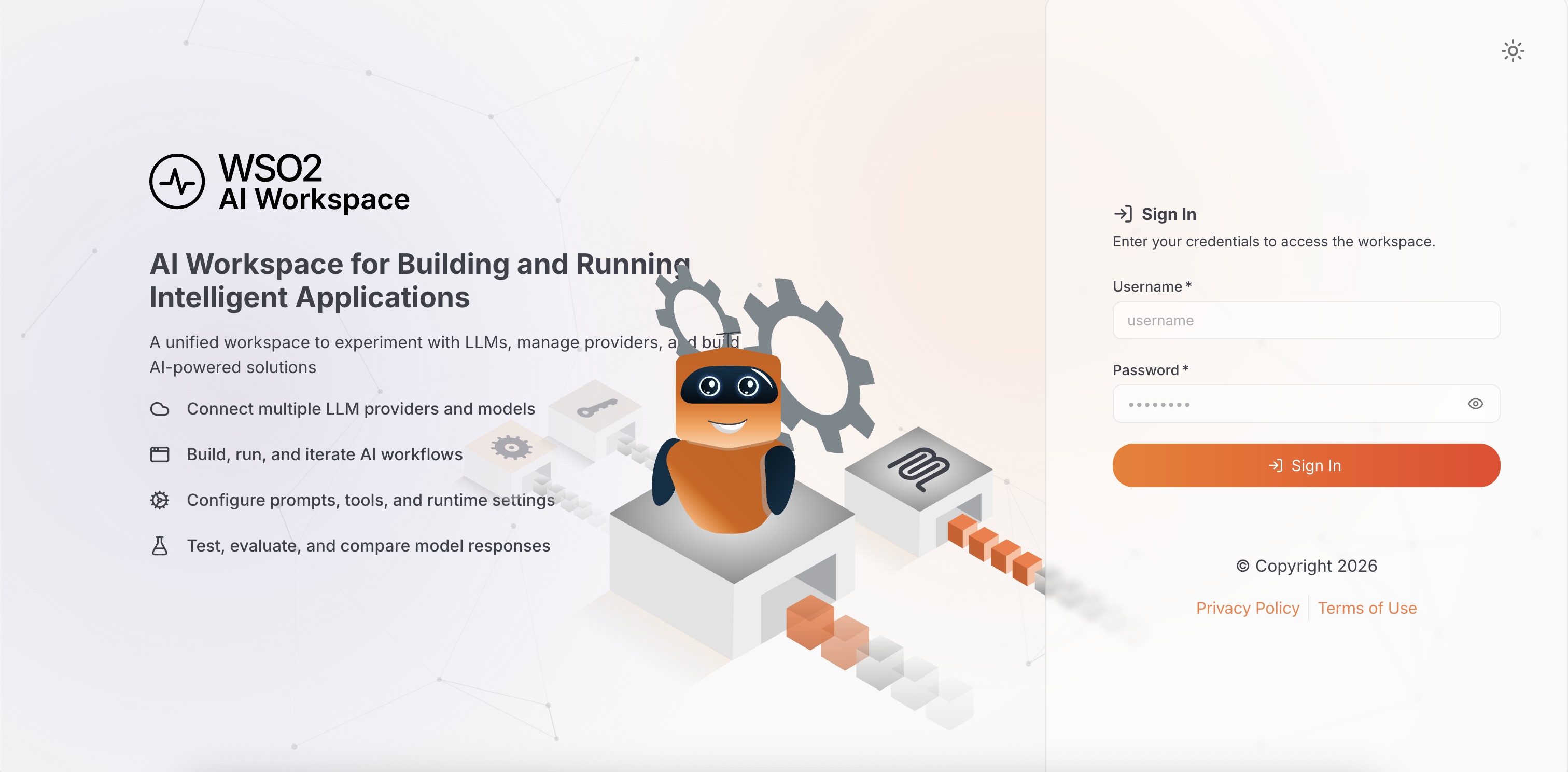
When [ai_workspace.auth] mode = "basic", the AI Workspace login page renders a username and password form. The Platform API validates the credentials against a hashed user list defined in [platform_api.auth.file.users]:
[platform_api.auth]
mode = "file"

[[platform_api.auth.file.users]]
username      = "admin"
password_hash = "$2a$12$..."   # bcrypt hash of the password
roles         = ["ap_admin"]
Generate a bcrypt hash for the password with any standard tool. This example prompts for the password, so it never reaches your shell history or the process list:
Add more users
[[platform_api.auth.file.users]] is an array of tables, so repeating the whole block—double brackets and all—defines another user. Give each one the roles that match what that person does:
[[platform_api.auth.file.users]]
username      = "admin"
password_hash = "$2a$12$..."
roles         = ["ap_admin"]

[[platform_api.auth.file.users]]
username      = "developer"
password_hash = "$2a$12$..."
roles         = ["ap_publisher", "ap_subscriber"]

[[platform_api.auth.file.users]]
username      = "auditor"
password_hash = "$2a$12$..."
roles         = ["ap_viewer"]
A user's roles define their complete grant. There's no per-user scope list.
- Each role maps to a set of scopes through the role-to-scope mapping file at
[platform_api.auth.authorization] role_to_scope_mapping. The distributions mount it at/etc/platform-api/role-to-scope-mapping.yaml. - The login endpoint expands those roles into the token's scope claim.
- Assigning several roles combines their grants, as
developerdoes above. - A user with no roles fails startup, and so does a user naming a role the mapping file doesn't define. The failure comes at startup rather than after signing in and being denied every request.
The mapping file ships with these roles:
| Role | Grants |
|---|---|
ap_admin |
Full access to every resource and operation |
ap_operator |
Gateway and deployment operations |
ap_publisher |
Creating and publishing APIs and proxies |
ap_subscriber |
Applications and subscriptions |
ap_viewer |
Read-only access |
Edit that file to change what a role grants, or to add your own.
The setup.sh script bundled with the Docker Compose distribution provisions the Platform API's admin credentials. It prompts for the username and password, generates the password if you accept the default, and prints that password to the terminal once. See Getting Started.
File-based authentication has two limitations:
- It supports a single organization only. Multiple organizations require an identity provider.
- The user list is static. Changes require restarting the Platform API container.
Because of these limitations, file-based authentication isn't suitable for production or shared environments.
Identity provider authentication
For production, configure AI Workspace to delegate login to an identity provider (IdP) over OpenID Connect (OIDC). AI Workspace works with any OIDC-compliant IdP that meets these requirements:
| Requirement | Details |
|---|---|
| OIDC discovery | The IdP exposes /.well-known/openid-configuration at its authority URL |
| JSON Web Token (JWT) access tokens | Access tokens are JWTs, not opaque tokens |
| JSON Web Key Set (JWKS) endpoint | The IdP exposes a JWKS endpoint so the Platform API can verify token signatures |
| Custom claims | Tokens carry organization identity as custom claims (claim names are configurable) |
| Confidential client | AI Workspace is registered as a confidential client with a client secret, not a public or single-page application client |
Connect an identity provider to AI Workspace covers the configuration for any such IdP. It walks through client registration, claim mappings, and the choice between scope and role authorization. Set up Asgardeo as your identity provider applies those steps to one specific IdP.
Choosing a mode
Use file-based authentication when you're trying out AI Workspace, running a demo, or don't yet have an identity provider available. Move to an identity provider before you deploy to a shared or production environment. Switch to one as well when you need multiple organizations, or want single sign-on with an existing identity system.