Nov 29, 2016
2 min read

Alerts on API performance and subscriber behavior

Do you want to be alerted when your API is down? Or when one of your subscribers starts behaving suspiciously invoking the API from a different IP address or in an unusual pattern? All of this is now easy with WSO2 API Cloud! Alerts can be configured on two levels: publisher and organization administrator.
The following alerts are available:
- Abnormal response time
- Abnormal backend time
- Abnormal request counts
- Abnormal resource access pattern
- Unseen source IP address
- Frequent tier limit hitting (tier crossing)
- Abnormal API usage
- Availability of APIs (health monitoring)
You can follow the links above for details on how each of them works.
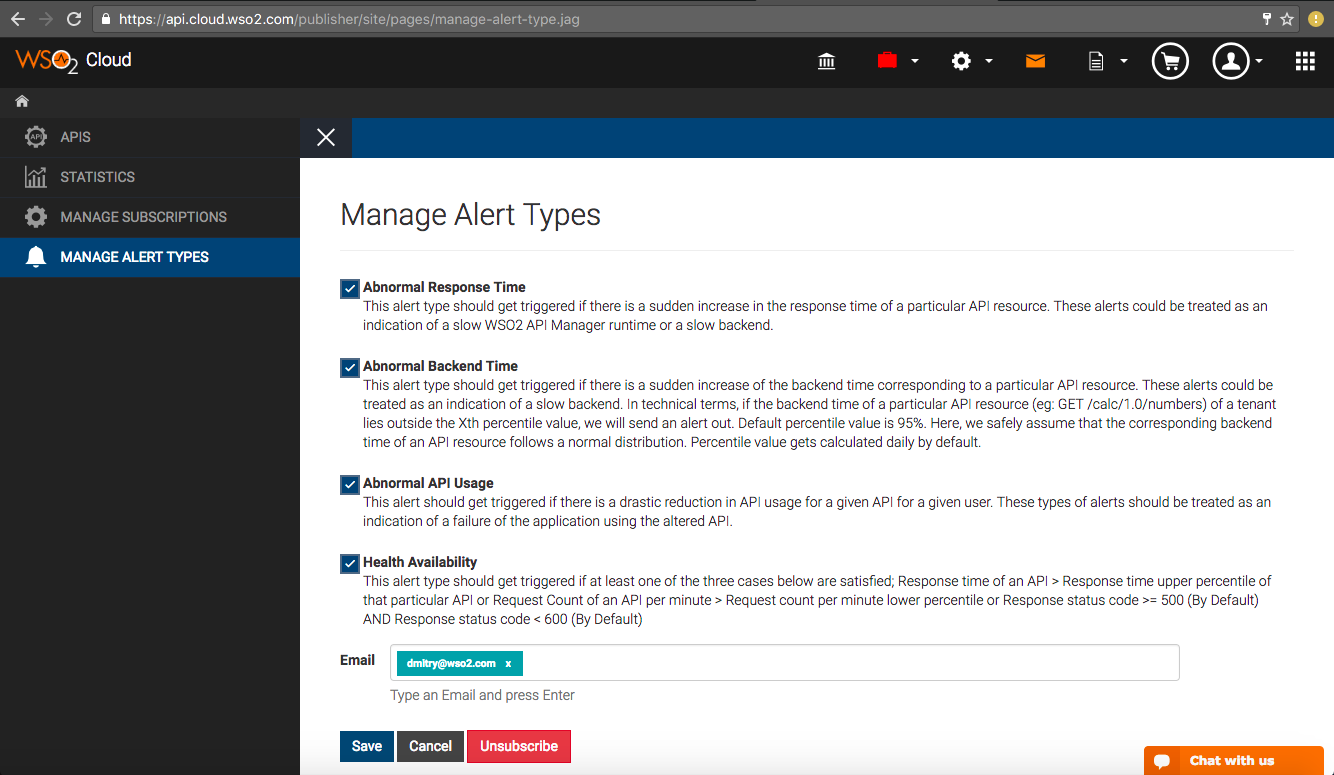
To configure alerts on the publisher level:
- In API Cloud's left-hand menu, click Manage Alert Types,
- Select the alerts that you want to receive,
- Specify the email addresses (press Enter after typing each address),
- Click Save:
To configure alerts on the organization admin level:
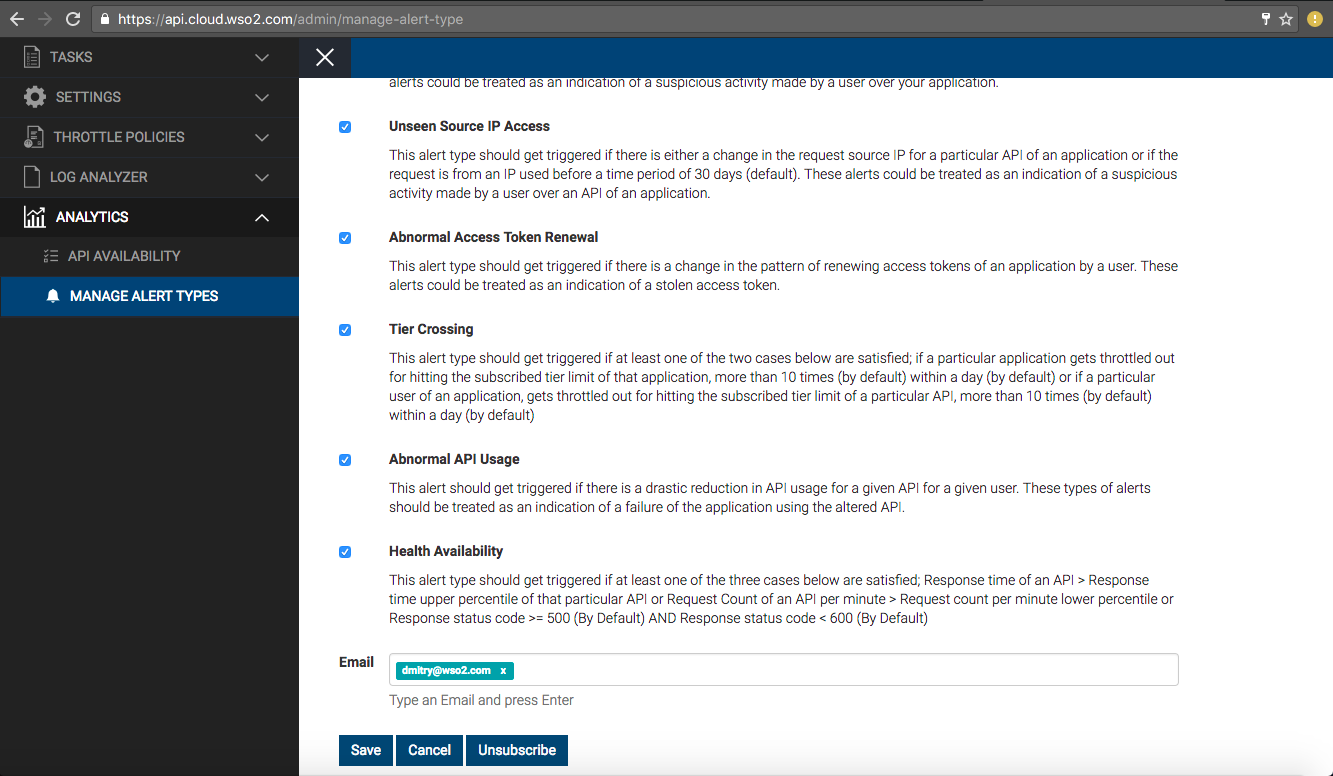
- In API Cloud's Configure menu, click Admin Dashboard,
- In Admin Portal's left-hand menu, click Analytics / Manage Alert Types,
- Select the alerts that you want to receive,
- Specify the recipient email addresses,
- Click Save: