Passwordless Authentication
Leverage the latest passwordless technology standards to give users even more login convenience and security.
Reduce security risks while simultaneously simplifying your users’ login experience.
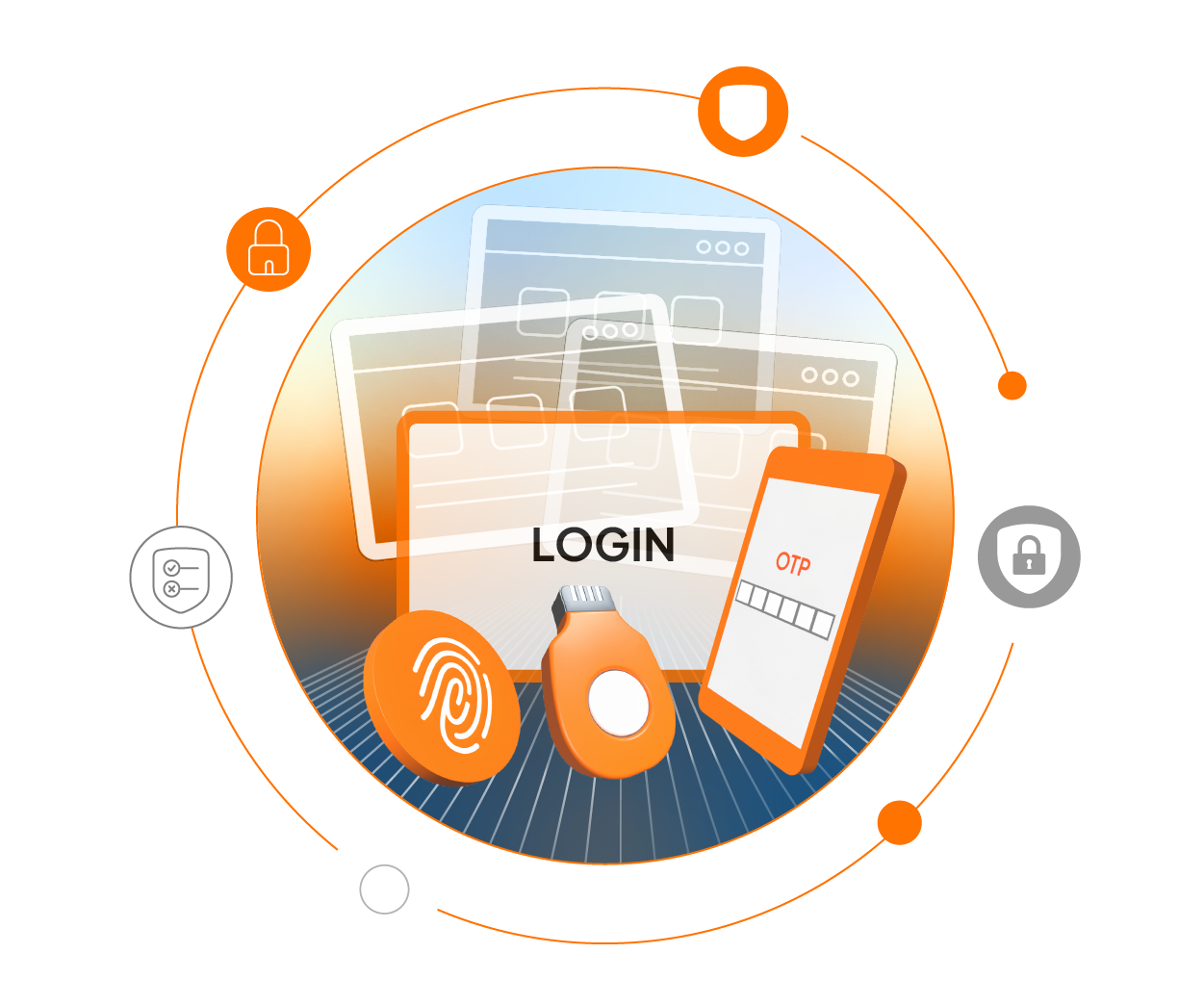
What is Passwordless Authentication?
Despite their widespread use, passwords have several inherent problems that make them vulnerable to security threats. They can also be a source of friction and frustration for employees and customers alike. Passwordless authentication can simultaneously reduce security risks and simplify your users’ login experience.
Passwordless authentication is a method of verifying a user's identity without using a password. Instead, it relies on other factors to confirm users’ authenticity, such as one-time passwords (OTP), security keys, WebAuthN, biometrics, email Magic Links and more.
Benefits of Passwordless Authentication
Reduced Risks
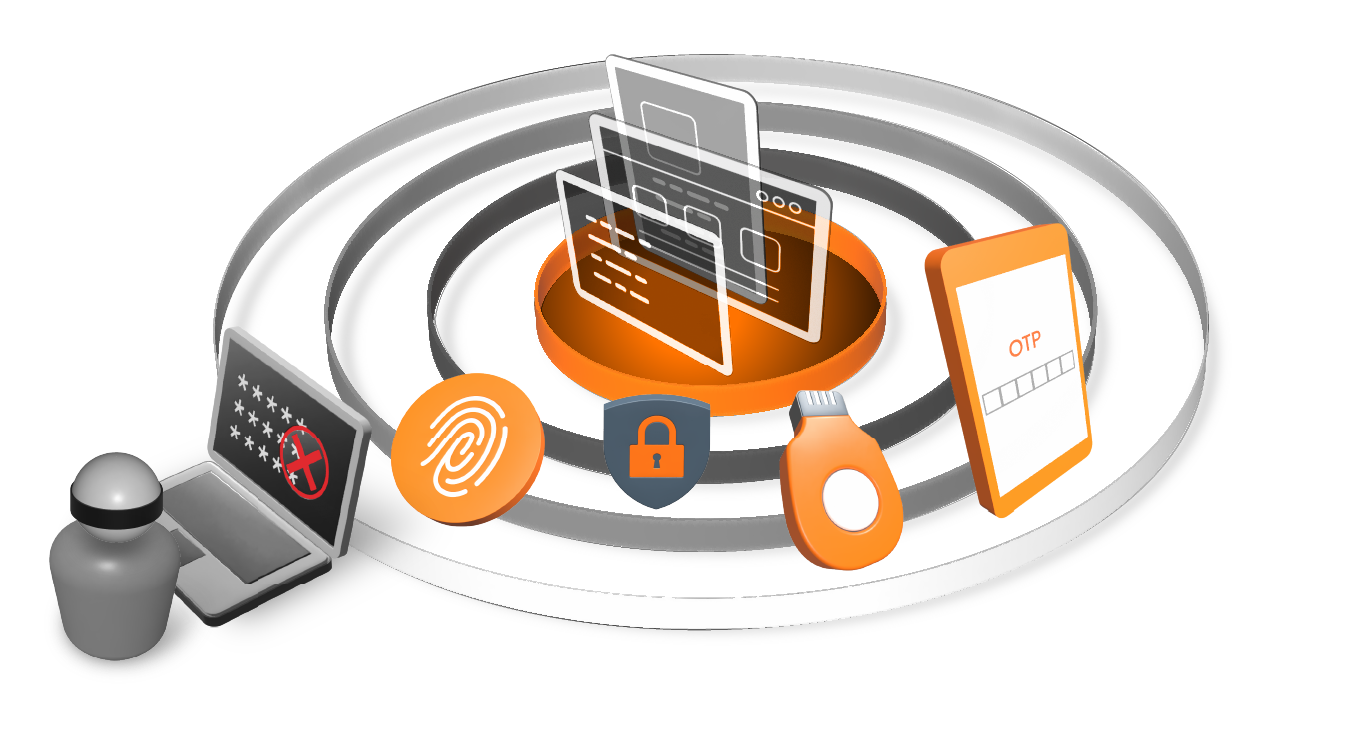
Compromised passwords are involved in 86% of data breaches.1 Passwordless authentication uses different means to confirm a users’ identity, eliminating the risk of password-related attacks including phishing, brute force, and dictionary attacks.

Better User Experience
Passwordless authentication eliminates the need to remember and manage complex passwords. Users’ login experience is typically faster and easier than entering passwords.
Enhanced Security
Passwordless authentication can make use of highly secure authentication methods, such as biometrics and security keys, which are much more difficult to compromise than passwords.


Improved Customer Engagement
Enabling passwordless login for customer-facing apps and websites can improve user sign-up by up to 54% and reduce shopping cart abandonment by 56%.2
How Does Passwordless Authentication Work?
Passwordless authentication replaces passwords with other methods of confirming a user’s identity. There are several different passwordless authentication technologies available to best meet an organization’s needs.

Passkeys
Users verify their identity using either biometrics or security keys. Biometric authentication scans the user’s fingerprint or face using their device’s built-in sensors. For security key authentication, users tap or insert the key into their device.

FIDO2-Certified Biometrics
Users verify their identity using biometrics such as fingerprint, facial recognition, or typing cadence, using technologies from HYPR, TypingDNA, iProov, and more.

Email or SMS OTP
Users log in by providing an OTP sent to them via email or SMS text message.

Email Magic Links
Users log in by clicking on a link sent to their email instead of entering a password.