Send an Agent Data Event
A running agent instance waits on the data event channels registered on it. A Send Agent Data Event step delivers one turn on one of those channels, so it usually lives in the entry point the sender calls: the resource a user chats through, the webhook a partner posts a bill to. The step also hands back a correlation token, which is how the answer to that particular turn is read later.
Send one from an integration
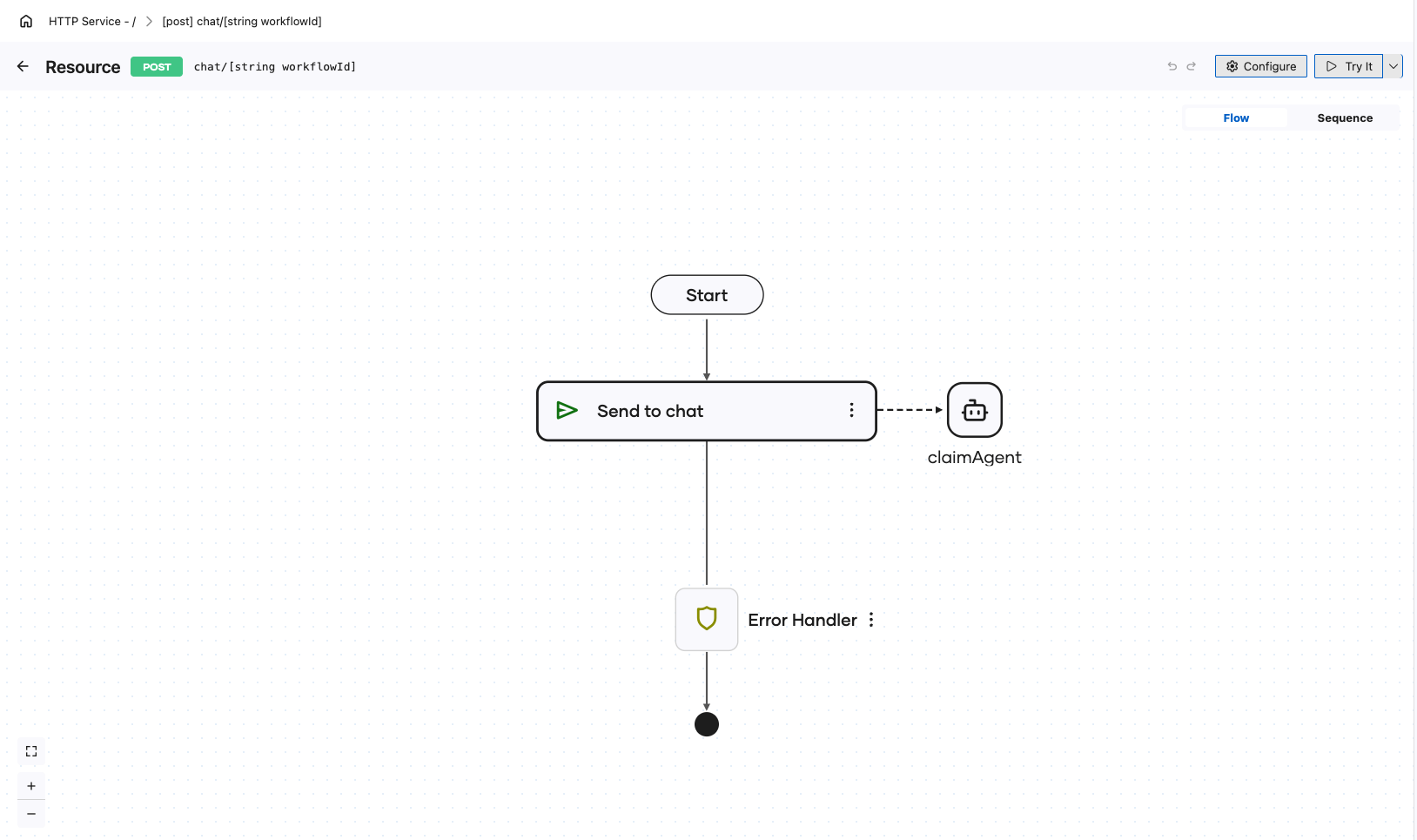
The steps below follow one example: a POST chat/[string workflowId] resource that forwards each message to the claimAgent instance named in its path.
-
On the flow diagram, click + where the event should be sent.
-
In the node panel, under Workflow, click Send Agent Data Event. The Send Agent Data Event form opens.
-
Fill in the form:
Field Required Description Durable Agentic Workflow Yes The durable agent to send the data event to, claimAgenthere.Instance Id Yes The running agent's instance ID, the value Run Durable Agent bound. Here it is the resource's workflowIdpath parameter, so the caller names the instance it is talking to.Data Event Yes The channel to send on. The dropdown lists the channels declared on the selected agent, chathere.Data Yes The payload sent on the channel, which must match the channel's request type. Here it is the resource's msginput.Result Yes The variable that receives the correlation token for this turn. Defaults to eventToken. -
Click Save.
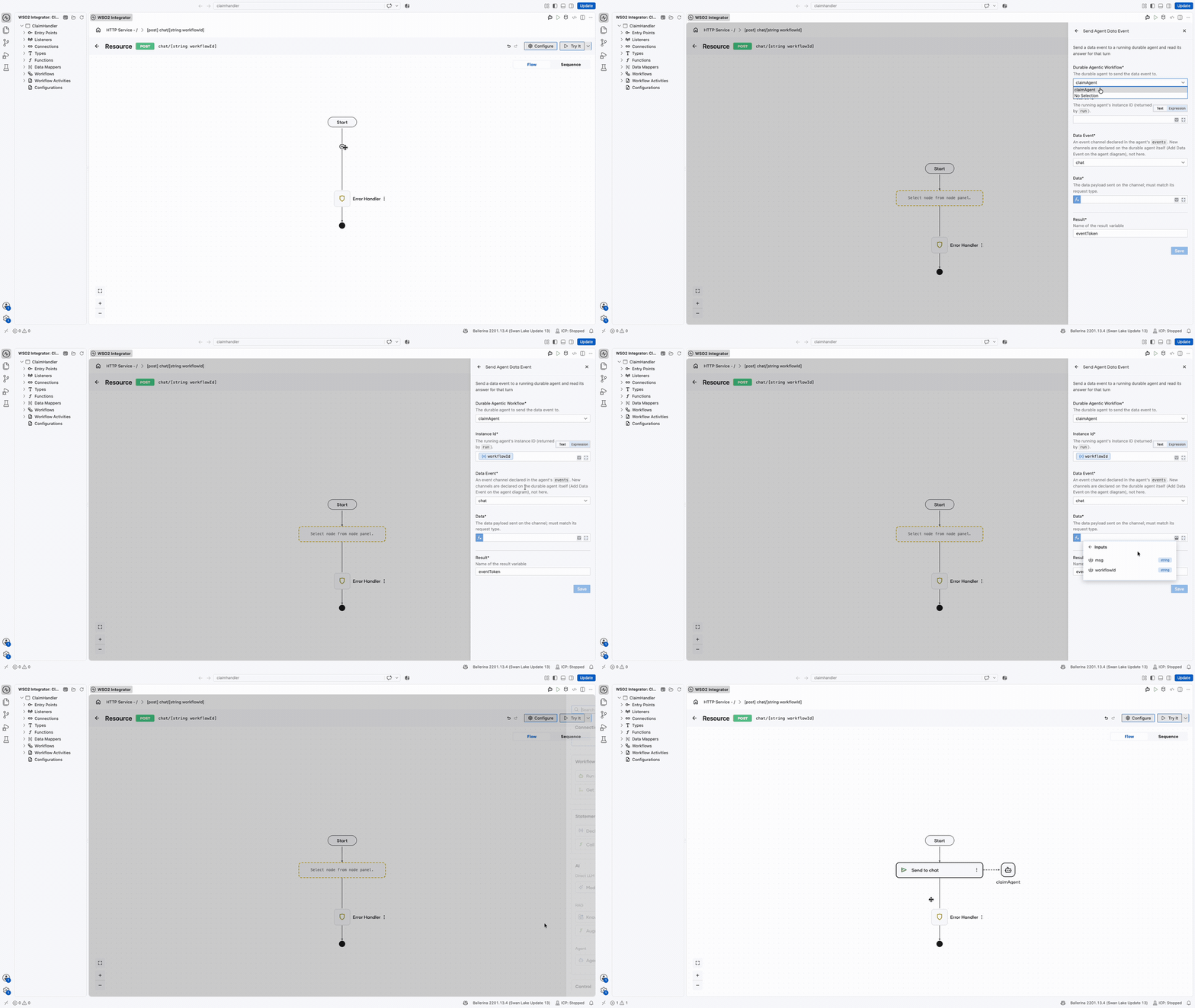
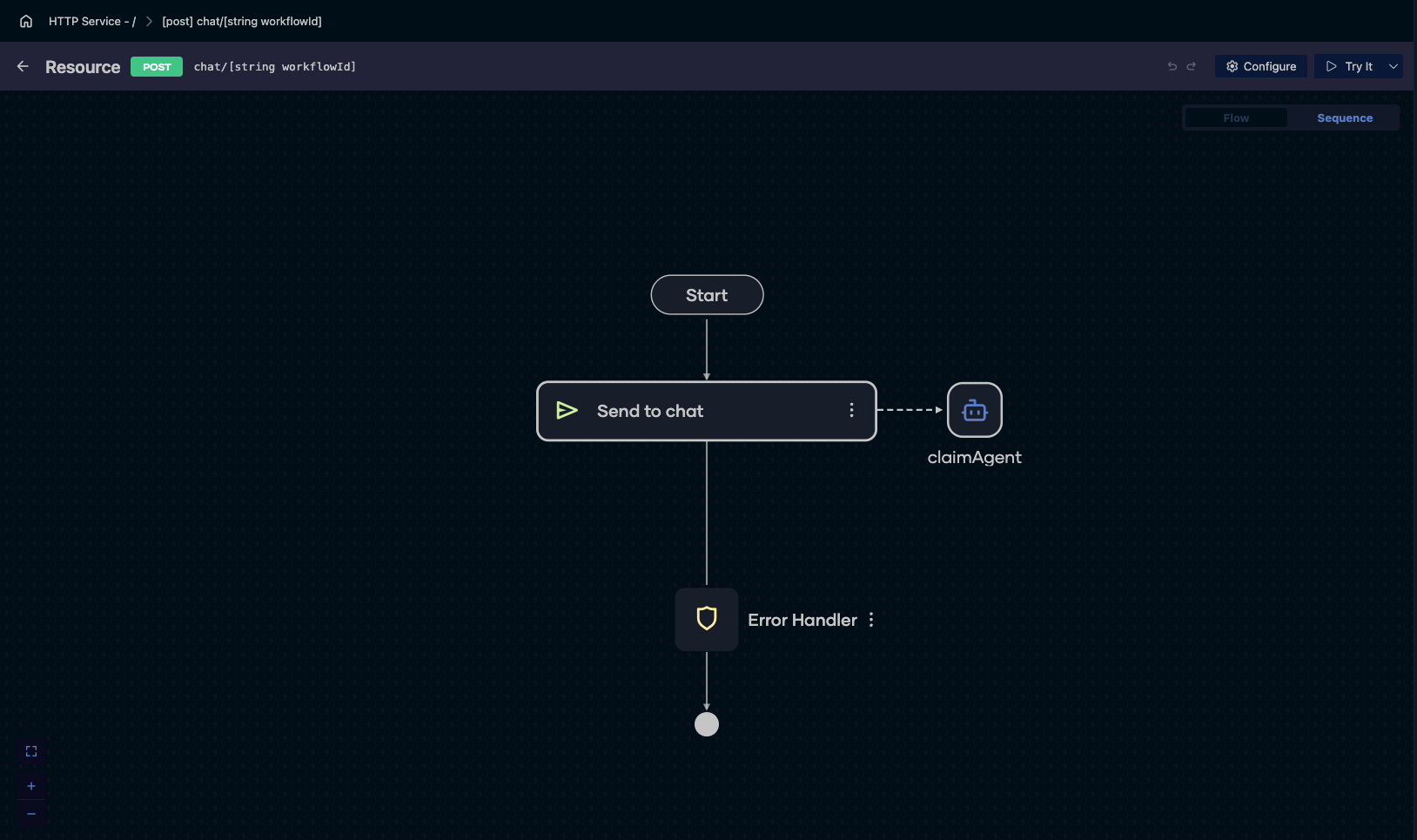
The saved step is drawn as Send to chat, named for the channel it sends on, with a dashed connector across to the claimAgent it delivers into. Instance Id takes either text or an expression, so the ID can come from a path parameter as it does here, from a variable, or from a configurable.
New channels belong to the agent
The Data Event dropdown offers only the channels the agent already declares. Adding a channel is done on the agent's own diagram with Add Data Event, not from this form, because the channel and its request and response types are part of the agent. See Events.
Keep the token
The token in Result identifies this turn, not the instance. An agent instance can be sent many turns, on one channel or several, and the token is what tells them apart when the answers come back. Pass it to a Get Data Event Result step to read the answer this turn produced.
A channel that declares no response type is one-way, so there is no answer to read and nothing to do with the token.
Next steps
- Get a Data Event Result — reading the answer this turn produced.
- Run a Durable Agent — starting the instance and binding the ID this step needs.
- Create a Durable Agent — declaring the channels this step can send on.