Get an Agent Result
An agent instance keeps working after the flow that started it has returned. Get Agent Result reads what that instance finally produced, addressed by its instance ID, so it belongs wherever the outcome is collected: a status endpoint the caller polls, or a later step in the flow that has nothing to do until the agent is done.
Read one from an integration
The steps below follow one example: a GET claim/[string workflowId]/status resource that reports what the claimAgent instance in its path has concluded.
-
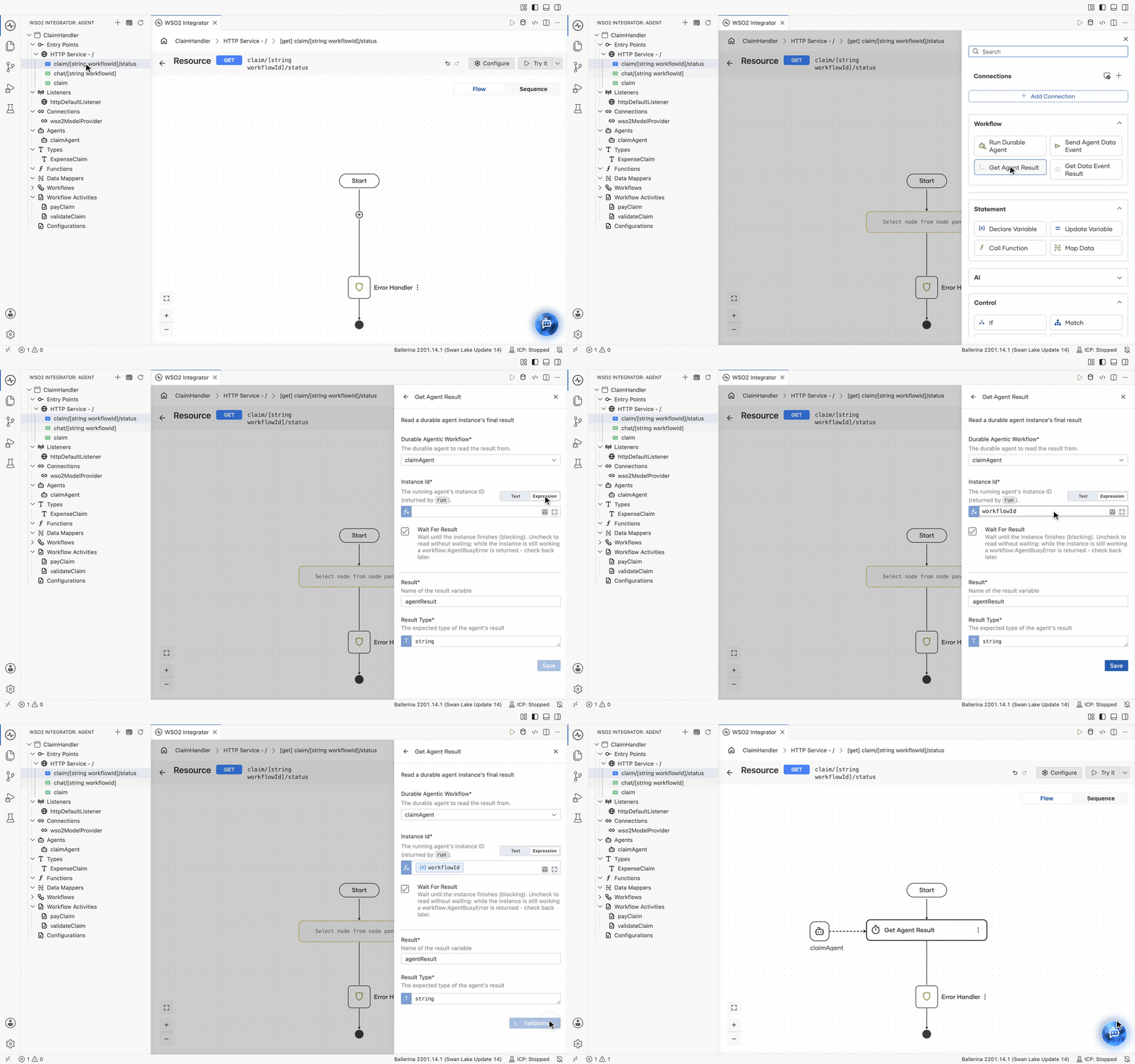
On the flow diagram, click + where the result should be read.
-
In the node panel, under Workflow, click Get Agent Result. The Get Agent Result form opens.
-
Fill in the form:
Field Required Description Durable Agentic Workflow Yes The durable agent to read the result from, claimAgenthere.Instance Id Yes The instance whose result is wanted, the value Run Durable Agent bound. Here it is the resource's workflowIdpath parameter.Wait for Result No Selected by default, which blocks until the instance finishes. See Wait or check back. Result Yes The variable that receives the agent's result. Defaults to agentResult.Result Type Yes The expected type of the result, stringhere. -
Click Save.
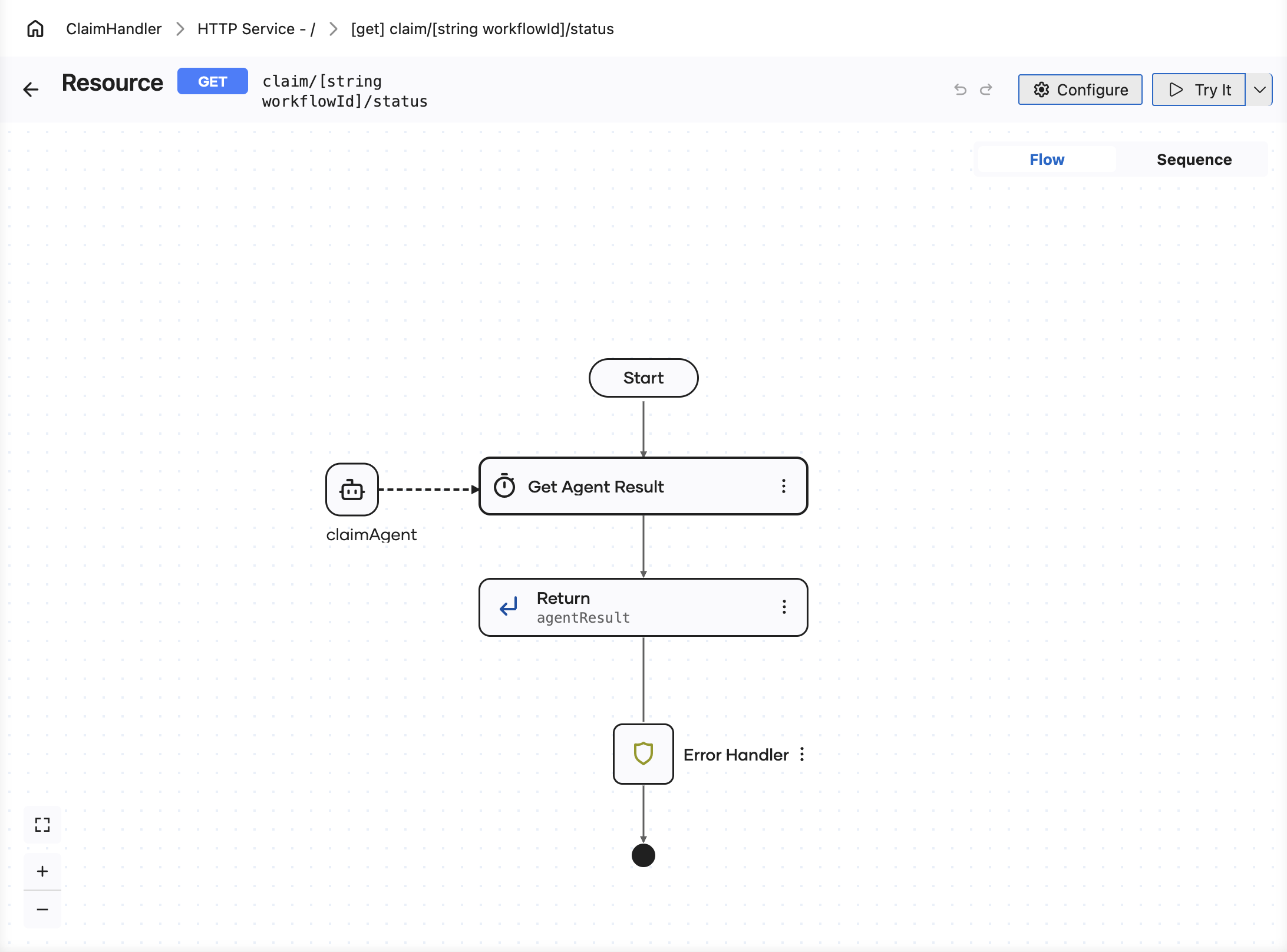
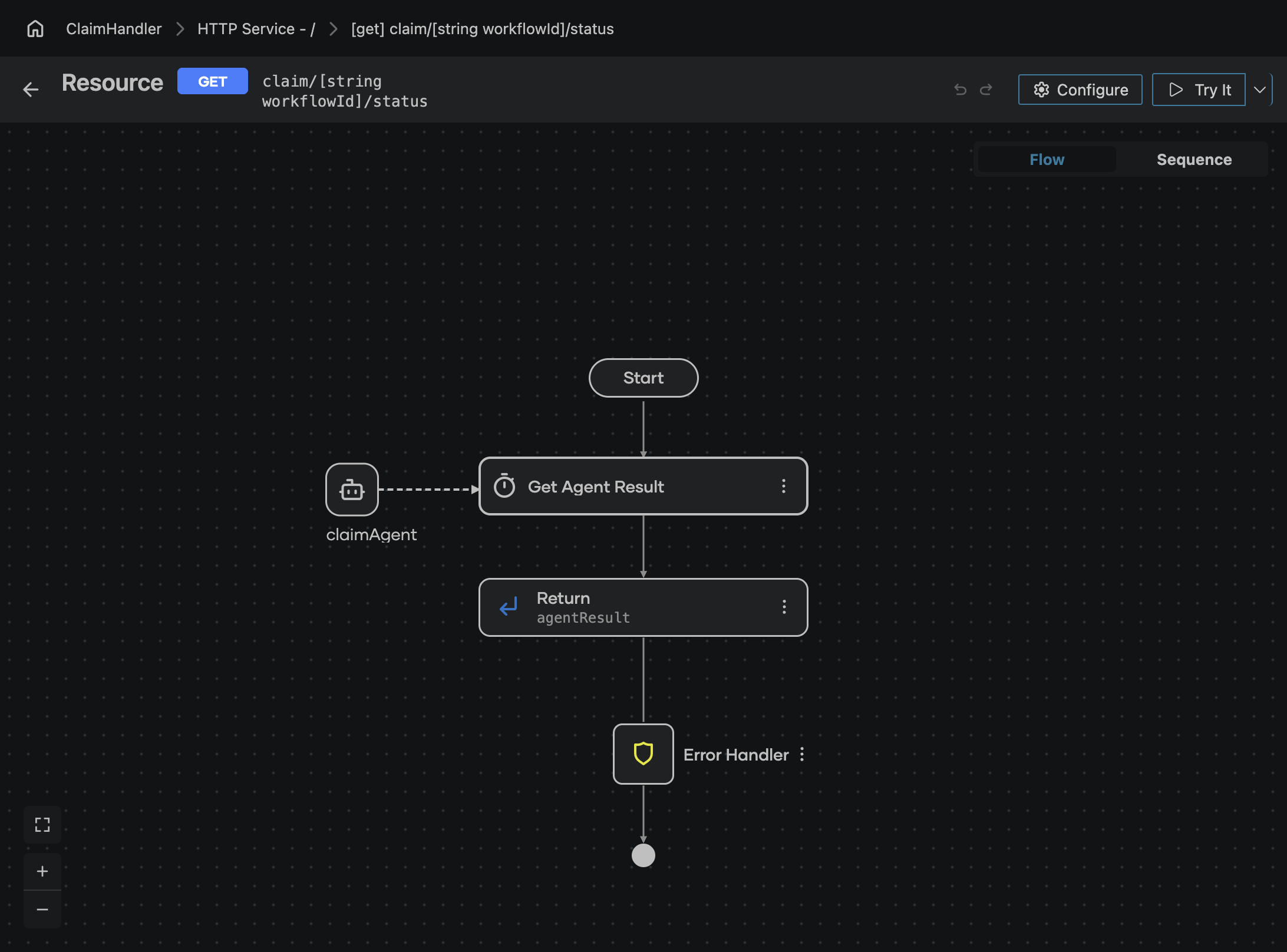
The saved step is drawn as Get Agent Result, with or without Wait for Result, and has a dashed connector to the claimAgent it reads from. Instance Id takes either text or an expression, so the ID can come from a path parameter as it does here, from a variable, or from a configurable. Follow it with a Return step on the result variable and the status endpoint is complete: it reads what the instance concluded and hands that straight back to the caller.
Wait or check back
Wait for Result decides what happens while the instance is still working.
- Selected, the default, waits until the instance finishes.
- Cleared reads without waiting. While the instance is still working the step returns a
workflow:WorkflowInProgressError, which the flow can handle and report as "still running". This is what a status endpoint usually wants, because the caller gets an answer immediately either way.
A gated activity or a human task counts as still working: the instance is suspended waiting on a person, so a run that looks stalled is often one that needs a decision in the Control Plane.
Final result or one turn's answer?
Both reads are addressed by the instance ID, but they answer different questions.
- Get Agent Result returns what the run concluded, once. Use it for the outcome.
- Get Data Event Result returns the answer to one delivered turn, selected by that turn's correlation token. Use it for a conversation, or for sending additional information to the agent during a run.
Next steps
- Get a Data Event Result — reading one turn's answer instead of the final outcome.
- Run a Durable Agent — starting the instance and binding the ID this step needs.
- Workflow executions — seeing why an instance is still working.