Get a Data Event Result
Sending a turn to an agent and reading its answer are two steps, not one. Get Data Event Result takes the correlation token that Send Agent Data Event produced and returns the agent's answer for that turn, as a typed value. Splitting the two lets the same flow send now and read later, or send and wait in one pass, whichever suits the caller.
Read one from an integration
The steps below continue the POST chat/[string workflowId] example, reading the reply for the message the previous step sent.
-
On the flow diagram, click + below the send step.
-
In the node panel, under Workflow, click Get Data Event Result. The Get Data Event Result form opens.
-
Fill in the form:
Field Required Description Durable Agentic Workflow Yes The durable agent to read the answer from, claimAgenthere.Instance Id Yes The running agent's instance ID, the same one the turn was sent to. Here it is the resource's workflowIdpath parameter.Correlation Token Yes The token returned by Send Agent Data Event, eventTokenhere. It selects which turn's answer to read.Wait for Answer No Selected by default, which blocks until the turn is answered. See Wait or check back. Result Yes The variable that receives the agent's answer. Defaults to agentReply.Result Type Yes The expected type of the answer, stringhere. Match it to the response type declared on the channel. -
Click Save.
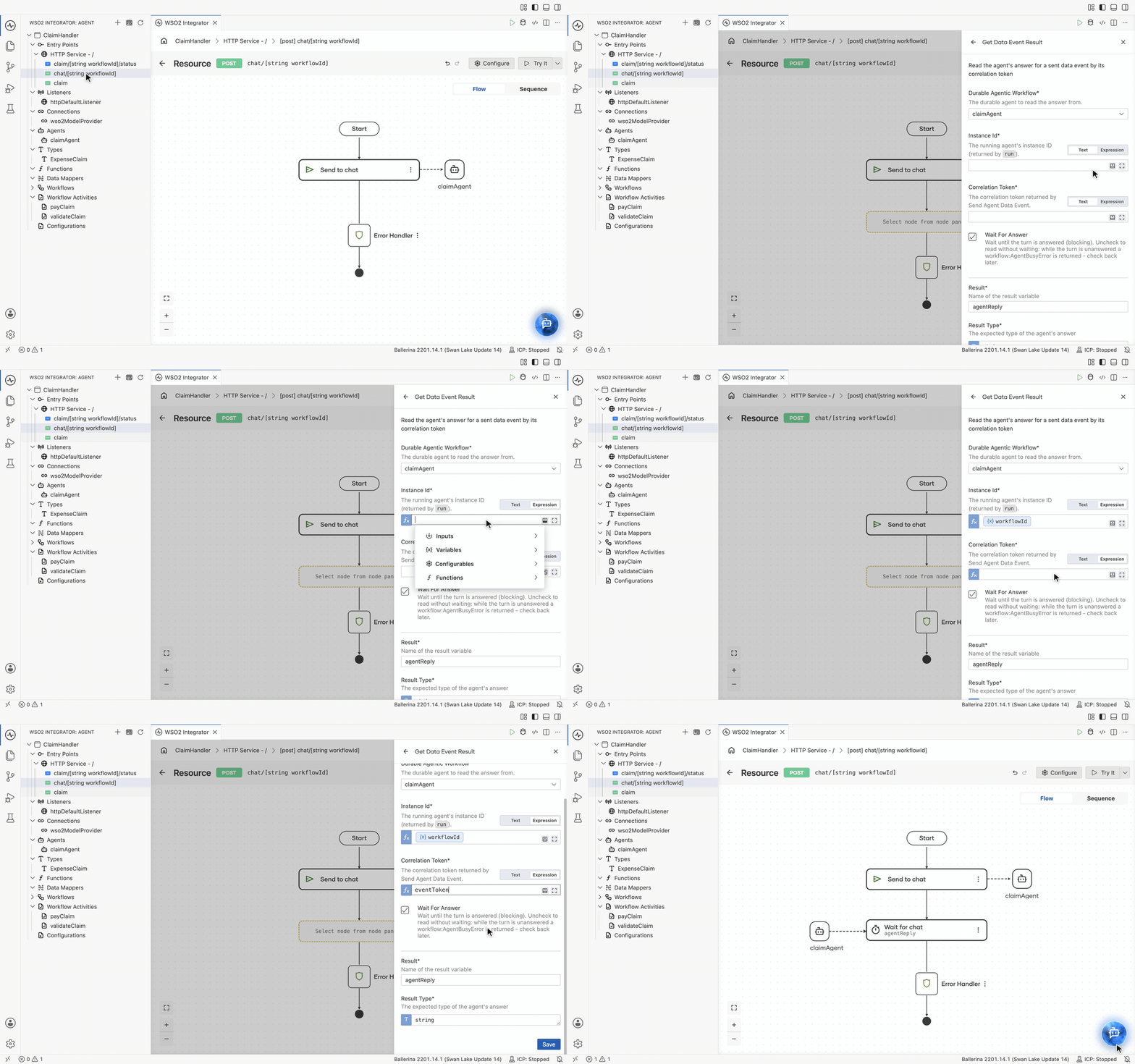
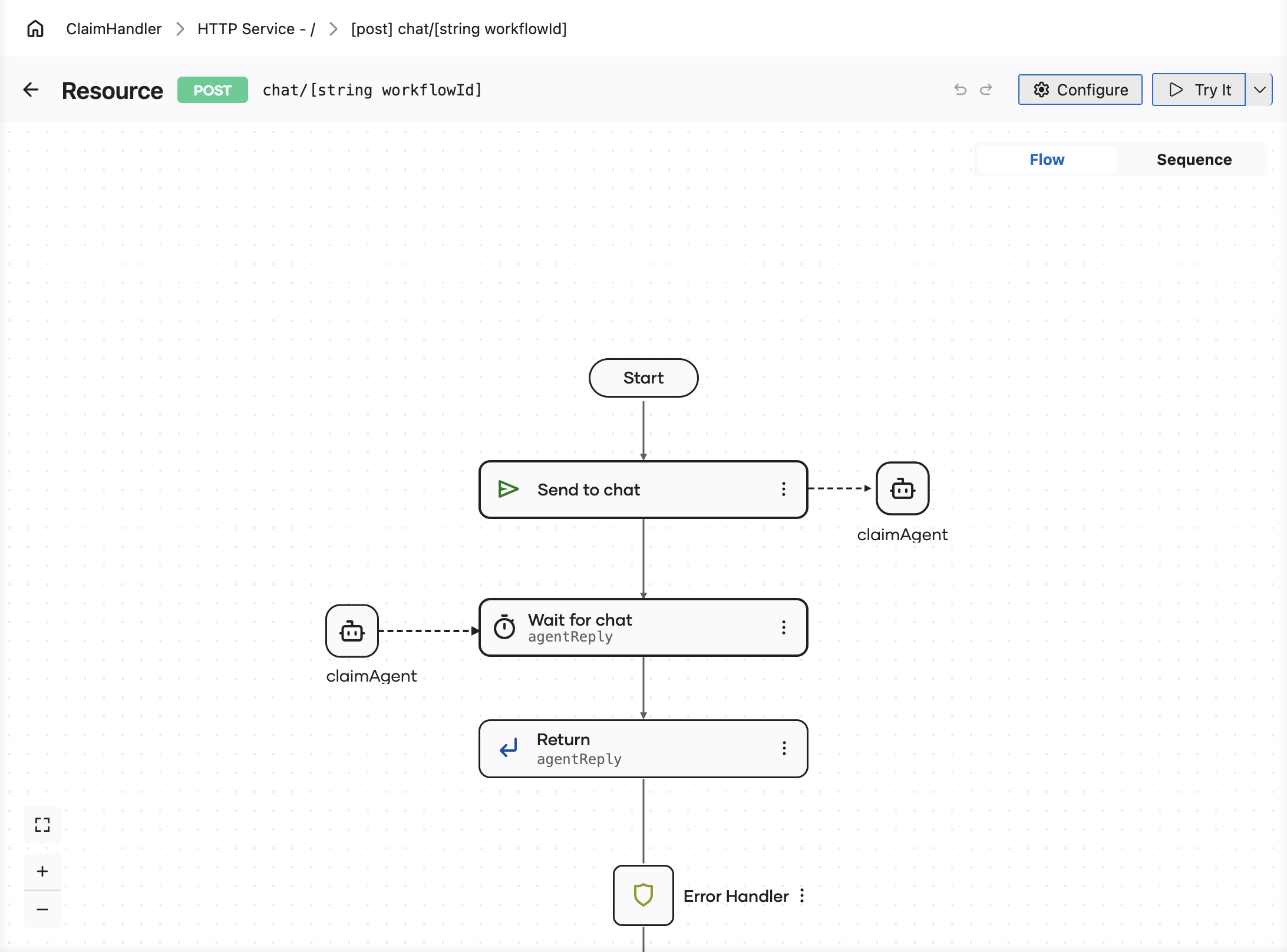
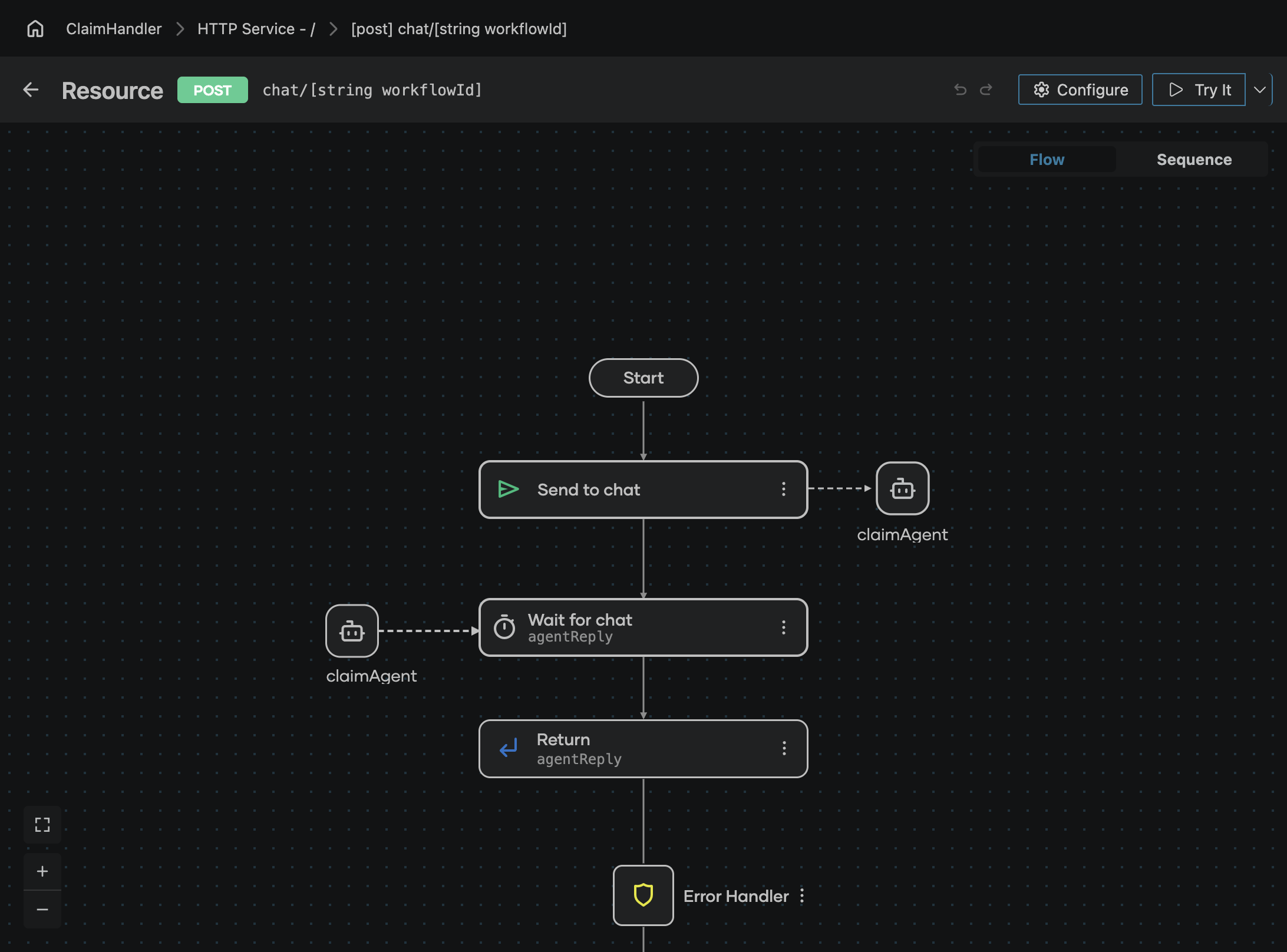
With Wait for Answer selected, the saved step is drawn as a wait named for the channel, Wait for chat, with a dashed connector to the claimAgent it reads from, sitting directly below the Send to chat step that produced its token. With it cleared, the step is drawn as Get Data Event Result.
Wait or check back
Wait for Answer decides what happens while the agent is still working on the turn.
- Selected, the default, waits until the turn is answered.
- Cleared reads without waiting. While the turn is unanswered the step returns a
workflow:WorkflowInProgressError, which the flow can handle so it can check back later. This suits a caller that should not be held, such as a poll from a UI or a scheduled sweep.
Type the answer
Result Type is what the answer is read back as, and it should match the response type declared for the channel on the agent. In the chat example both are string, so the reply arrives as ordinary text. A channel that answers with a record is read with that record type, and the flow continues with a typed value it can map or return directly.
Next steps
- Send an Agent Data Event — the step that produces the correlation token.
- Get an Agent Result — reading the run's final outcome instead of one turn's answer.
- Create a Durable Agent — declaring the channel and the response type this step reads.
- Workflow executions — following the instance while a turn is in flight.