Version: 5.1
Workflows
Most integrations start simple and end up long-lived: an order needs a manager's approval, a claim waits days for supporting documents, a payment needs a retry after a gateway hiccup. A normal program loses everything when the process restarts — a durable workflow does not.
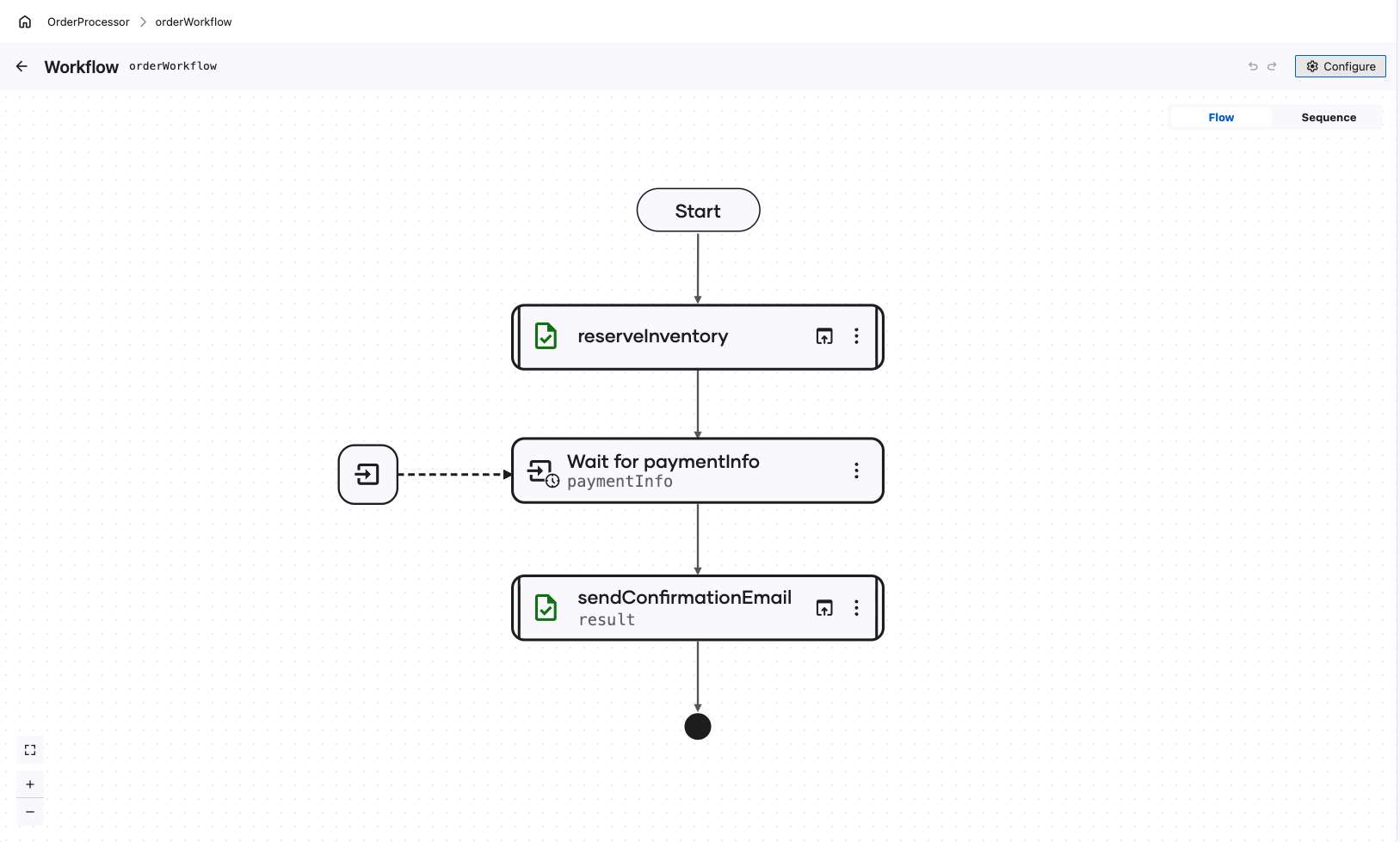
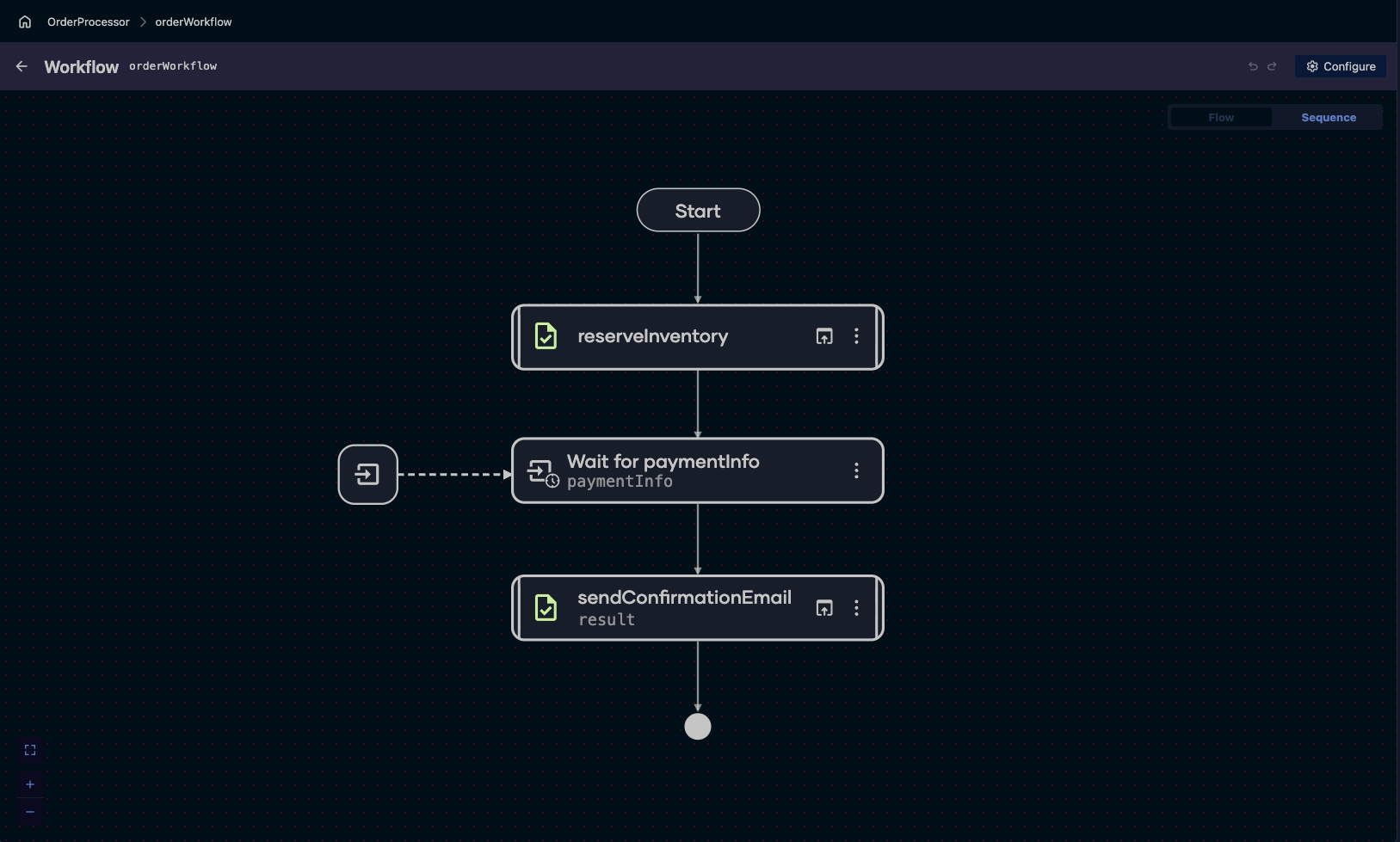
A workflow is a step-by-step process that completes a larger task. WSO2 Integrator lets you design workflows that:
- Survive crashes and restarts — every completed step is recorded, and the workflow resumes exactly where it left off. A finished step is never re-executed.
- Wait for as long as it takes — pause for hours, days, or months for a human decision or an external event, consuming no threads or connections while suspended.
- Recover from failures — retry failed steps automatically, or hand the failure to a human who can fix the input and retry.
- Keep humans in the loop — assign role-based tasks that people decide from the Human Tasks page of the Integration Control Plane.
Two ways to build, one durable runtime
| Durable Workflow | Durable Agentic Workflow |
|---|---|
| You wire the steps together in a visual flow | You describe the goal in natural language; an AI model decides the steps |
| Explicit, predictable path | Adapts to each request at runtime |
| Best for known, fixed business logic | Best for branchy, hard-to-enumerate logic |
Both run on the same durable runtime, so an AI agent gets crash safety, human tasks, timers, and retries for free.
Getting started
- Build an Order Processing Workflow: Your first durable workflow — it reserves inventory, waits for a payment confirmation, and then confirms or cancels the order.
- Build a Claim Handling Durable Agent: A durable agentic workflow — an agent that validates expense claims and pays them out only after a Finance reviewer approves.
Develop workflows
- Create a workflow: Add the artifact, give it an input type, and design its steps on the diagram.
- Start a workflow: Launch a run from a service or an automation, and keep the ID that identifies it.
- Activities: The recorded units of work in a workflow — exactly-once on replay and retryable on failure.
- Durable timers: Pause for hours, days, or months with a wait that survives restarts and holds no threads or connections.
- Await data events: Wait until an external system or a person delivers the data the workflow needs, then resume with it.
- Send a data event: Deliver a value into a waiting run, using the workflow ID it was started with.
- Await human task: Pause for role-based human decisions and external data, for as long as it takes.
- Error handling and review activities: Approval gates before risky steps and human-reviewed retries after failures.
- Prebuilt activities: Durable REST, SOAP, and email calls with no wrapper to write.
Develop agentic workflows
- Create a durable agent: Describe the goal in natural language, and give the agent activities, data events, and human tasks as its capabilities.
- Run a durable agent: Start an agent instance from an integration flow, and bind the instance ID the rest of the flow needs.
- Send an agent data event: Deliver one turn on a channel the running agent listens on, and keep the correlation token it returns.
- Get a data event result: Read the agent's answer to a sent turn, using that correlation token.
- Get an agent result: Read what an agent instance finally produced, addressed by its instance ID.
Manage running workflows
- Manage workflows: Register an integration so its workflows, tasks, and reviews appear in the console, and find your way around the workflow views.
- Start a workflow: Launch an execution from a form generated out of the workflow's input type.
- Workflow executions: Follow a run through its timeline, execution graph, and history, and suspend, resume, or terminate it.
- Complete human tasks: Complete the tasks a run is waiting on, and approve, correct, or reject a gated or failed activity.
- Workflow permissions: The permissions behind each workflow view, and the roles that decide whose tasks are whose.
Reference
- Management API: The REST API behind the Control Plane — list instances, read execution graphs, and complete tasks programmatically.
- Deployment modes: Choose the workflow engine a run records to, and configure its connection, authentication, and worker settings.