

Easier Low-Code Development with WSO2 Micro Integrator for VS Code

- Isuru Udana
- Director - Engineering, WSO2
The robust and dependable WSO2 Micro Integrator runtime, proven by thousands of deployments over a decade, just got even better for developers.
We’re excited to introduce the developer preview of the WSO2 Micro Integrator for VS Code. This brings a user-friendly interface and enhanced productivity with AI-assisted development, community support, and cloud integration capabilities. Moving from the Eclipse-based WSO2 Integration Studio to a new tool integrated with VS Code brings several advantages. VS Code is a lightweight, extensible code editor that’s popular for its robust extension ecosystem, large developer community, and continuous improvements.

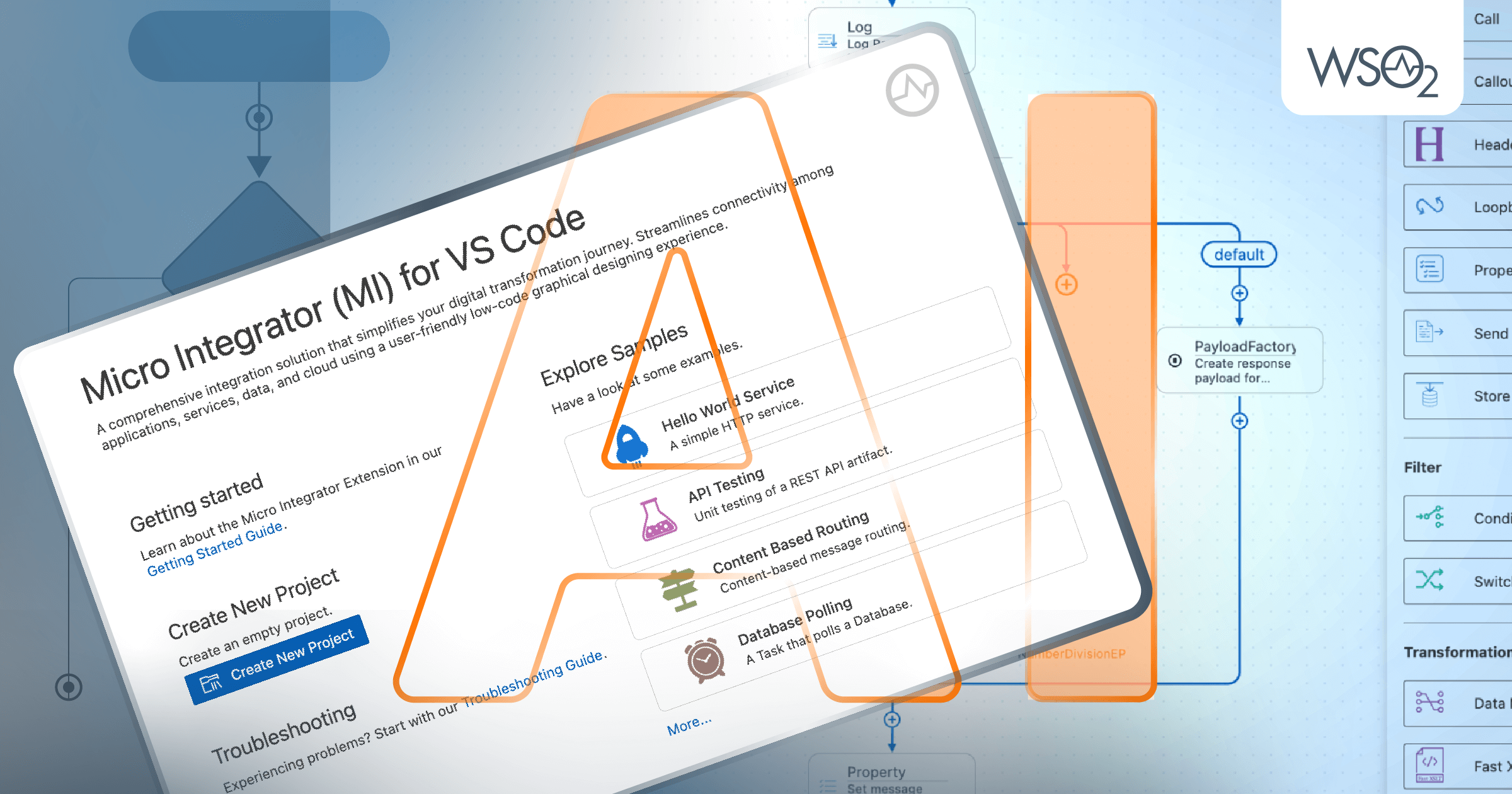
Figure 1: WSO2 Micro Integrator for VS Code Welcome
Key Benefits
- User-Friendly Interface:
VS Code provides a clean and user-friendly interface, making it easier for developers to navigate and work with the tool. Customizable layouts and themes in VS Code enhance the overall user experience.
- AI-Assisted Development Experience:
WSO2 Micro Integrator for VS Code is equipped with an AI assistant called MI Copilot developed using generative AI technologies. MI Copilot can generate integration configurations by taking the integration problem in natural language. It allows developers to quickly start developing without spending much time learning product concepts.
- Performance and Responsiveness:
VS Code is known for its performance and responsiveness, allowing developers to work on integration projects without experiencing lags or delays.
- Community Support:
The large and active VS Code community ensures that developers have access to a wealth of knowledge, tutorials, and support forums.
- Ease of Maintenance:
VS Code extensions are easier to maintain compared to the Eclipse-based tool, streamlining the process of introducing new features and addressing issues.
- Cloud Integration:
With the growing emphasis on cloud-native development, VS Code can be easily integrated with cloud platforms, facilitating seamless integration with cloud services and APIs.
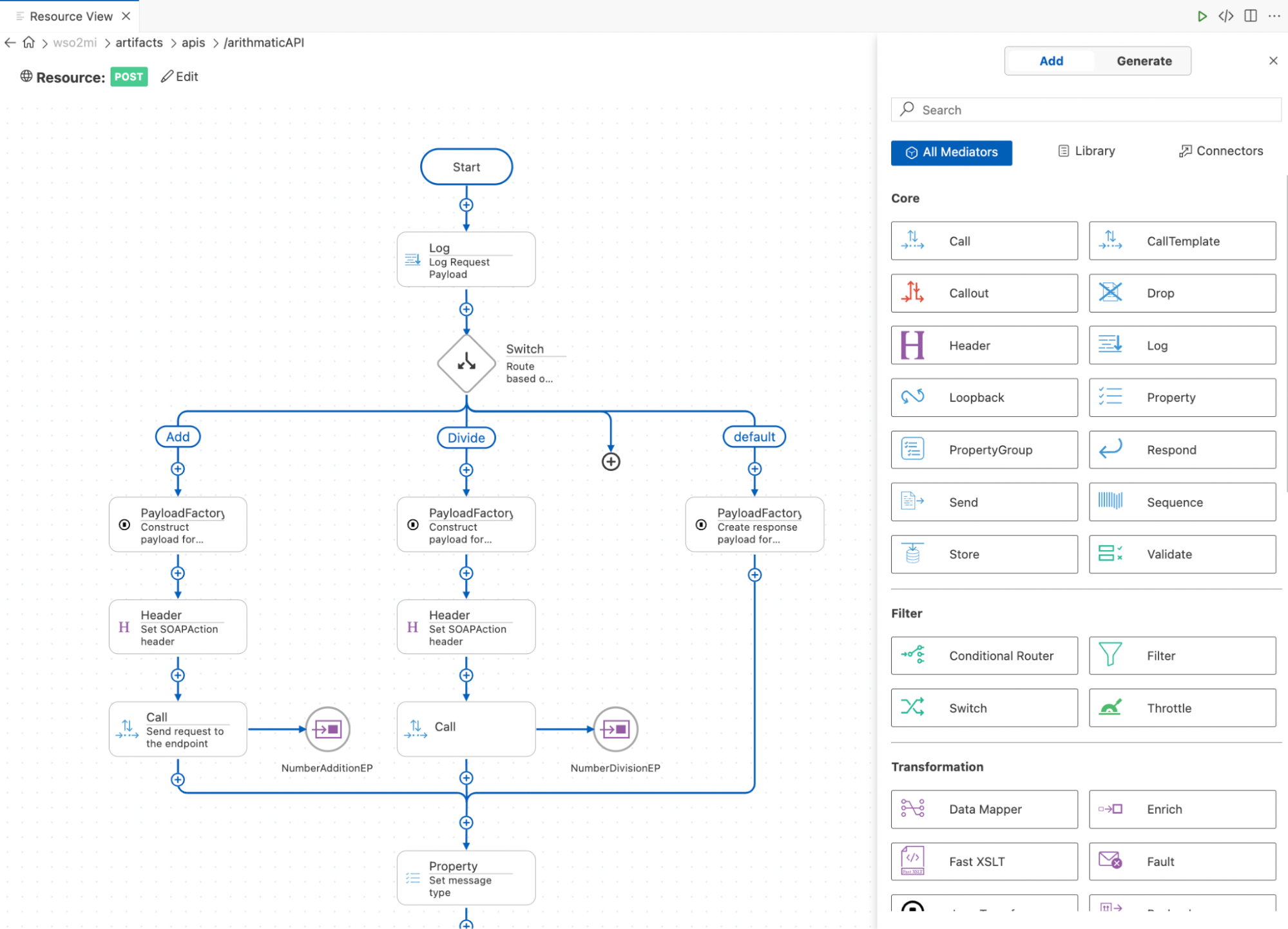
Figure 2: WSO2 Micro Integrator for VS Code Development Editor
What’s Offered by the AI-Assisted Micro Integrator Copilot?
MI Copilot allows integration developers to explain their integration problem in natural language and generate the required integration projects and MI configurations. We believe this will cut down the learning curve and improve productivity.
- Auto-Generate Project Structures:
Implement a system to scaffold whole integration projects based on user prompts, reducing the initial setup time.
- Intelligent Progression:
This allows users to refine projects through conversational prompts iteratively, enabling them to add features or modify the structure seamlessly.
- Query Support:
When users need more help to understand synapse concepts, properties, etc., they can directly use MI Copilot without browsing docs. This enables a seamless development experience in which the user does not have to switch the focus from the IDE.
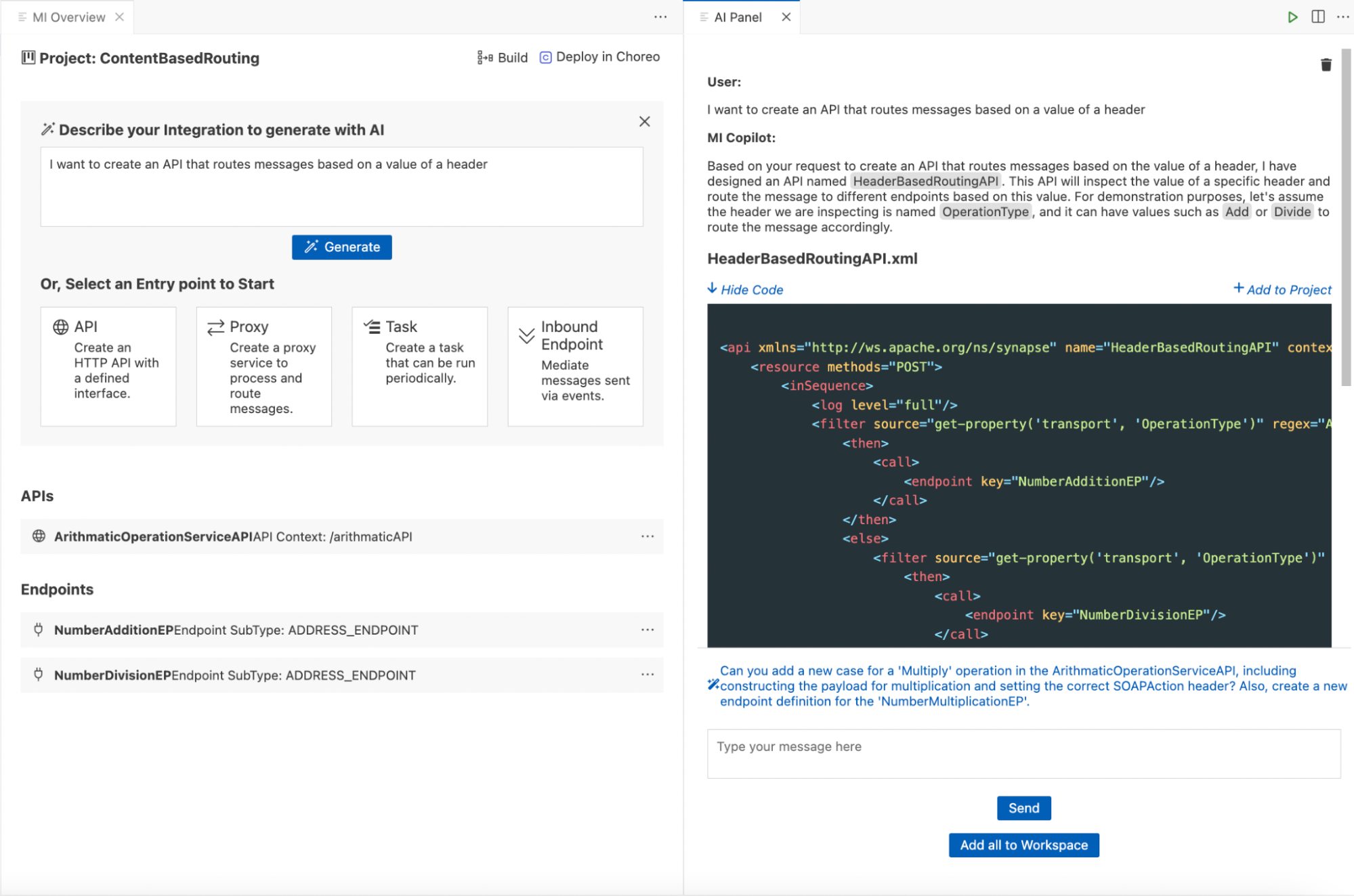
Figure 3: MI Copilot
How Do We Move from ‘Integration Studio’ to WSO2 Micro Integrator for VS Code?
Moving your existing integration projects from Integration Studio to VS Code is seamless. When you open the old projects from VS Code Extension, you will be prompted to convert the projects into new project structures, you can either accept and convert to the new structure, or else you can open the project as it is from the old structure. There are no runtime changes. The Carbon Applications Archives (CARs) generated from the new tool are 100% equal to the CARs generated by the Integration Studio.
What’s Next?
You'll be able to use this powerful tool in your daily development work very soon. A feature-complete, generally available VS Code extension is on the horizon (arriving within Q2, 2024). In the meantime, jump-start your experience with the developer preview of WSO2 Micro Integrator for VS Code! It's available in the VS Code marketplace.