Control
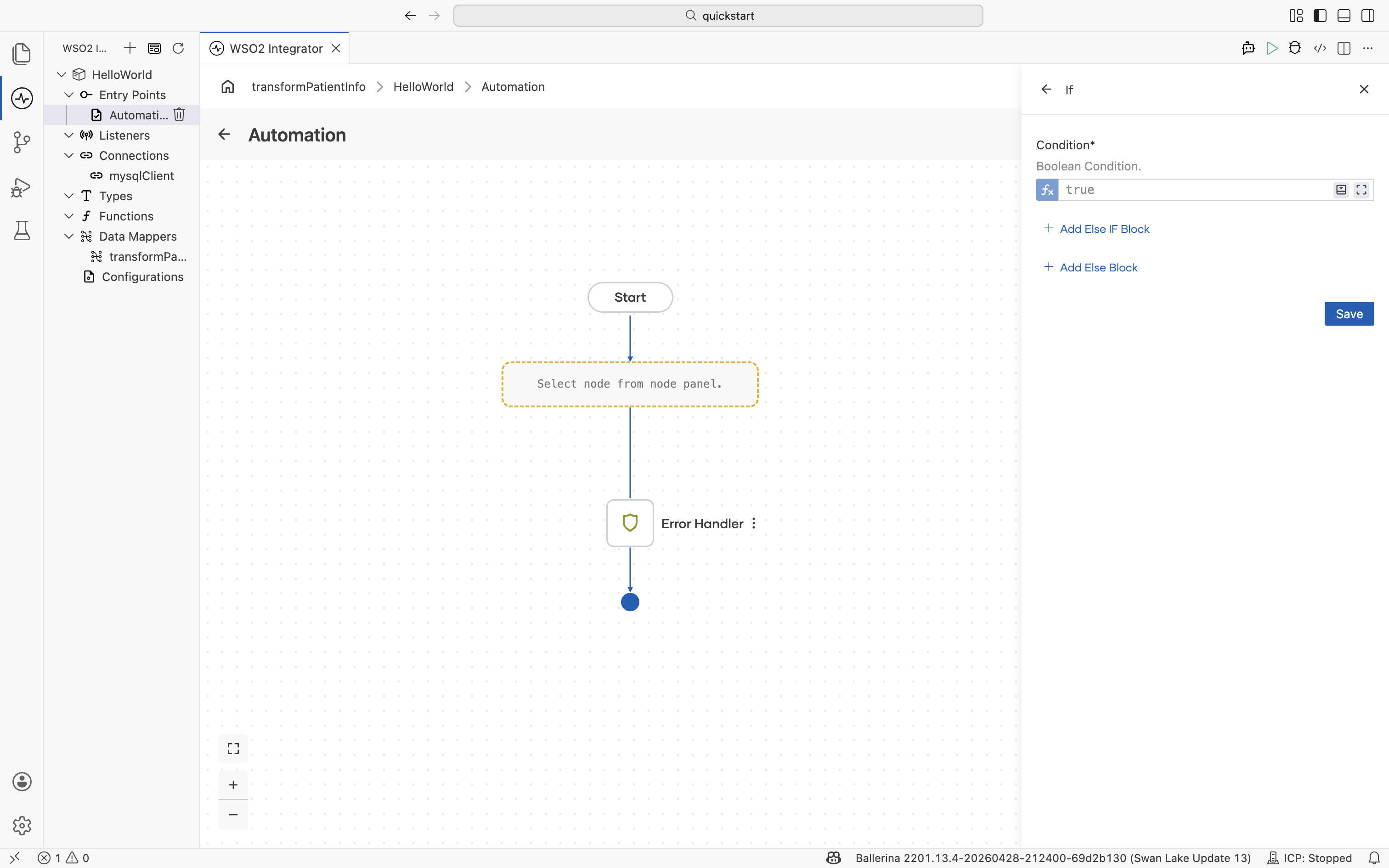
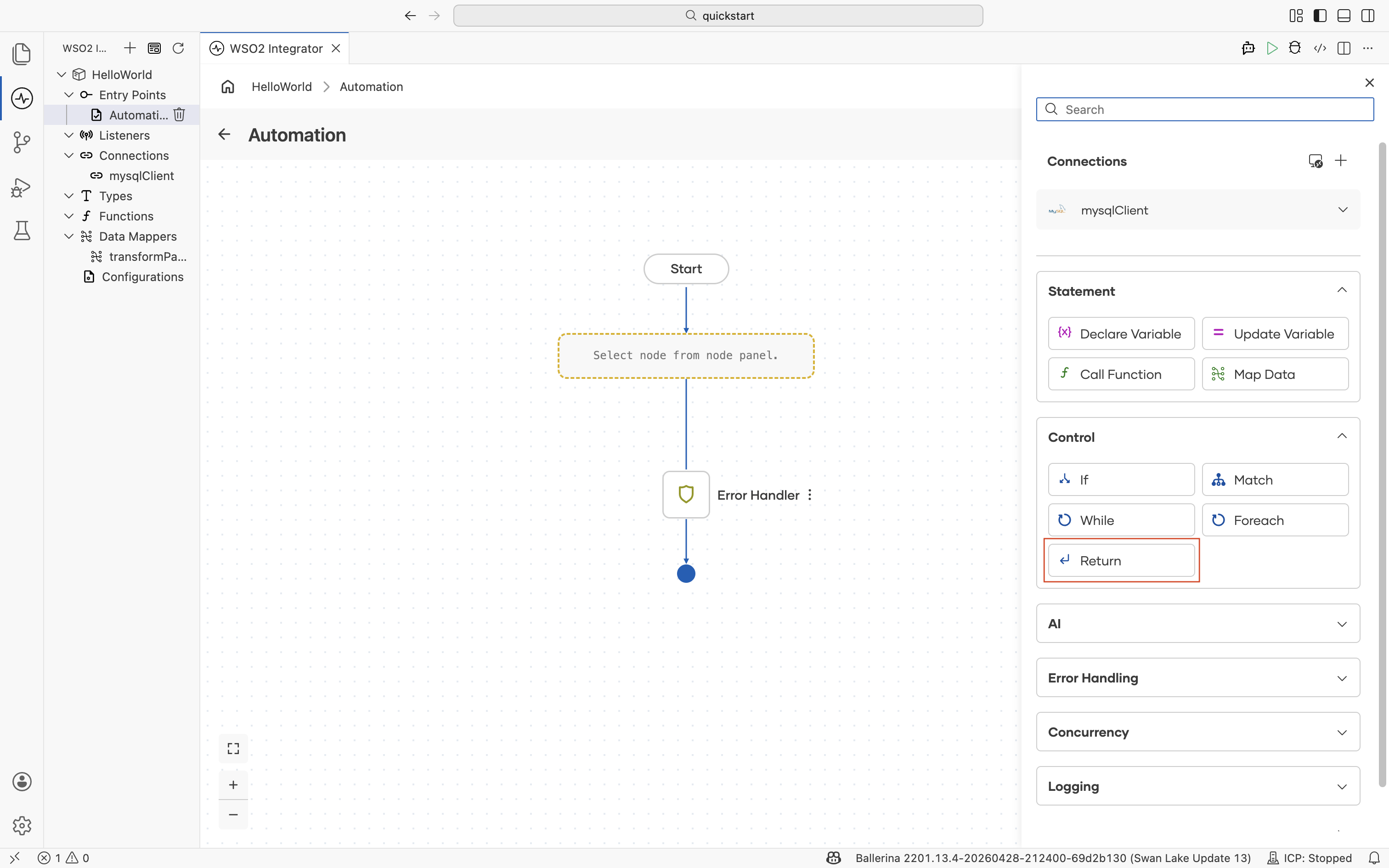
The Control section of the node panel shapes the path the flow takes. Use it to branch on a condition, dispatch on a pattern, repeat steps, iterate over a collection, or return a value to the caller. Every form in this section accepts Ballerina expressions; author them with assistance from the Expression editor.
If
Branches the flow on a Boolean condition and runs the matching block. Add Else If blocks for additional conditions and an Else block for a fallback path when none of the conditions match.
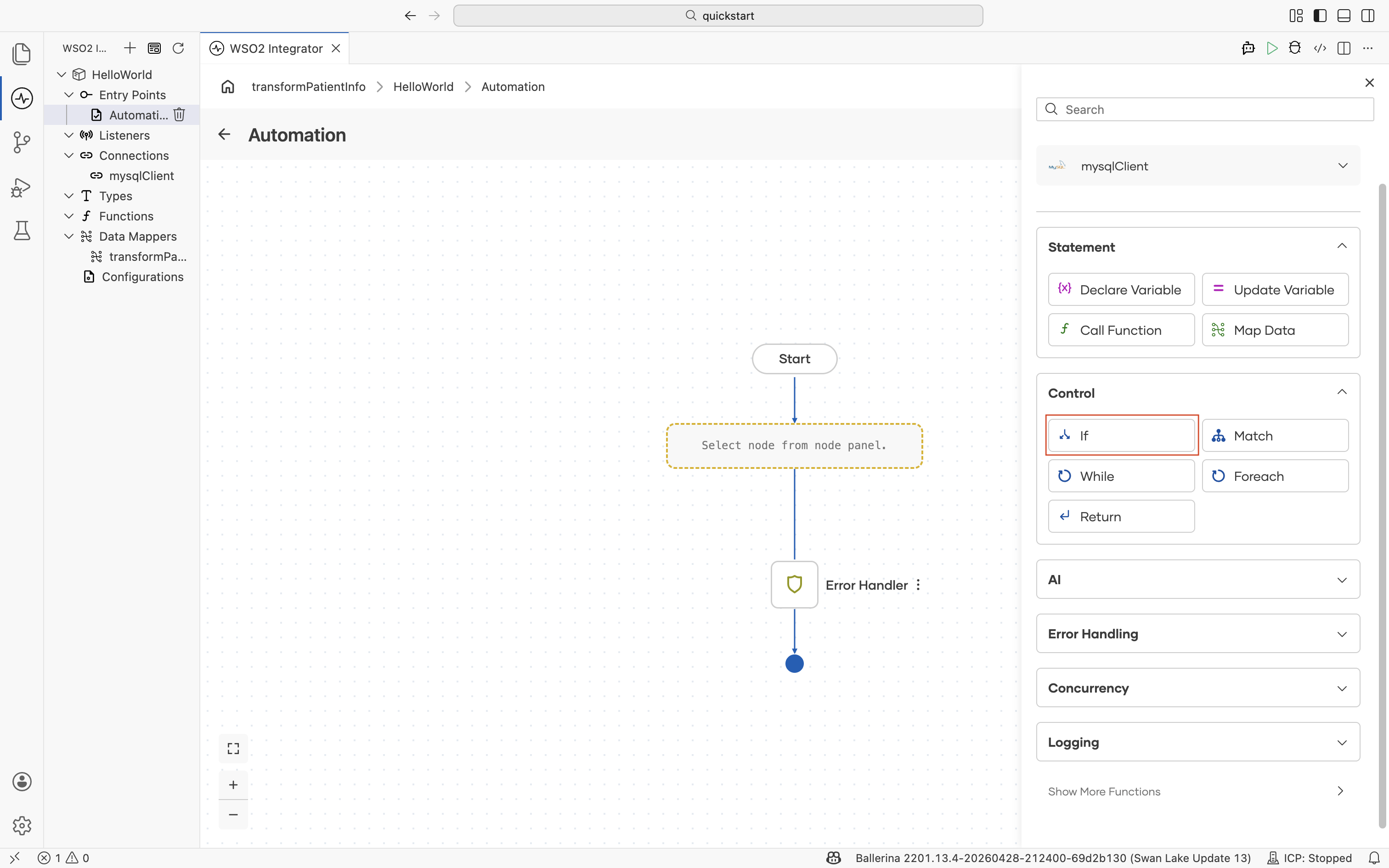
| Field | Description |
|---|---|
| Condition | Boolean condition. |
The form provides Add Else IF Block and Add Else Block to extend the branch.
Match
Matches a value against one or more patterns and runs the steps under the first matching pattern. Use Match instead of a chain of If/Else If blocks when dispatching on a finite set of values or shapes.
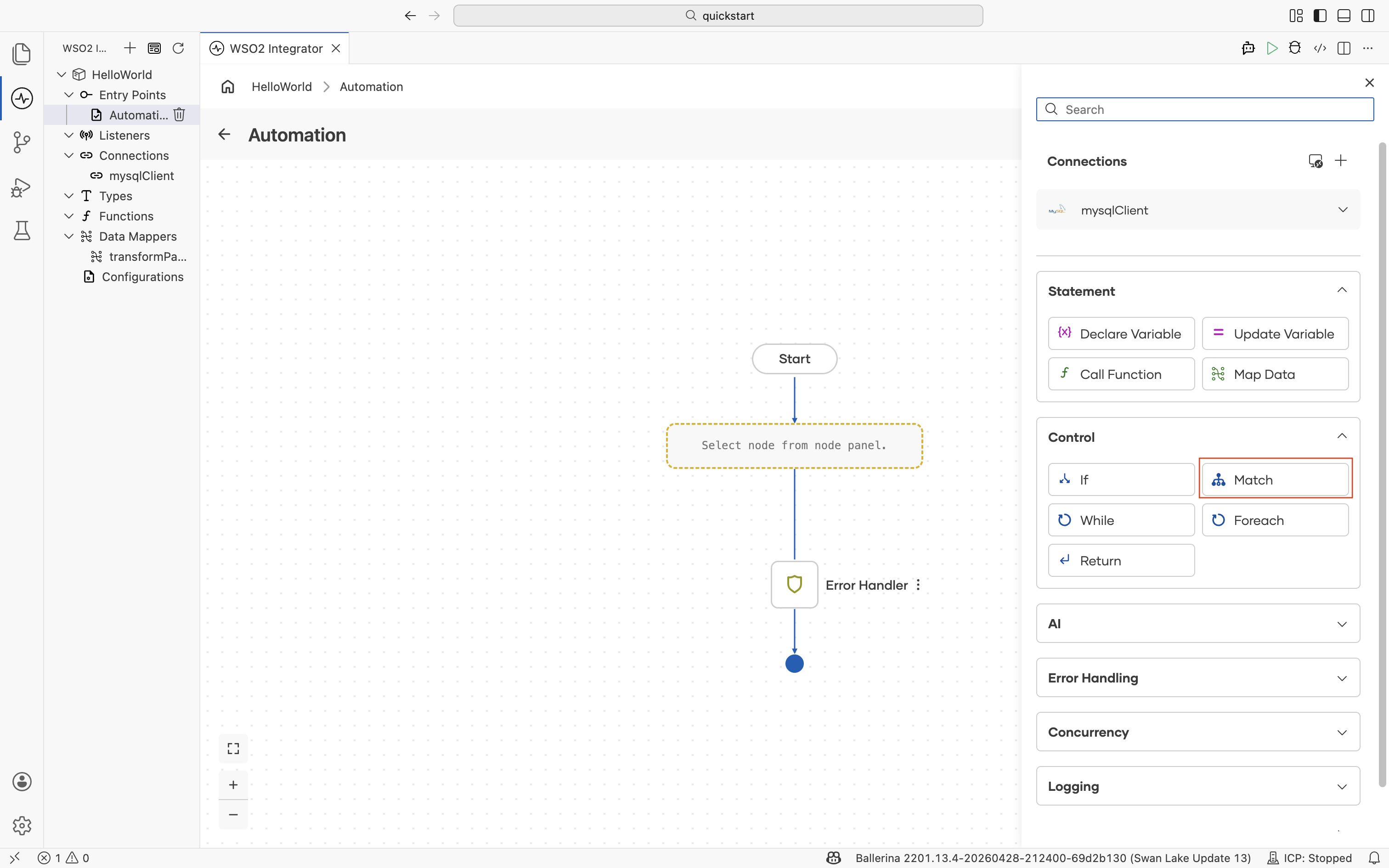
| Field | Description |
|---|---|
| Target | Match target expression. |
| Pattern 1 | Binding pattern that the target is matched against. |
The form provides Add Case Block to add more patterns and Add Default Case Block for a fallback that runs when no pattern matches.
While
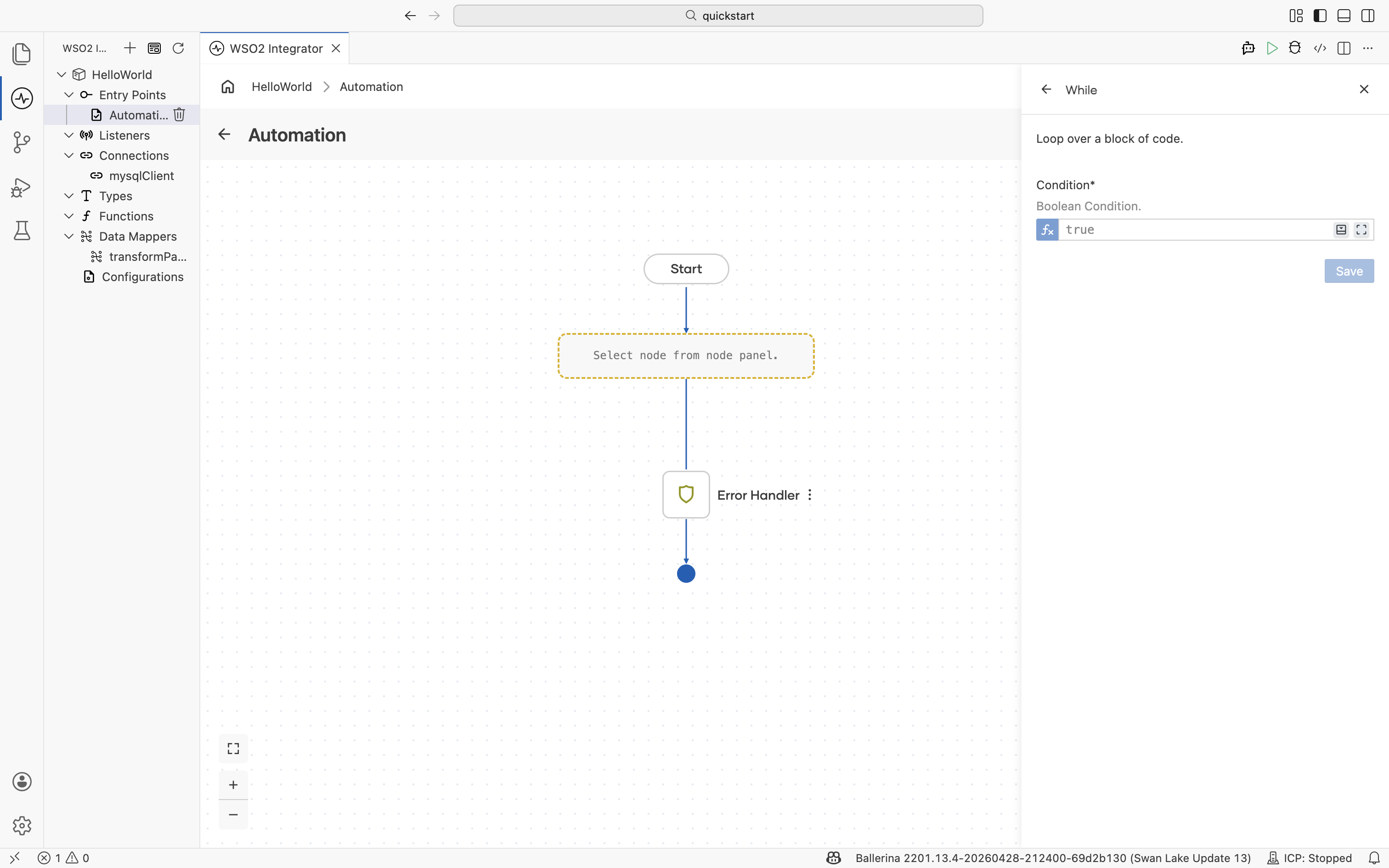
Loops over a block of code as long as a Boolean condition holds. The condition is evaluated before each iteration; the loop ends when it becomes false.
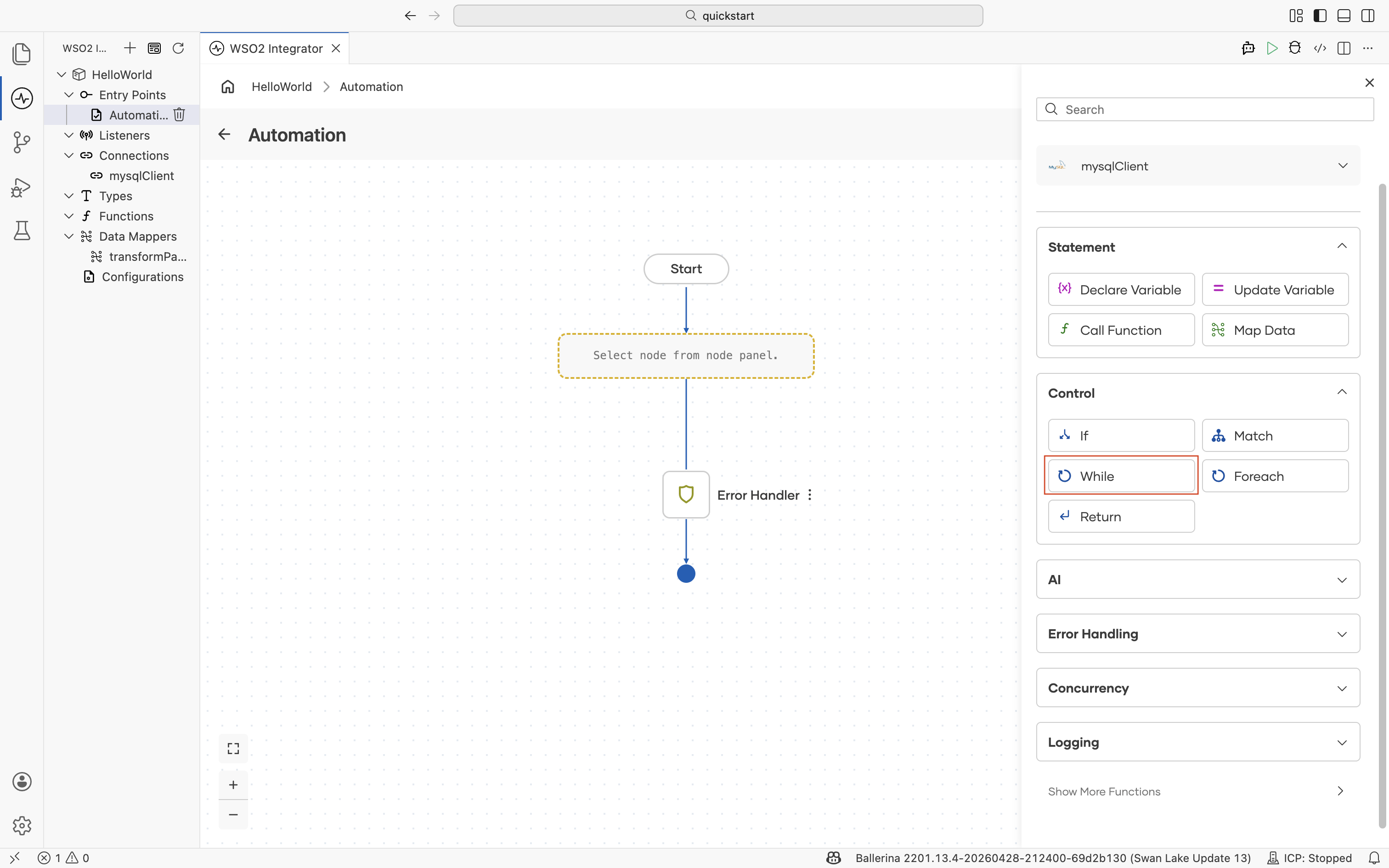
| Field | Description |
|---|---|
| Condition | Boolean condition. |
Foreach
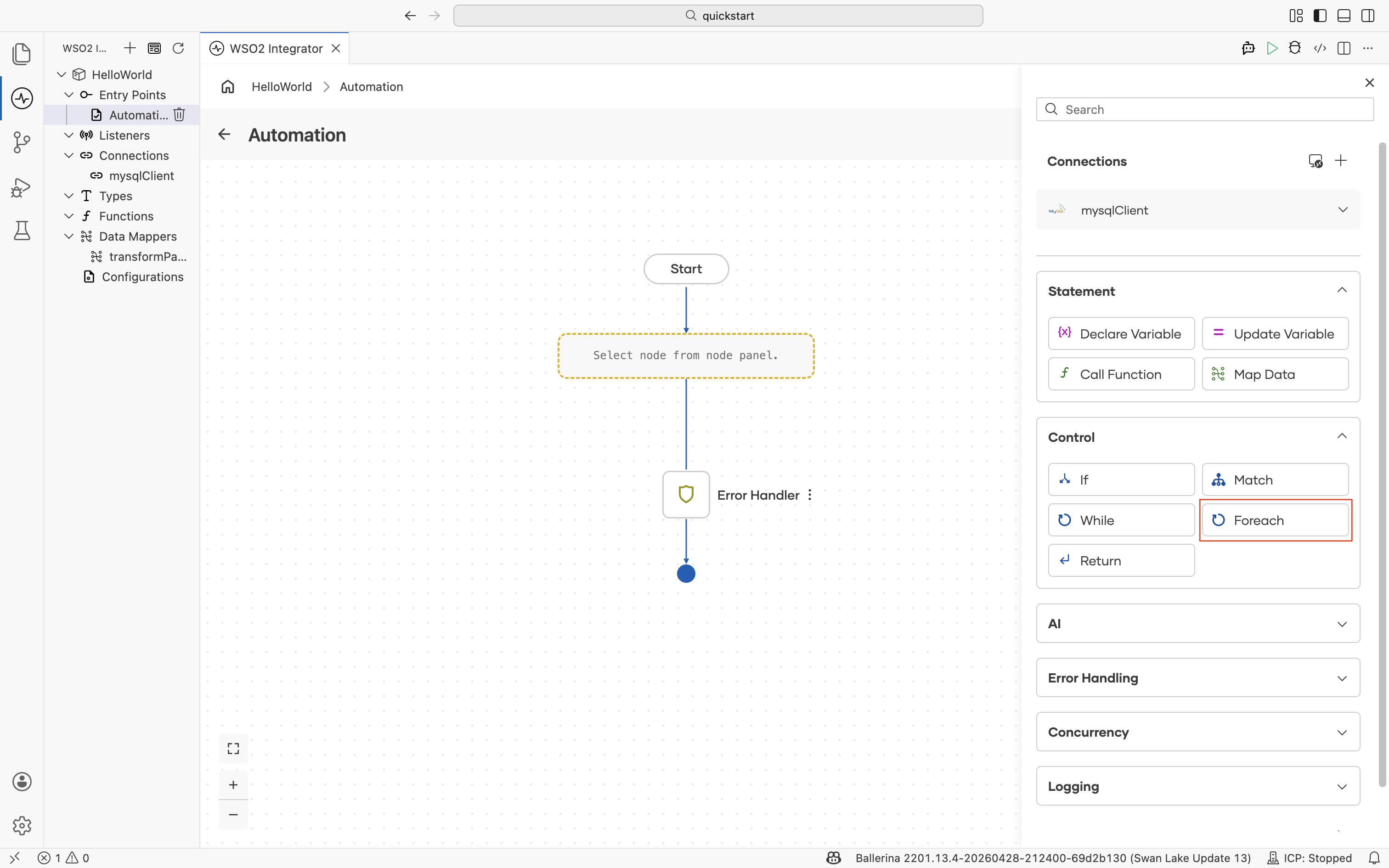
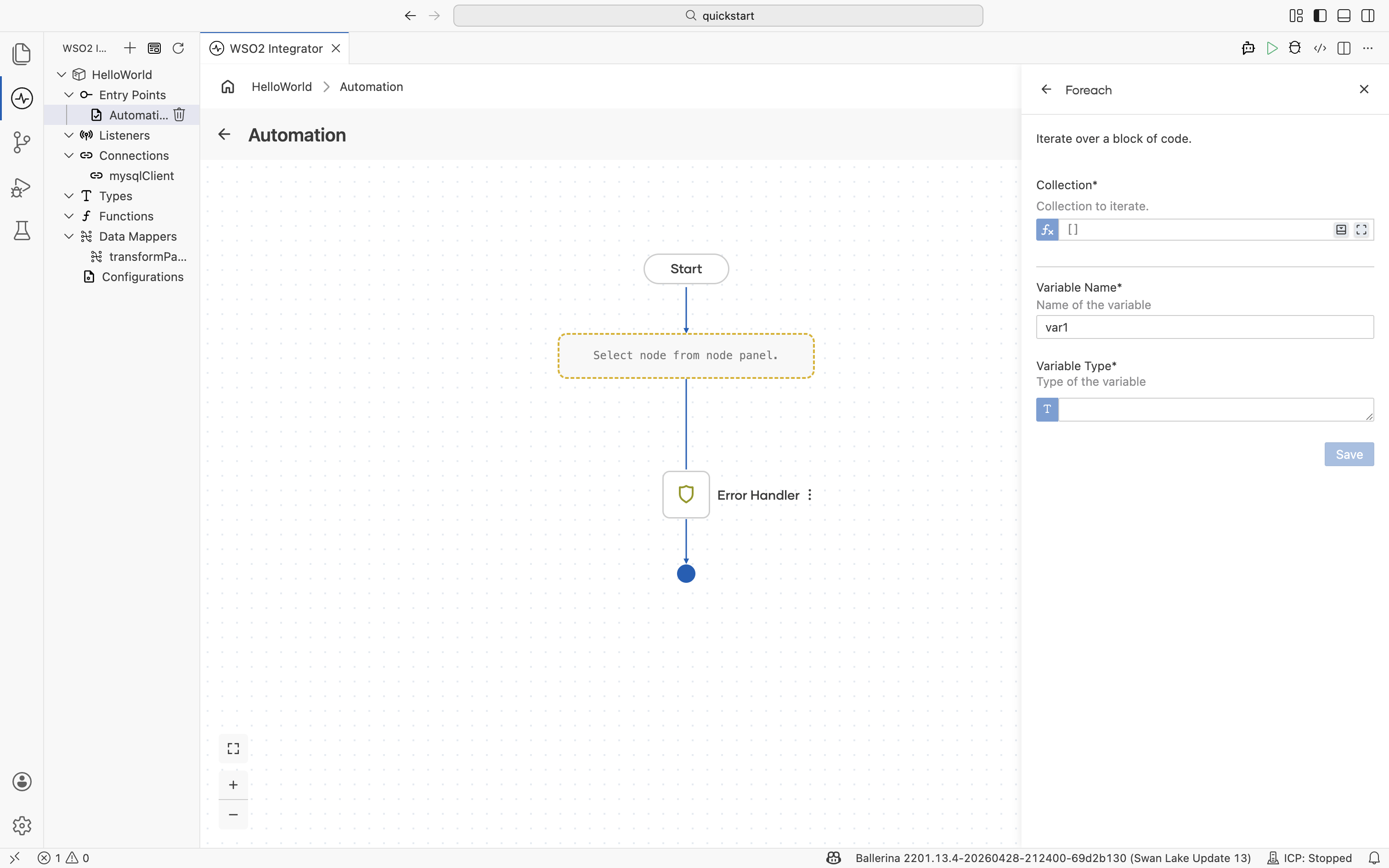
Iterates over a block of code for each item in a collection. Use it for arrays, query results, ranges, and any other iterable value.
| Field | Description |
|---|---|
| Collection | Collection to iterate. |
| Variable Name | Name of the loop variable bound to each element. |
| Variable Type | Type of the loop variable. Define new types inline with the Type editor. |
Return
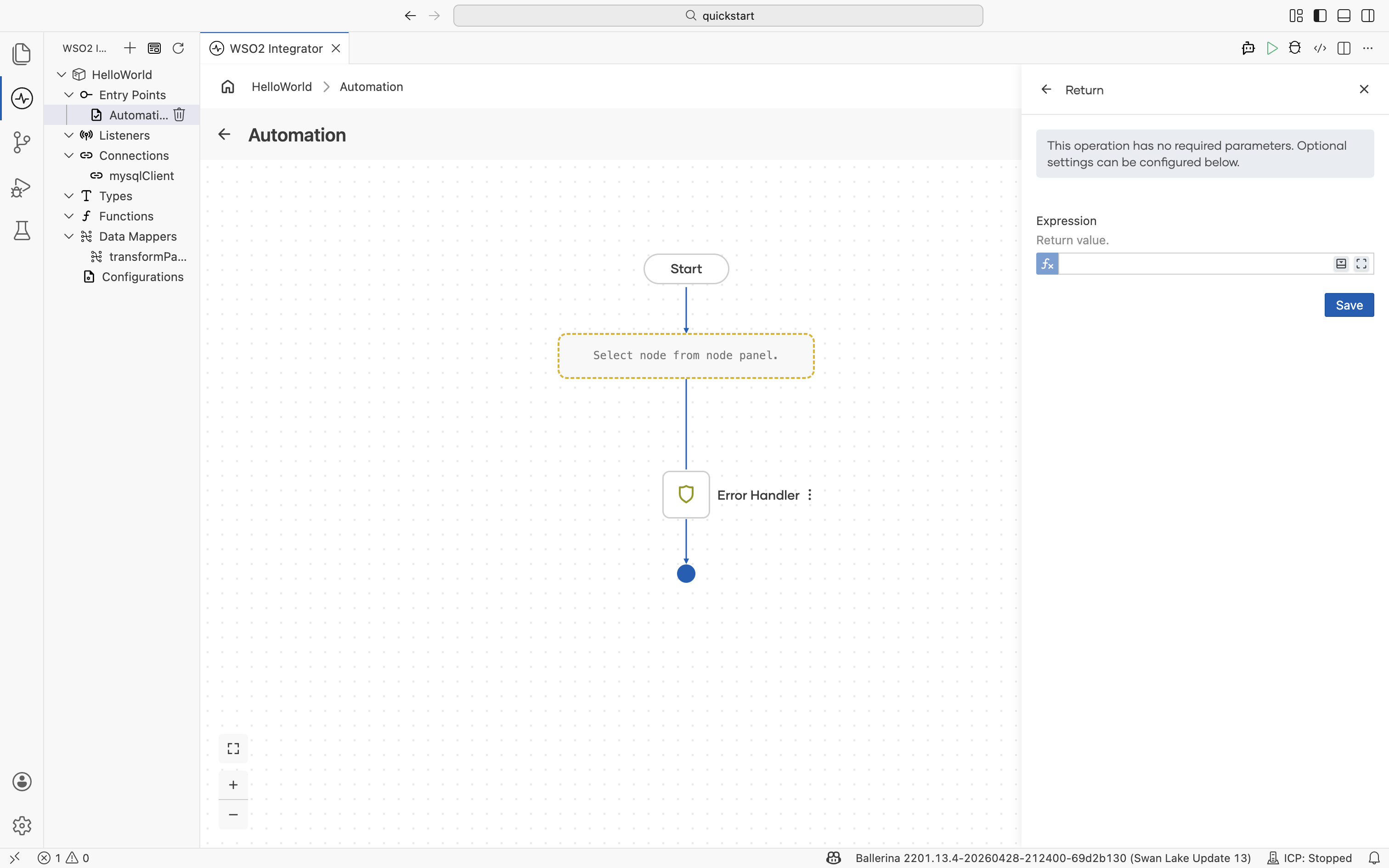
Ends the current function or service flow and produces a value to the caller. The operation has no required parameters; the optional Expression field configures the value to return.
| Field | Description |
|---|---|
| Expression | Return value. Leave it empty for () returns. |
What's next
- Statement — Variables, function calls, and data mapping.
- Error handling — Catch errors and raise failures inside branches.
- Concurrency — Fork, wait, and lock for parallel work.
- Expression editor — Author Ballerina expressions with autocomplete and validation.