Show More Functions
The node panel surfaces only the most common nodes and shortcut functions for each section. Show More Functions is the action at the very bottom of the node panel that opens the full functions picker, so you can reach any function the project has access to even if it is not listed as a shortcut.
Open the picker
Scroll to the bottom of the node panel and select Show More Functions.
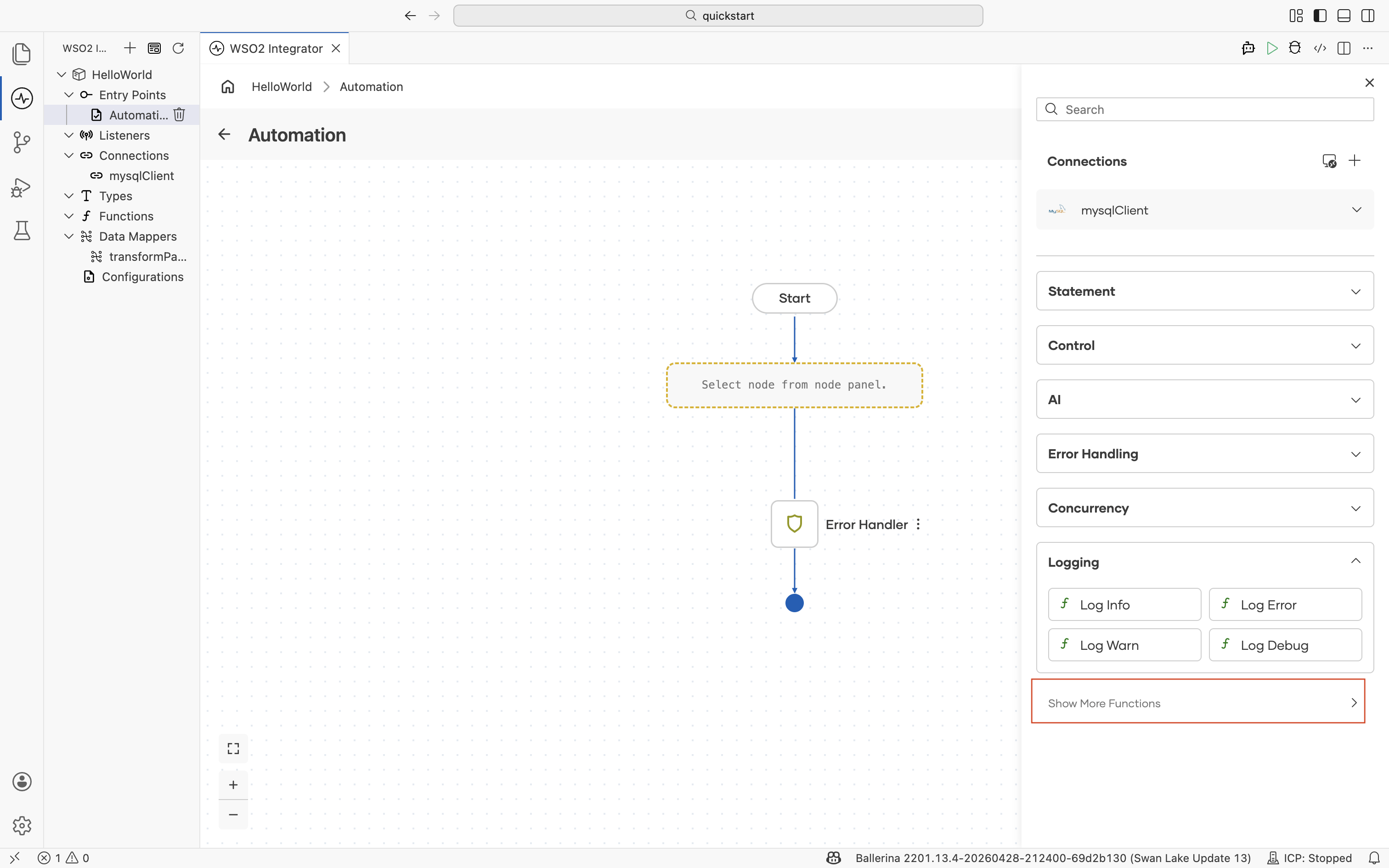
What the picker contains
The picker organizes functions in three sections.
| Section | Contents |
|---|---|
| Within Project | Functions defined in the current integration project. Use Create Function to define a new one inline. |
| Imported Functions | Functions exposed by libraries imported into the project, grouped by library (for example, log). |
| Standard Library | Functions from the Ballerina standard library. |
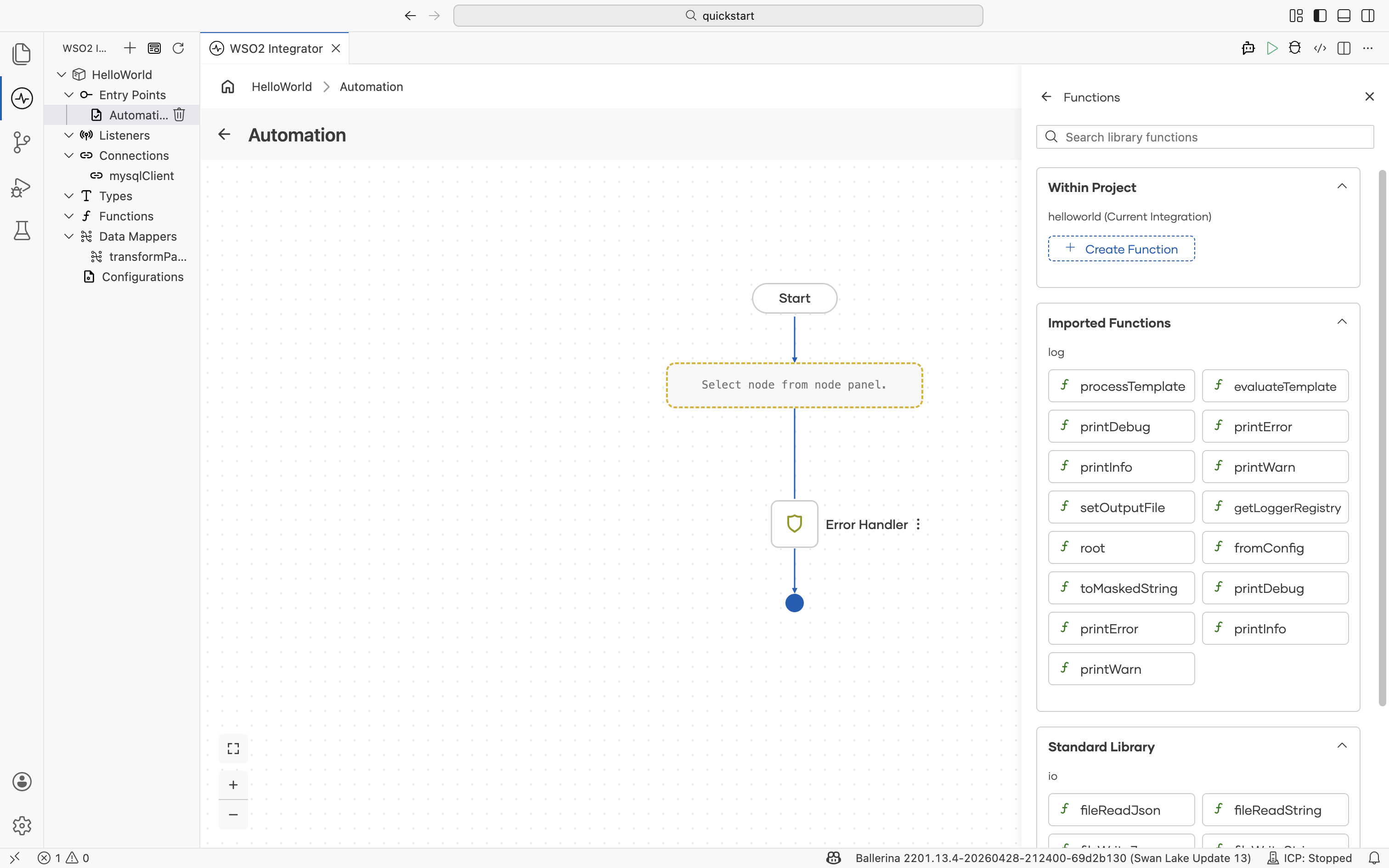
This is the same picker that opens from the Call Function node. Use it whenever a node panel shortcut does not expose the function variant you need. For example, every log:print* variant beyond the four shortcuts in the Logging section is reachable from this picker.
What's next
- Statement — The Call Function node opens the same picker.
- Logging — The four logging shortcuts; reach other
log:print*variants from this picker. - Functions reference — Create, organize, and reuse functions across artifacts.