Logging
The Logging section of the node panel emits a message to the integration's log output at a specific severity level. Use it to trace execution, surface errors, and aid debugging in development and production.
The four logging nodes are shortcuts to the corresponding log:print* functions in the Ballerina log library. Each form takes a single required Msg field. Additional options (an attached error, a stack trace, structured key-value pairs) are available under Advanced Configurations in the form.
Log Info
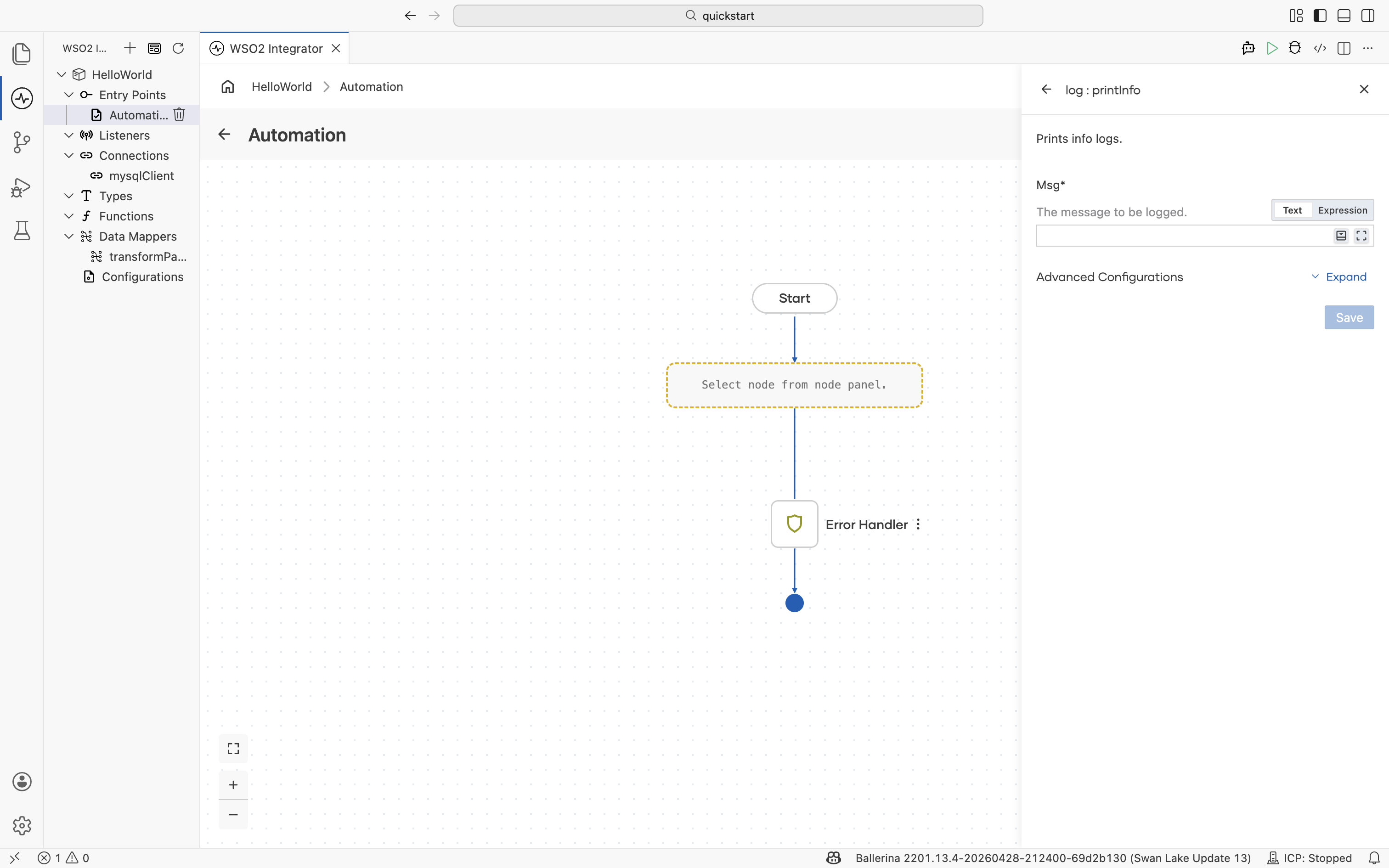
Prints info logs. Use Log Info for routine progress updates such as "request received", "step completed", or a summary metric.
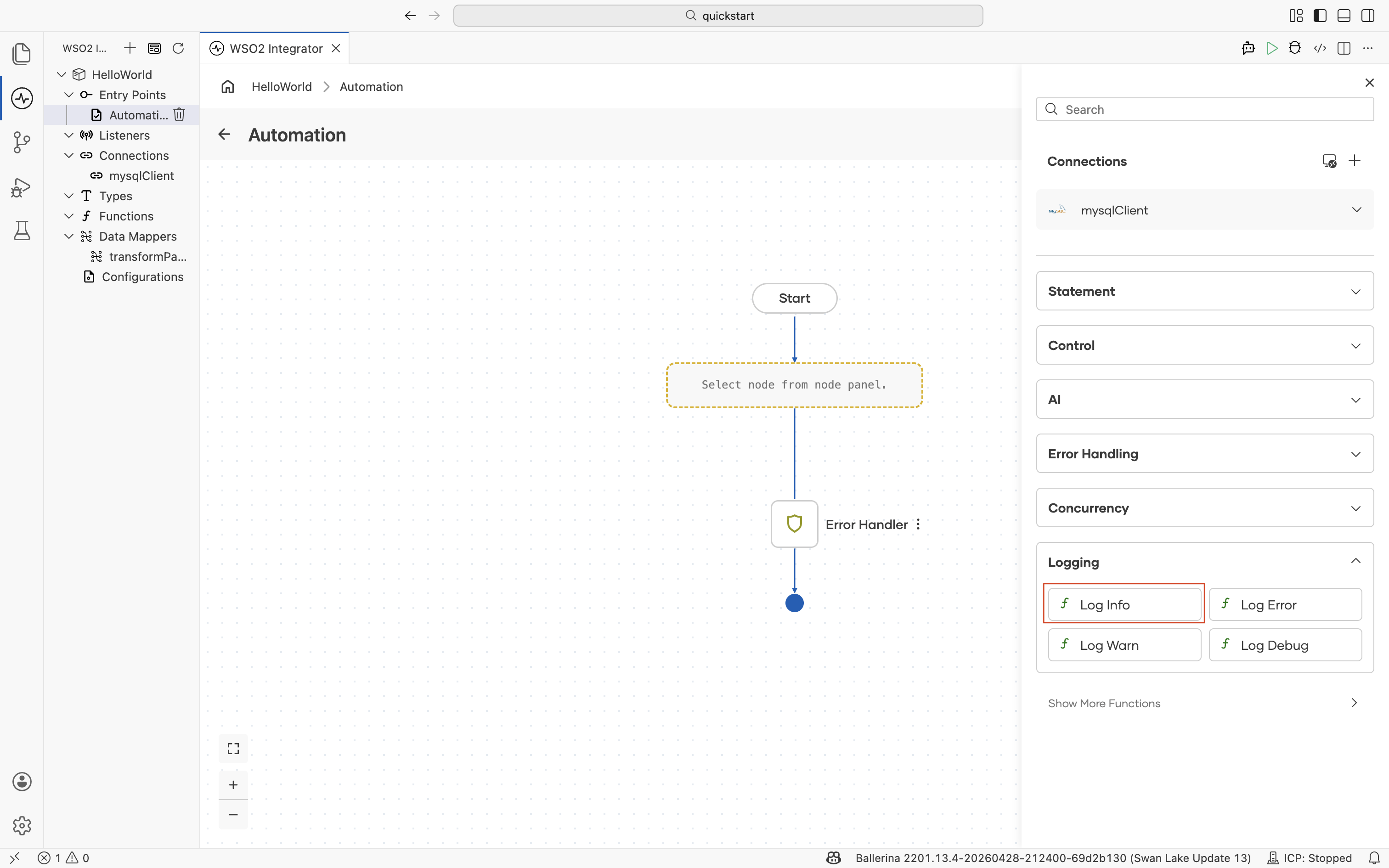
| Field | Description |
|---|---|
| Msg | The message to be logged. Supports Ballerina string templates with embedded expressions; author them in the Expression editor. |
Log Error
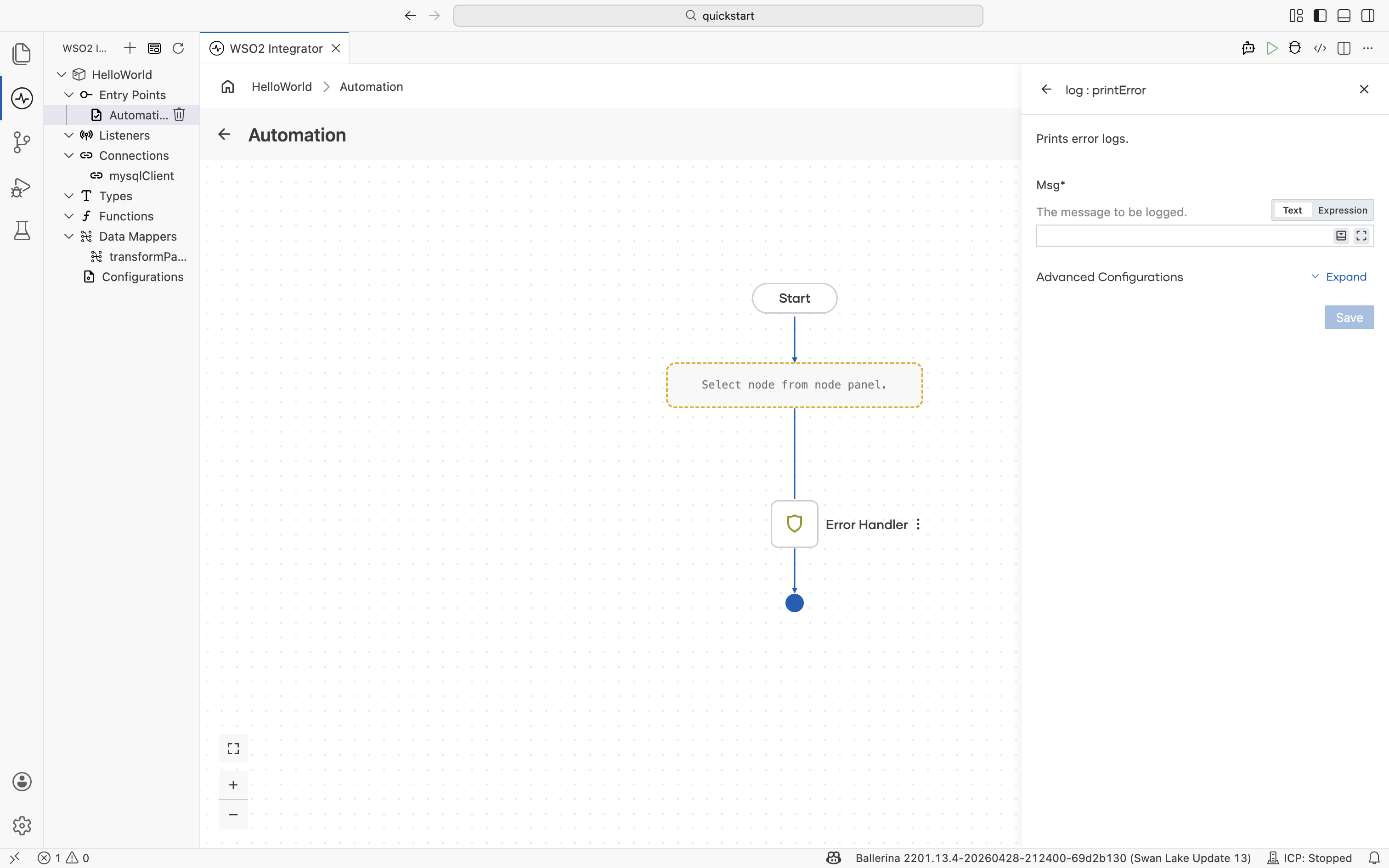
Prints error logs. Use Log Error for failures that the integration handled or escalated, such as a failed downstream call, a validation failure, or a caught exception.
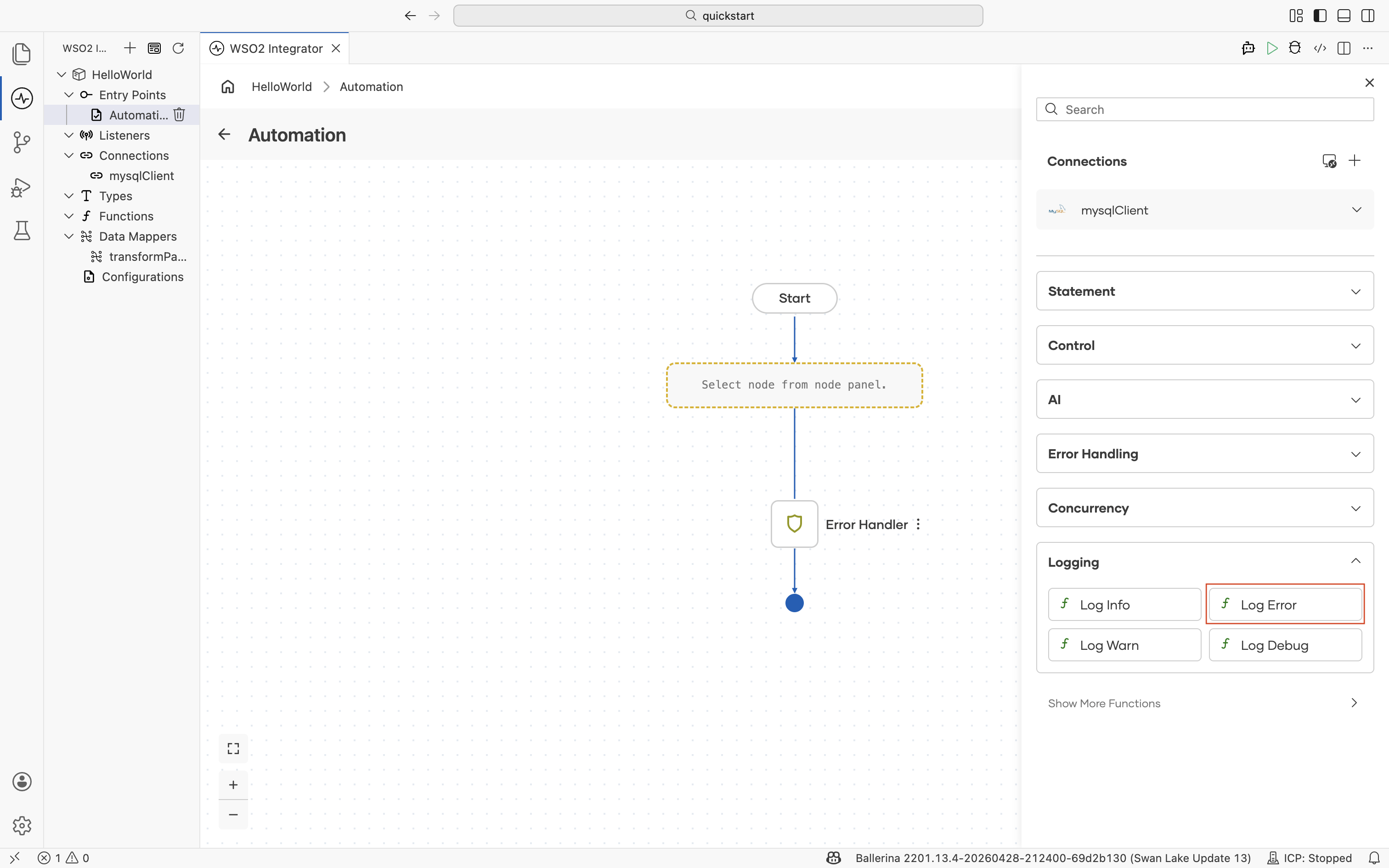
| Field | Description |
|---|---|
| Msg | The message to be logged. |
Log Warn
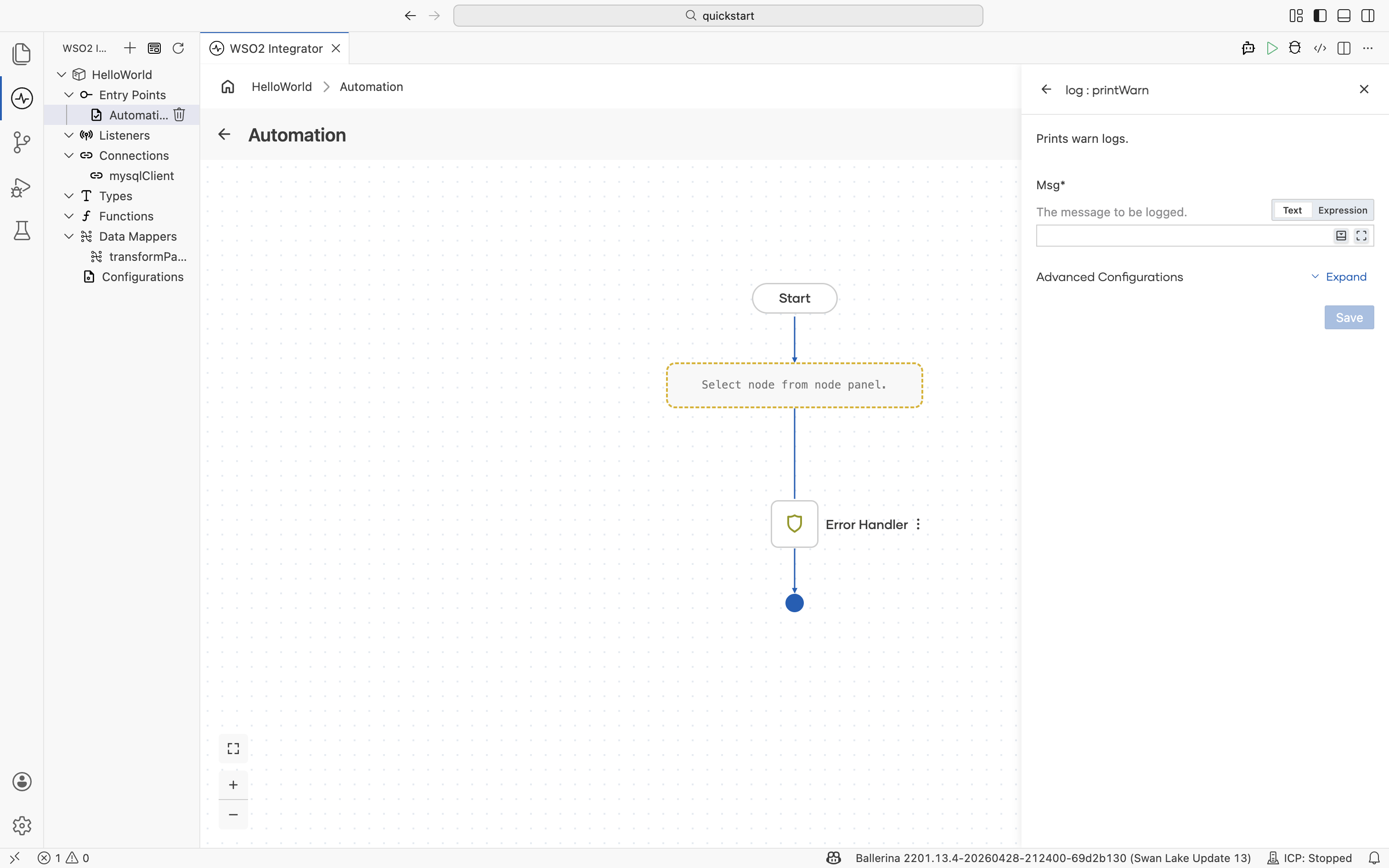
Prints warn logs. Use Log Warn for conditions that are unexpected but recoverable, such as a fallback path being taken, a retry being attempted, or deprecated input being encountered.
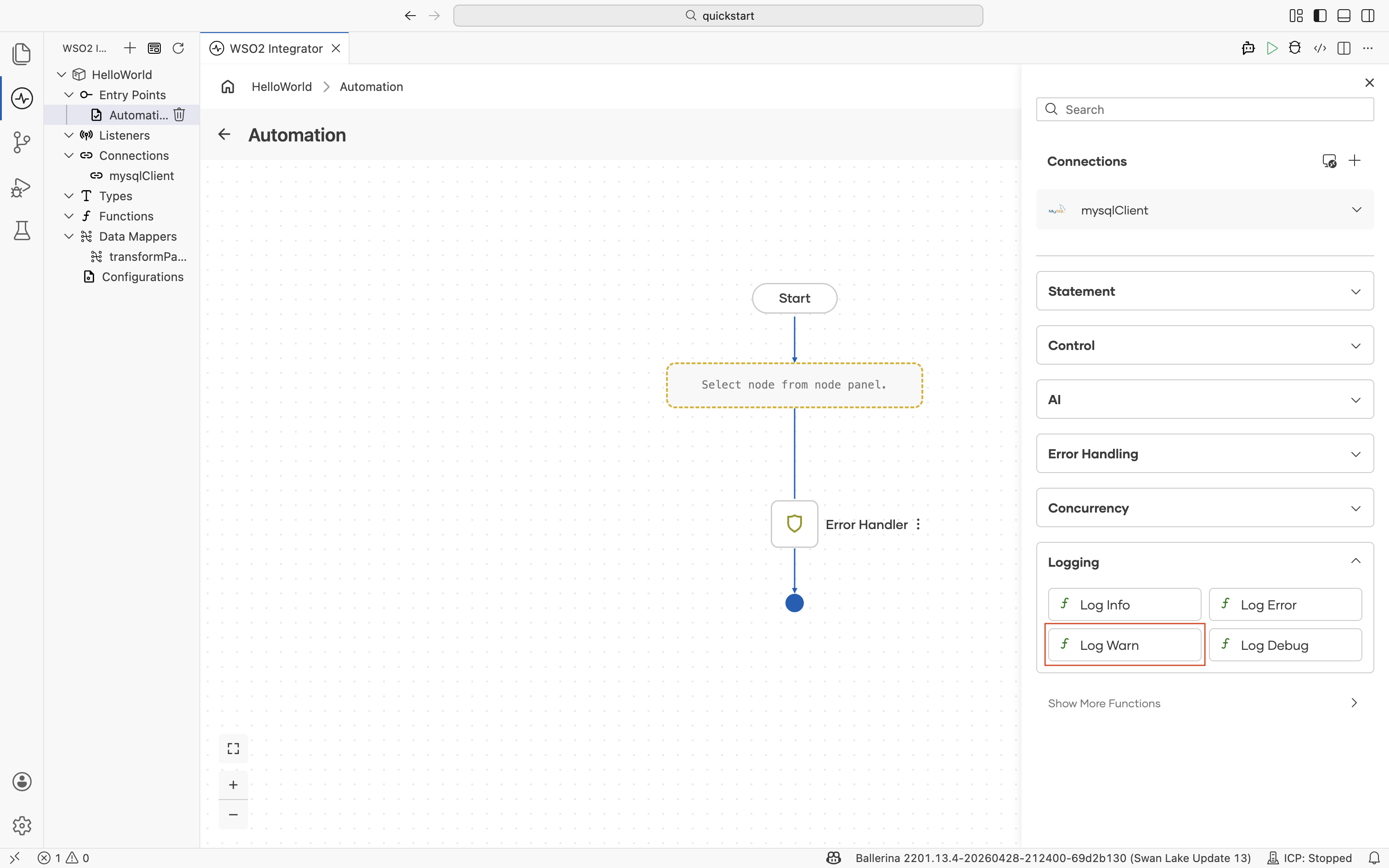
| Field | Description |
|---|---|
| Msg | The message to be logged. |
Log Debug
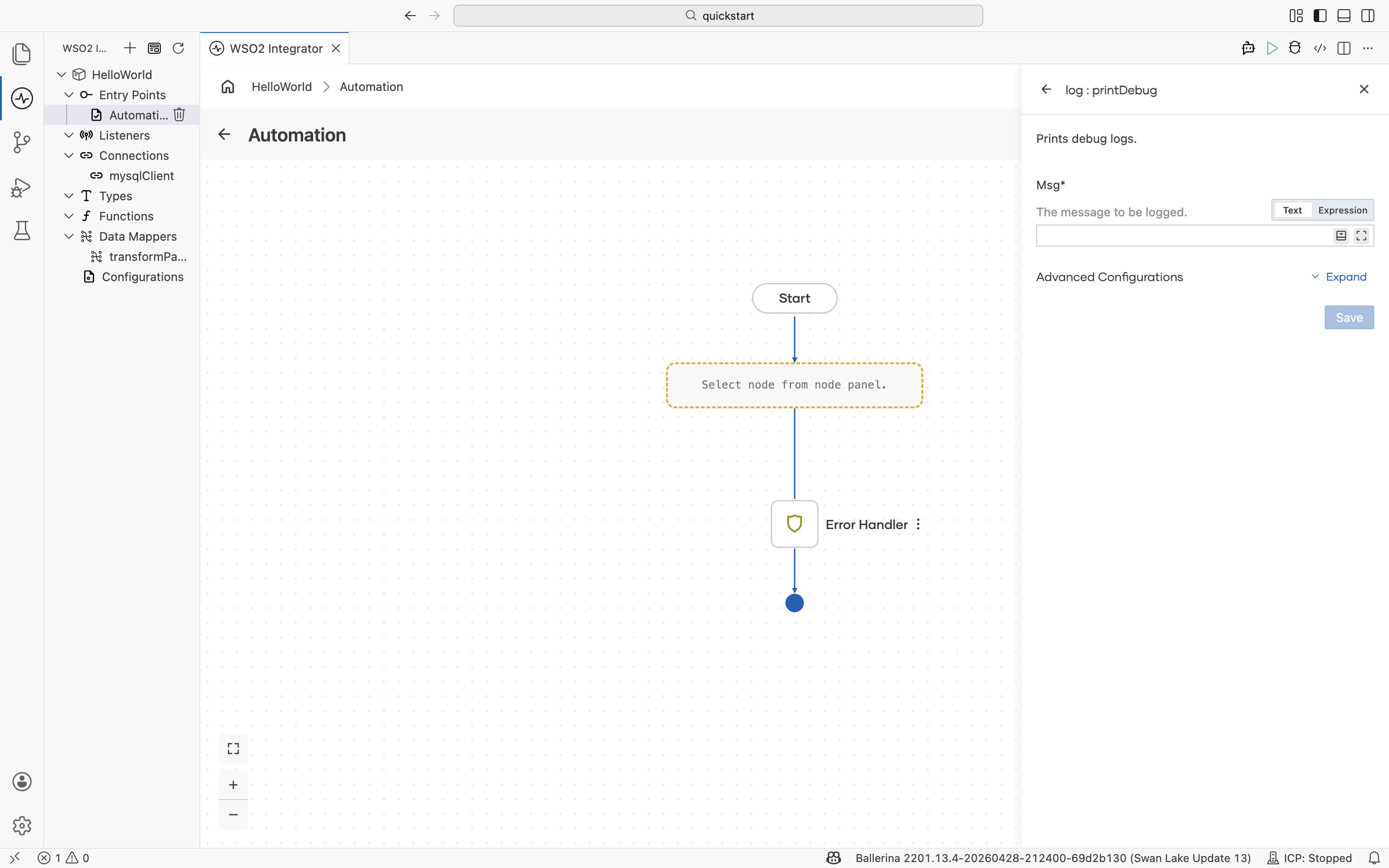
Prints debug logs. Use Log Debug for verbose information you want available in development and typically suppressed in production.
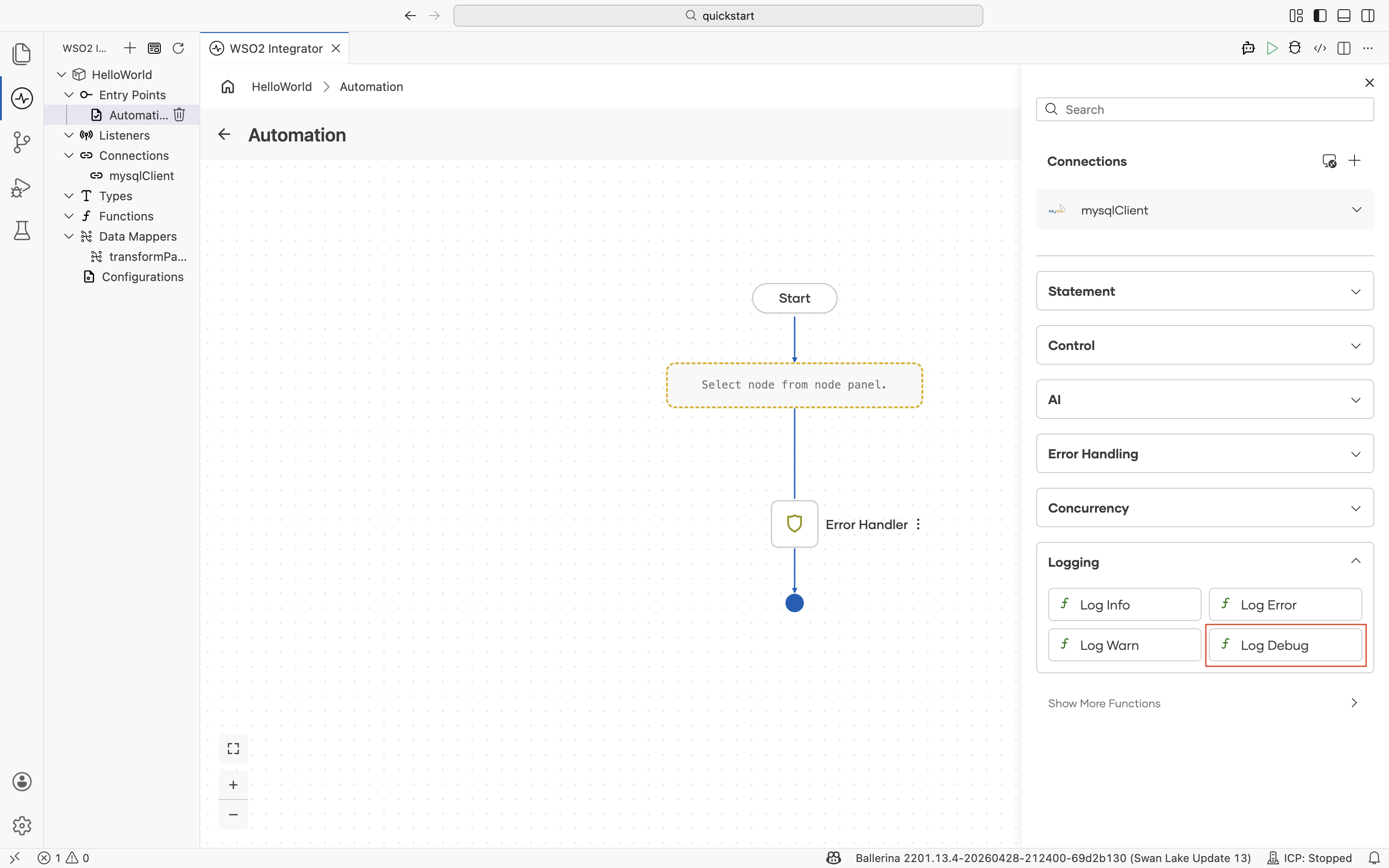
| Field | Description |
|---|---|
| Msg | The message to be logged. |
What's next
- Show more functions — Reach every
log:print*variant beyond the four shortcuts. - Statement — Function calls and variable updates.
- Error handling — Pair logging with ErrorHandler branches.
- Control — Conditional logging inside branches and loops.
- Expression editor — Build log messages with string templates and expressions.