Error Handling
The Error Handling section of the node palette covers nodes that catch errors in the flow, raise an error value to the caller, or abort the strand entirely. Use the nodes here to add error-handling logic to a flow or to raise errors yourself.
ErrorHandler
Wraps a section of the flow in a do { } on fail error err { } block so that any error raised inside the do block is caught and routed to the on fail branch. Add the node where you want to start catching errors.
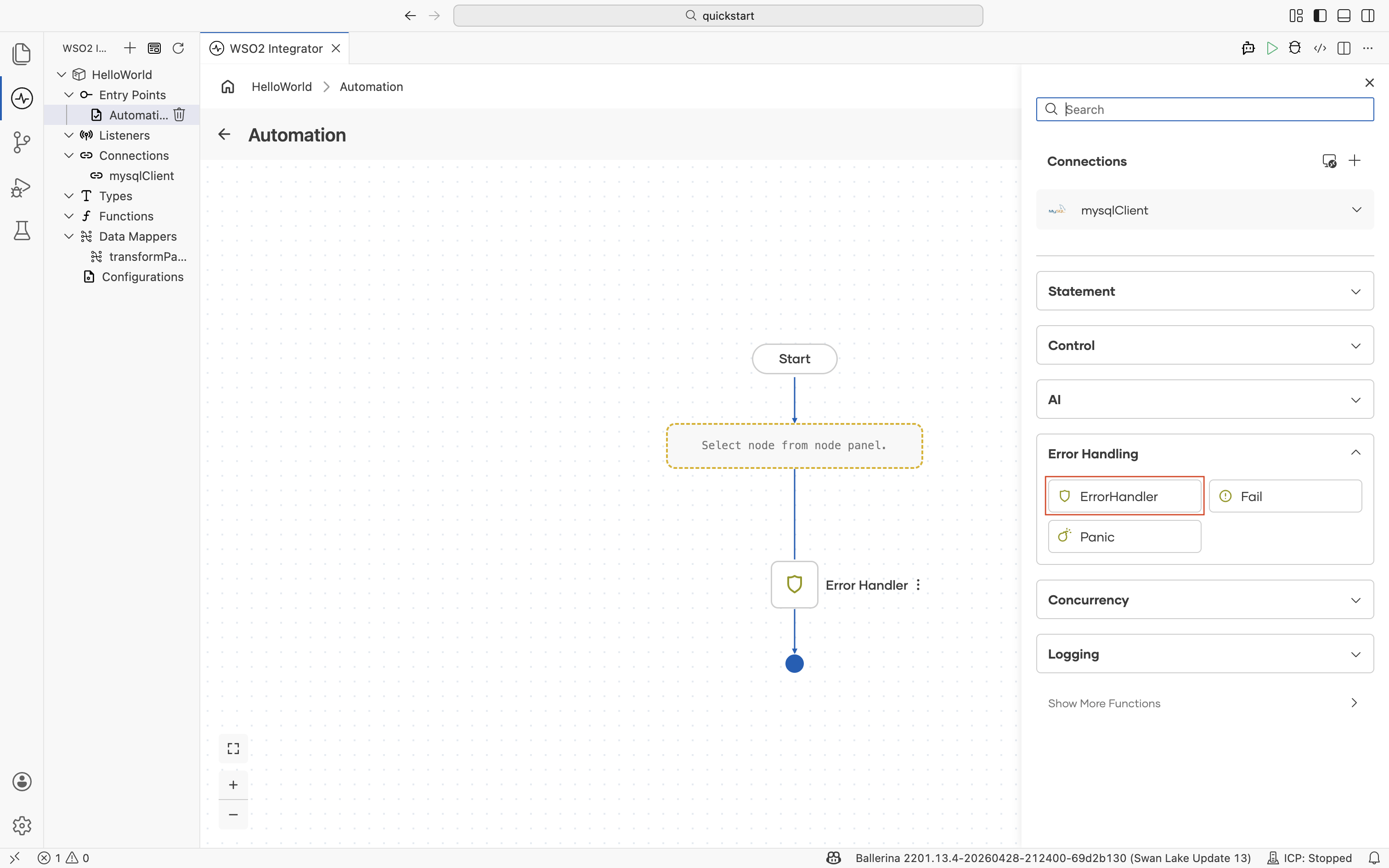
The configuration form requires no parameters and does not return a result. The form confirms this with a Configuration Complete message.
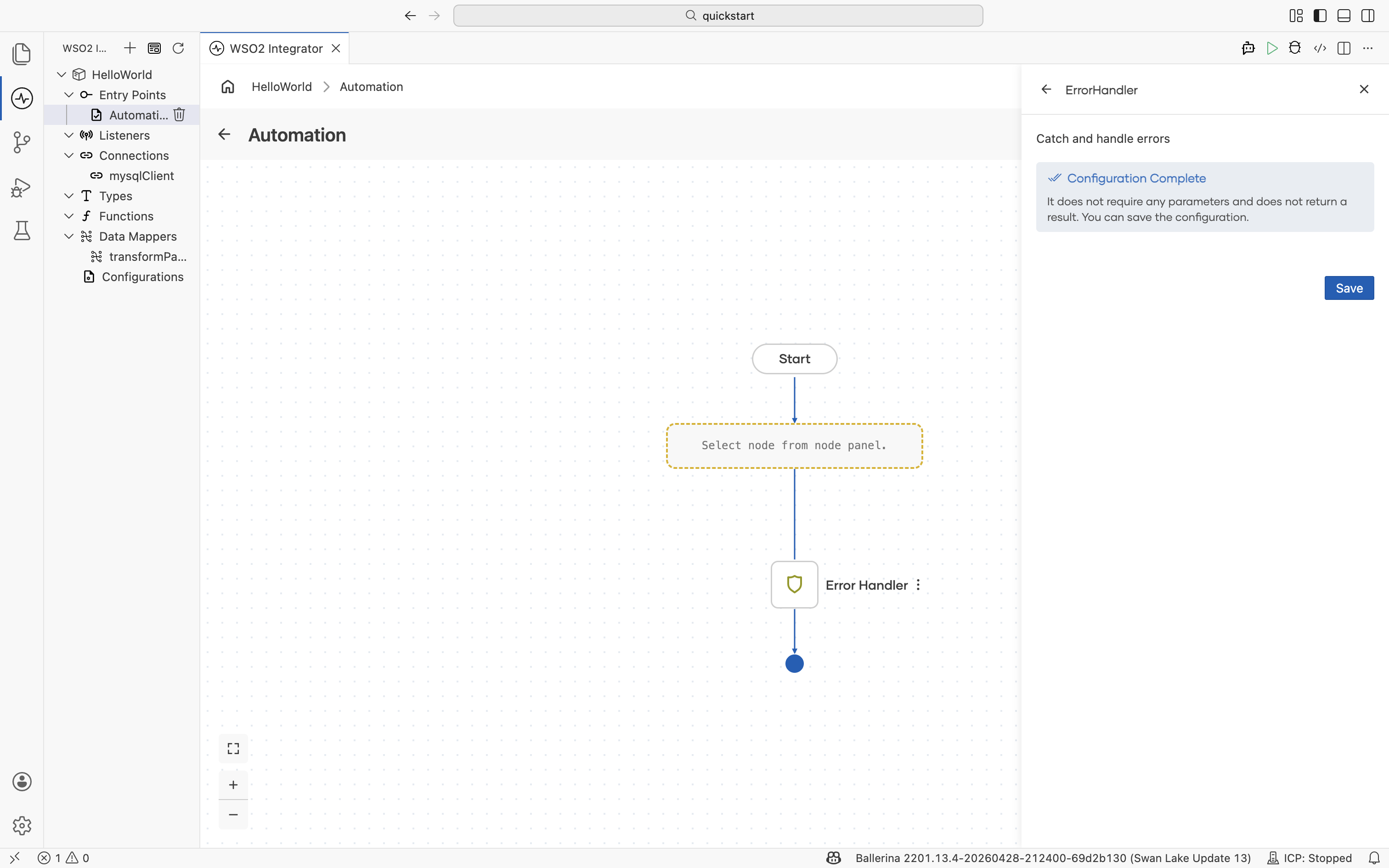
Add steps inside the ErrorHandler branch to log, transform, or compensate when an error is caught. For example, log the error with the nodes in Logging, transform it into an HTTP error response, or trigger a compensating action.
Fail
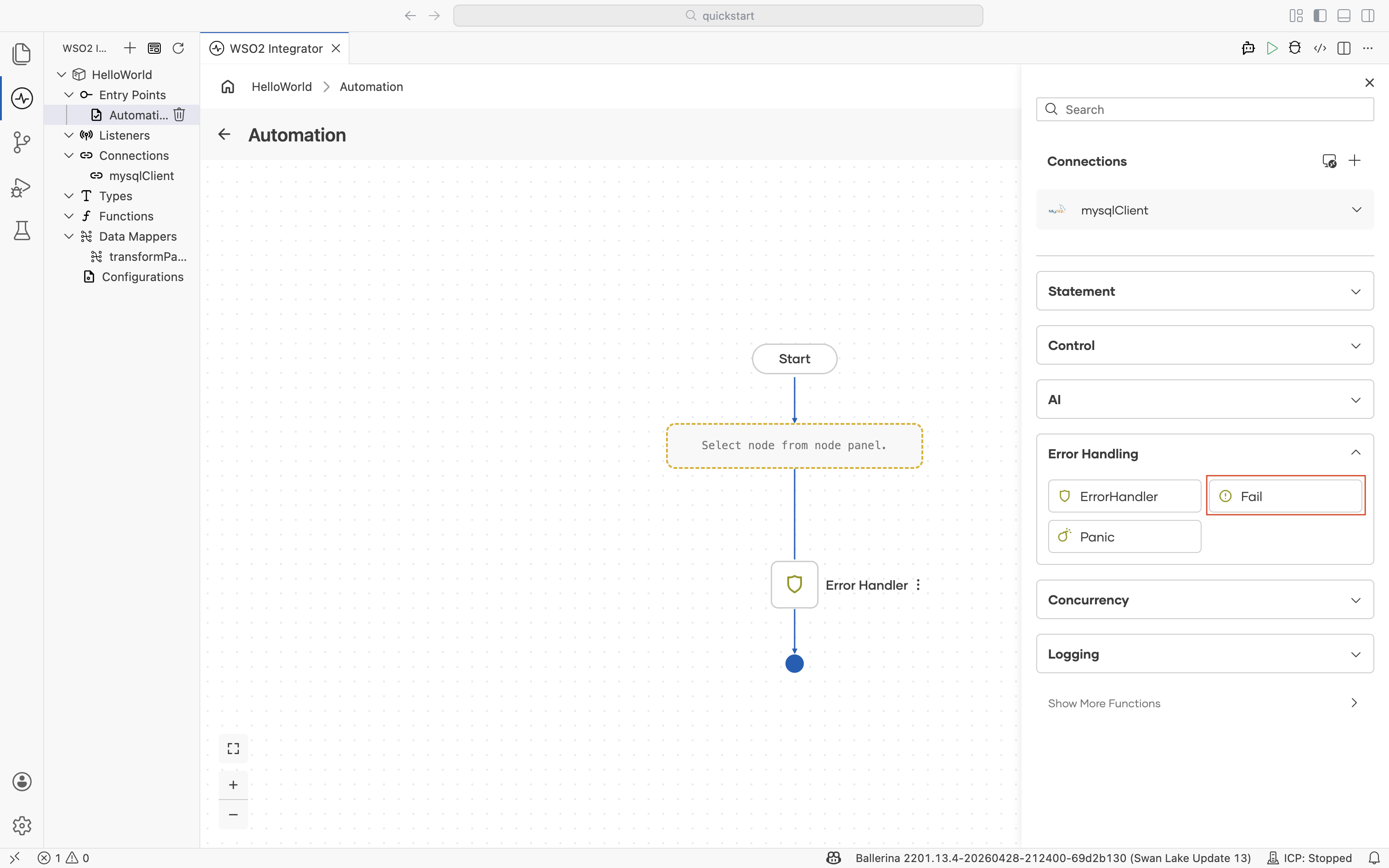
Raises a Ballerina error value that propagates up the call stack until an enclosing ErrorHandler catches it or the error is returned to the caller. Use Fail when the integration cannot proceed but you want callers (or an enclosing handler) to recover or report meaningfully.
| Field | Description |
|---|---|
| Expression | Fail value. Construct an error with error("message"), or pass an existing error variable. Use the Expression editor for type-aware suggestions. |
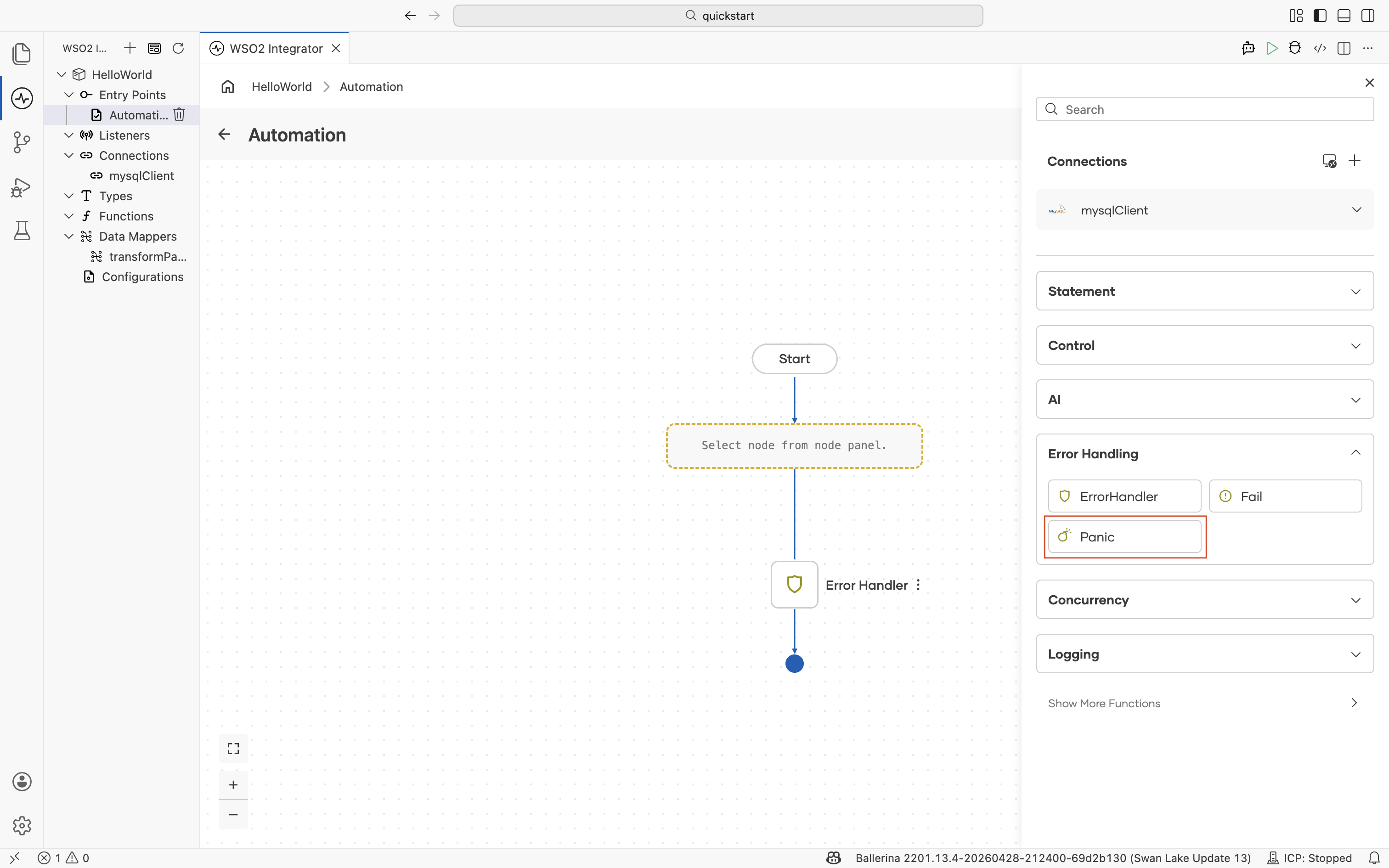
Panic
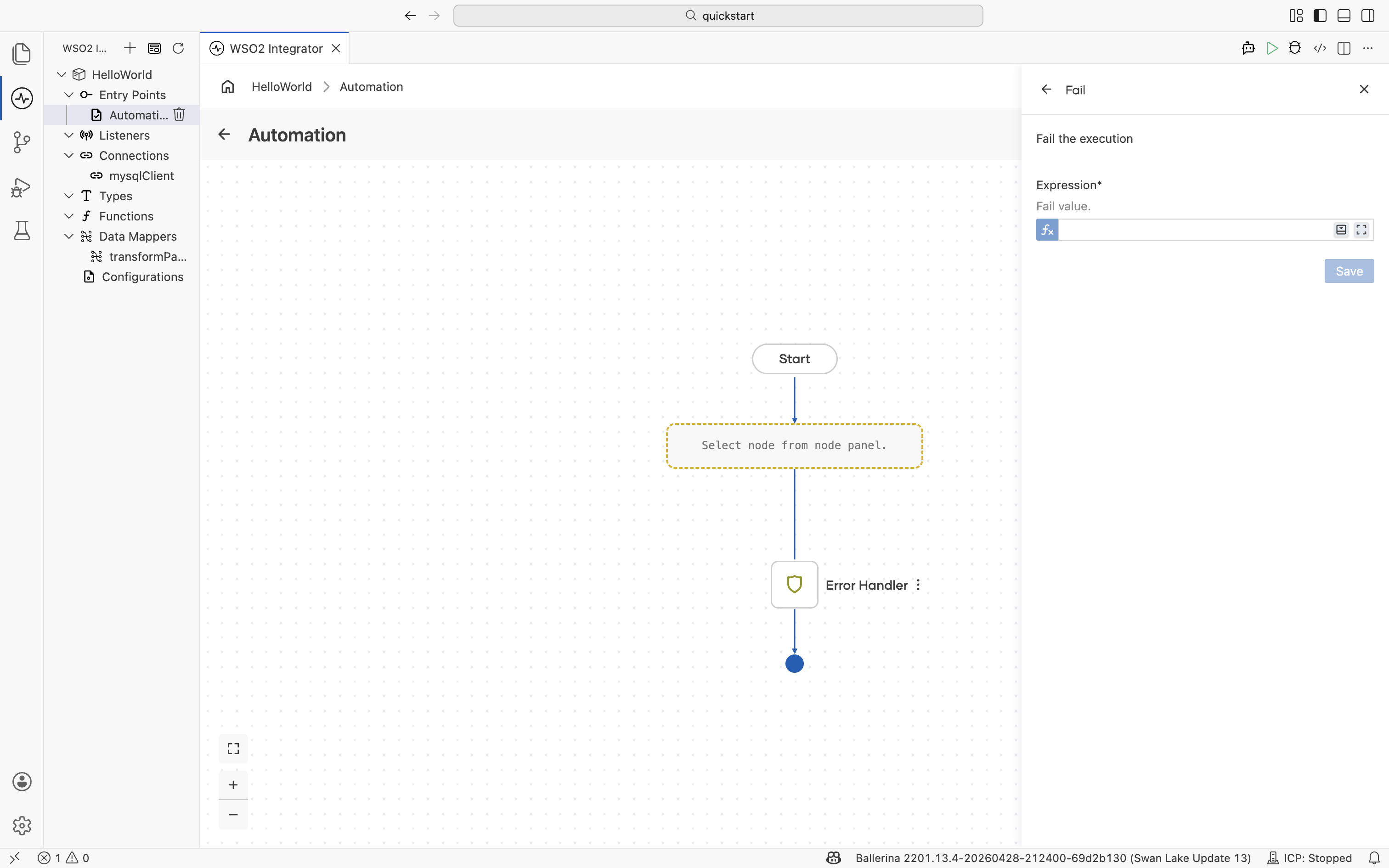
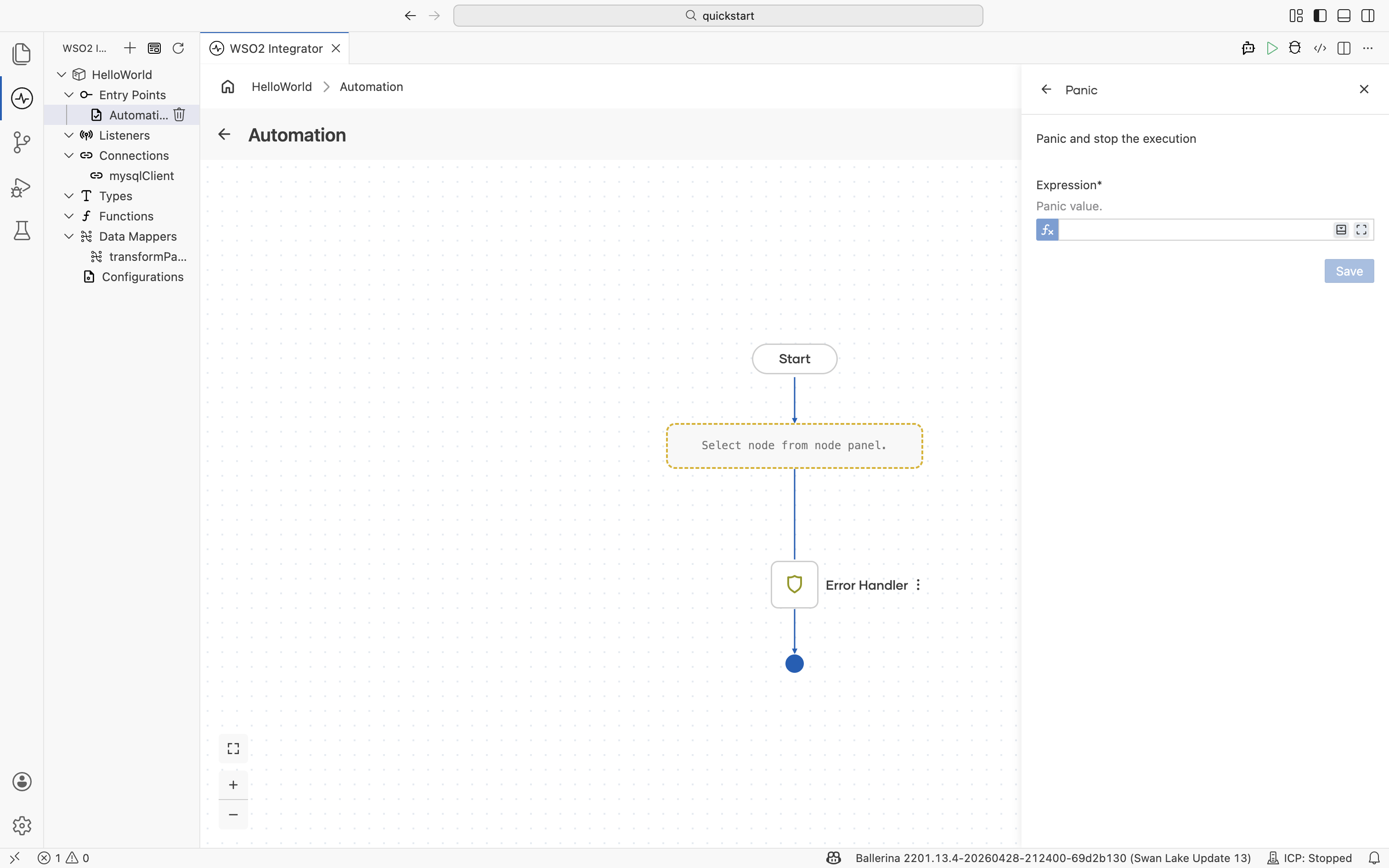
Aborts the current strand and unwinds the call stack. A panic represents an abnormal, unrecoverable condition that should not be handled as a regular error, such as a division by zero or an out-of-memory failure. Unlike a value raised with Fail, a panic bypasses the normal on fail error path and is not caught by an enclosing ErrorHandler. Reserve Panic for conditions where the integration genuinely cannot continue, and use Fail for expected, recoverable errors. See the Panics example in the Ballerina documentation for the underlying language semantics.
| Field | Description |
|---|---|
| Expression | Panic value. |
What's next
- Control — Branch and loop inside an ErrorHandler.
- Logging — Log details about a caught error.
- Statement — Variables and function calls.
- Expression editor — Author error expressions with assistance.