Connections
A connection is a reusable, pre-configured client to an external system such as an HTTP service, database, message broker, or SaaS API. Connections appear in the Connections section at the very top of the node panel, above all other categories. Use them to invoke remote operations from the flow without re-creating the client each time.
Connection
Selecting a connection in the node panel adds a step bound to that connection.
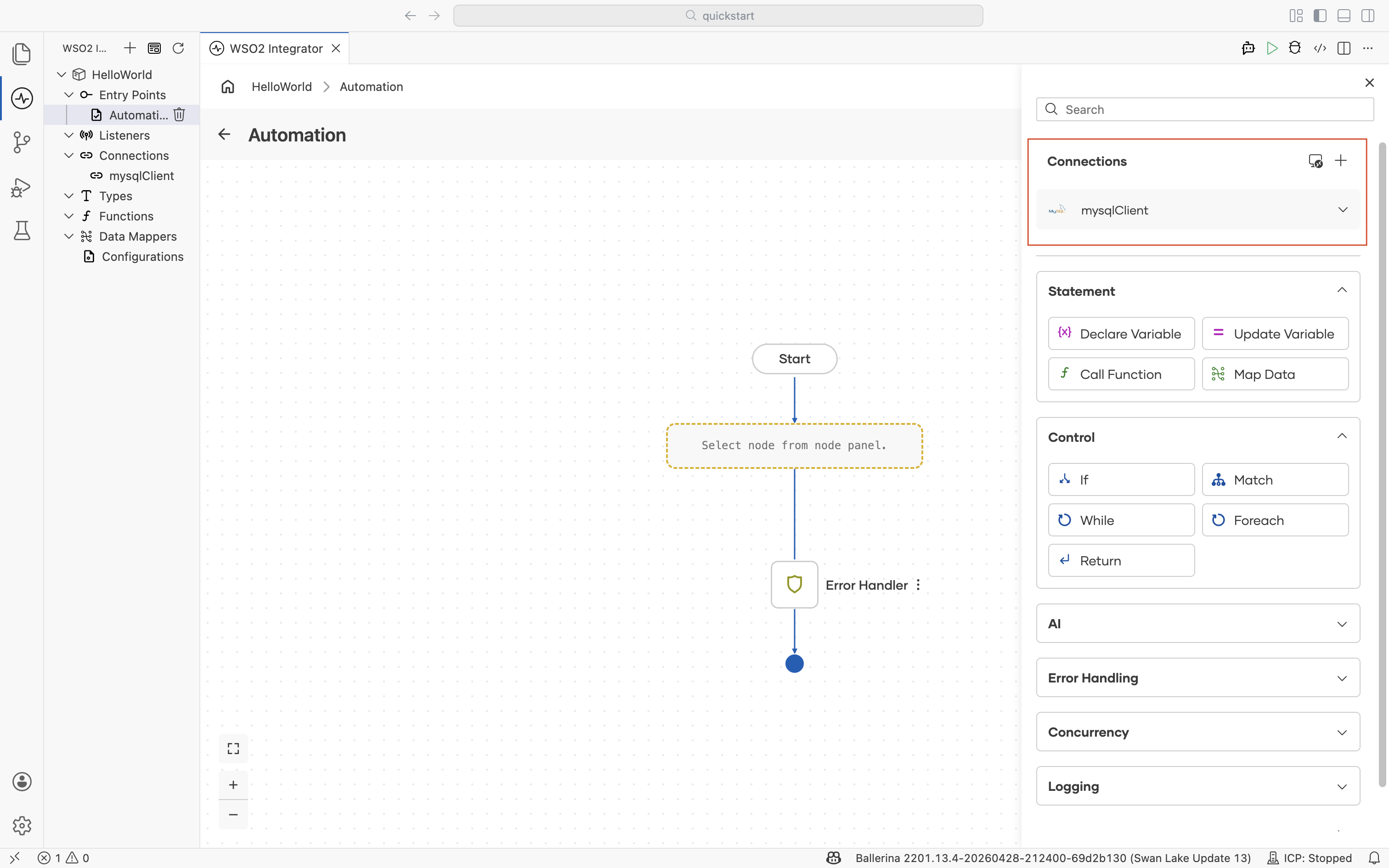
To create a new connection, select + next to Connections. For details on connection types, scopes, and credential management, see the Connections reference.
Connection actions
Selecting a connection lists every action it supports. Choosing an action drops it into the flow as a step bound to that connection. The action set depends on the connection type. For a database client, the actions are Query, Query Row, Execute, Batch Execute, Call, and Close.
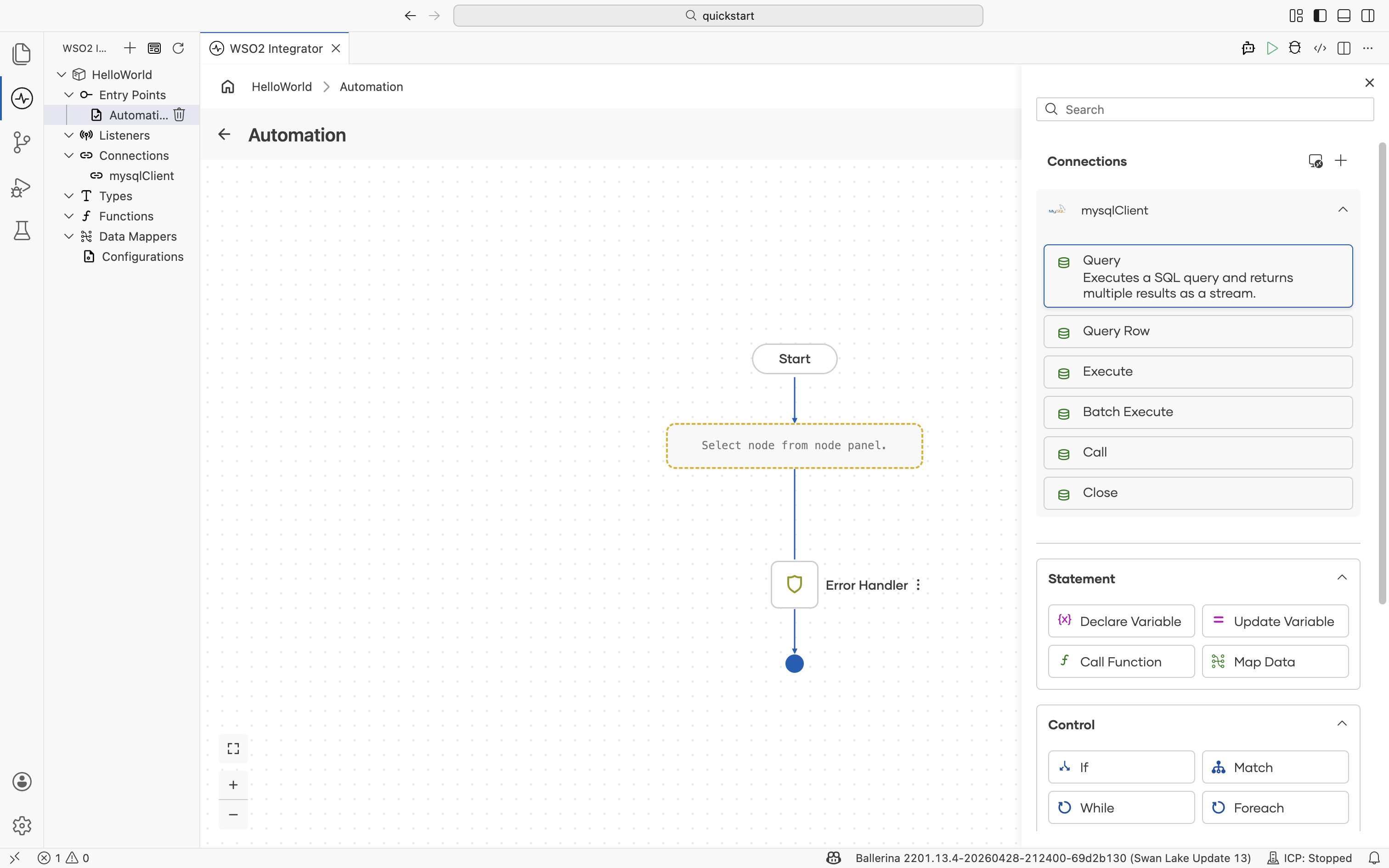
Each action opens its own configuration form when selected. Action forms typically include a query or payload field, parameter bindings, and a result variable. Use the Expression editor to author parameter expressions, and the Type editor to bind the result to a typed variable.
What's next
- Statement — Declare and update variables, call functions, and map data.
- Control — Branch, loop, and return.
- Connections reference — Create, configure, and reuse clients to external systems.