Start a Workflow
A workflow does not start itself. Something has to launch it. It can be any type of trigger: a service resource that receives a request, an automation that runs on a schedule, a file handler that runs when a file arrives, or an operator starting one by hand. Whatever the trigger, starting a run returns a workflow ID, and that ID is the handle to the run from then on.
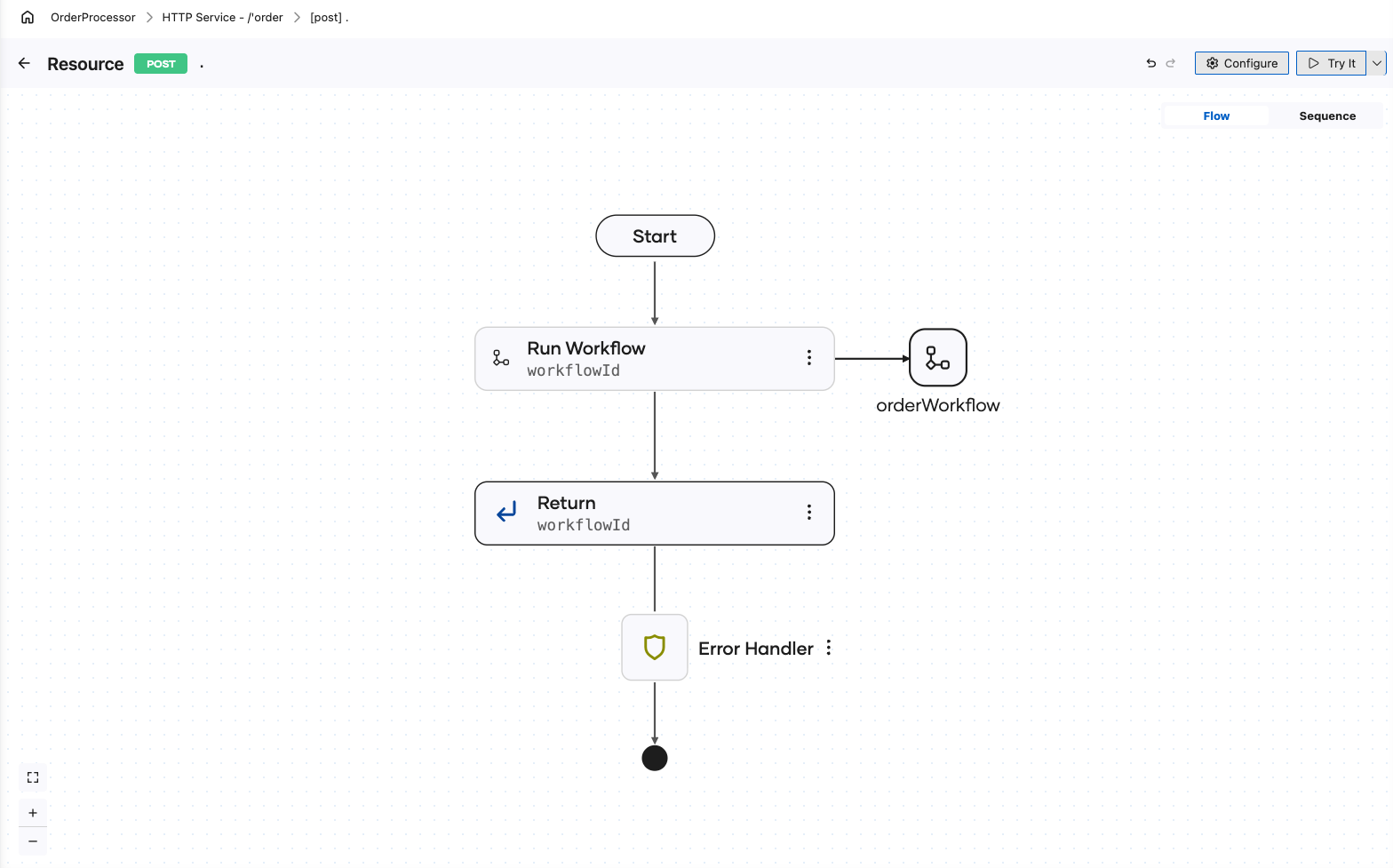
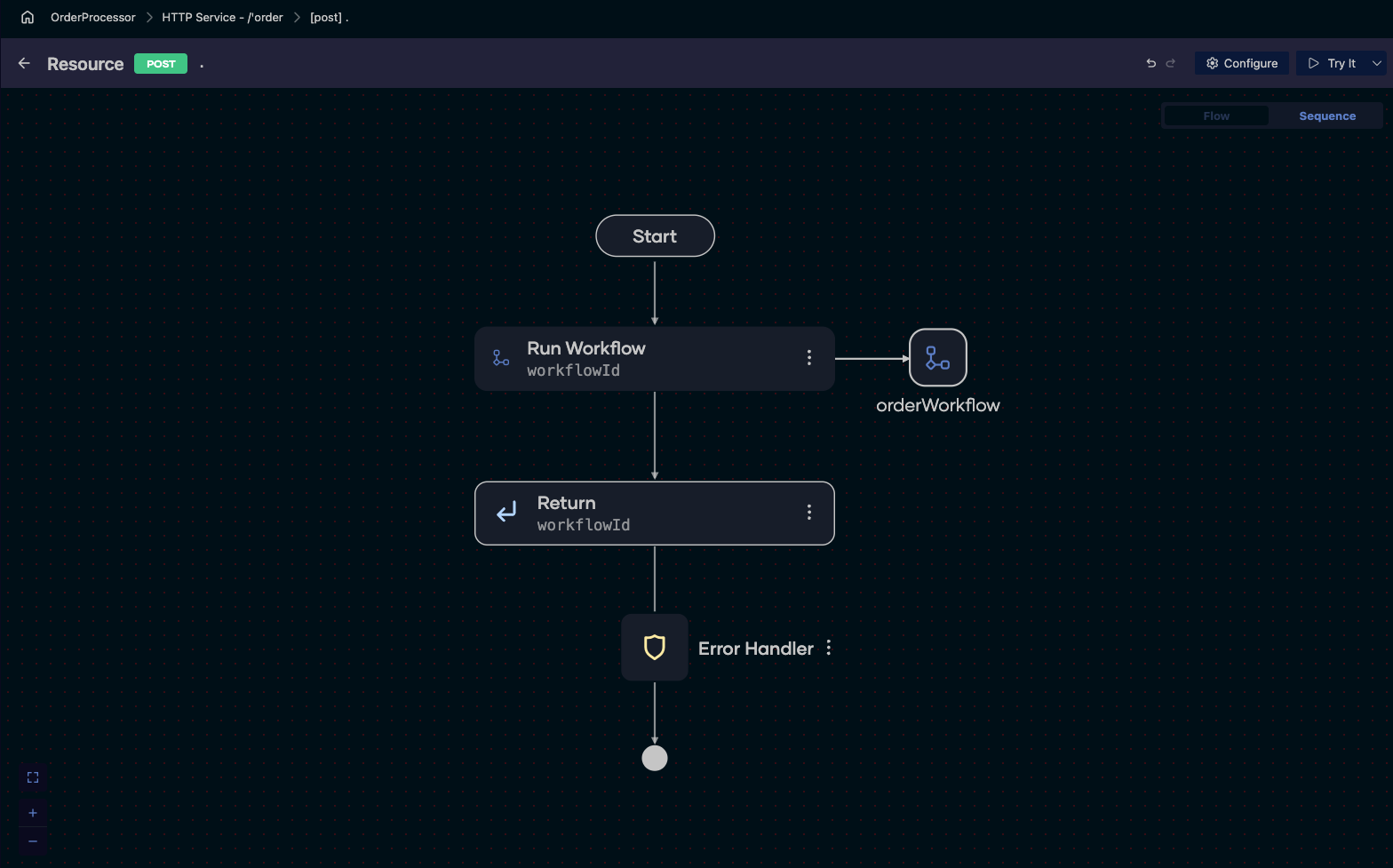
Start one from an integration
-
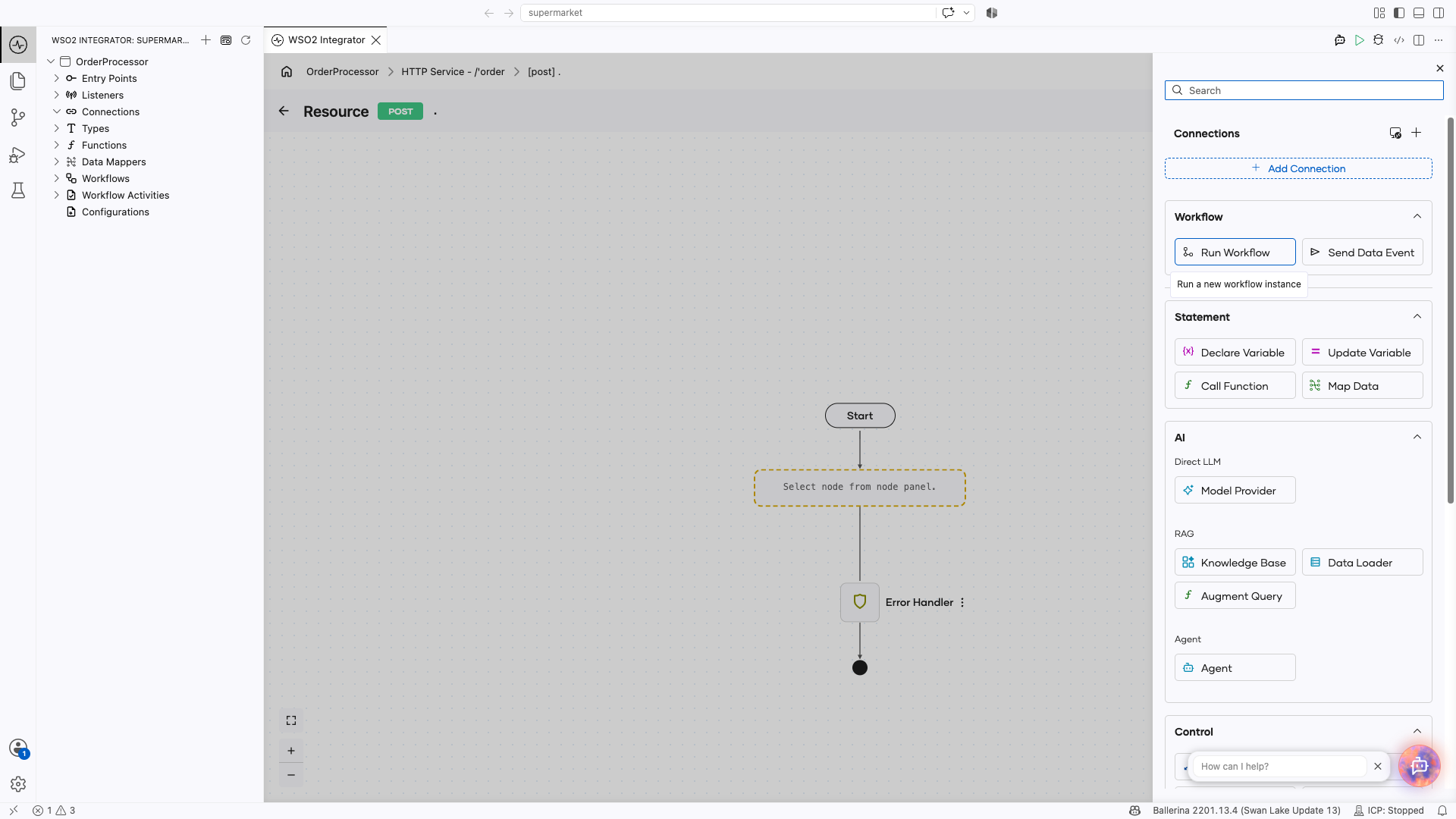
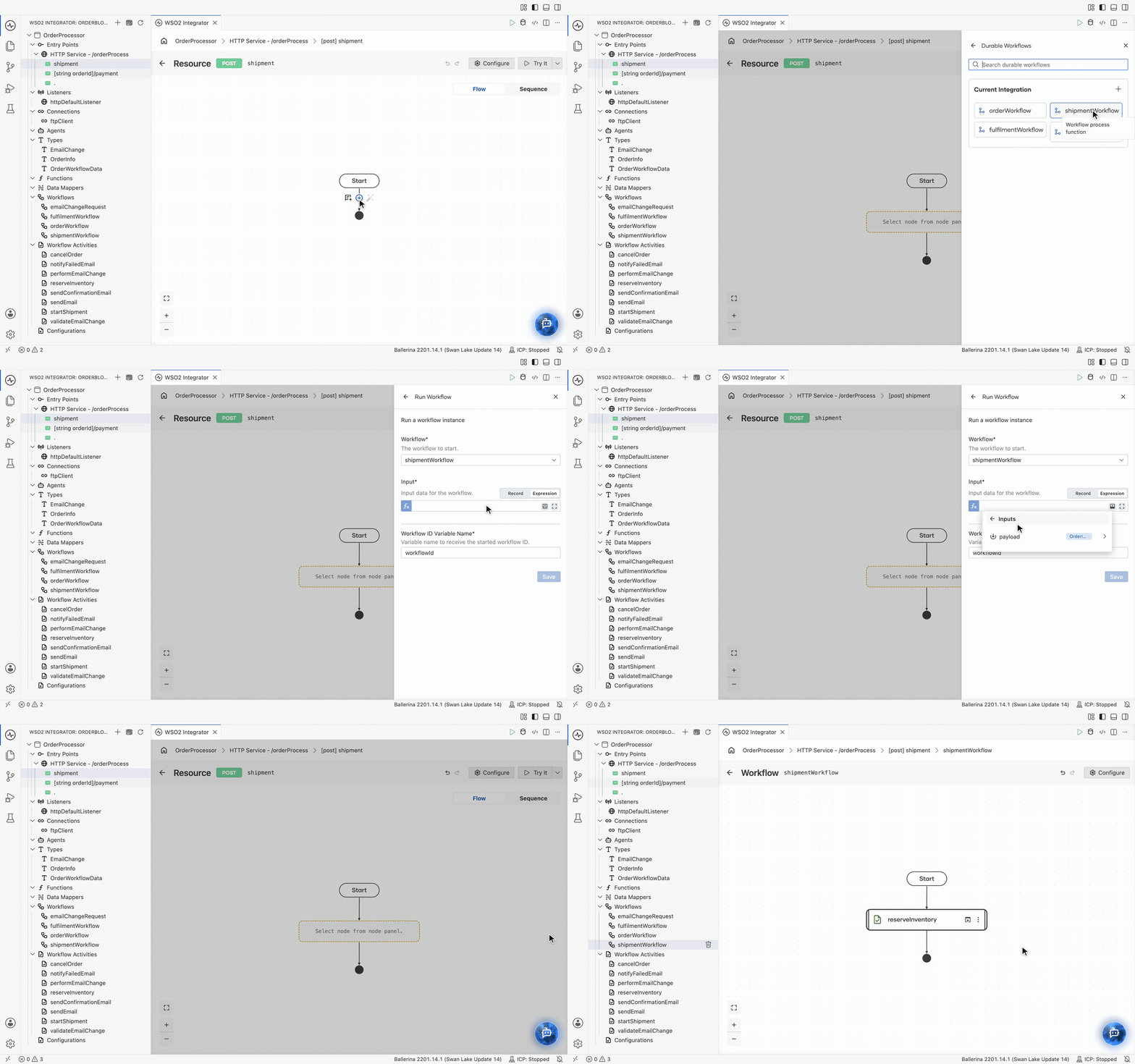
In the trigger artifact flow design, click +.
-
In the node panel, under Workflow, click Run Workflow. The panel lists the workflows in the project; click the one to start.
-
Fill in the form:
Field Required Description Workflow Yes The workflow to start. It is preselected with the one you clicked, and can be changed here. Input Yes The data the workflow starts with. It must match the workflow's input type. Pick the request payload from Inputs in the value helper. Workflow ID Variable Name Yes The variable that receives the ID of the started run. -
Click Save.
The step is drawn with an arrow across to the workflow it starts, so an entry point shows at a glance which process it kicks off. Click that marker to open the workflow itself.
Starting returns immediately
Run Workflow starts the run and returns its ID straight away. It does not wait for the workflow to finish, and that is the point: a durable workflow may sit on a human task or a data event for days, and no caller should be held open for that.
So hand the ID back to whoever will need it:
- Return it in the response, so the caller can ask about the run later.
- Store it against your own record, such as the order row, so the process can be traced from your data.
- Include it in the callback URL you give a partner system, so the value they post comes back to the right run.
Other ways to start a run
| Route | Use it for |
|---|---|
| Integration Control Plane | Starting a run by hand from a generated form, for testing, onboarding, and operations. |
| Management API | POST /workflows for custom portals and automation of your own. |
Next steps
- Await data events — deliver data into a run using the ID you kept.
- Workflow executions — follow a started run through its timeline and execution graph.
- Build an order processing workflow — a service resource that starts a workflow, end to end.