Insights
Insights is the analytics section of the WSO2 Identity Platform Console. It shows what is happening in your organization: who is logging in, how many people are signing up, and how often logins fail. It also covers token consumption and more.
Nothing needs to be installed, and you do not run an analytics platform yourself. WSO2 Identity Platform already collects the identity activity of your organization; Insights turns it into dashboards.
Two levels of Insights
Every organization starts with a basic set of charts in the Insights section. Turning on Advanced Analytics replaces them with a much richer set of interactive dashboards, powered by Moesif, an analytics platform in the WSO2 product family.
Advanced Analytics is a one-time switch that an administrator makes for the whole organization. Once enabled, the dashboards appear directly in the Console - there is no separate account to create, no key to configure, and no billing to set up.
| Basic insights | Advanced Analytics | |
|---|---|---|
| Setup | Available by default. | Turn on once, from the Console. |
| Dashboards | A fixed set of summary charts. | Multiple interactive dashboards. How many depends on your subscription tier. |
| Data | Login, registration, and machine-to-machine (M2M) token counts. | Logins, sign-ups, sessions, tokens, flows, organization switches, and agent activity. |
Before you turn on advanced analytics
Four things are worth knowing, because the switch applies to your whole organization:
- Your analytics history starts fresh. Data collected before the switch does not carry over. The dashboards begin filling from the moment you enable Advanced Analytics.
- It applies to everyone in your organization, not just to you.
- You cannot switch back from the Console. Take a moment to be sure before you enable it.
- Some end-user personal data is shared with Moesif to generate the insights, including user identifiers and IP addresses. Moesif is a WSO2-owned company, and your data is published to the Moesif workspace in the same region you selected when you onboarded. See Data published to Moesif for the full list, and Data residency for where the data resides.
Turn on advanced analytics
-
On the WSO2 Identity Platform Console, go to Insights.
-
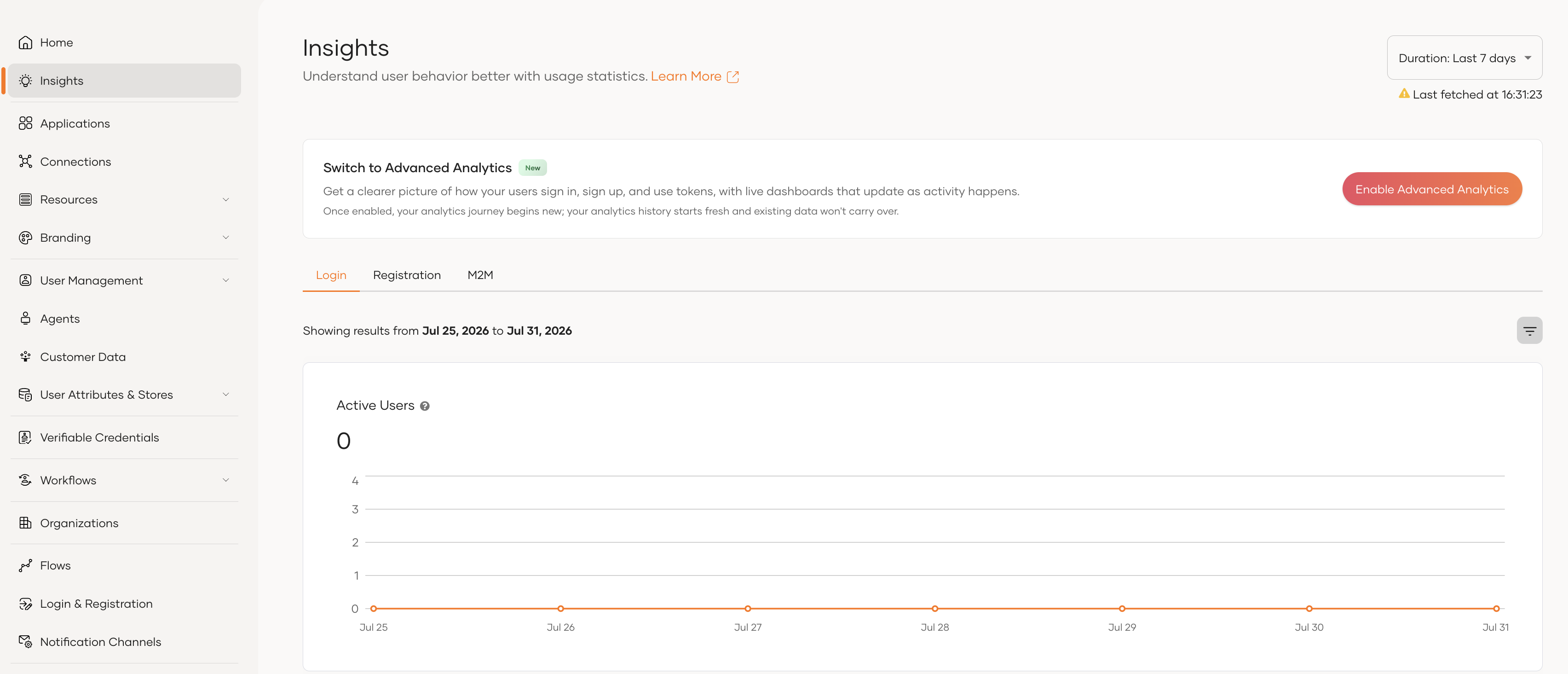
At the top of the page you will see the Switch to Advanced Analytics banner. Click Enable Advanced Analytics.
-
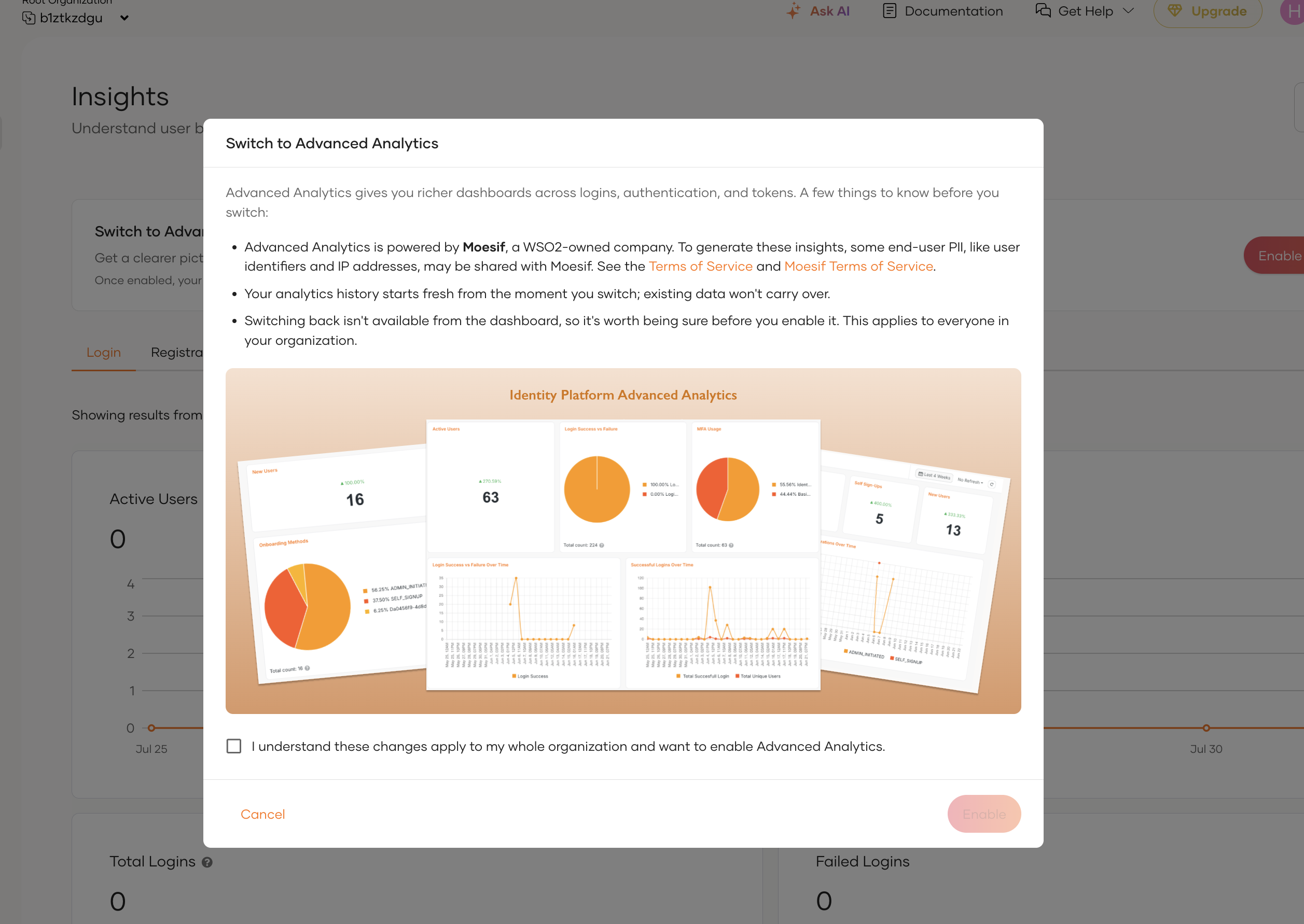
Read the summary in the confirmation dialog. It links to the WSO2 Identity Platform Terms of Service and the Moesif Terms of Service.
-
Select the checkbox to confirm you understand the change applies to your whole organization, then click Enable.
That is the whole setup. The Insights section now shows your Advanced Analytics dashboards.
Note
Dashboards populate as activity happens. If you have just enabled Advanced Analytics, wait for your organization to generate events before the charts become useful.
View your insights
-
On the WSO2 Identity Platform Console, go to Insights.
-
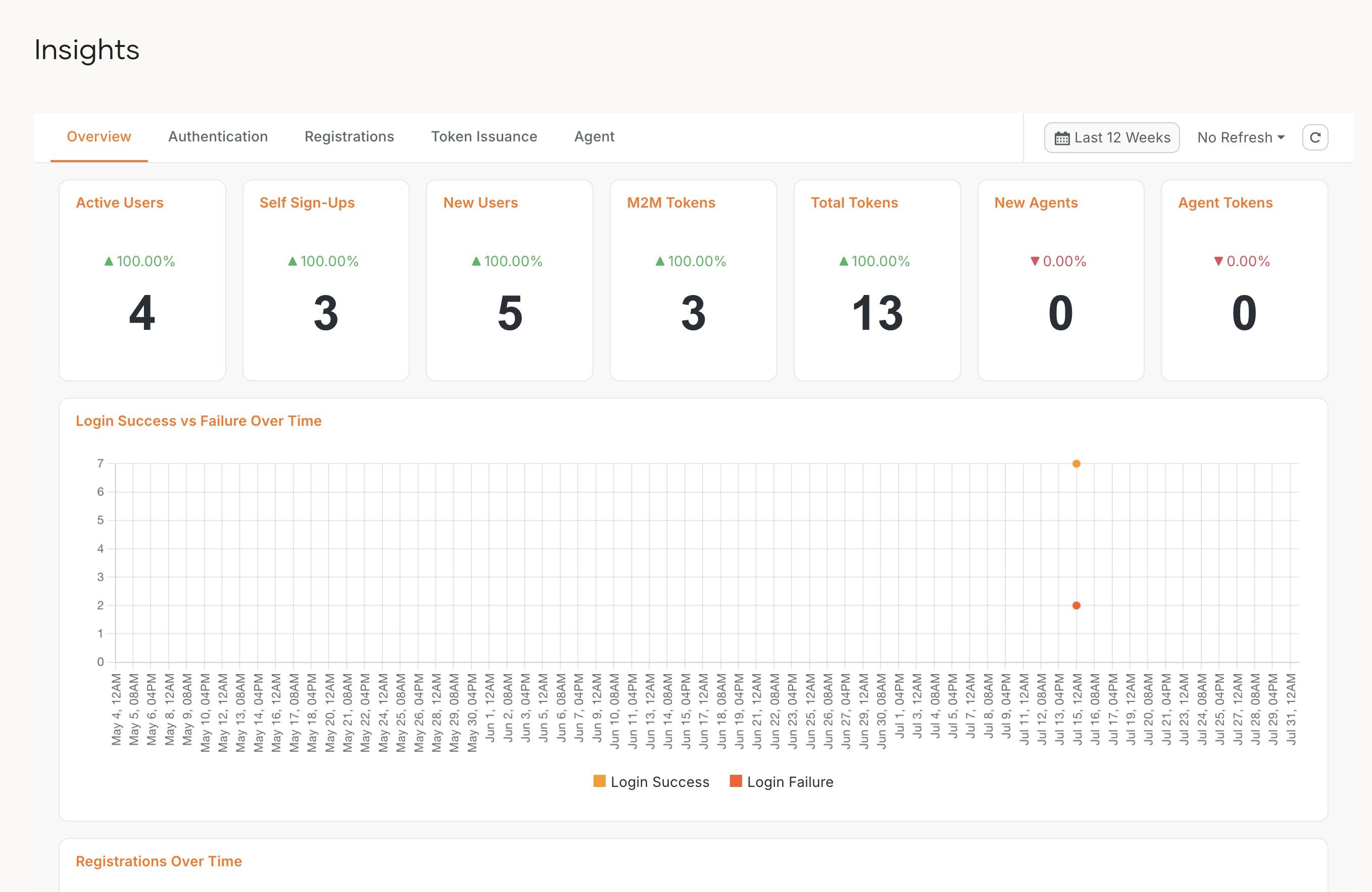
Use the tabs to move between dashboards.
-
Use the duration selector to change the time range the dashboards cover.
What's next
- Insights dashboards - what each dashboard shows, what your subscription tier includes, and how to go further with your own Moesif subscription.
- Data published to Moesif - the complete reference of the events and attributes behind the dashboards.